How To Get A Snapshot Of A Web Page

Ever scrolled through a webpage, mesmerized by its brilliance, and thought, "I need to save this beauty!"?
But then, reality hits. You're not some kind of digital archivist with infinite bookmarks. You just want a quick memory of that amazing article or that hilarious meme.
This isn't about hoarding information. It's about capturing those fleeting moments of online joy. It’s like taking a mental snapshot, but way more permanent.
Must Read
The "Print Screen" Ponderosa
Ah, the trusty Print Screen button. Our old friend. It's been there for us through thick and thin, through pixelated glories and blurry internet memories.
You press it, and BAM! The entire screen is copied. It’s a bit like a digital hug for your whole monitor.
But here’s the catch, and it’s a big one: your webpage is probably longer than your screen. You’ve got that endless scroll of wonder. The Print Screen button just gives you a snippet. A glorious, but incomplete, snippet.
So, you’re left with the top part of the article. The headline is there, the first paragraph looks promising. But the juicy bits? The punchline? Lost to the digital abyss of what you can't see.
It’s like getting a postcard with only the first half of the message. You know someone’s having fun, but you have no idea what they’re doing.
And then you have to paste it somewhere. Into Paint, maybe? Or perhaps a word document that you'll never open again. It feels like a lot of effort for a slightly embarrassing, chopped-off picture.
The Browser's Secret Weapon (Kind Of)
Most modern browsers are pretty smart. They've seen you struggling. They know your pain of the scrolling webpage.
So, they offer a little help. Sometimes it's hidden in the menus. Other times, it's a cryptic right-click option.
Let's talk about Chrome. Bless its colorful little heart. You can go to the three dots, then more tools, then developer tools. Fancy, right?
Then you press Ctrl+Shift+P (or Cmd+Shift+P on a Mac). It’s like a secret handshake for capturing web goodness.
You type in "screenshot." And then you have choices! You can capture the viewport, which is just what you see. Or, you can capture the full page. Eureka!
It’s like the browser magically knows the entire story. It scrolls and clicks and stitches it all together for you. It's quite impressive, really.
But, let's be honest. "Developer tools"? That sounds intimidating. It’s like being invited to a secret agent's lair. Are you sure you want to go in there?
And the keyboard shortcut? Ctrl+Shift+P. That's a mouthful. Your fingers might get tired just thinking about it. It's not exactly intuitive, is it?
It feels like the browser is saying, "Sure, I can help you. But you have to prove you're worthy first." And sometimes, we just want a picture, not an advanced degree.

The "Save As" Saga
You know that feeling when you right-click on something and a menu pops up? It’s a gateway to digital possibilities.
One of the options is usually "Save As." It feels so official. Like you're conducting important business.
You click it, and you get to choose where to put your precious webpage. You can even choose the file type! A webpage, an image, a PDF. The world is your digital oyster.
But saving a webpage as a "webpage" is a strange beast. It saves all the pictures, all the text, all the little bits and bobs that make up that page. It's like saving a whole digital box of LEGOs.
And then, when you open it later, it might look exactly like the website. Or it might look… different. The formatting might be a bit off. Some pictures might be missing. It's a gamble.
It's like receiving a gift that you love, but the wrapping paper is a bit torn. You appreciate the thought, but you can't quite shake the feeling that something's not quite right.
And if you want a picture? You still have to go through the Print Screen gymnastics or the browser's secret codes. So, "Save As" for a visual snapshot? Not quite the magic bullet we hoped for.
The Third-Party Saviors
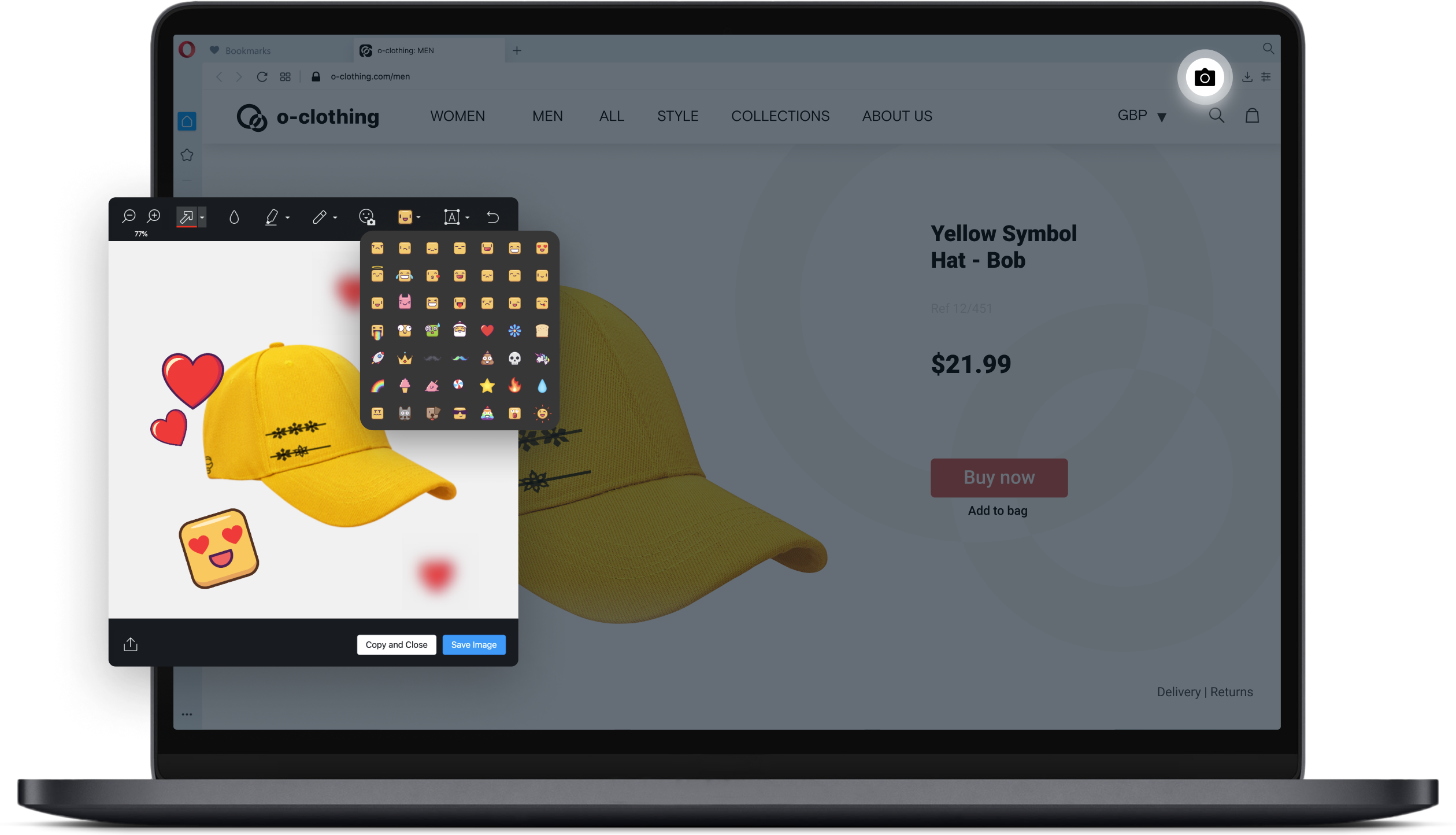
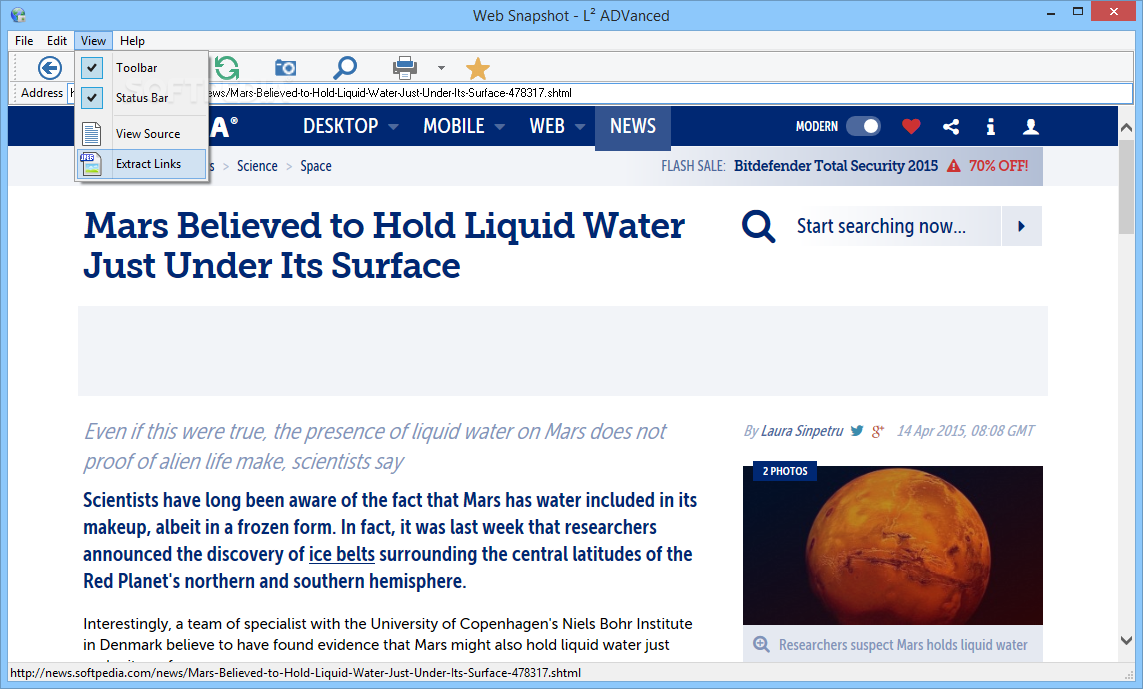
When the built-in tools feel too complex, or when you just want a really, really easy button, there are other heroes. They’re the apps and websites that specialize in this very thing.
You've probably seen them. They're called things like "Web-to-Image," "Page Snapshot," or just plain old "Screenshotter." They’re not afraid to be direct.
You paste the website address (the URL) into their little box. And then, with a flourish, they give you a picture. It’s like magic, but with more typing and less wand-waving.
Some of these are fantastic. They capture the whole thing, beautifully rendered. They’re perfect for when you need a clean, professional-looking snapshot.
But then there are the others. The ones that put a watermark on your image. Or the ones that have a daily limit. Or the ones that try to sell you their premium service after you've captured your first glorious screenshot.
It's like finding a vending machine that only dispenses half a candy bar unless you pay extra. A little disappointing, wouldn't you say?
Still, for a quick, hassle-free image, these third-party tools are often your best bet. They understand that sometimes, you just want the picture without all the fuss.
The Unpopular Opinion: Embrace the Scroll!
Now, for my truly unpopular opinion. Are you ready for it?
Sometimes, I think we overthink this whole "snapshot" thing.
What if, instead of trying to capture the entire page as a single, giant image, we just… scrolled?
What if, for personal reference, we just took a regular, old Print Screen of the part we’re interested in?
The headline, the key paragraph, that one hilarious comment. We capture those little gems. We’re not trying to archive the internet, are we?
We’re just trying to remember that one thing that made us smile or think. It’s a memory, a digital souvenir.
So, let’s ditch the complex shortcuts and the multi-step processes for a moment. Let’s embrace the simple, slightly imperfect snapshot.
It might not be the entire webpage, but it’s usually enough. It’s our personal, curated memory. And isn't that what we really want?
So next time you see something amazing online, don't stress about the perfect full-page capture. Just grab the part you love. It’s a small act of digital rebellion, and it’s wonderfully liberating.