How To Create A Directory Website With Wordpress

Ever felt that little itch to be a digital curator? You know, like the super-organized friend who always knows the best local coffee shops, the most talented dog walkers, or the quirkiest vintage stores? Well, guess what? You can totally channel that inner organizer and build your very own directory website using the magic of WordPress! And believe me, it's way more fun (and less intimidating) than you might think. Think of it as building your own little corner of the internet, a helpful hub for your community or a niche you’re passionate about.
So, what exactly is a directory website? Simply put, it’s a website that lists and categorizes information. It could be anything! Are you obsessed with finding the best gluten-free bakeries in your city? Bam! Directory. Do you have a knack for discovering hidden indie bookstores? Hello, directory! Maybe you want to showcase local artists, musicians, or even pet-friendly parks. The possibilities are as endless as your imagination. And the best part? You get to be the one putting it all together, making it beautiful, and sharing it with the world.
Now, you might be thinking, "WordPress? Isn't that super complicated?" Nope! Think of WordPress as your friendly, incredibly versatile toolkit. It’s like a LEGO set for websites, where you can snap together different pieces to create something amazing. And for building directories, it’s an absolute champion. It’s user-friendly, powerful, and has a massive community behind it, meaning tons of support and awesome add-ons.
Must Read
Getting Started: The Grand Plan!
Before we dive headfirst into the technical bits (don't worry, they're not that technical!), let's have a little chat about your grand plan. What kind of directory do you want to create? This is your chance to dream big!;
Choose Your Niche: What's Your Jam?
Seriously, ponder this. What are you truly passionate about? What information do you find yourself constantly searching for, or wishing existed online? Your passion will be your superpower. If you’re genuinely excited about your topic, your directory will radiate that enthusiasm. It's not just about listing things; it's about curating an experience. Think about what would make you happy to discover on a directory website.
Define Your Audience: Who Are You Helping?
Once you know your niche, think about who will be using your directory. Are they locals looking for services? Tourists exploring a new city? Hobbyists seeking specific resources? Understanding your audience will help you tailor the design, content, and features of your website. You're building this for them, after all!
What Makes it Special? Your Unique Spark!
There might be other directories out there. So, what will make yours stand out? Will it be the most comprehensive? The most visually appealing? Will it have unique features like user reviews, event listings, or booking integrations? This is where your creativity shines. Inject your personality into it!
WordPress: Your New Best Friend for Directories
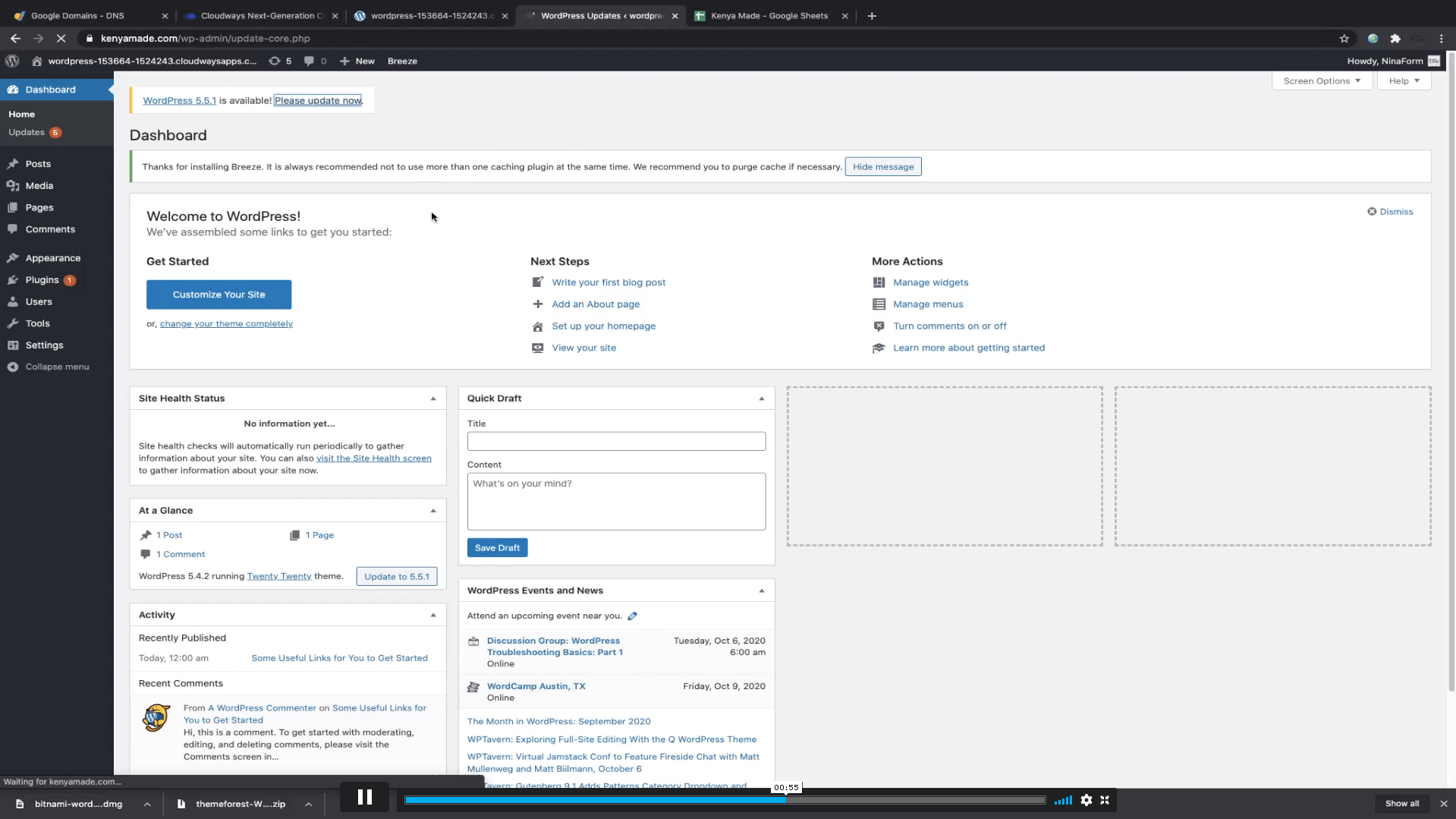
Alright, let's talk WordPress! It's essentially a Content Management System (CMS), which basically means it helps you manage your website's content without needing to be a coding wizard. You can create pages, add text, upload images, and organize everything with ease. It’s like having a super-powered digital filing cabinet that also looks fantastic!
To get started with WordPress, you'll need two main things:
1. A Domain Name: Your Digital Address
This is your website's name, like `yourawesomedirectory.com`. It's how people will find you online. Choose something catchy, memorable, and relevant to your niche. Get creative! Think of it as picking a street name for your digital neighborhood.
2. Web Hosting: Your Digital Landlord
This is where your website's files (all the text, images, and code) will live on the internet. You’ll rent a little space on a server from a hosting company. There are tons of great WordPress hosting providers out there, and many offer introductory packages. Don't let this part scare you; it's a straightforward process!
Once you have your domain name and hosting, you can usually install WordPress with a single click through your hosting provider's control panel. Easy peasy!
The Magic of Directory Plugins
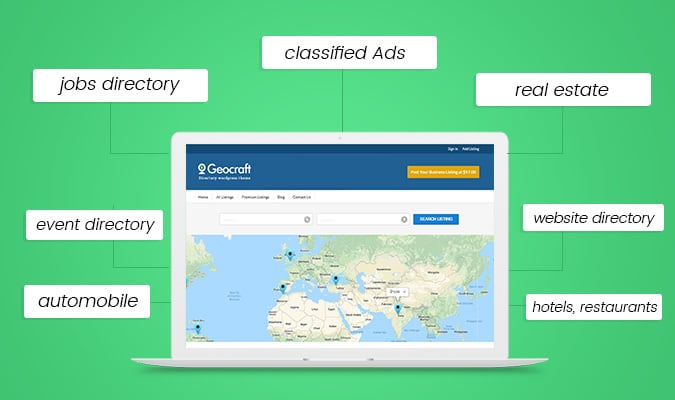
Now, here's where the real directory-building fun begins! While WordPress is fantastic on its own, its true power for directories comes from its plugins. Think of plugins as extra tools or features you can add to your WordPress site to make it do specific things. And for directories, there are some absolute gems out there!
Finding the Perfect Plugin: Your Directory Toolbox
There are many fantastic directory plugins available, both free and paid. Some popular ones include:
- GeoDirectory: A powerhouse for location-based directories, perfect for local businesses and attractions.
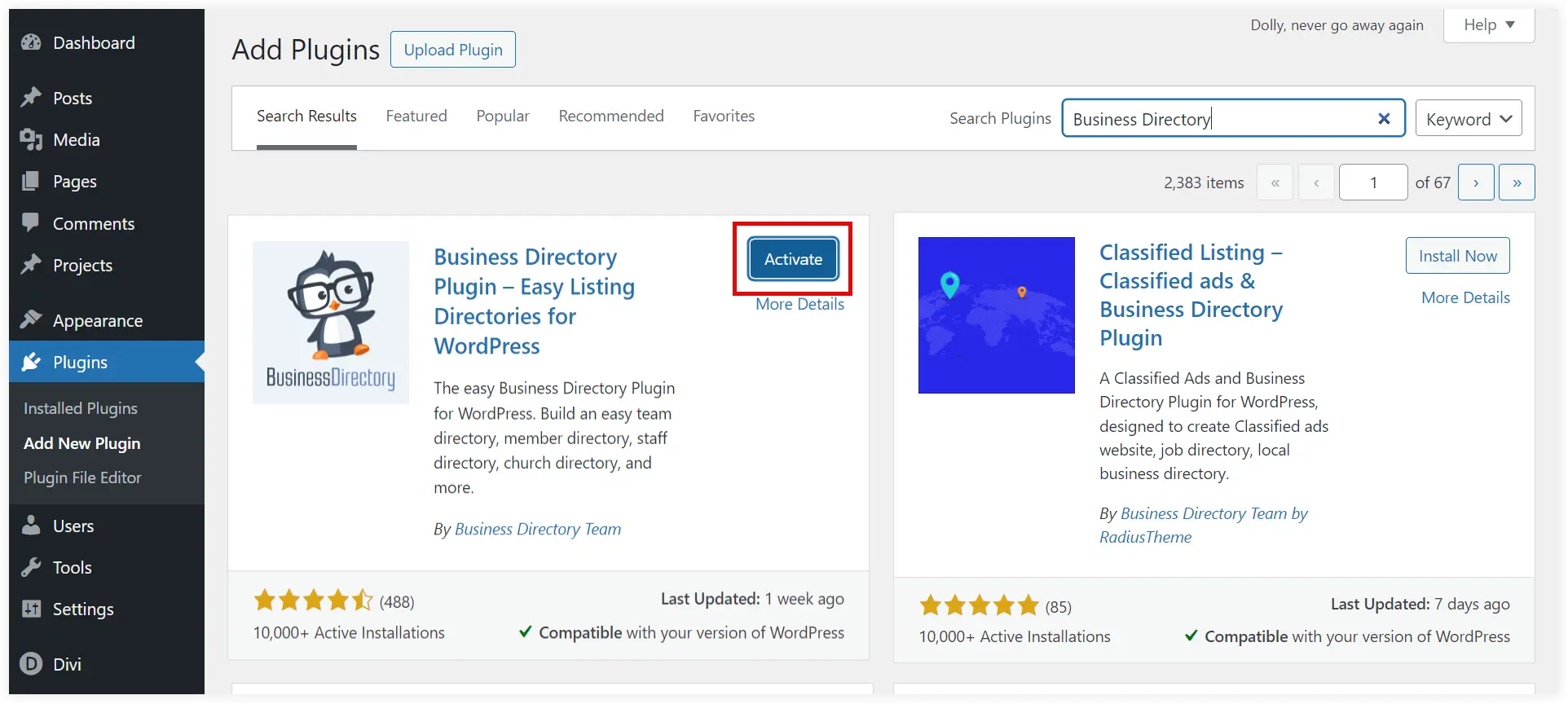
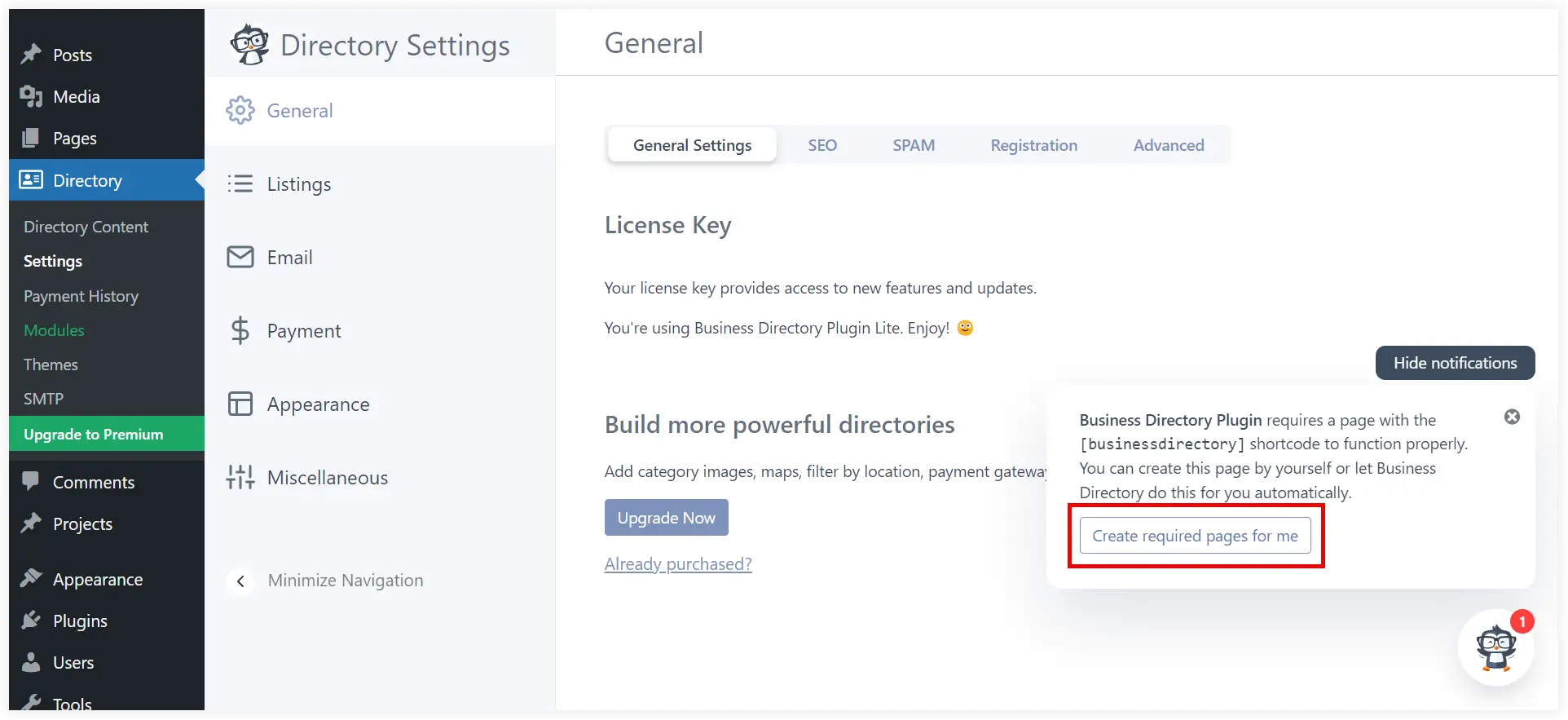
- Business Directory Plugin: A well-established option with lots of features for creating comprehensive business listings.
- Listify: Designed to make your directory look stunning, focusing on user experience and visually appealing listings.
- Directorist: A flexible and feature-rich plugin that can handle almost any type of directory.
When choosing a plugin, consider:
- Features: Does it have the specific functionalities you need (e.g., advanced search, user submissions, reviews, map integration)?
- Ease of Use: Is it intuitive to set up and manage?
- Customization: Can you tweak the design to match your vision?
- Support: Does the developer offer good support in case you get stuck?
Many of these plugins offer free versions to get you started, allowing you to experiment and see if they're a good fit before committing to a premium version. It’s like test-driving a car before you buy it!
Designing Your Dream Directory
With your chosen plugin installed, it's time to make your directory look amazing. WordPress themes are like the outfits for your website, dictating its overall look and feel. Many themes are specifically designed to work beautifully with directory plugins, so you can find one that perfectly complements your chosen plugin and niche.
Choosing a Theme: The Aesthetic Appeal
Look for themes that are:
- Responsive: This means your directory will look great on all devices – desktops, tablets, and phones. Crucial in today's mobile-first world!
- Visually Appealing: Does it match the vibe of your niche? Is it clean, modern, and inviting?
- Customizable: Can you easily change colors, fonts, and layouts to make it truly yours?
You can find thousands of free and premium WordPress themes. Don't be afraid to browse and try out a few to see what resonates with you. It’s like choosing the perfect decor for your new digital space.
Adding Your Content: The Heart of the Directory
This is where your curation skills truly shine! Start adding your listings. For each listing, you'll typically include:
- A catchy title: The name of the place or service.
- A compelling description: Tell people why this listing is great! Highlight its unique selling points.
- Contact information: Address, phone number, website, social media links.
- Images or videos: Visuals are key! Show off what makes it special.
- Categories and tags: Help users find what they're looking for easily.
And don't forget to make your own website pages shine! You'll want an "About Us" page to share your story, a "Contact Us" page, and maybe even a blog to share tips or news related to your niche. Your voice and personality should come through!
Making it Interactive and Engaging
A great directory isn't just a static list; it's a dynamic, helpful resource. Consider adding features that encourage interaction:
User Submissions: Let Your Community Contribute!
Many directory plugins allow users to submit their own listings. This is fantastic for scaling your directory and making it truly community-driven. Just be sure to have a review process in place to ensure quality!
Reviews and Ratings: The Voice of the People
Allowing users to leave reviews and ratings adds a layer of trust and helpfulness. It’s like having a built-in recommendation system!
Search and Filtering: Helping Users Find Their Way
Make it super easy for people to find exactly what they need. Implement robust search functionalities and helpful filters based on categories, location, price, or other relevant criteria. Think of it as a super-efficient concierge service.
Your Directory Journey: More Than Just a Website
Building a directory website with WordPress is more than just a technical project; it's an opportunity to connect, inform, and empower. You're becoming a digital guide, a community builder, and a source of valuable information. It’s incredibly rewarding to see people use your directory to discover new favorites, solve problems, and experience the best of what your chosen niche has to offer.
So, take that little itch and turn it into action. Start exploring WordPress, experiment with plugins, and let your creativity flow. The world is waiting for your curated corner of awesomeness. You’ve got this, and the journey of building something truly useful and fun is just beginning!