Why Does My Tv Say No Signal

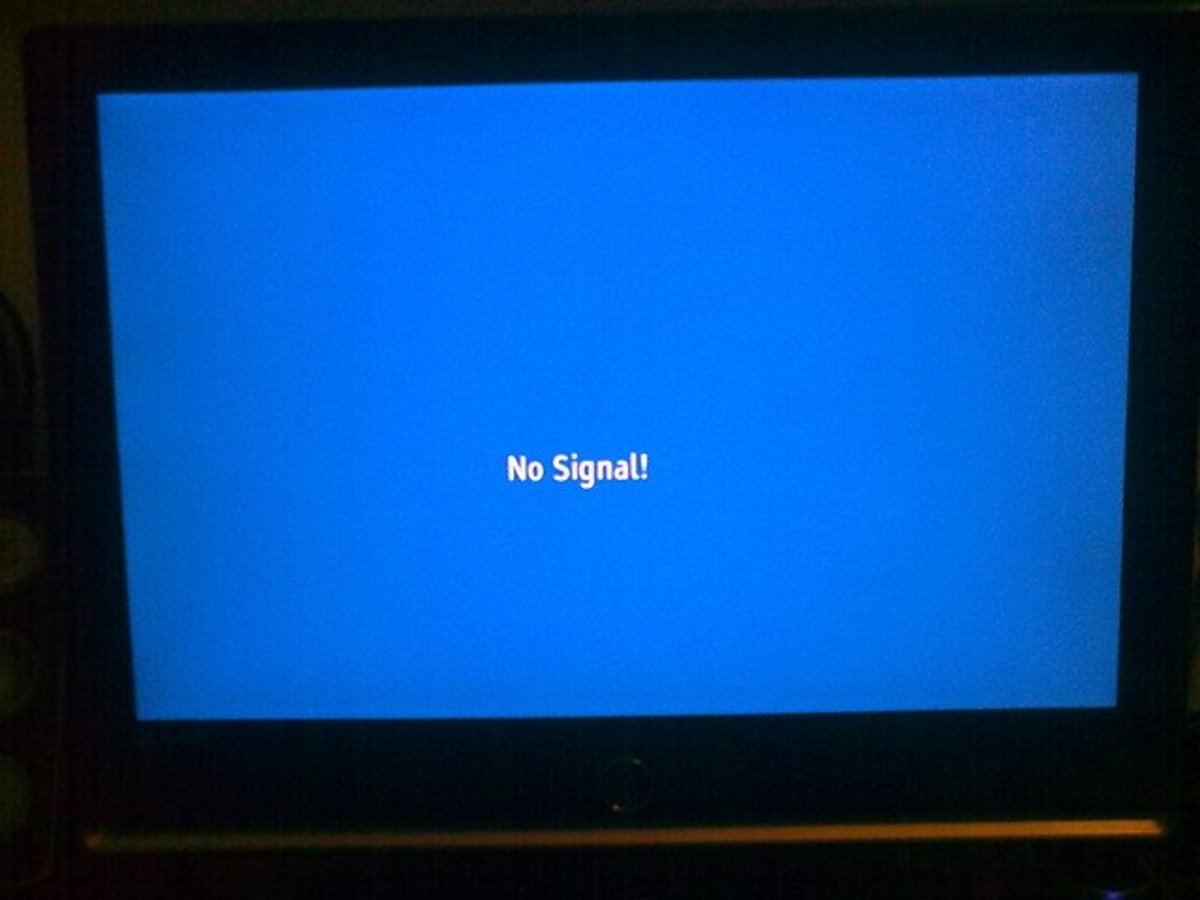
So, you’re all set for a cozy night in. You’ve got your snacks, your comfiest PJs, and you’re ready to dive into that show you’ve been binge-watching. You grab the remote, hit the power button, and… BAM! That dreaded “No Signal” message pops up on your screen. Argh! Don’t you just want to throw the remote at the wall?
First off, take a deep breath. We’ve all been there. That “No Signal” message is like the universe’s way of saying, “Hold up, buddy, something’s not quite connected here.” It’s frustrating, sure, but it’s usually not the end of the world. Think of it as a little puzzle, and we’re going to solve it together. No need to panic, no need to call in a TV shaman just yet. We’re going to troubleshoot this thing like a pro.
The good news is, most of the time, the fix is super simple. You don’t need a degree in electrical engineering to get your TV back up and running. We’re talking basic stuff here, like checking plugs and making sure wires are, you know, plugged in. Revolutionary, I know!
Must Read
Let’s Start With The Obvious Stuff (Because Sometimes It’s Really Obvious)
Okay, before we get all technical and start fiddling with settings that make your head spin, let’s cover the absolute basics. These are the things that 90% of the time are the culprit. Seriously.
Is Everything Actually Plugged In?
I know, I know. You’re probably rolling your eyes right now. “Of course, it’s plugged in, you silly goose!” But humor me for a sec. Sometimes, things get gently nudged. A pet might have brushed against a cord, a kid might have been playing near the entertainment center, or maybe you just weren’t paying attention that one time.
So, let’s trace those cables. Follow the power cord from your TV to the wall socket. Is it snug? Give it a little wiggle. Does it feel secure? Now, do the same for any other devices plugged into the same power strip or outlet. Sometimes, one loose plug can cause a domino effect of… well, no signal.
The HDMI Tango: Are Your Cables Doing the Macarena?
Ah, the mighty HDMI cable. The unsung hero of modern entertainment. These little guys are responsible for sending all that glorious picture and sound to your TV. If they’re not happy, your TV isn’t happy.
So, let’s talk HDMI. Your TV likely has several HDMI ports. These are those rectangular slots, usually labeled HDMI 1, HDMI 2, etc. Your cable box, gaming console, streaming stick, or Blu-ray player will have a matching HDMI port. Make sure the cable is firmly plugged into both ends. Sometimes, they look plugged in, but they’re just sort of… chilling there.
Pro tip: Try unplugging the HDMI cable from both the TV and the device, then plugging them back in. A good, solid click is what you’re aiming for. If you hear a gentle thunk, you’re probably on the right track. If it’s just a whisper of connection, it’s probably loose.
Are You on the Right Channel? (Literally!)
This one might sound a bit old-school, but it’s a classic for a reason. Your TV has different “inputs” or “sources.” These tell your TV which device to listen to. If your TV is set to HDMI 1, but your cable box is plugged into HDMI 2, you’re going to get that dreaded “No Signal” message.

Grab your TV remote (not your streaming stick remote, the actual TV remote!) and look for a button that says “Input,” “Source,” or has an icon that looks like a square with an arrow going into it. Press that button and cycle through the options. See if your picture pops up when you get to the correct input. If your cable box is in HDMI 1, select HDMI 1. If your PlayStation is in HDMI 2, select HDMI 2. Easy peasy!
Playful Aside: Think of it like tuning a radio. You wouldn’t expect to hear your favorite pop station on the classical music frequency, would you? Same principle applies here!
When The Basics Aren’t Enough: Diving a Little Deeper
Alright, if you’ve checked all the plugs, jiggled the HDMI cables, and scrolled through every input known to mankind, and you’re still staring at that blank screen, don’t despair! We’ve got a few more tricks up our sleeves.
The Magical Reboot: Turning Things Off and On Again
This is the universal IT solution for a reason. It works! When electronic devices get a little… confused, a good old-fashioned reboot can clear their little digital brains.
Here’s how to do it properly:
1. Unplug Everything: Turn off your TV and unplug it from the wall. This is crucial. Don’t just hit the power button. Unplug it. Do the same for your cable box, streaming device, gaming console, or whatever else is connected to your TV and might be part of the signal chain.
2. Wait It Out: Give it a good minute or two. This allows all the residual power to drain from the devices. Think of it as letting them take a nice, long nap.
3. Plug Back In (In Order!): This is also important. Plug your modem and router back in first (if you’re streaming). Let them fully boot up (you’ll see the lights stabilize). Then, plug in your cable box or streaming device. Finally, plug in your TV.

4. Power On: Turn on your devices in the same order you plugged them in. Your modem/router, then your source device, then your TV.
This simple act of unplugging and replugging can resolve a surprising number of “No Signal” issues. It’s like hitting the reset button on your entire entertainment system.
Is Your Source Device Feeling Alright?
Sometimes, the problem isn’t with your TV at all. It’s with the device that’s supposed to be sending the signal!
Cable Box Blues: If you’re using a cable box, is it powered on? Are the lights on it normal, or is it blinking erratically? Sometimes, cable boxes themselves can freeze up. The reboot we just discussed should help with that.
Streaming Stick Shenanigans: If you’re using a Roku, Fire Stick, Apple TV, or something similar, make sure it’s actually on and connected to your Wi-Fi. If your Wi-Fi is down, your streaming device won’t be able to grab that signal. Check your Wi-Fi router. Are the lights looking healthy?
Gaming Greatness (or Grief): If your game console is giving you the “No Signal” treatment, make sure it’s properly connected via HDMI and that the console itself is powered on. Again, the reboot should be your first port of call.
A Word on Wi-Fi Woes
If your “No Signal” message is specifically happening when you’re trying to stream something, your Wi-Fi is often the culprit.
Is your Wi-Fi working for other devices? If your phone or laptop can’t get online, then your streaming device definitely won’t be able to. You might need to restart your modem and router (that’s the reboot we talked about!).
If your Wi-Fi is generally okay, but your streaming is still acting up, it’s possible the signal strength to your TV isn’t great. Try moving your router closer to your TV, or consider a Wi-Fi extender if it’s a persistent problem. A weak Wi-Fi signal is like trying to shout across a crowded stadium – the message just gets lost.
When All Else Fails: A Few More Advanced (But Still Easy!) Checks
We’re getting into slightly more advanced territory now, but don’t worry, it’s still manageable.
Try a Different HDMI Port
Sometimes, a specific HDMI port on your TV can go wonky. It happens. If you’ve been using HDMI 1, try plugging your device into HDMI 2 or HDMI 3. This is a quick and easy way to rule out a faulty port on your TV.
Try a Different HDMI Cable
HDMI cables, while usually robust, can sometimes fail. They can develop internal breaks or connections that aren’t visible. If you have a spare HDMI cable lying around (who doesn’t these days?), try swapping it out. If your picture comes back, you’ve found your culprit!
Think of it this way: Sometimes, a cable just gets tired and decides it’s time for retirement. It’s not personal, it’s just… cable life.
Is Your TV’s Software Up-to-Date?
This is more relevant for smart TVs. Like any computer, smart TVs have software that needs to be updated to run smoothly. Sometimes, a software glitch can cause signal issues.
Head into your TV’s settings menu and look for a “Software Update” or “System Update” option. If an update is available, download and install it. This might require your TV to be connected to the internet.
Could It Be the Source Device Itself?
If you’ve tried everything with the cables and ports, and you’re still getting “No Signal” for a specific device, it’s possible that device is the problem.
For example, if your Blu-ray player is showing “No Signal” but your cable box is working fine, the issue might lie with the Blu-ray player. You might need to consult its manual or contact the manufacturer for support.
The Final Frontier: When to Call for Backup
If you’ve gone through all these steps and you’re still stuck in the “No Signal” abyss, it might be time to call in the cavalry.
Your TV Manufacturer: If you suspect the problem is with the TV itself, reach out to the manufacturer’s customer support. They can often guide you through more advanced troubleshooting steps or advise on repair options.
Your Cable/Internet Provider: If the issue seems to be with your cable or internet service, give them a call. They can check for outages in your area or troubleshoot your modem and router from their end.
A Professional Technician: For more complex issues or if you’re simply not comfortable tinkering further, a qualified TV repair technician can be a lifesaver. They have the tools and expertise to diagnose and fix a wider range of problems.
And Now, For The Uplifting Conclusion!
So, you’ve tackled the “No Signal” monster! Whether it was a loose plug, a confused HDMI cable, or a router that just needed a good old-fashioned nap, you’ve prevailed! Give yourself a pat on the back. You’re basically a TV whisperer now.
Remember, that “No Signal” message isn’t a permanent curse. It’s just a temporary hiccup in the otherwise magnificent journey of entertainment. And hey, at least now you’re armed with the knowledge to conquer it next time. So go forth, my friend, and may your screens be ever bright and your signals ever strong! Happy viewing!