Push Notification Android App
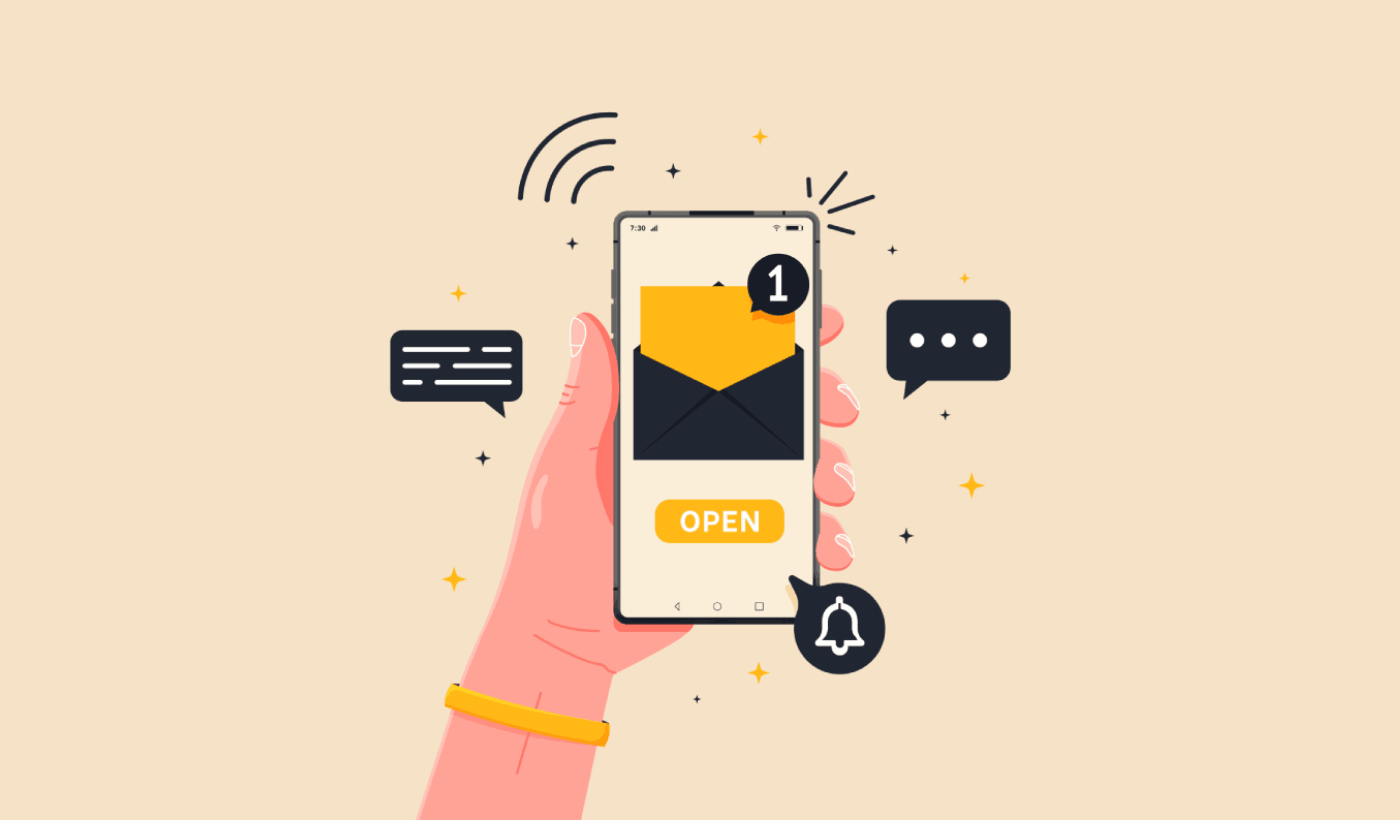
So, you wanna know about Android push notifications, huh? Pull up a chair, grab your favorite mug. We’re gonna chat about those little pop-ups that basically live on our phone screens, right? It’s kinda like having a tiny, digital town crier for your apps. Pretty neat, if you ask me.
Think about it. You’re chilling, maybe scrolling through cat videos (no judgment here!), and BAM! A little banner slides down. “Psst, new sale at your favorite store!” or “Your friend just posted a picture!” Suddenly, you’re pulled back into the app’s world. It’s a super powerful tool, seriously. Like, the apps are basically saying, “Hey, remember me? I have something important to tell you!”
And the best part? You get to decide who gets to shout at you! It’s like curating your own personal digital megaphone collection. You can turn off notifications for that game that’s way too addictive (we’ve all been there, let’s be honest) or keep the ones from your messaging apps on high alert. It’s all about control, baby!
Must Read
The Magic Behind the Beep
Okay, so how does this whole “push” thing actually work? It’s not actual magic, though sometimes it feels like it when your phone buzzes with exactly what you were thinking about. Nope, it’s all thanks to something called Firebase Cloud Messaging. Fancy name, right? You can just call it FCM, it’s way less of a mouthful. Think of FCM as the super-efficient postal service for app messages.
The app developer sends a message to FCM. FCM then figures out, “Okay, whose phone is this message for?” and zips it right over. It’s like a super-fast delivery system. They don’t even have to keep the app open in the background, which is kinda brilliant. It’s like sending a letter that arrives even if the recipient isn’t at home waiting by the mailbox. Mind. Blown.
And it’s not just for telling you about new features. Oh no. Developers use it for so many things. Reminders for your appointments? Check. Updates on your online order? Double-check. A friendly nudge to finish that level you’ve been stuck on for weeks? Triple-check. They’re basically trying to keep you engaged, to be a part of your day. Sometimes it’s a little much, I’ll admit. Like, “Okay, app, I know I haven’t opened you in a month, do you really need to tell me about a 10% off coupon?” But hey, it’s their job!
Why Should You Care?
You might be thinking, “Okay, this is interesting, but why is this a big deal for me?” Well, for starters, it means you’re less likely to miss out on stuff! Imagine your friend is planning a surprise party and they use a group chat app. If you didn’t get those notifications, you’d be the one showing up with a birthday cake for someone else’s anniversary, right? Awkward.
Plus, it’s all about convenience. Need to know if your flight is delayed? A push notification can tell you before you even get to the airport. Want to see that urgent work email right away? Push notification to the rescue! It’s like having a personal assistant who’s always on standby, whispering important information in your ear. A very digital assistant, obviously. No actual whispering involved. Probably.
And from a user’s perspective, it’s a way for apps to feel more… alive. It’s not just a static icon on your screen. It’s an app that’s actively trying to communicate with you, to be relevant. It’s like the difference between a statue and a talking parrot. One just sits there, the other… well, it squawks at you. And sometimes, you want that squawk!
The Good, The Bad, and The Annoying
Now, let’s be real. Push notifications aren’t always sunshine and rainbows. Sometimes, they’re the digital equivalent of a fly buzzing around your head on a summer afternoon. Too many notifications can be overwhelming. It’s like being bombarded by a thousand tiny salespeople, all trying to get your attention at once. You start to feel a little frazzled, right?
And then there are the irrelevant notifications. Oh, the pain! You’re trying to focus on something important, and suddenly, a notification pops up from an app you haven’t opened in ages, about a sale that ended last week. Seriously? What’s the point? It’s like getting a postcard from a distant relative you barely know, thanking you for a gift you never sent. Confusing and a little bit pointless.
It’s a delicate balance, really. Developers want to keep you engaged, but they also don’t want to annoy you into uninstalling their app. It’s a fine line. Like walking a tightrope while juggling chainsaws. Okay, maybe not that extreme, but you get the idea. They’re trying to be helpful without being obnoxious. It’s a tough gig.
And what about those apps that send you notifications at 3 AM? Just… why? Is there a sudden, global shortage of virtual bananas that I need to know about right now? Unless it’s a genuine emergency, like a meteor strike is imminent, I think that can wait until the sun comes up, don’t you think? It’s like getting a pizza delivery at 4 AM. Some people might appreciate it, but for most of us, it’s just… weird.

Making Your Notifications Work For You
The good news is, you’re not a helpless victim of the notification storm. Nope! You have power! You can totally customize which apps get to ping you and how. It’s like having a remote control for your phone’s attention span. Go into your phone’s settings, find the "Notifications" section, and prepare to take charge.
You can turn off notifications for apps altogether. Poof! Gone. Or, you can get more granular. For example, you can tell a social media app to only notify you when someone tags you, but not when they post a new picture. Or, you can allow notifications for your email but set them to "silent" so they don’t make a sound, just a little badge on the app icon. It’s like having a buffet of notification options. Pick what you like, leave what you don’t.
And don’t forget about notification channels on Android. This is where it gets really cool. Some apps let you break down notifications into categories. So, for a news app, you might have channels for "Breaking News," "Sports," and "Technology." You can then choose to get alerted for breaking news but not for every single sports update. It’s like having a personalized news feed, but delivered via little digital whispers.
Seriously, take some time to explore your notification settings. It’s not the most exciting thing in the world, I know. It’s probably on par with watching paint dry, but trust me, the payoff is huge. A more peaceful phone, fewer distractions, and you’ll actually see the notifications that matter to you. It’s a win-win-win!
The Future is Pushing
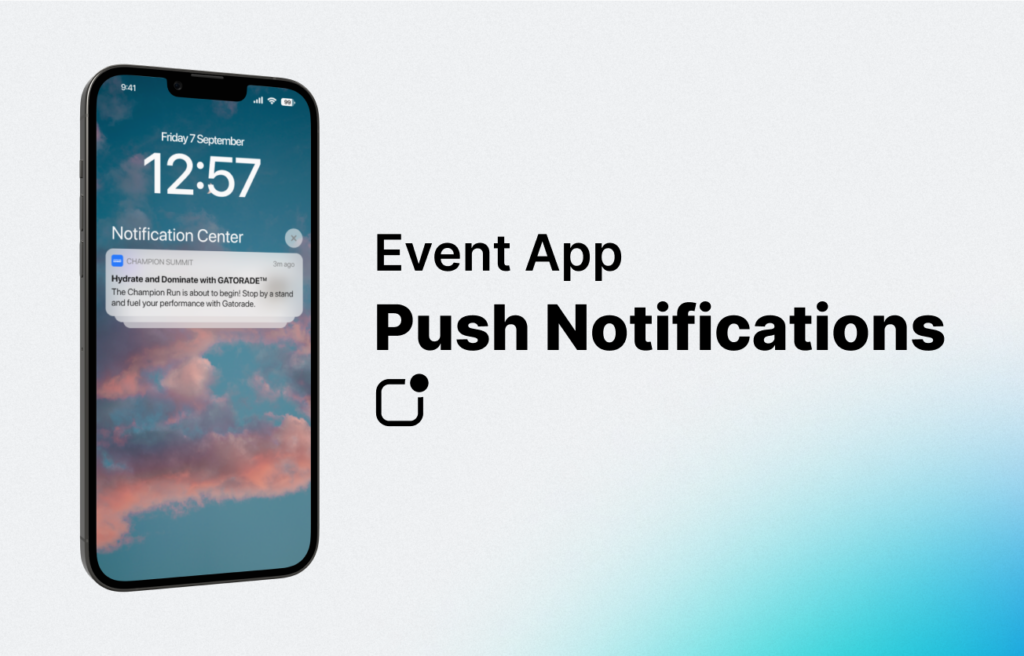
So, where are push notifications headed? It’s not like they’re going away anytime soon. In fact, they’re getting smarter. Think about rich push notifications. These aren’t just text anymore. They can have images, buttons, even short videos! Imagine getting a notification with a little preview of a product you’re interested in, with a button that says “Add to Cart.” Bam! Instant shopping. It’s like the apps are evolving, becoming more interactive and engaging.
And then there’s the whole AI integration. Imagine notifications that are so smart, they can anticipate what you need before you even know it. Like, your calendar app notices you have a meeting across town, and it sends you a notification with traffic updates and the fastest route, before you even ask. It’s like having a crystal ball that’s actually useful!
It’s all about making our digital lives more seamless and efficient. Push notifications are a big part of that. They’re the little nudges that keep us connected, informed, and sometimes, just a little bit amused. They’re not perfect, and sometimes they can be a real pain, but when they’re done right, they’re pretty darn amazing.
So, the next time your phone buzzes, don’t just swipe it away. Take a second. What is it? Is it useful? Is it annoying? And more importantly, are you letting it be annoying? You’ve got the power, my friend. You can shape your notification world. It’s your phone, after all. You’re the boss. Or at least, the notification overlord. Happy pushing!
![Send Push Notifications To Android And IOS App [PART 1]](https://ahex.co/wp-content/uploads/2018/02/Send-Push-notification-to-the-android-and-ios-apppart-3.webp)