How To Make A Call Button On Wordpress
In today's visually driven digital landscape, grabbing your audience's attention is key. And what better way to do that than with a little interactive flair? You've probably seen them popping up on websites everywhere – those friendly little buttons that, with a tap or a click, instantly initiate a phone call. Whether it's a "Call Us Now!" for a local business or a more whimsical "Ask Me Anything!" for a creative soul, these call buttons are more than just a functional element; they're a charming invitation to connect.
For the budding artist showcasing their portfolio, a call button might mean the difference between a passive admirer and a commissioned masterpiece. Imagine a painter adding a "Discuss Your Commission" button to their gallery page. Or a freelance photographer with a "Book Your Session Today!" readily available. It’s not just for professionals either! Hobbyists can use them to connect with fellow enthusiasts, perhaps a "Join Our Crafting Circle!" button for a knitting group. Even casual learners can leverage this tool, offering a direct line for questions on their "Learn Guitar Basics" blog with a "Got a Question? Call Me!" option. It’s about lowering barriers and making that human connection effortlessly accessible.
The beauty of these buttons lies in their versatility. You can go for a classic, professional look with a clean, minimalist design and a clear phone icon. Or, for a more personal touch, why not customize it? An artist might use a button with a watercolor texture, or a musician could embed a playful guitar pick icon. Think about a chef with a "Order Now!" button featuring a steaming plate of food, or a gardener with a "Planting Advice?" button adorned with a little sprout. The possibilities are as endless as your imagination!
Must Read
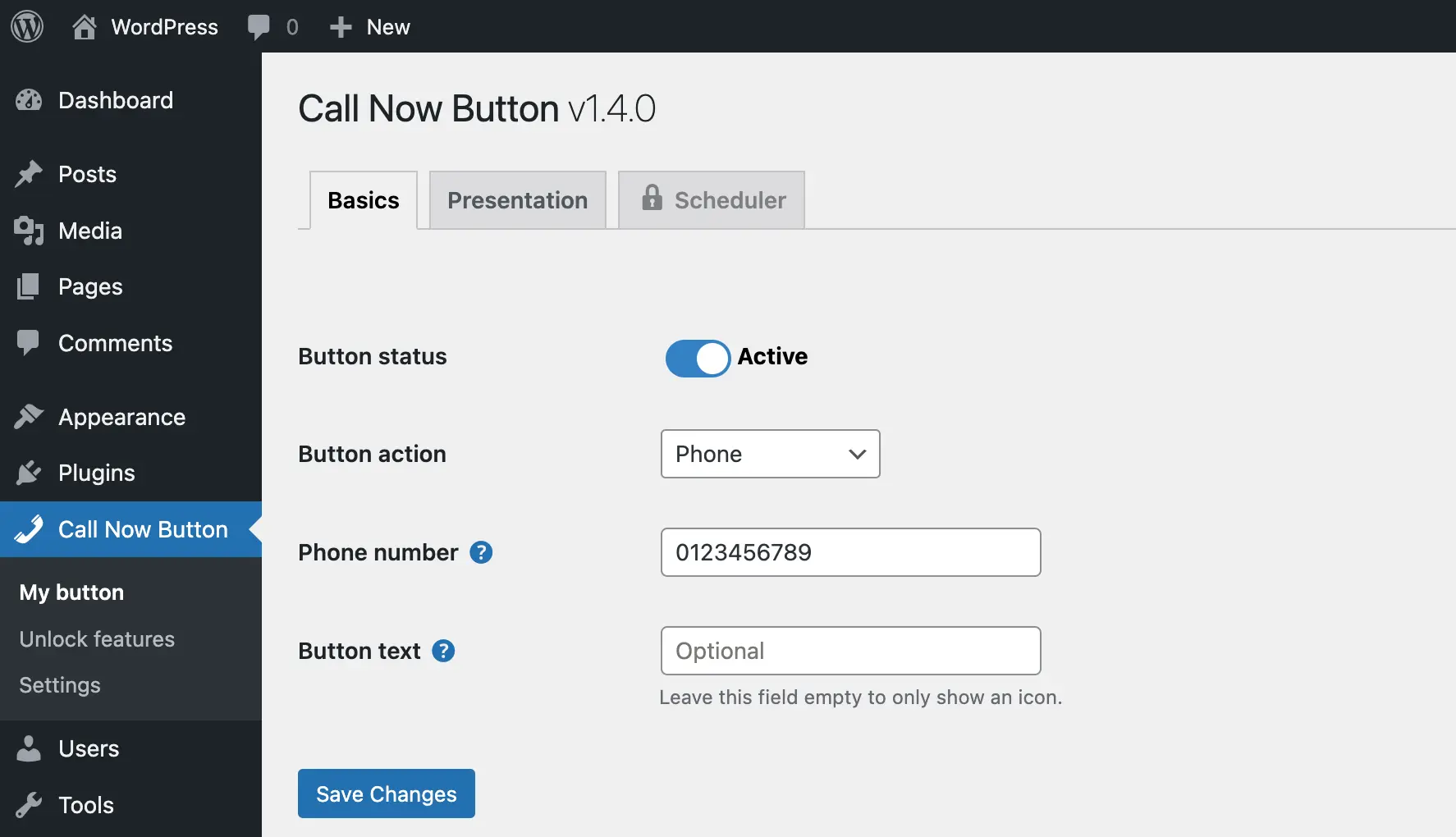
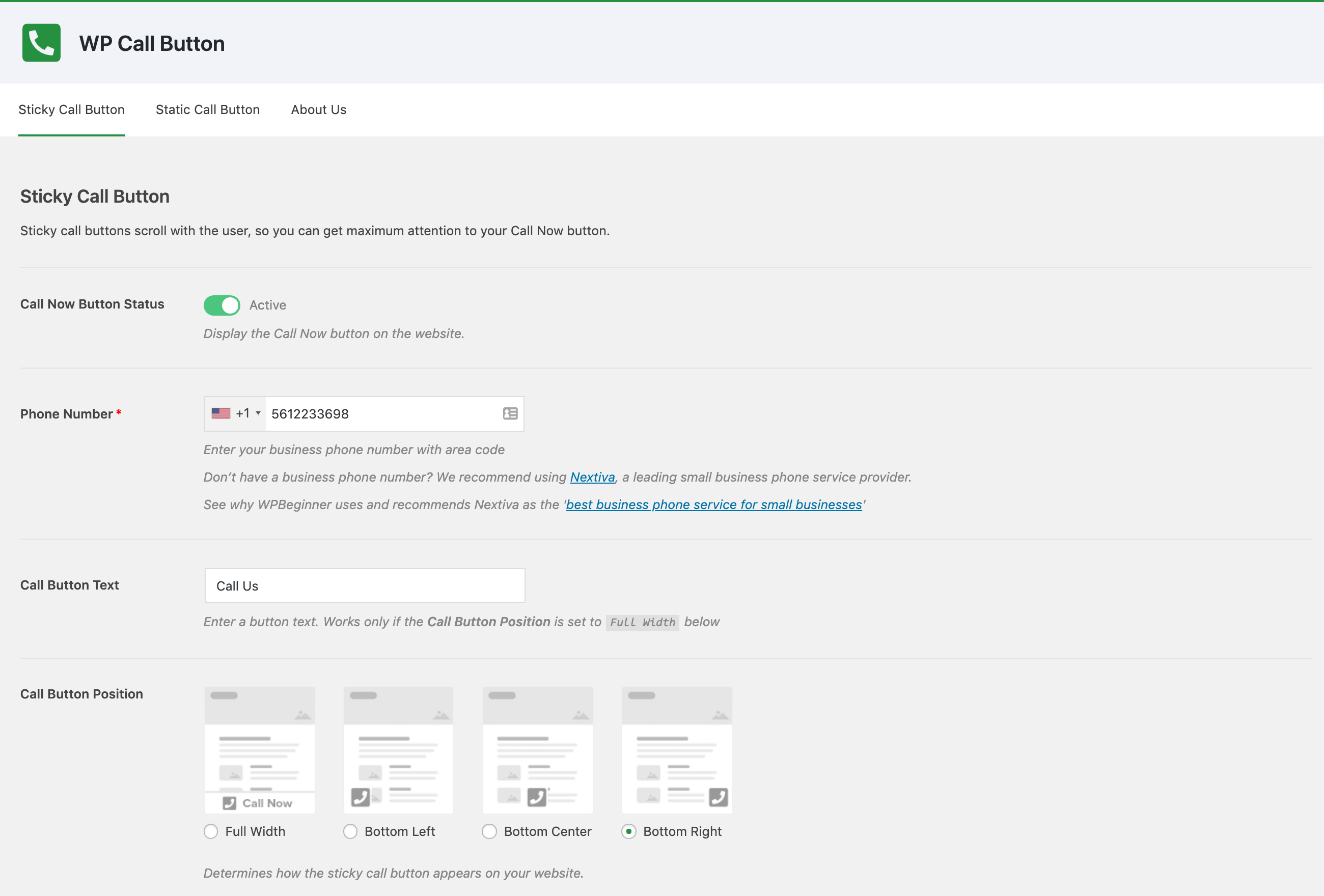
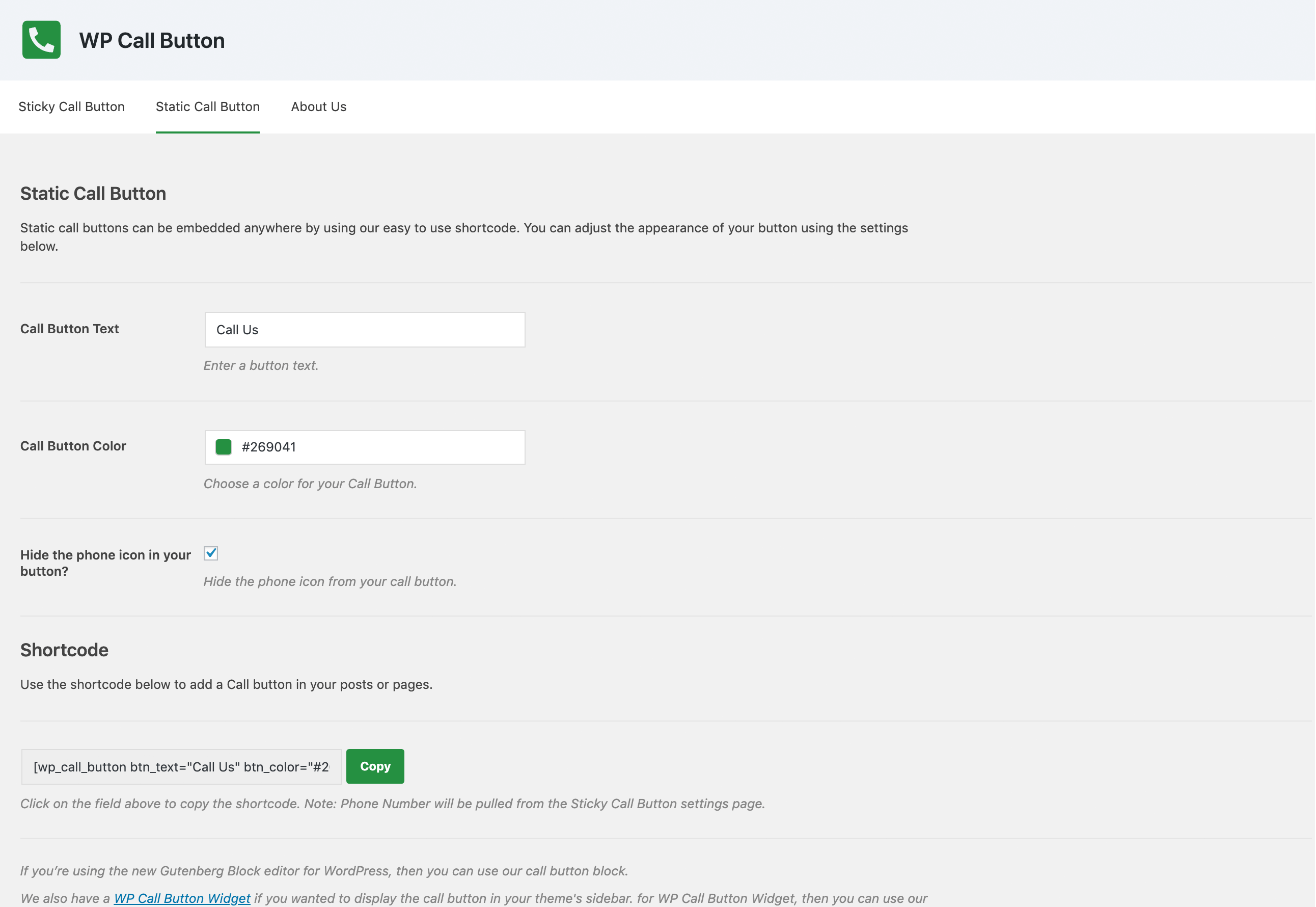
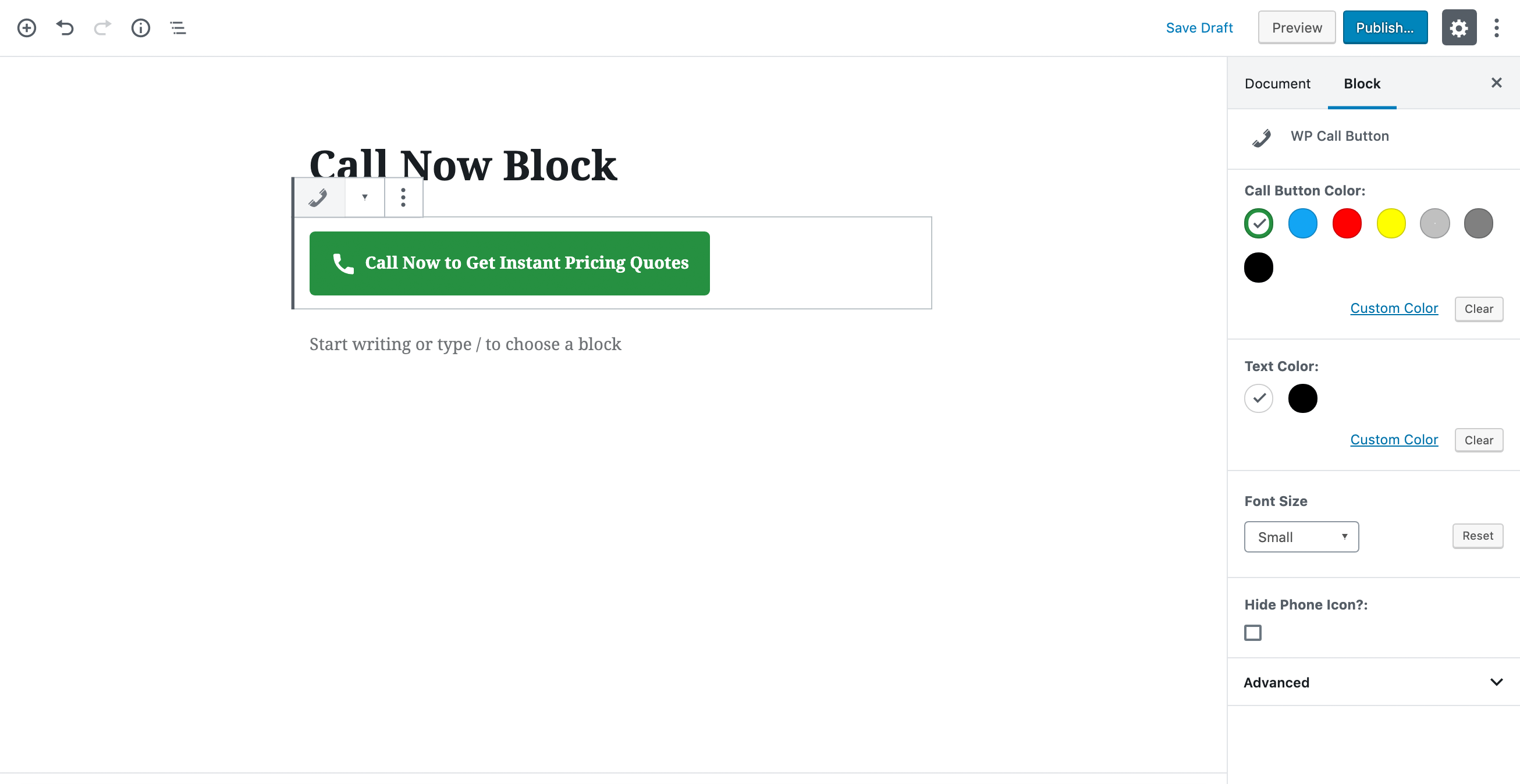
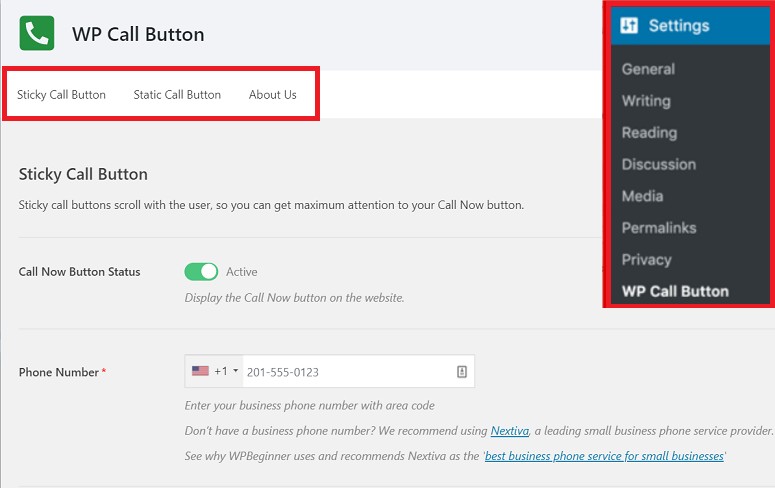
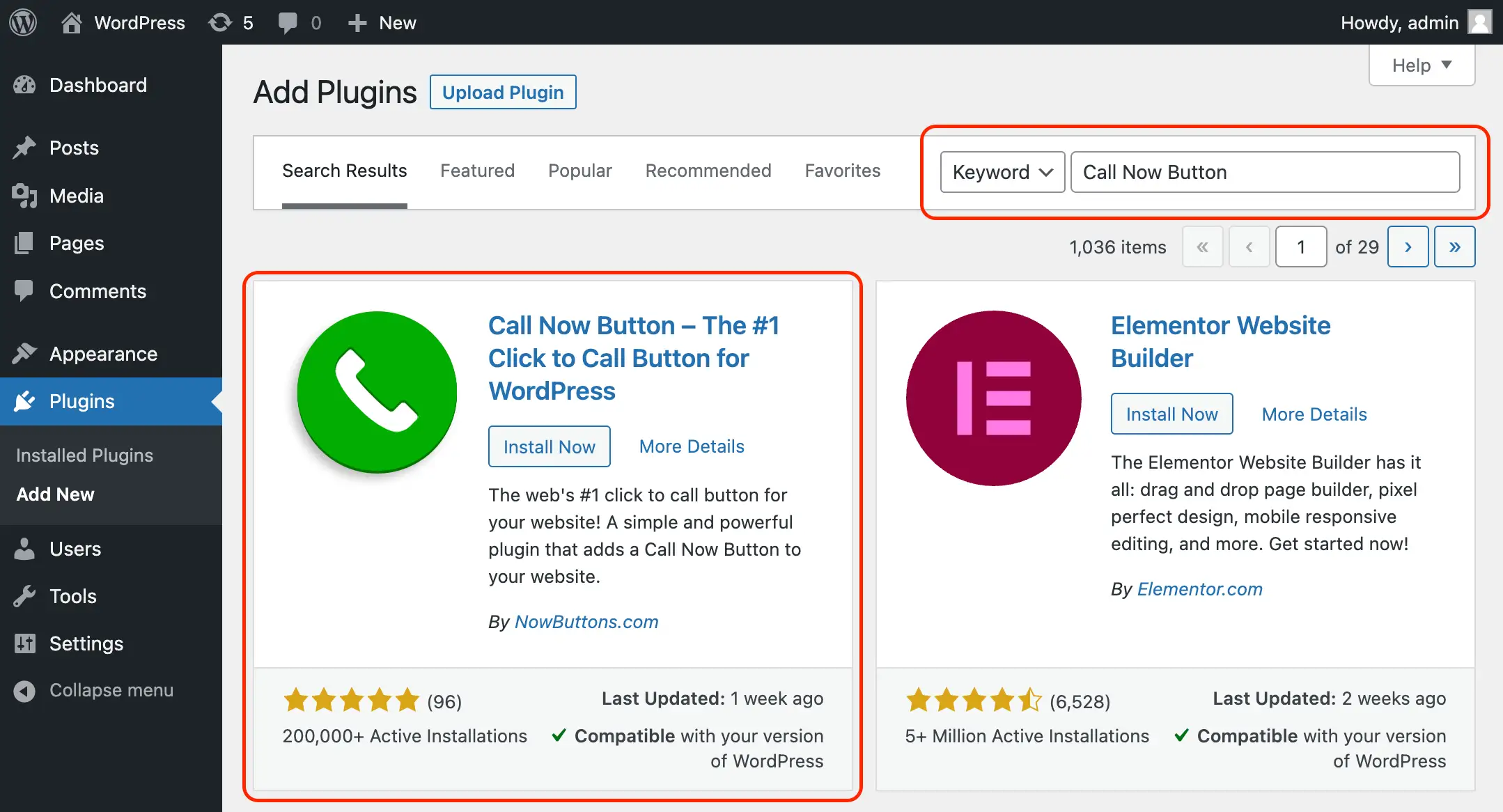
Ready to try your hand at creating one for your own WordPress site? It's surprisingly straightforward. Many WordPress themes come with built-in options for adding buttons. Look for a "Button" block in your page editor, or explore plugins specifically designed for adding call-to-action buttons. You'll typically be able to choose your button's text, color, and style. The magic happens when you select the "link" option and choose "tel:" followed by your phone number (e.g., `tel:+15551234567`). This tells the browser to initiate a phone call when the button is clicked. For mobile users, this is a dream come true, instantly launching their dialer. For desktop users, it might prompt them to use a calling app.
Beyond the technical aspect, there’s a genuine joy in creating these little connection points. It’s a proactive step towards fostering community and sharing your passion. It transforms a static webpage into a dynamic hub of interaction. So, go ahead, experiment, and add a touch of personal flair to your online presence. You might be surprised at how much more connected you feel, and how much more your audience appreciates that direct line to you. It’s a simple yet powerful way to say, "I'm here, and I'm ready to talk!"