How To Set A Google Alert

Ever feel like you're missing out on the hottest gossip, the coolest new trends, or that crucial piece of information that could change your life (or at least your next trivia night)? Well, get ready to become a digital detective because we're about to unlock a superpower: setting Google Alerts! Think of it as having your own personal internet scout, constantly sniffing out the things you care about and delivering them right to your inbox. It’s not just useful; it’s ridiculously fun, like getting personalized treasure maps delivered daily.
So, what exactly is this magical Google Alert thing? In a nutshell, it’s a free service provided by none other than Google that notifies you when new content matching your specified search terms appears on the web. This could be anything from a new blog post about your favorite indie band to a press release about the latest advancements in renewable energy. The possibilities are as vast as the internet itself!
Why You'll Love Being an Alert Master
Let’s dive into the awesome benefits. Firstly, staying informed has never been easier. Forget endlessly refreshing your browser or sifting through mountains of search results. With Google Alerts, the information comes to you. This is a game-changer for anyone who wants to keep a pulse on:
Must Read
- Your Brand or Business: Are people talking about your company online? What are they saying? Alerts can help you monitor your reputation, track competitor activity, and discover potential leads. Imagine getting an instant notification if a journalist mentions your product!
- Your Industry: Stay ahead of the curve by getting alerts on industry news, new research, and emerging trends. This is invaluable for professionals looking to enhance their knowledge and stay competitive.
- Your Passions and Hobbies: Love vintage cars? Obsessed with a particular author? Want to know every time a new recipe for homemade sourdough is published? Google Alerts lets you indulge your curiosities without lifting a finger (other than setting up the alert, of course!).
- Current Events and Topics: Want to be the first to know about breaking news related to a specific event or personality? Alerts ensure you're in the know, as soon as it happens.
- Specific People: Curious about what a certain celebrity or public figure is up to? Alerts can bring you the latest mentions. (Use this power responsibly, folks!)
Beyond just being informed, Google Alerts can also:
- Save You Time: Automating your search saves precious hours that you can spend doing more exciting things.
- Uncover Opportunities: You might stumble upon collaboration opportunities, job openings, or valuable insights you wouldn't have found otherwise.
- Improve Your Online Presence: For creators and businesses, monitoring mentions can help engage with audiences and address feedback.
Becoming a Google Alert Guru: It's a Breeze!
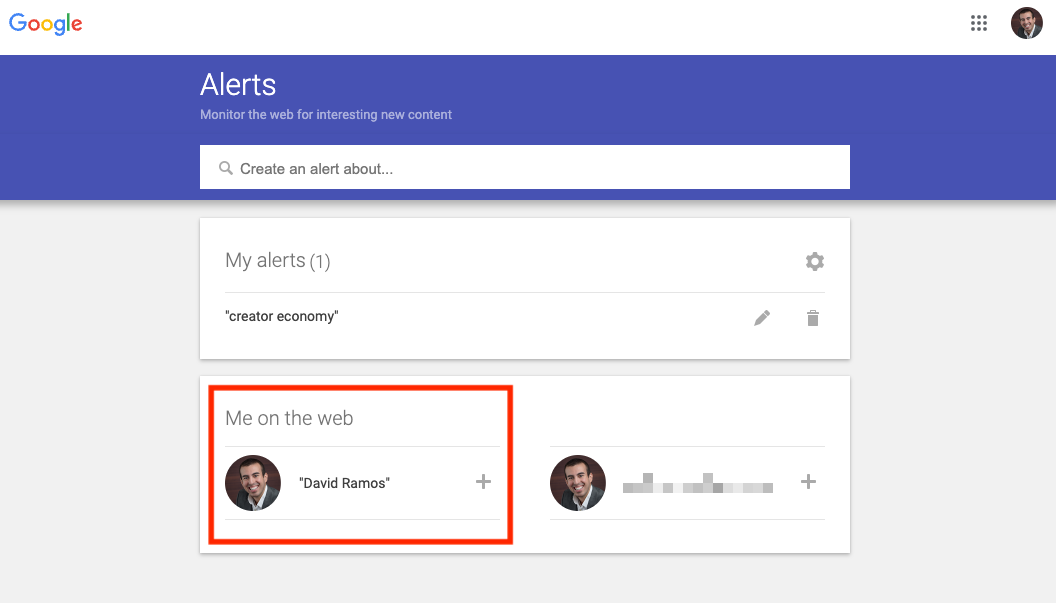
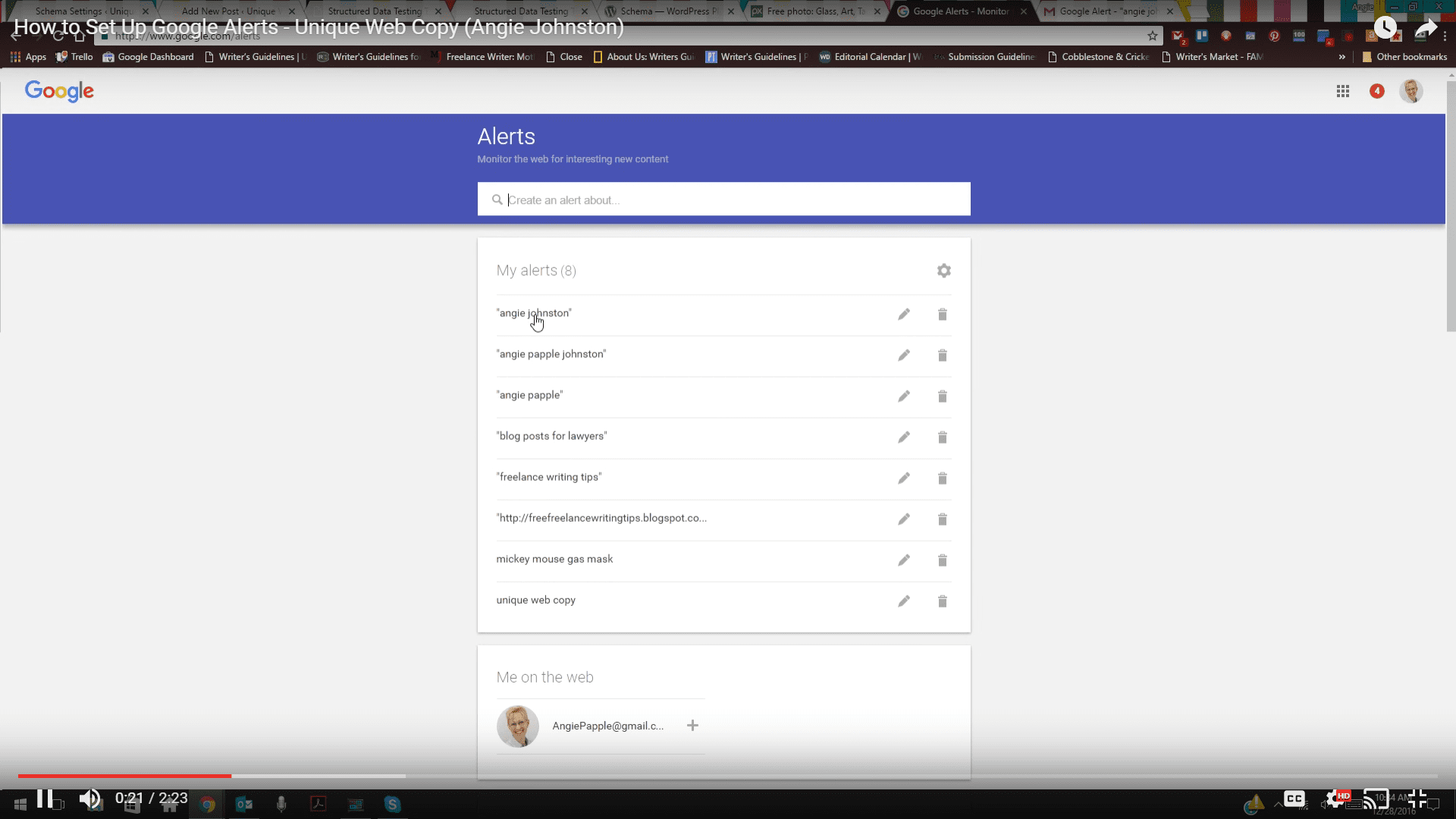
Ready to unleash your inner alert master? The process is wonderfully simple. Head over to the Google Alerts website (a quick search for "Google Alerts" will get you there – see, it's already working for you!).
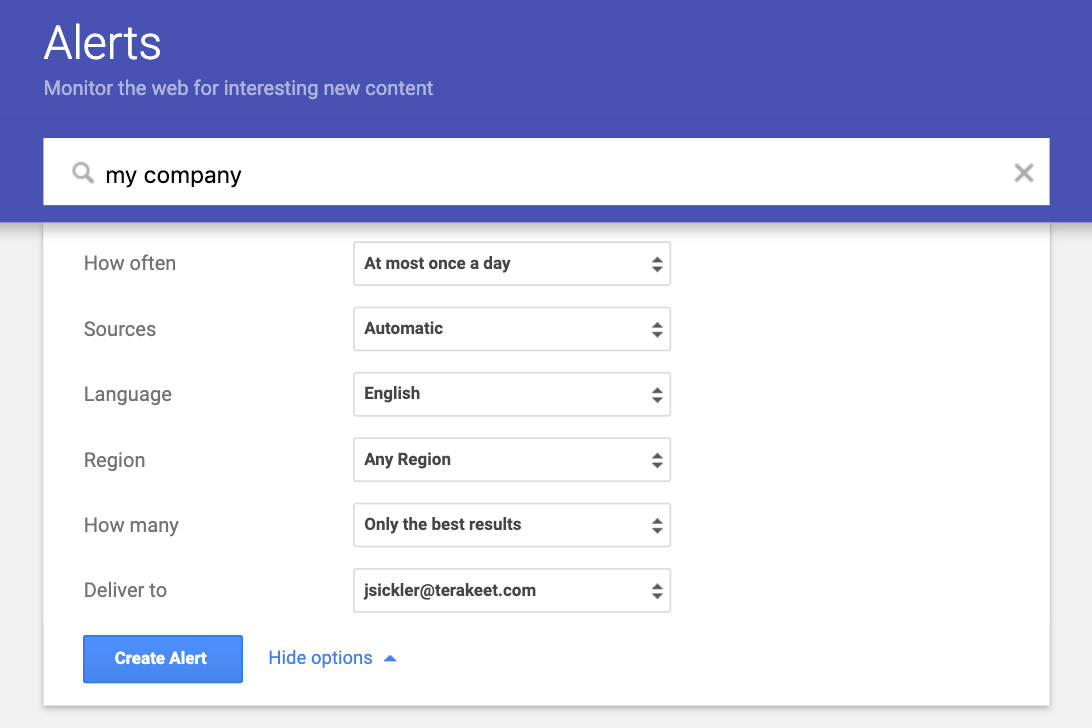
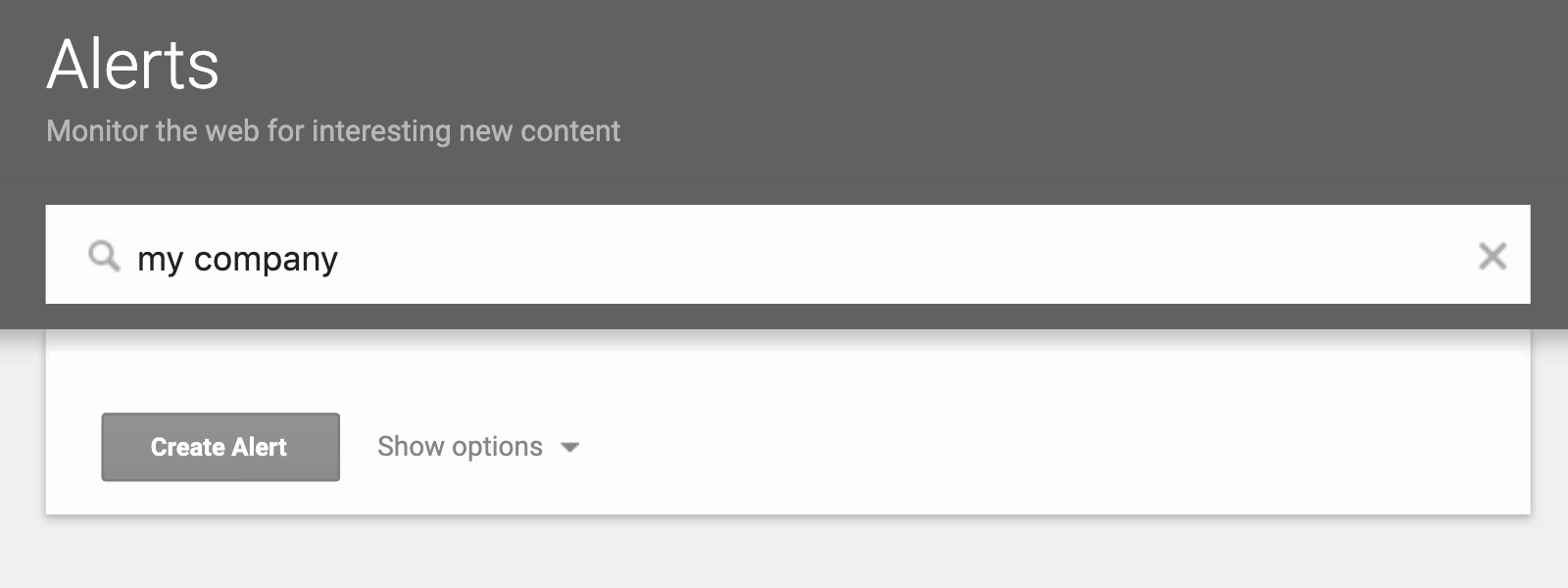
Once you're on the page, you'll see a prominent search bar. This is where the magic begins. Simply type in the word or phrase you want to track. This could be:
- A specific company name: e.g., "Acme Corp"
- A person's name: e.g., "Dr. Evelyn Reed"
- A topic: e.g., "sustainable urban farming"
- A product: e.g., "noise-canceling headphones reviews"
- Even a song title or book: e.g., "'Starlight Serenade' lyrics"
As you type, Google will often show you a preview of what the alerts might look like, which is super helpful for refining your search. Once you've entered your query, hit the "Create Alert" button.

But wait, there's more customization! Below the search bar, you'll find options to fine-tune your alerts. You can choose:
- How often you want to receive alerts: Options usually include "As-it-happens" (for breaking news junkies), "Once a day," or "Once a week." For most things, "Once a day" is a good balance.
- The sources: Do you want alerts from blogs, news sites, websites, or all of the above? You can select what’s most relevant to you.
- The language: Specify the language of the content you're interested in.
- The region: Narrow down your search to a specific country or region.
- How many results: You can choose to see "All results" or only "Only the best results." For most general interests, "Only the best results" is a good starting point, as it filters out less relevant content.
Once you've set your preferences, click "Create Alert." That's it! You've just joined the ranks of the effortlessly informed. Your alerts will start rolling into the Gmail account associated with your Google profile. You can manage all your alerts by returning to the Google Alerts page, where you can edit, pause, or delete them as needed.

Imagine the possibilities! You could be the first among your friends to know when your favorite author releases a new book, the go-to person for the latest tech gadget news, or simply someone who feels more connected to the world around them. So, go ahead, set some alerts. Discover what’s happening. Be surprised. Be delighted. Be the master of your own information universe!
Pro Tip: Experiment with different keywords! Sometimes, a slightly different phrasing can yield surprisingly different and interesting results. Don't be afraid to get a little creative with your alert terms.
So, what are you waiting for? Start exploring the world of Google Alerts and let the information find you. It’s free, it’s easy, and it’s your ticket to staying on top of everything that matters to you. Happy alerting!