What Is Wps Button On A Router
Ever found yourself staring at your Wi-Fi router, a sleek black or white box humming away, and wondered about those little buttons scattered on its surface? One of the most common, and often most useful, is the WPS button. It might seem like just another cryptic piece of plastic, but understanding what it is and how it works can actually make your life a little easier, and it's surprisingly fun to demystify these everyday tech gadgets!
So, what exactly is this mysterious WPS button? WPS stands for Wi-Fi Protected Setup. Its primary purpose is to simplify the process of connecting devices to your wireless network. Traditionally, connecting a new gadget to your Wi-Fi required you to find your network name (SSID) and then painstakingly type in a long, often complex, password. We've all been there, squinting at our phone screens, trying to get every single character right – especially if it's a mix of uppercase, lowercase, numbers, and symbols!
The WPS button offers a much more convenient alternative. Instead of fumbling with passwords, you can connect your devices with just a couple of pushes of a button. It's designed to be a quick and secure way to establish a connection. When you press the WPS button on your router, and then initiate the WPS connection on your device (like a new smart TV, printer, or even a smartphone), they communicate directly, authenticate each other, and then your device is safely added to your network. No password typing required!
Must Read
Think about the convenience this offers in everyday life. Imagine you've just bought a new smart appliance that needs to connect to your Wi-Fi. Instead of digging out your router's manual or trying to remember that obscure password you set up years ago, you can simply press the WPS button on the router and the corresponding WPS option on your appliance. It's especially handy for devices that don't have a screen or easy way to input passwords, like some smart plugs or older Wi-Fi-enabled printers. It makes bringing new tech into your home a breeze.
In an educational setting, this could be incredibly useful for setting up Wi-Fi in a classroom quickly. Instead of having students line up to enter a password on their laptops or tablets, a teacher could enable WPS on the router, and students could easily connect their devices without disruption. It streamlines the process and minimizes the chance of typos, ensuring everyone can access online resources efficiently.

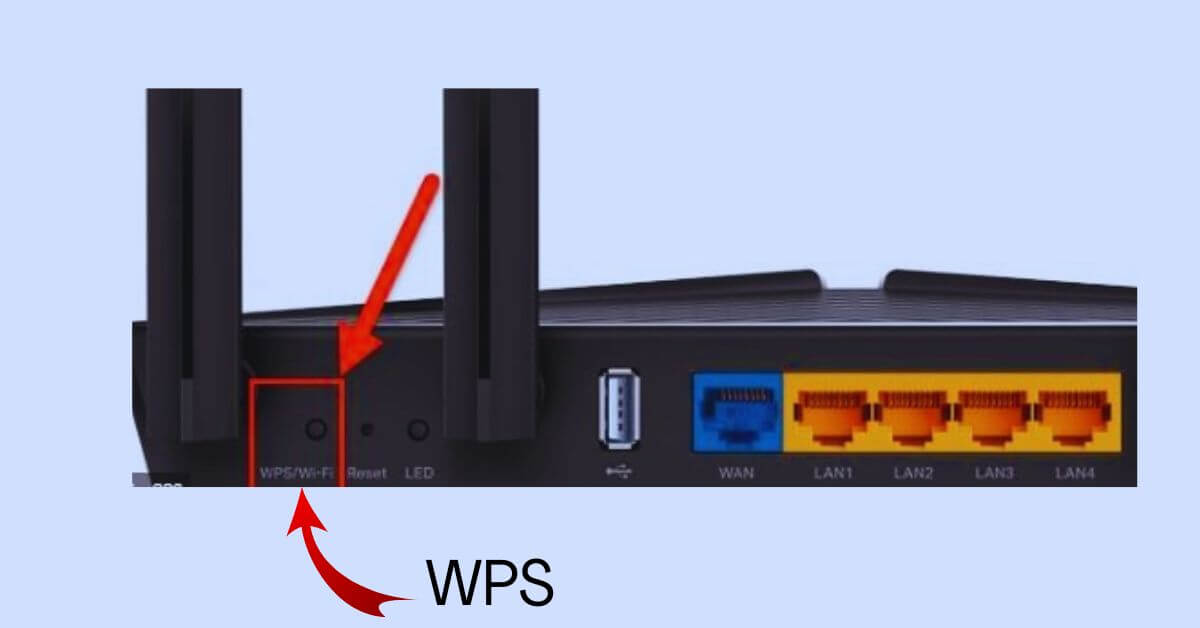
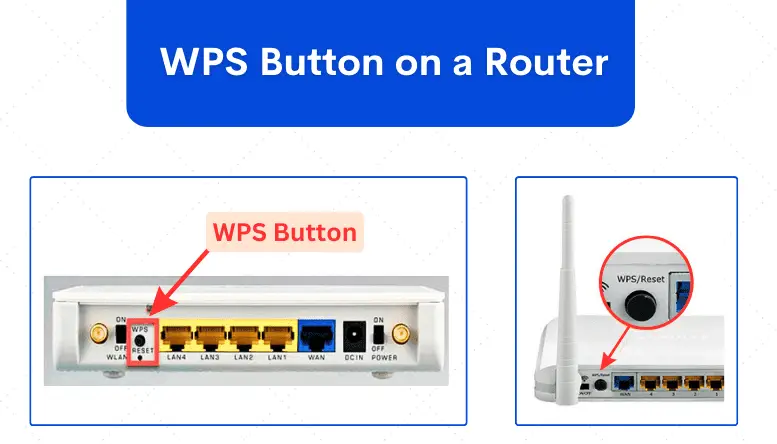
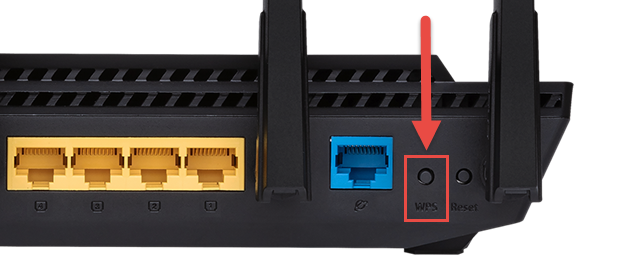
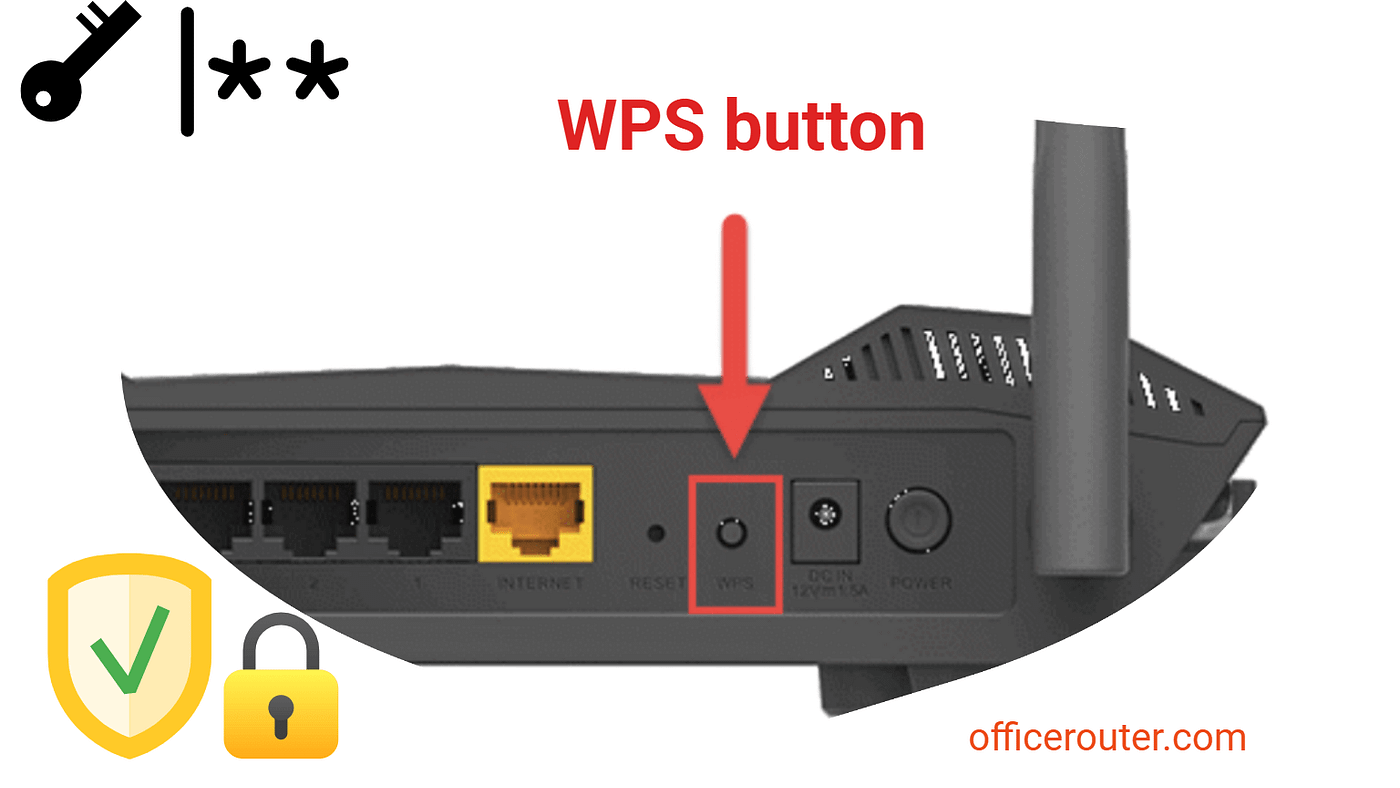
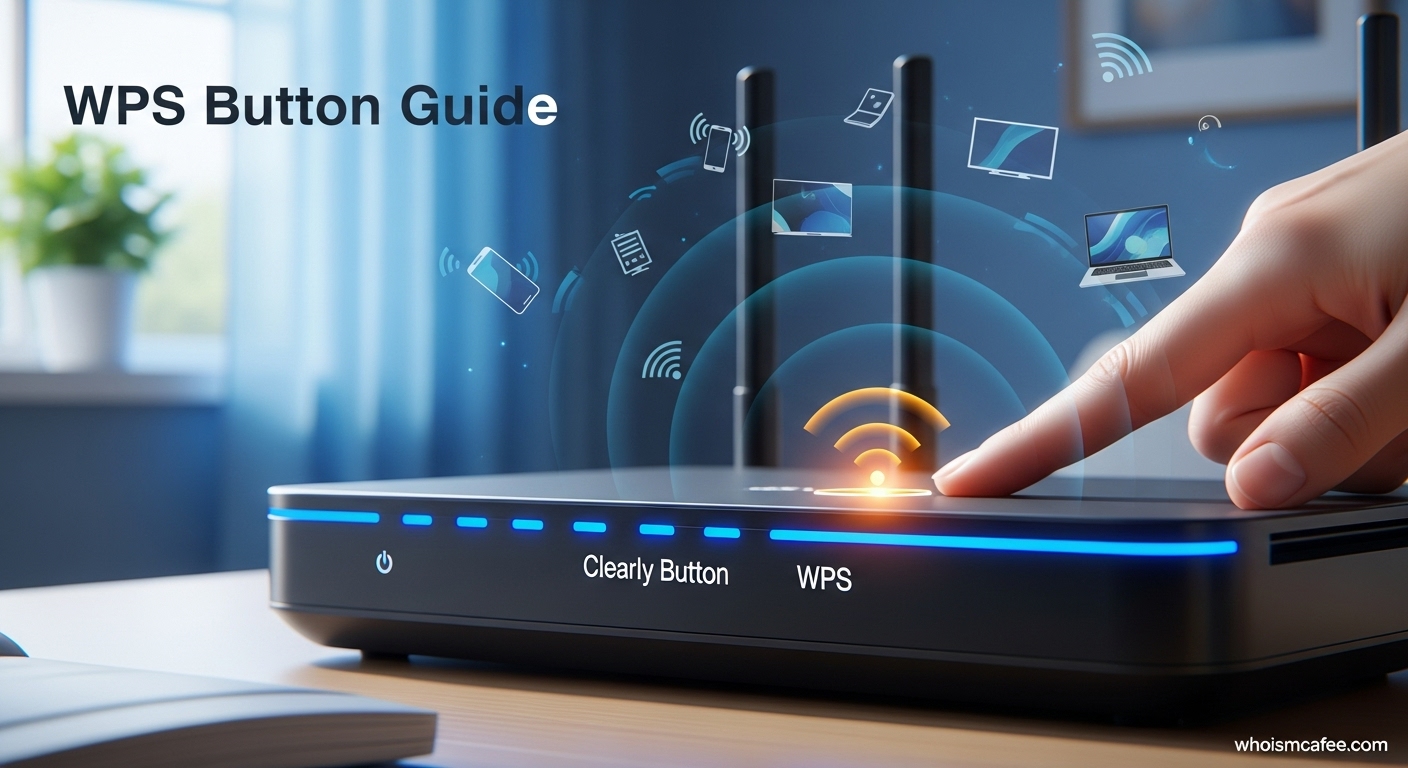
Now, how can you explore this yourself? It's quite simple! First, locate the WPS button on your router. It's often labeled "WPS" or might have an icon that looks like two circling arrows. Next, check the manual or settings of the device you want to connect. Look for a "WPS" option, which might be under network settings or a dedicated "Wi-Fi" section. When you're ready, press the WPS button on your router, and then quickly activate the WPS connection on your device. You'll usually have about two minutes to complete this process. It's a fun little experiment in seeing your technology work together seamlessly.
While WPS is designed to be secure, it's good to be aware that for maximum security, especially if you have a lot of sensitive data or are in a high-risk environment, traditional WPA2/WPA3 password authentication is still considered the gold standard. However, for everyday home use, the WPS button is a fantastic tool for quick and easy connections, making your digital life just a little bit simpler and a lot more convenient.