Wordpress Theme Update Best Practices Backup Testing Staging Site
So, you’ve got a website, right? Pretty cool! Maybe it’s a blog where you share your amazing recipes, or a shop selling handmade socks that people can’t resist. Whatever it is, you want it to look snazzy and work like a charm. That’s where your WordPress theme comes in. Think of it as the stylish outfit your website wears. And just like your favorite jeans might need a little update now and then, so does your theme!
Now, the word “update” can sometimes sound a bit… grown-up. Like something you have to do. But here’s the secret sauce: keeping your WordPress theme up-to-date is actually a super fun adventure! It’s like giving your website a fresh coat of paint, maybe adding some shiny new accessories. It can make your site faster, more secure, and even unlock cool new features. Who wouldn't want a website that’s always looking its best and performing like a champ? It’s all about keeping your online presence vibrant and exciting!
The Thrill of the Unknown (and How to Tame It!)
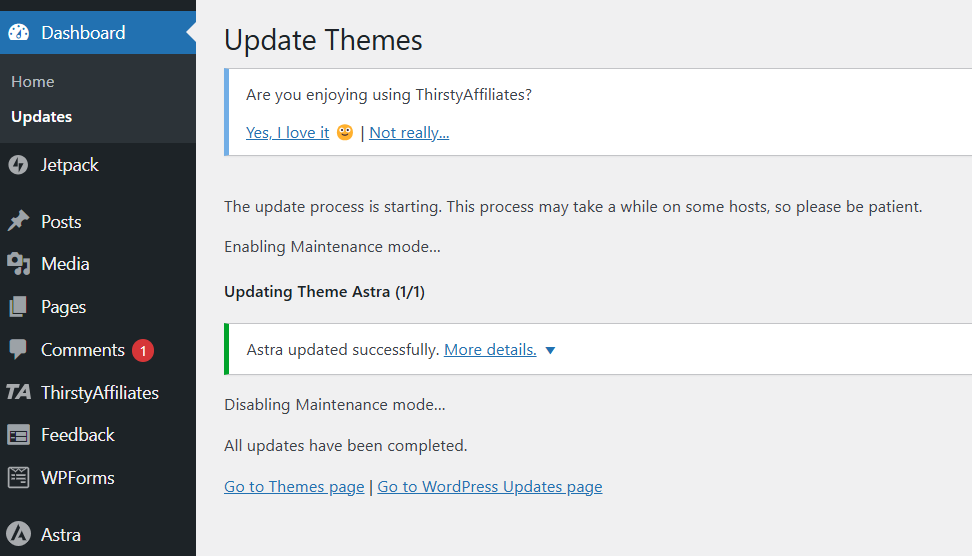
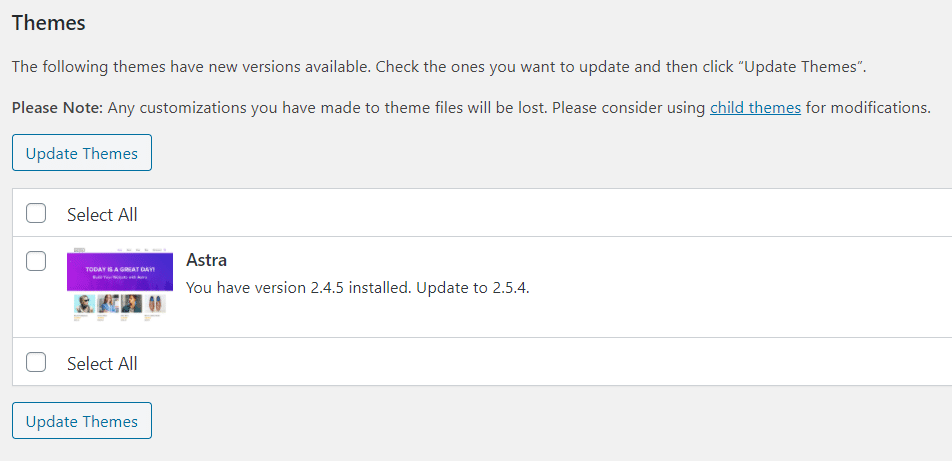
Okay, so when you see that little notification pop up saying, “Hey, there’s a new version of your theme available!” it can feel a bit like a surprise party invitation. Exciting, right? But sometimes, with surprises, there’s a tiny bit of… well, a tiny bit of what if? What if this new outfit makes your website trip over its own shoelaces? What if it clashes with your carefully chosen plugins?
Must Read
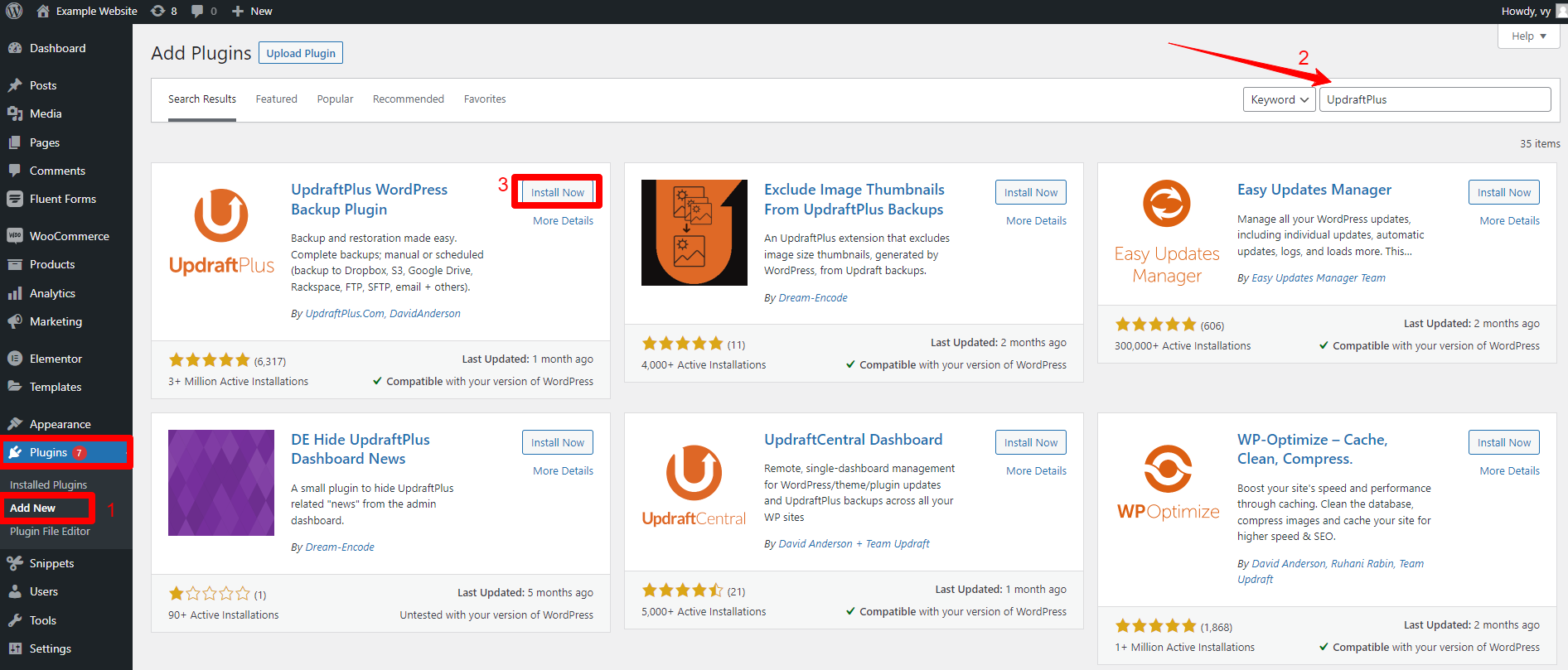
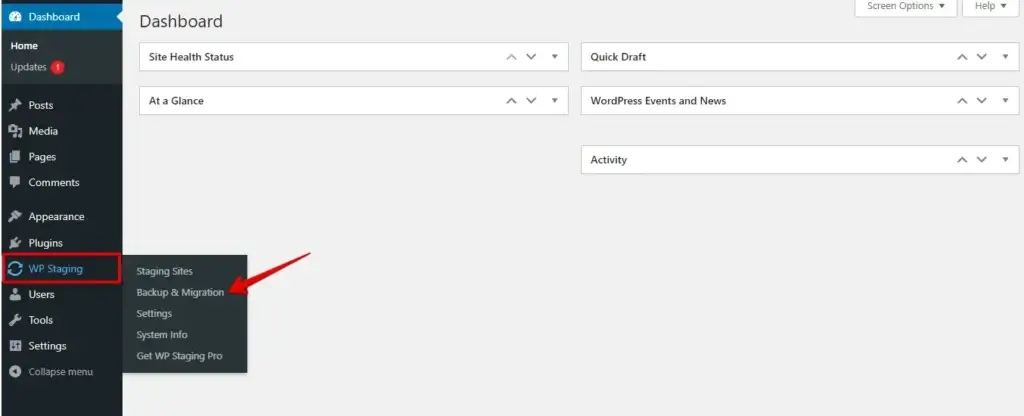
That’s where our trusty sidekick comes in: Backups! Think of a backup as a magic snapshot of your entire website, exactly as it is right now. It’s like having a secret cheat code. If anything goes sideways during the update – which, let’s be honest, is super rare with good themes, but you know, just in case! – you can simply rewind and go back to this perfect snapshot. It’s your digital safety net, and it’s surprisingly easy to set up. Most hosting providers offer them, or there are fantastic WordPress backup plugins that do all the heavy lifting for you. So, before you even think about hitting that update button, make sure you’ve got your backup superpowers activated!
The Grand Debut: Testing the Waters
Now, imagine you’ve got a brand new, stunning dress you want to wear to a big event. Would you just throw it on and walk out the door without a second glance? Probably not! You’d likely try it on, check how it fits, maybe walk around a bit. The same principle applies to your website’s theme update. You want to see how this new look performs before it’s front and center for all your visitors.
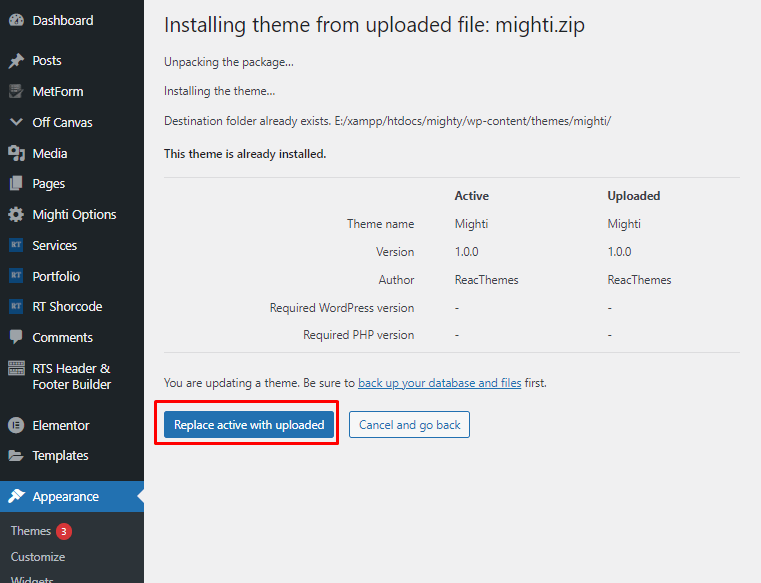
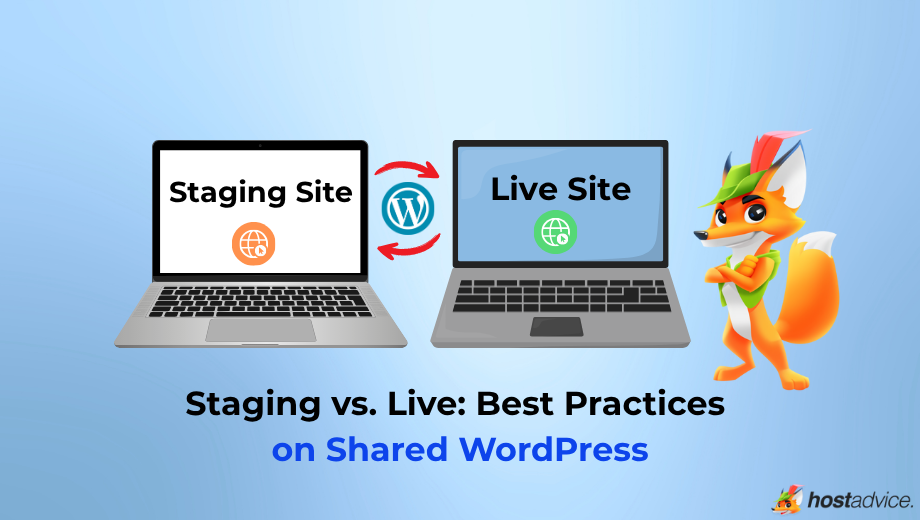
Enter the Staging Site! This is where the real fun begins. A staging site is like a private dressing room for your website. It’s a separate, hidden copy of your live site where you can test out updates, experiment with new plugins, or even make major design changes without affecting your actual, live website. It’s your playground, your secret lab! You can mess around, break things (hypothetically, of course!), and try out the new theme version to your heart’s content.
Think of it as a dress rehearsal. You get to see exactly how the new theme looks and behaves. Does everything still line up perfectly? Are all your buttons still working? Does it load super fast? You can click around, explore every nook and cranny, and ensure that when it’s time for the real show, everything will be absolutely flawless. It’s like having a crystal ball for your website’s future!

From Rehearsal to Red Carpet
Once you’ve given your theme update the royal treatment on your staging site and you’re completely happy with how everything looks and functions – hooray! – then it’s time for the main event: updating your live website. Because you’ve been so smart and done your due diligence with backups and testing on a staging site, this step is usually smooth sailing. You’ll simply apply the update to your live site, and voilà! Your website is now sporting its snazzy new theme, looking fresh and ready to impress.
It's this combination of preparedness and experimentation that makes the whole process so rewarding. You get the benefits of an updated theme – better performance, enhanced security, and those lovely new features – without the heart-stopping drama. It’s about taking control of your website’s evolution in a way that’s both responsible and exciting. So next time you see that update notification, don’t just sigh. Get excited! Grab your backup tools, spin up a staging site, and get ready to give your website the fabulous makeover it deserves. Your visitors will thank you, and you’ll have the satisfaction of knowing you’ve kept your online world looking its absolute best!
Remember, a little preparation goes a long way. It’s like having a secret superpower for your website!
So, go forth and update with confidence! It's not just about maintenance; it's about keeping your digital space dynamic and delightful. Happy updating!