
What Is The Wps On The Router

Ever stared at your internet router, a magical black box that conjures up the glorious world of cat videos and online shopping, and noticed a mysterious button? It’s usually a tiny, unassuming thing, often labeled “WPS.” You might have even accidentally bumped it while dusting, sending your Wi-Fi into a brief, existential crisis. So, what exactly is this little button, and what’s its superpower?
Think of your router as the friendly neighborhood bouncer of your home network. It’s in charge of deciding who gets to waltz in and enjoy all the streaming goodness. And the WPS button? It’s like the bouncer’s VIP express lane, a shortcut for letting trusted guests join the party without needing to shout out the super-secret password across the room.
Basically, WPS stands for Wi-Fi Protected Setup. Don't let the fancy name intimidate you! It's designed to be the ultimate couch potato's guide to connecting devices to your Wi-Fi. No more squinting at tiny screens or fumbling with complicated settings. This button is here to save your sanity, one speedy connection at a time.
Must Read
The Magic of the WPS Button
Imagine this: you’ve got a brand new smart TV, ready to stream your favorite shows. You’re excited, you’ve got the popcorn ready, but then… you hit the dreaded Wi-Fi password screen. Suddenly, your popcorn goes cold, and your streaming dreams flicker out. This is where the WPS button swoops in like a superhero cape!
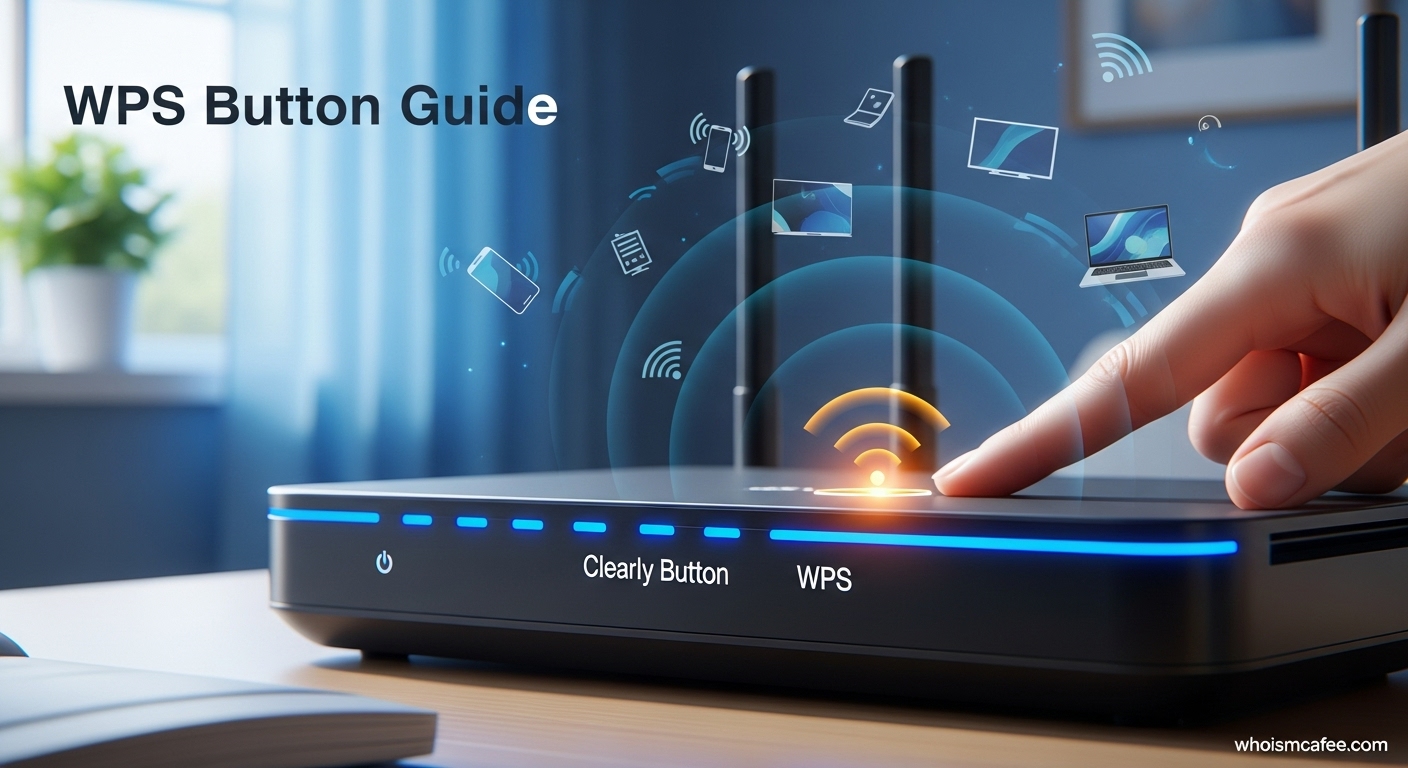
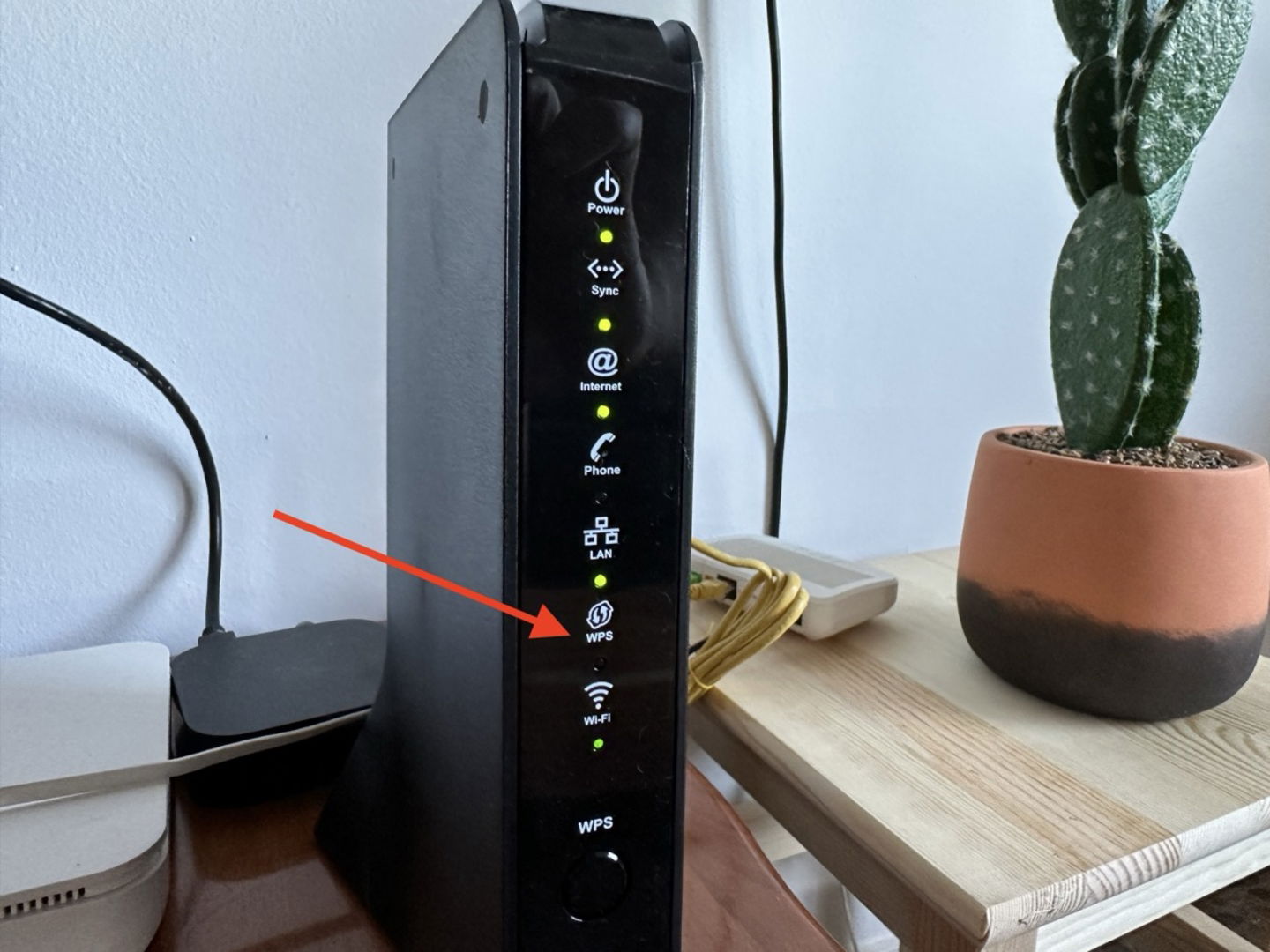
Instead of typing in that ridiculously long, character-salad password that you probably jotted down on a napkin somewhere, you just press the WPS button on your router. Then, you quickly press the corresponding WPS button on your new smart TV (or printer, or smart speaker, or whatever gadget is feeling left out). Boom! Your device is magically connected, no password drama required. It’s like giving your router a secret handshake with your new device.
It’s all about making life easier, especially for those devices that don't have handy keyboards for typing in passwords. Think about a smart thermostat that just wants to tell your AC to chill out. Or a wireless printer that just wants to spew out your latest masterpiece. They don’t need to know your complex password; they just need a friendly nudge from the WPS button.
How Does This Sorcery Work?
Don’t worry, we’re not diving into a black hole of technical jargon here. The WPS system is pretty clever. When you press that button, your router essentially says, "Okay, for the next minute or so, I’m in a super-friendly, connect-to-me mode." It’s like leaving the front door slightly ajar for a very brief period, specifically for devices that are trying to get your attention.
Your new gadget, meanwhile, is also listening for this "connect-to-me" signal. When it hears it, it locks onto the router, and the two devices have a quick, secure chat about how to get you online. They exchange the necessary information without you ever having to lift a finger to type. It's like a silent, digital whisper between your router and your device.
This whole process is designed to be quick and efficient. You've got a limited window, usually around 60 seconds, to activate the WPS on both your router and your device. So, no time for leisurely sipping your latte. You gotta be spry! It’s a race against time, a thrilling dash to Wi-Fi glory.

When to Use Your WPS Button
So, when is this little button your best friend? The most common scenario is when you’re setting up a new wireless device. That snazzy new smart gadget that promises to revolutionize your life? Hit the WPS button. Your old printer that’s still chugging along but needs to get back on the Wi-Fi express? WPS to the rescue.
It’s also fantastic for devices that have tricky interfaces. Some smart home hubs, for example, might not have a screen you can easily type on. For these little guys, WPS is their ticket to the internet highway. It’s the universal translator for your Wi-Fi network.
Think of it as your secret weapon against connectivity headaches. Instead of spending hours troubleshooting or calling tech support (who, let’s be honest, sometimes sound like they’re speaking ancient riddles), you can just press two buttons and be done. It’s like a magic wand for your internet.
A Word of Caution (But Not Too Much!)
Now, while the WPS button is a total lifesaver, it’s good to know a little bit about its quirks. For the most part, it’s incredibly secure. However, there was a time when some older types of WPS (specifically the PIN method, which most of us don't even use anymore) had a tiny vulnerability. It was like a slightly creaky door on a very sturdy castle.
Most modern routers have this ironed out, and the button-press method is super safe. It’s like the castle getting a new, unpickable lock. Your data is still protected by your usual strong Wi-Fi password, which you definitely shouldn’t share with just anyone! The WPS is just a temporary key for trusted friends.
If you’re super concerned, or if your router is older than your grandma’s favorite armchair, you can always disable the WPS feature in your router’s settings. But for most of us, it's a convenient and secure way to get our gadgets connected. Embrace the ease, my friends!
![[Wireless Router] How to setup WPS button to Turn On/Off the LED on](https://kmpic.asus.com/images/2021/08/18/5d8f0ddc-a522-46a9-9528-28782c8bb99a.png)
The WPS Button: Your Network's Helpful Hand
So, there you have it! The mysterious WPS button is not some alien technology. It’s your router’s way of saying, "Come on in, friends, and enjoy the internet!" It’s a shortcut, a time-saver, and a sanity-preserver all rolled into one.
The next time you’re setting up a new gadget and dreading the password entry, remember your trusty WPS button. Give it a gentle press, then press the one on your device. Watch as the internet fairy sprinkles its magic, and you're back to streaming, gaming, or whatever glorious online activity brings you joy.
It's a small button with a big impact, making our connected lives just a little bit simpler and a whole lot more fun. So go forth, embrace the WPS, and may your Wi-Fi signal be ever strong and your connections ever seamless! Happy connecting!
![What’s the WPS (Wi-Fi Protected Setup) Button [+ How it Works]](https://whatsabyte.com/wp-content/uploads/WPS-diagram.jpg)
