What Are Website Files To Migrate To A Different Provider

So, you're thinking about ditching your current website hosting provider. Exciting! It's like moving house, but for your digital digs. Instead of packing up your grandma's porcelain cats, you're packing up… well, website files. Sounds a bit dry, right? Wrong! It’s actually pretty fascinating. Think of it as a digital scavenger hunt.
Why would you even bother moving? Maybe your current host is slower than a snail on vacation. Or perhaps they charge more than a knight’s ransom for basic services. Whatever the reason, you're ready for an upgrade. And with that upgrade comes the important job of packing your digital belongings.
The "Stuff" You Need to Grab
What exactly are these "website files"? Imagine your website is a pizza. The files are all the toppings, the crust, the sauce, and even the recipe card. You can't just move the pizza box; you need to move the actual pizza. So, what are the key ingredients?
Must Read
Your Website's Brains: The Code Files
These are the absolute heart and soul of your website. Think HTML, CSS, JavaScript. These are the instructions that tell your browser how to display everything. It's like the DNA of your online presence. Without them, your site is just an empty shell. Imagine a beautiful house with no furniture – a bit sad, right?
These code files are usually found in folders like public_html, www, or htdocs. It depends on your hosting provider. It’s like different real estate agents have different names for the "living room." Keep an eye out for them!
The Visual Feast: Images and Media
Nobody wants a website that looks like a black and white newspaper from the 1950s. You've got images, videos, maybe even some funky animated GIFs. These are all stored in folders. Typically, you’ll find them in an images, media, or assets folder. These are the sprinkles on your digital pizza!
Some providers might even have a dedicated folder for uploads. It’s where all those awesome photos you uploaded to your blog live. Don't forget them! They add so much personality.
The Content King: Databases
This is where things get a little more… organized. If your website is built on a platform like WordPress, Joomla, or Drupal, you’re using a database. Think of it as a super-organized filing cabinet for all your content. Your blog posts, your user comments, your product descriptions – it all lives here. It's the secret sauce.
These are usually MySQL databases. They're not files you can just drag and drop like a JPEG. You’ll typically export them as a .sql file. It’s like getting a carefully cataloged index of everything in your filing cabinet.
Fun fact: Some massive websites have databases so enormous, they're like digital libraries with millions of books! Imagine trying to pack that!
Configuration Files: The Secret Handshakes
These are the quiet heroes. Files like wp-config.php (for WordPress users) or configuration.php (for Joomla users) contain crucial information. They tell your website how to connect to its database, security keys, and other important settings. It’s like the password to your digital kingdom.

These are usually small but incredibly important. Losing them would be like trying to start your car without the keys. Frustrating, to say the least!
Other Bits and Bobs
Depending on your site, you might have other things. Maybe you have plugin or theme files. These are like the decorative curtains or the fancy wallpaper for your website. They add functionality and flair. Make sure to grab those too!
Some sites might have specific log files or backup files. While not always essential for migration, it's good to be aware they exist. They’re like old diaries you might not need but keep for sentimental reasons.
How Do You Actually Pack This Stuff?
Okay, so you know what you need. But how do you get it from Point A to Point B? There are a few common ways:

The FTP Friend: File Transfer Protocol
This is a classic. You use an FTP client (like FileZilla) to connect to your old host. It’s like a digital tow truck. You browse your files and folders, and then you download them to your computer. Think of it as carefully picking up all your boxes and placing them in your moving truck.
It can be a bit tedious if you have a lot of files, but it’s a reliable method. You’re essentially making a full copy of your website's digital life.
The Control Panel Charmer: cPanel, Plesk, etc.
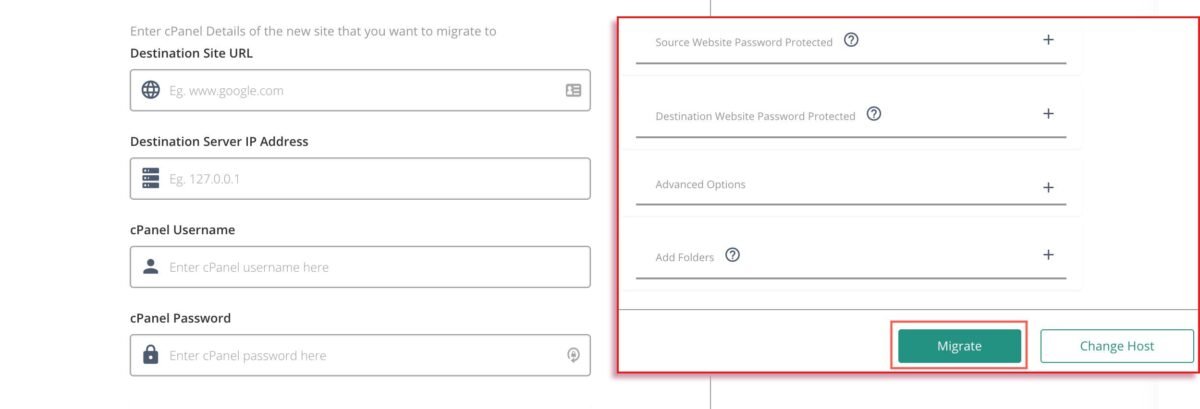
Most hosting providers give you a control panel. Think of it as your website's dashboard. These panels usually have tools for managing files and databases. You can often find a "Backup" or "File Manager" option. This is like having a moving company’s checklist and tools all in one place.
You can often download a full backup of your site from here. It’s like getting a neatly packed moving box labeled "Website Stuff." Easy peasy!

The Plugin Powerhouse
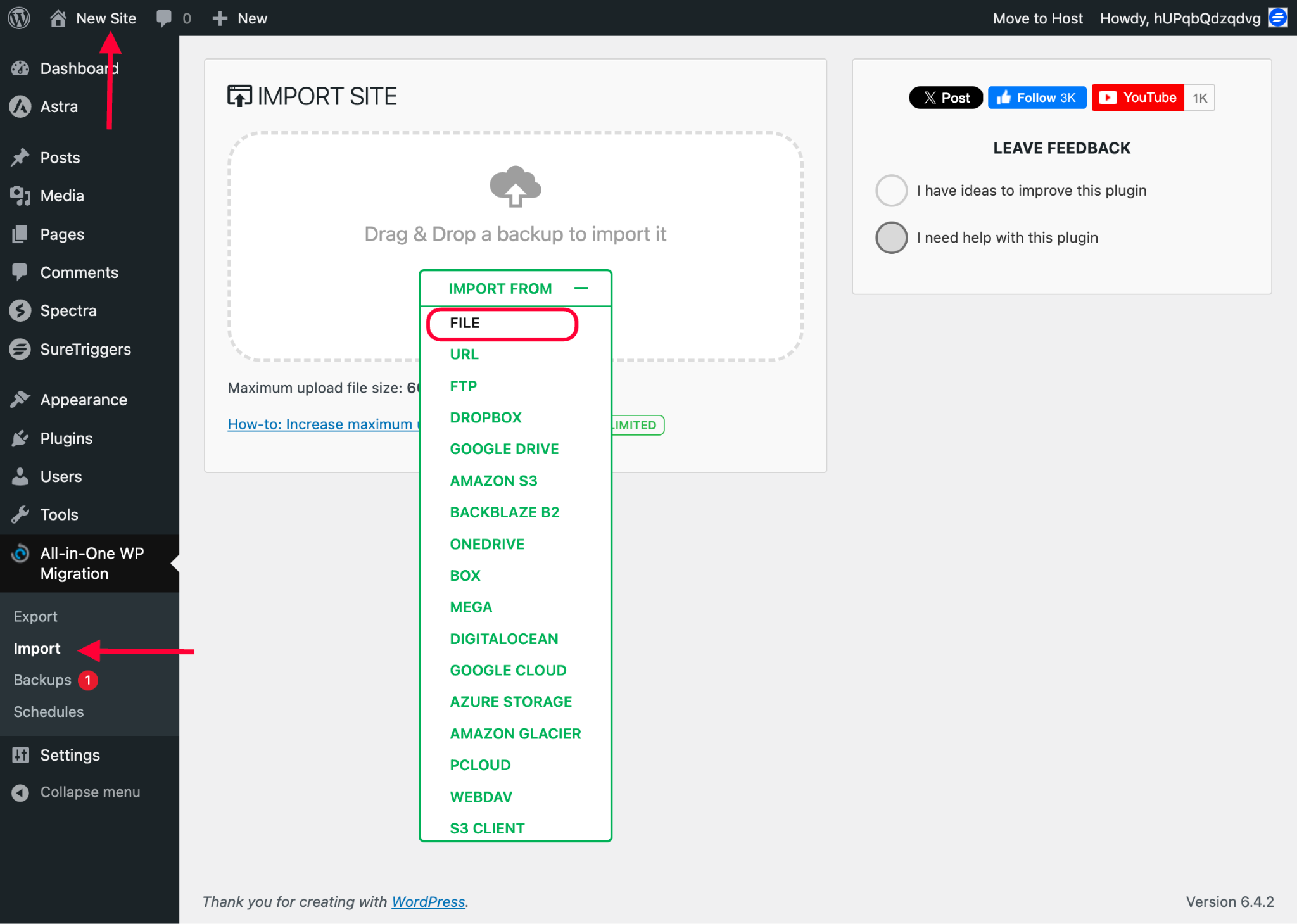
For platforms like WordPress, there are fantastic migration plugins. These plugins do most of the heavy lifting for you. They bundle up your files and database into a single package. It's like having a magic wand that shrinks all your belongings into a tiny, portable orb.
You then upload this magic orb to your new host and let the plugin unpack it. Super convenient! Just make sure to choose a reputable plugin.
The Grand Finale: Unpacking and Setting Up
Once you have all your website files, it’s time to move them into your new digital home. This usually involves uploading them using an FTP client or the file manager on your new host’s control panel.
You'll also need to import your database. And then, importantly, you need to update your DNS records. This is like telling the world, "Hey, my website has moved to a new address!" It can take a little while for this change to spread across the internet.
And there you have it! A successful website migration. It’s a bit like a puzzle, but when you put all the pieces together, you get a brand new, hopefully much better, online space. So go forth and migrate, brave digital mover!