What Are Push Notifications On Android

Okay, so picture this: it’s 7 AM on a Saturday. You’ve been dreaming of sleeping in, of that glorious moment when your alarm doesn't blare its annoying siren. You’re finally there, drifting in that sweet spot between REM and absolute blissful unconsciousness. And then… BEEP!
Your phone buzzes. Your eyes, still glued shut, instinctively twitch. Another BEEP! This time, it’s a little more insistent. You sigh, a sound that’s probably 80% sleep, 20% pure existential dread. You fumble for the device, your fingers like clumsy newborns, and there it is. A little red bubble. A little banner across the top of your screen. Your Saturday morning serenity, shattered by… well, by whatever that notification is.
Sound familiar? Yeah, me too. We’ve all been there. And those little digital nudges, those timely (or not-so-timely) interruptions, are what we call push notifications. They’re everywhere on our Android phones, aren’t they? Like tiny, persistent digital elves, constantly trying to get our attention. But what exactly are they, and why do they have such a grip on our digital lives?
Must Read
The Digital Tap on the Shoulder
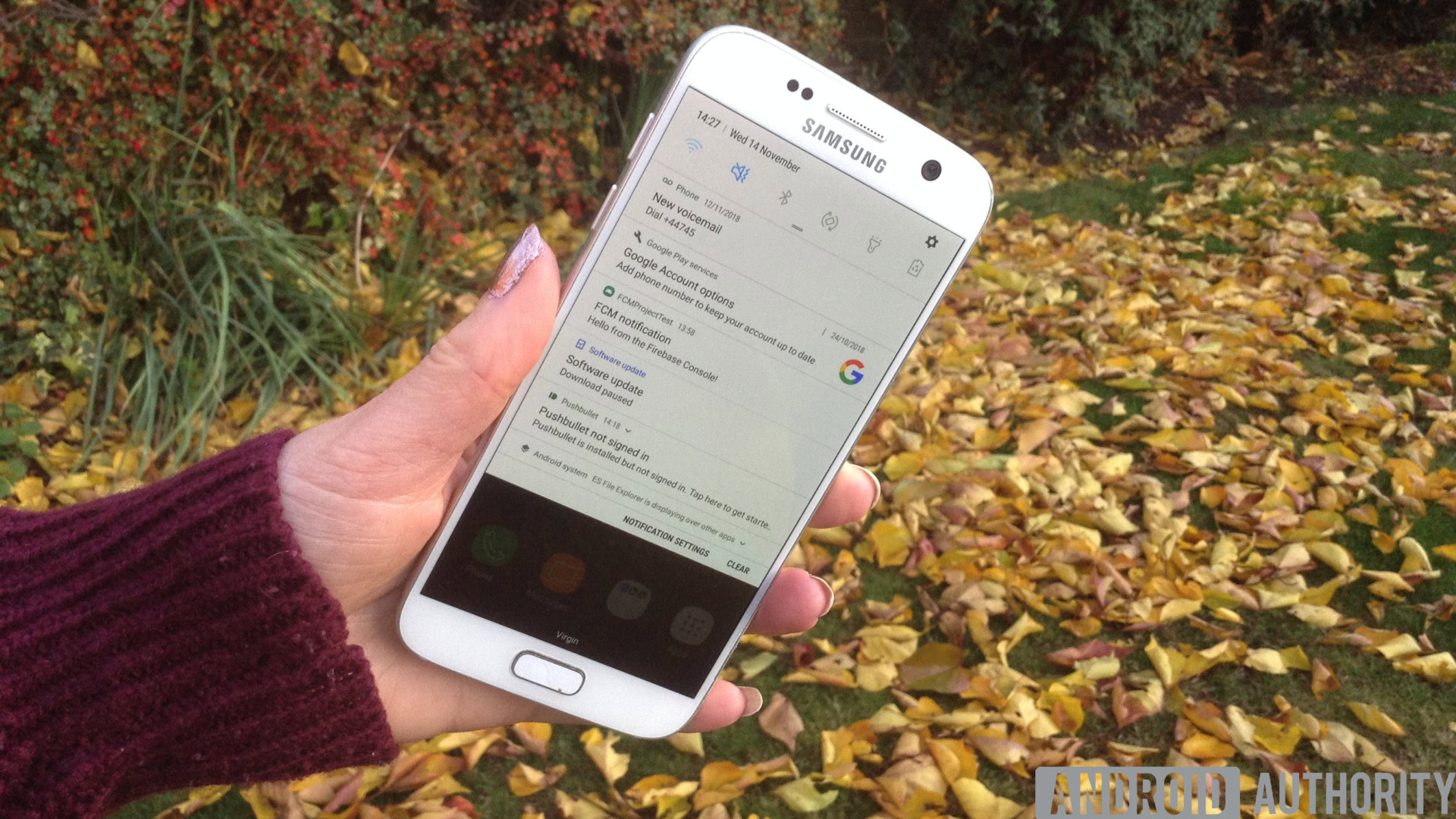
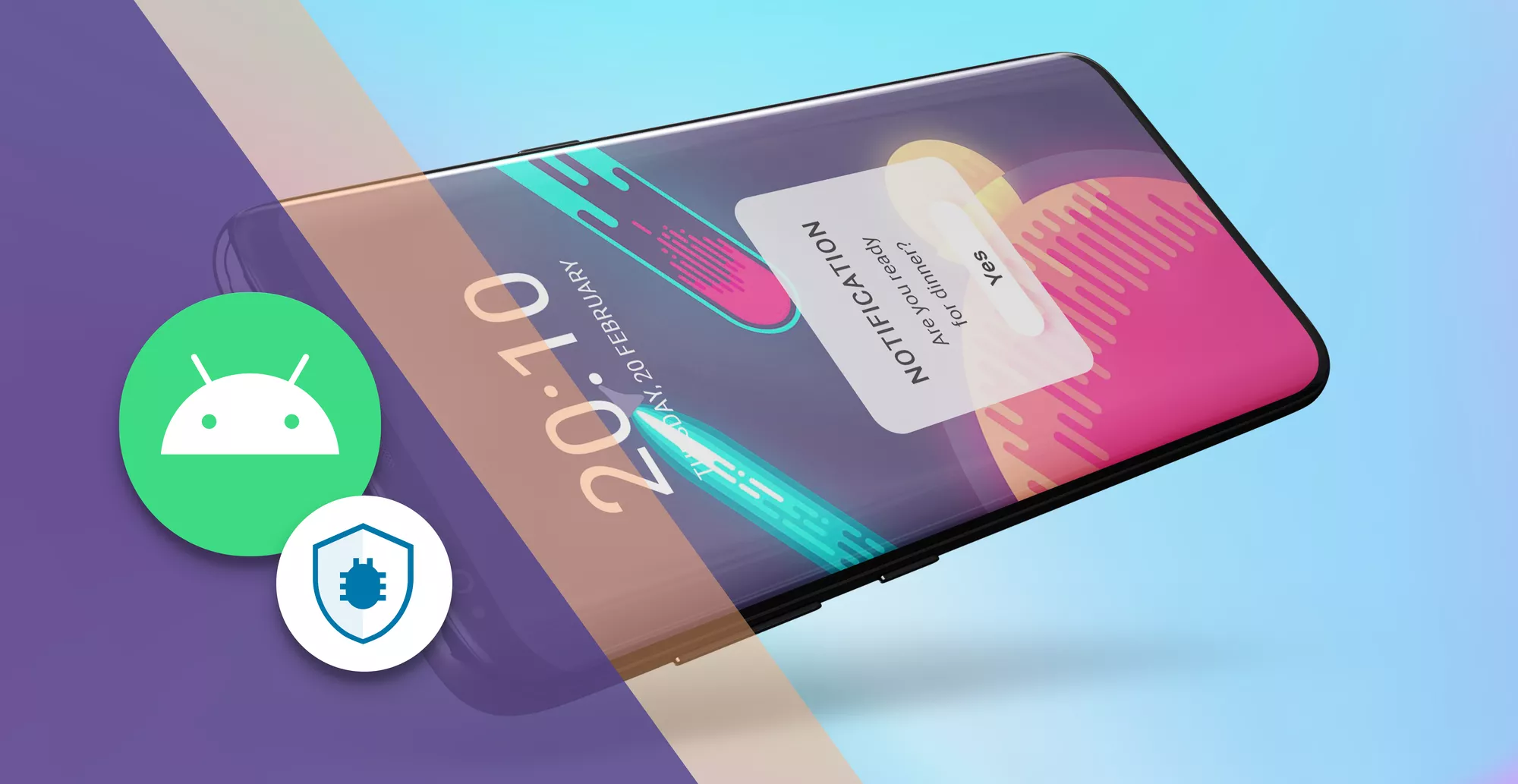
At its core, a push notification is a message that an app sends to your phone, even when you're not actively using that app. Think of it as the app waving a tiny digital flag, trying to get you to look its way. It’s a proactive way for apps to communicate with you, delivering information, alerts, or reminders directly to your lock screen or notification shade.
These aren’t the emails you have to go looking for, or the texts you actively initiate. These are the messages that come to you, unbidden, but often with good intentions. Or, at least, that’s what the app developers would have us believe, right? (We’ll get to the irony of that later.)
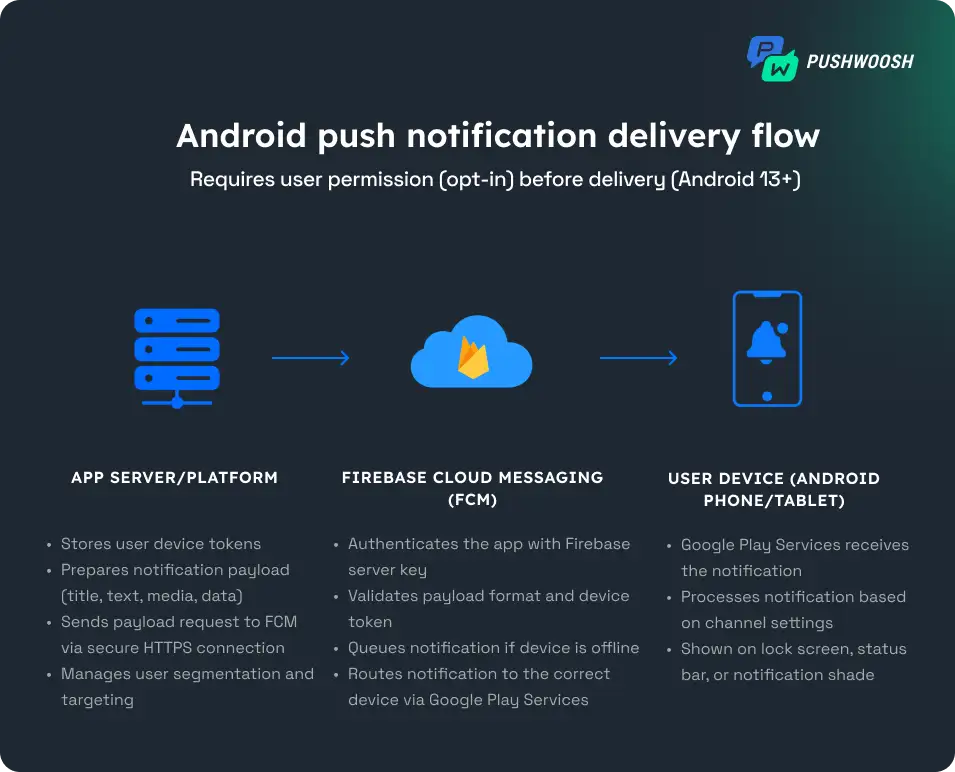
The “push” part is key here. It means the message is being pushed from the app’s servers to your device. Your phone doesn't have to be constantly checking in with every single app to see if there’s anything new. Instead, the app’s servers send that juicy bit of information your way when it’s ready.
So, What Kind of Stuff Do They Push?
Oh, the glorious, the mundane, the downright infuriating… the types of push notifications are as varied as the apps themselves. Let’s break down some of the usual suspects you’ll find populating your notification bar:
- Updates and Alerts: This is the bread and butter of push notifications. Your favorite news app telling you about a breaking story, your banking app warning you about a suspicious transaction, or your calendar app reminding you about that dentist appointment you totally forgot about. These are often the most useful, the ones that genuinely keep you in the loop.
- Social Media Shenanigans: Ah, the social notifications. "So-and-so liked your photo!" "You have 10 new friend requests!" "Someone mentioned you in a comment!" These are designed to pull you back into the digital social sphere, to keep you engaged with likes, comments, and the ever-present fear of missing out (FOMO).
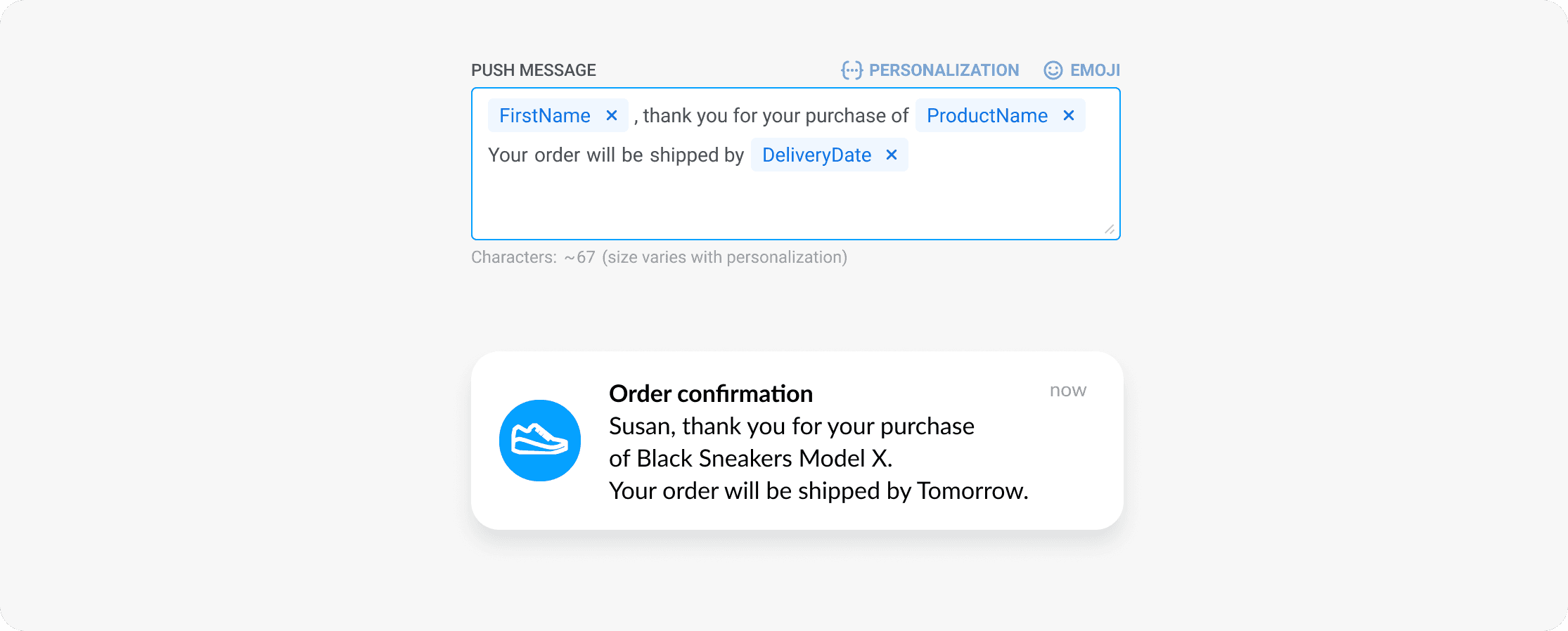
- Promotions and Sales: This is where things can get… aggressive. Your shopping apps gleefully informing you about a flash sale, a discount code just for you, or a reminder that the item you viewed is still in your cart. Sometimes it's a welcome nudge, other times it feels like a digital salesperson is aggressively rattling your virtual doorknob.
- Game-Related Buzz: If you're a gamer, your phone is probably a constant symphony of "Your energy is full!" or "Your clan needs you!" or "Come back and finish that quest!" These notifications are specifically engineered to tap into your gaming habits and encourage you to log back in.
- Productivity and Reminders: Beyond calendar alerts, some apps offer personalized reminders. Maybe it's a fitness app nudging you to get your steps in, or a language learning app urging you to practice your vocabulary for 10 minutes. These can be genuinely helpful for habit formation.
- Personalized Content: Streaming services might tell you a new episode of your favorite show is out, or a music app might recommend a new artist based on your listening history. These are attempts to keep you engaged with their content tailored to your tastes.
See? It’s a whole spectrum, from genuinely helpful to… well, let’s just say ‘enthusiastic.’
Why Do Apps Even Bother Pushing?
This is the million-dollar question, isn’t it? Why do developers invest time and resources into these little digital messages? It boils down to a few key reasons, all centered around one thing: user engagement.
Think about it from the app developer's perspective. They’ve spent months, maybe years, building this amazing app. They want you to use it! They want you to keep coming back. Push notifications are a direct line to your attention, a way to cut through the noise and remind you that their app exists and has something to offer.
It’s a strategy to:
- Increase App Usage: The more you’re reminded of an app, the more likely you are to open it. It’s a simple but effective psychological trick.
- Drive Conversions: For e-commerce apps, those sale notifications can directly lead to purchases. For games, they can lead to in-app purchases.
- Improve User Retention: If an app can consistently provide value or reminders, users are less likely to uninstall it and forget about it.
- Deliver Timely Information: For news, weather, or emergency apps, push notifications are essential for keeping users informed of critical updates.
- Build Brand Loyalty: Regular, relevant communication can help users feel more connected to a brand or service.
Essentially, push notifications are a tool in the app developer’s arsenal to keep you hooked. It’s a symbiotic relationship, in theory. They get your attention, and you get… well, you get the information they think you need or want. Sometimes it’s a win-win. Other times, it’s more like you’re being held hostage by a buzzing rectangle.
The Dark Side (or the Annoying Side) of Push Notifications
Now, before you start thinking I’m just a grumpy old man complaining about technology (though I might be a little), let’s be real. Push notifications can be… a lot. We’ve all experienced the dreaded notification overload. Your phone buzzing and chiming so often it feels like a digital rave is happening in your pocket. You start to tune them out, the signal lost in the noise.
And then there’s the intrusiveness. That 7 AM Saturday notification we talked about? Not ideal. Or when you’re in an important meeting, and your phone suddenly starts serenading the entire room with a game notification. Mortifying, isn’t it?
Let’s not forget the irrelevant notifications. You downloaded a recipe app once, and now it’s sending you daily notifications about "exciting new cake recipes" when you’re trying to eat healthy. Or a game that keeps sending you reminders to play, even though you haven’t touched it in months. It feels… desperate, doesn’t it?
There’s also the privacy aspect to consider. While push notifications themselves aren't usually sending your personal data to the app (they're sending information from the app to you), the content of the notification can sometimes be quite revealing. And if you've given an app broad permissions, who knows what information it's privy to and using to tailor those notifications?
It’s a constant battle between the app’s desire for your attention and your desire for some peace and quiet. It’s a tightrope walk for developers, and for us, it’s a constant exercise in managing our digital environment.
Taking Back Control: Your Android Notification Settings
The good news? You are not powerless in this digital tug-of-war! Android gives you a surprising amount of control over your push notifications. It’s like having a remote control for your phone’s attention span. You just have to know where to find the buttons.
Here’s a quick rundown of how you can tame the notification beast:
- Per-App Settings: This is your first line of defense. Go into your phone’s Settings menu, find “Notifications” or “Apps & notifications,” and then select the individual app. Here, you can usually toggle notifications on or off entirely for that app. Simple and effective!
- Notification Categories: Many apps, especially newer ones, allow you to fine-tune notifications even further. They’ll break down their notifications into categories. For example, a news app might have categories for "Breaking News," "Sports," "Politics," and "Lifestyle." You can then choose to disable specific categories while keeping others. Genius, right?
- Importance Levels: Some apps let you set the "importance" of their notifications. High-importance notifications might make a sound and pop up on your screen, while low-importance ones might just appear silently in your notification shade.
- Do Not Disturb Mode: This is your all-purpose peacekeeper. You can schedule Do Not Disturb mode to automatically activate during certain hours (like, you know, your precious sleep time). You can also choose to allow certain contacts or apps to break through Do Not Disturb if something is truly urgent.
- Notification Channels (Android 8.0 Oreo and later): This is where things get really granular. Notification channels are like sub-categories within an app’s notification system, giving you incredibly precise control over what you see and hear.
Seriously, spend a few minutes exploring these settings. You’ll thank yourself later when your phone isn’t constantly buzzing like an angry bumblebee.
The Future of Push Notifications
So, what’s next for these little digital nudges? Well, they’re not going anywhere. They’re too valuable to app developers. But we’re likely to see them become even more intelligent and personalized.
Think about notifications that are so context-aware they feel like magic. Your navigation app reminding you to leave for an appointment based on real-time traffic, not just a static reminder. Your smart home app alerting you when the laundry is done, because it knows you’re home. Or even notifications that predict what you might need before you even realize it.
There’s also a growing emphasis on user control and transparency. As users become more aware of the potential downsides, app developers will need to be more thoughtful about how and when they push notifications. We might see more apps giving users clearer choices about their notification preferences upfront, rather than burying them deep within settings.
It’s a constant evolution. From the simple "ding" of an SMS message to the sophisticated, AI-powered nudges of tomorrow, push notifications are a fundamental part of our Android experience. They can be incredibly useful, undeniably annoying, and everything in between.
So, the next time your phone buzzes with a notification, take a moment. Is it a helpful alert? A gentle reminder? Or is it another digital elf trying to sell you something you don’t need? You have the power to decide. And sometimes, the best notification is the one you never receive.