How To Use Staging Environment To Test Website Changes

So, you've got a brilliant idea for your website! Maybe you want to add a snazzy new button, change the color of your "Buy Now" button to something that screams "impulse purchase!", or perhaps you're feeling adventurous and want to rearrange the entire homepage. Exciting stuff, right?
But hold on a sec, before you dive headfirst into making those changes live for everyone to see, let's talk about a little secret weapon that makes website updates less like a tightrope walk and more like a leisurely stroll in the park. It's called the staging environment, and trust me, it's your new best friend in the wild world of web development.
Think of your live website as your fancy, award-winning restaurant. It's polished, it's buzzing, and your customers are there, ready to be delighted. Now, imagine you want to try out a brand new, experimental dish that might revolutionize cuisine or, you know, might taste like burnt socks.
Must Read
Would you serve that untested culinary creation to your paying customers on opening night? Of course not! That would be a recipe for disaster (pun intended!). You'd want to whip it up in your test kitchen first, right?
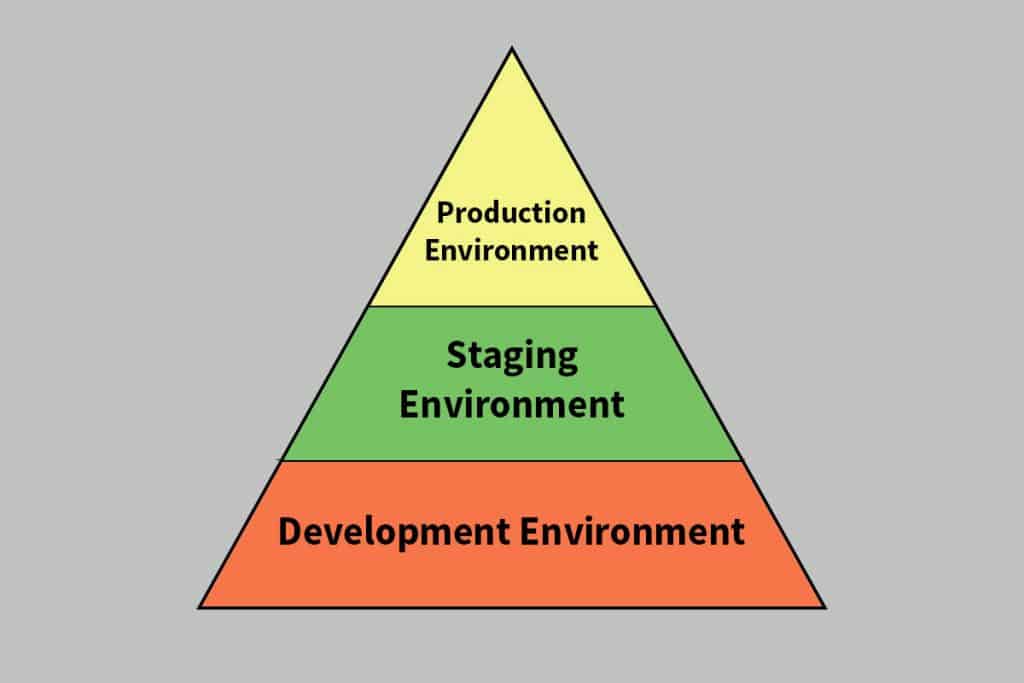
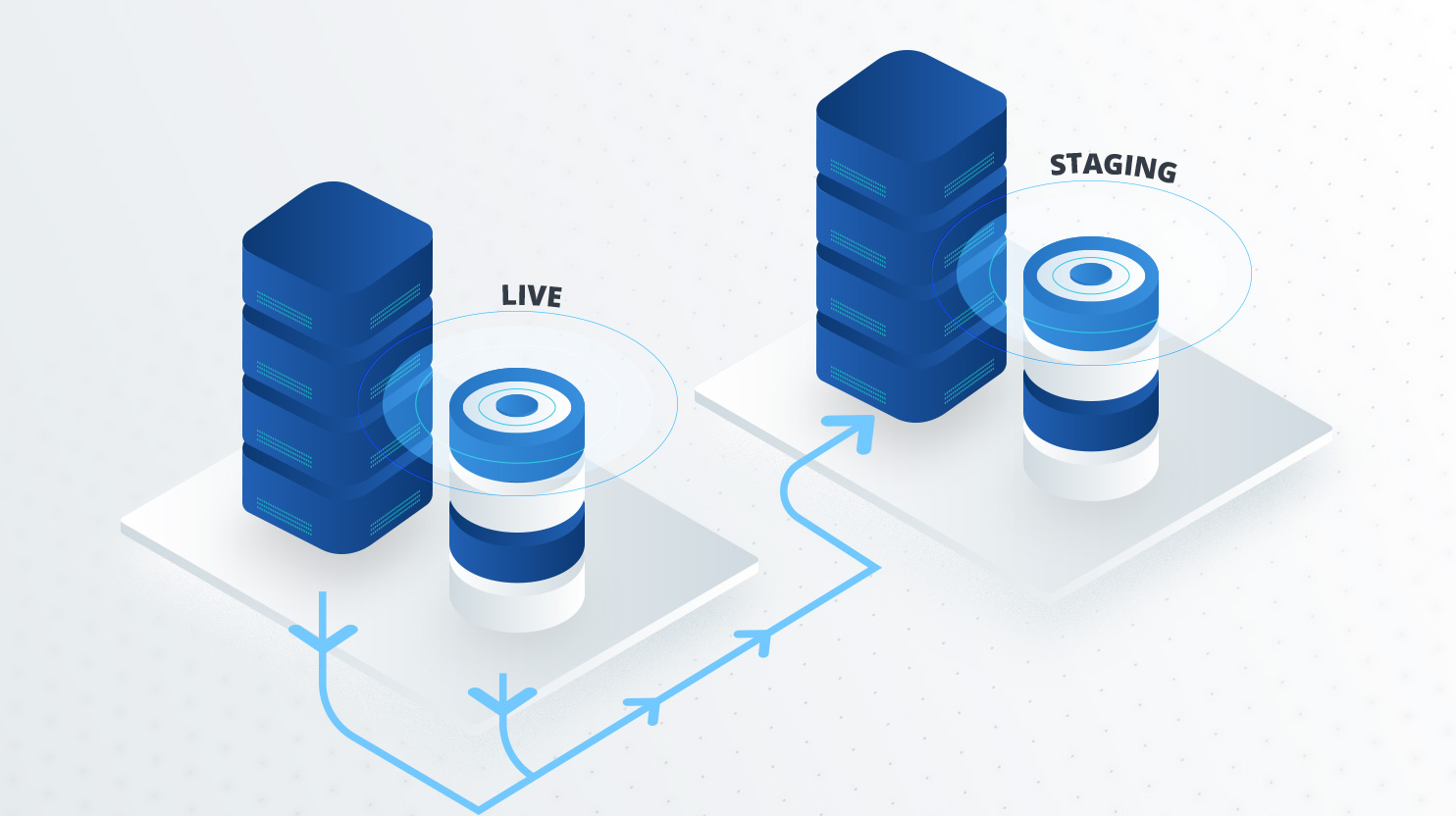
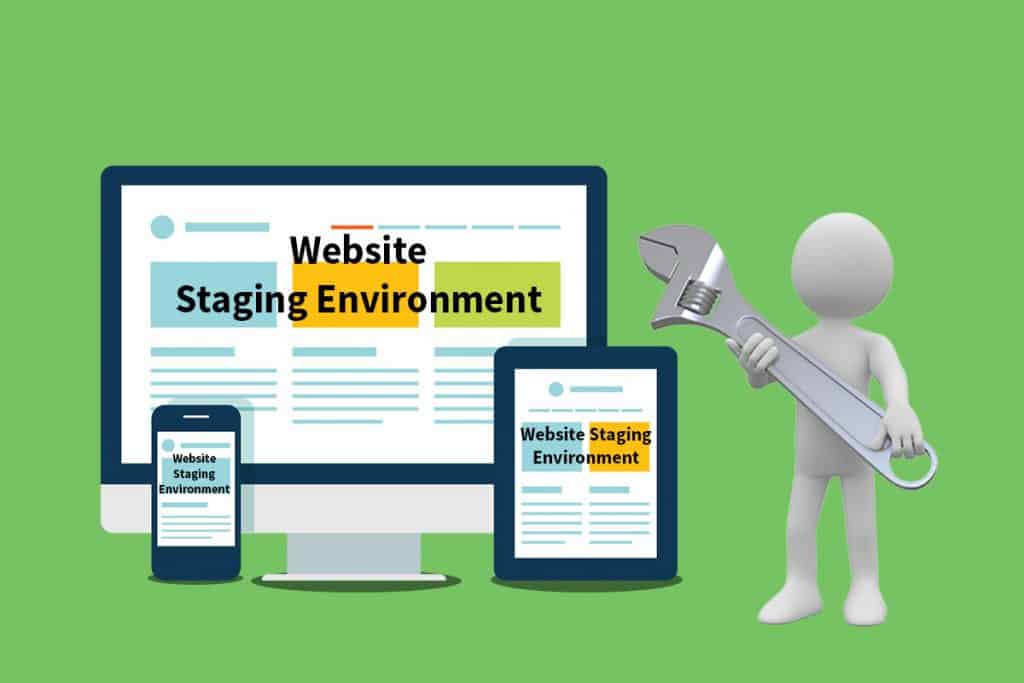
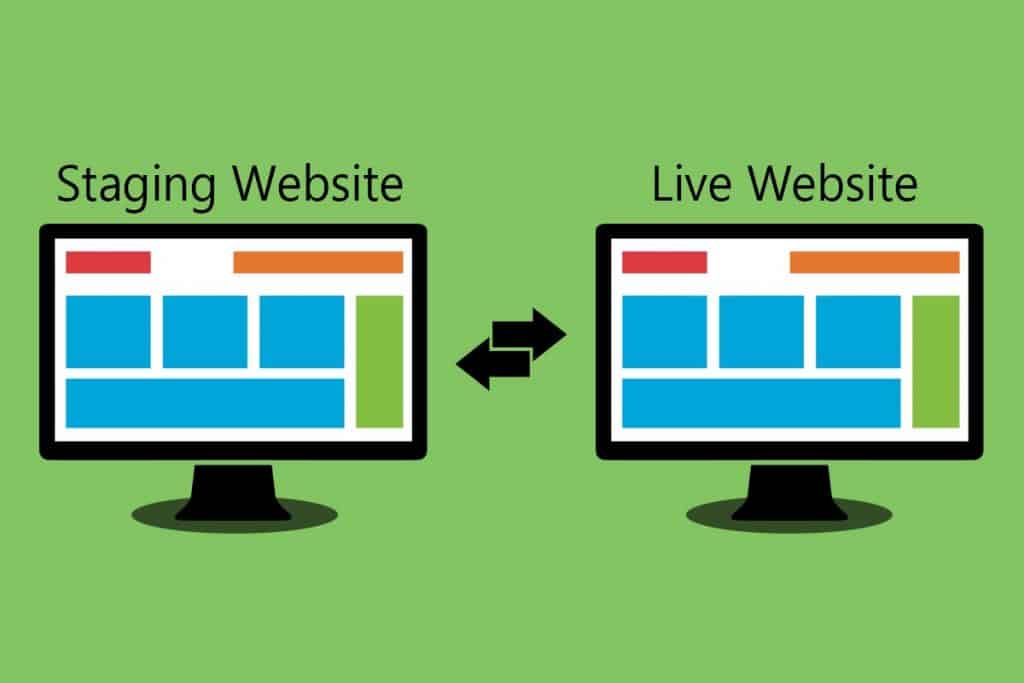
Well, the staging environment is precisely that: your website's very own, super-secret test kitchen. It's a duplicate of your live site, a mirror image, a digital doppelgänger. It’s like having a dress rehearsal for your website’s big performance.
This magical place lets you play around with all your new ideas, tinker with the code, and generally make a glorious mess without any risk of messing up your actual, income-generating, customer-pleasing website. It’s a sandbox for your website dreams!
Why You Absolutely Need a Staging Environment
Let's be honest, accidents happen. Even the most seasoned web wizards can accidentally delete a crucial piece of code, or introduce a bug that makes your "Add to Cart" button suddenly start singing opera in Swedish. It's the digital equivalent of tripping over a power cord during a live TV broadcast.
When you have a staging environment, these little oopsies are contained. They're like tiny, embarrassing stumbles that only you and your team witness. Your customers, on the other hand, continue to enjoy a smooth, uninterrupted experience on your perfect, unblemished live site. It’s like having a safety net made of pure awesome.
Imagine you're about to launch a new feature that lets users upload photos of their cats. Sounds adorable, right? But what if your code has a little hiccup, and instead of displaying cute kitties, it starts showing everyone pictures of grumpy badgers? Your users might not be as amused by badger-based chaos.
On staging, you can upload a million cat pictures, test every angle, and even intentionally try to break it to see where the weaknesses lie. If the badgers do appear, you can banish them from the cat kingdom before they ever see the light of day. Phew!
Furthermore, testing on staging is like giving your website a VIP spa treatment. You can try out new plugins, update your content management system, and even experiment with a completely new design theme without worrying about turning your site into a digital disaster zone. It's all about pampering your pixels!
How to Get Your Hands on a Staging Environment
The good news is, you don't need a secret handshake or a hidden lair to get a staging environment. Many web hosting providers offer them as a standard feature, often for free! It's like buying a car and getting a free, super-powered test drive mode.
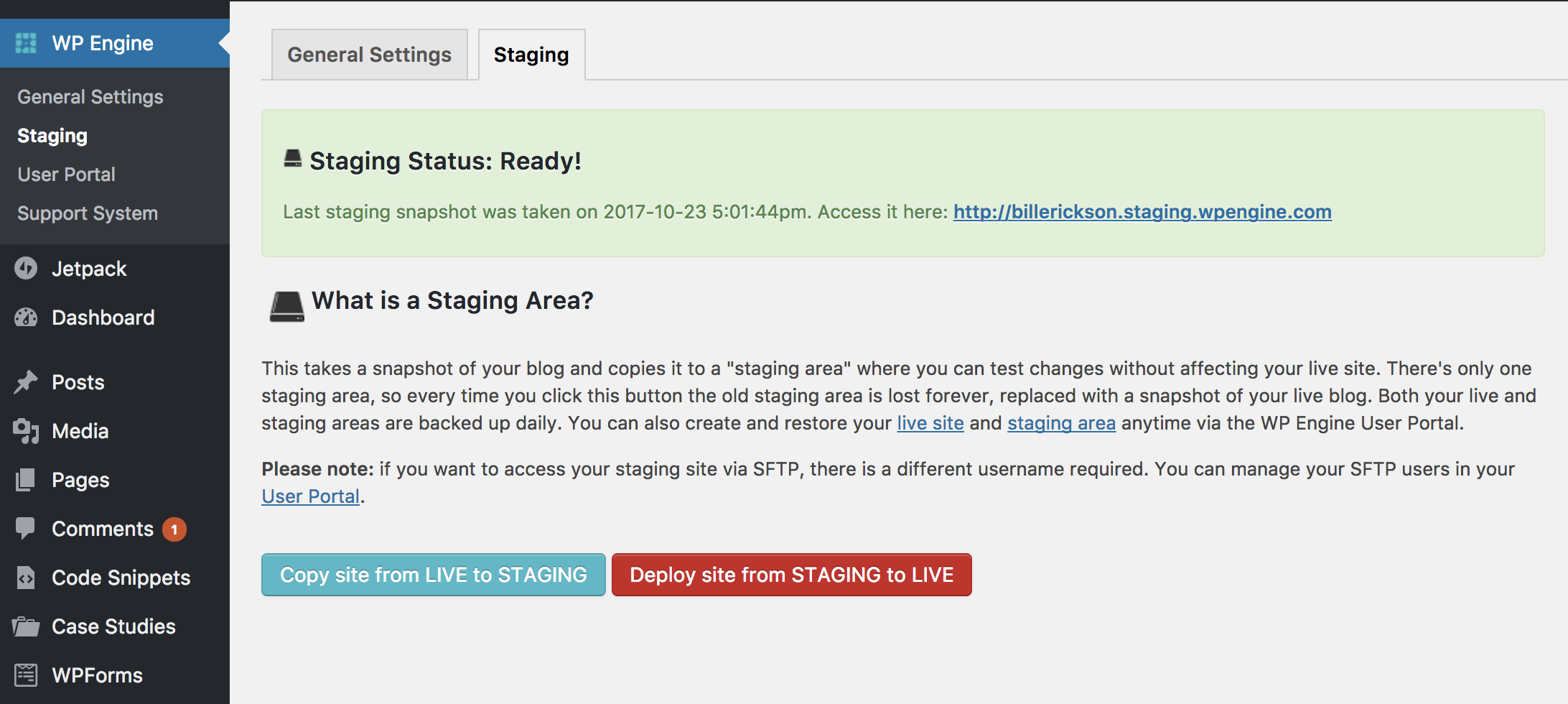
When you sign up for hosting, or even if you already have it, take a peek at your hosting account's dashboard. You'll often find an option that says something like "Create Staging Site," "Staging," or "One-Click Staging." It’s usually pretty straightforward, like ordering pizza online.
If your hosting provider doesn't offer a built-in staging environment (cue dramatic gasp!), don't despair! You can often create one yourself by setting up a subdomain on your server. Think of it as creating a secret annex for your website's operations.
A subdomain is essentially a separate, but connected, part of your website. So, if your live site is myawesomesite.com, your staging site might be staging.myawesomesite.com. It's like having a secret backdoor to your own digital castle.
Your Staging Site is Your Playground!
Once your staging environment is set up, it's time for the fun to begin! This is where you get to be the mad scientist of your website, the daring explorer, the fearless innovator. Don't hold back!
Upload those images, tweak that text, install that shiny new plugin. Click every button, fill out every form, and try to break it in every way you can imagine. It's your chance to discover any gremlins lurking in the digital shadows.
Let's say you're adding a new contact form. On staging, you can test it with your name, your boss's name, a made-up alien name, and even your pet's name. See if it sends emails correctly, check if the validation is working (no accidental alien invasions!), and make sure it looks good on all devices.
You can also use staging to collaborate with your team. If you have designers, developers, or content creators working with you, they can all access and test the changes on this separate environment. It’s like a collaborative brainstorming session for your website’s future, but with actual testing!
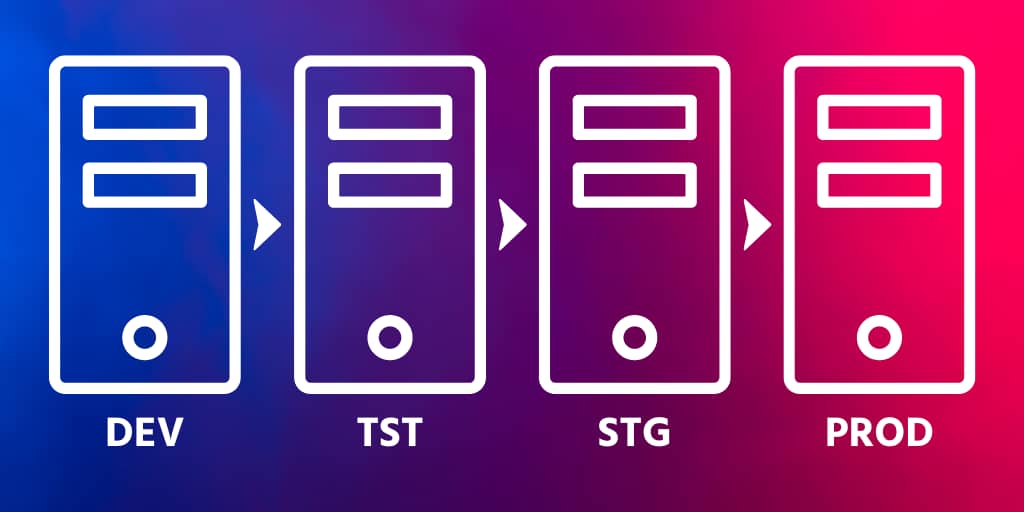
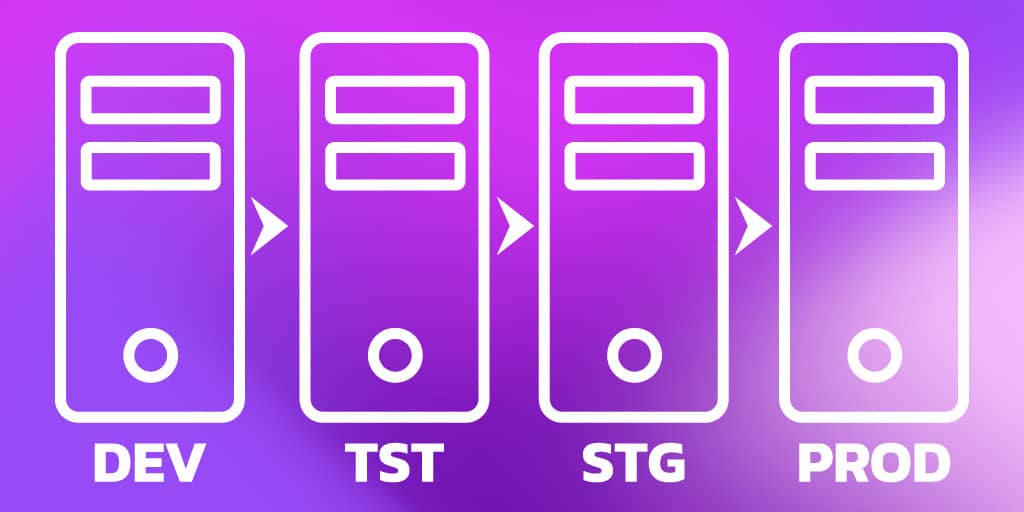
Think of it as a rigorous quality control check. You wouldn't buy a car without test driving it, would you? Similarly, you shouldn't launch website changes without giving them a thorough run-through on staging.
The Grand Finale: Moving Your Changes Live
After you've thoroughly tested everything on your staging environment, and you're absolutely, positively, 100% sure that your brilliant new feature or design tweak is flawless, it's time for the big move. This is the moment of truth, the triumphant transition!
Most hosting providers make this part incredibly easy. There’s usually a button that says "Deploy to Live," "Push to Production," or something equally exciting. With a single click, all those wonderful changes you tested so diligently on staging will appear on your live website for the whole world to admire.
It's like a chef plating their masterpiece after perfecting it in the kitchen. The applause from your delighted customers (and your bank account!) will be your reward. No more last-minute panic, no more frantic "undo" button mashing.
So, embrace the staging environment! Treat it like the invaluable tool it is. It's your safety net, your test kitchen, your playground, and ultimately, your path to a smoother, more successful, and much less stressful website update process. Happy testing!