How To Turn Off A Ring Doorbell

Hey there, tech-savvy homeowner (or maybe just someone who's had enough of notifications for one day)! So, you've got one of those fancy Ring doorbells, huh? They're pretty neat, I'll give 'em that. Keeping an eye on your porch, deterring package thieves, and letting you know when your Aunt Mildred decides to drop by unannounced at 7 AM. All very useful stuff. But what happens when you've had enough? Maybe you're having a cozy movie night, and the doorbell keeps chiming every time a leaf falls off the oak tree. Or perhaps you're just trying to enjoy a quiet afternoon, and the doorbell's enthusiasm for every passing squirrel is starting to grate on your last nerve. Whatever the reason, you've landed here, probably with a slight furrow in your brow, wondering, "How do I just… turn this thing off?"
Don't worry, my friend, you're not alone. It's not like there's a giant, obvious "OFF" button plastered on the front of your Ring. If only life were that simple, right? But fear not, for I am here to guide you through the slightly less intuitive, but still totally manageable, process of silencing your Ring doorbell. Think of me as your friendly neighborhood tech whisperer, here to rescue you from the digital tyranny of constant alerts.
The "Why" Behind the "How" (A Quick Peek)
Before we dive headfirst into the "how-to," let's just briefly touch on the "why." Most of the time, you'll want your Ring to be on and alert. It's its primary job, after all! But sometimes, life throws curveballs. You might be:
Must Read
- Having a party and don't want the doorbell to interrupt every toast.
- Moving and need to disconnect it temporarily.
- Experiencing technical glitches and need a fresh start.
- Just craving a little peace and quiet. (Totally valid!)
Whatever your motivation, the key is to understand that "turning off" a Ring isn't always a simple flick of a switch. It often involves a combination of steps, and depending on your specific Ring model and how it's powered, the exact method might vary slightly. But the core principles remain the same. We're going to explore the main ways to achieve doorbell silence, from the super-easy to the slightly-more-involved.
Method 1: The "App-solutely Easiest" Way (For Most Ring Doorbells)
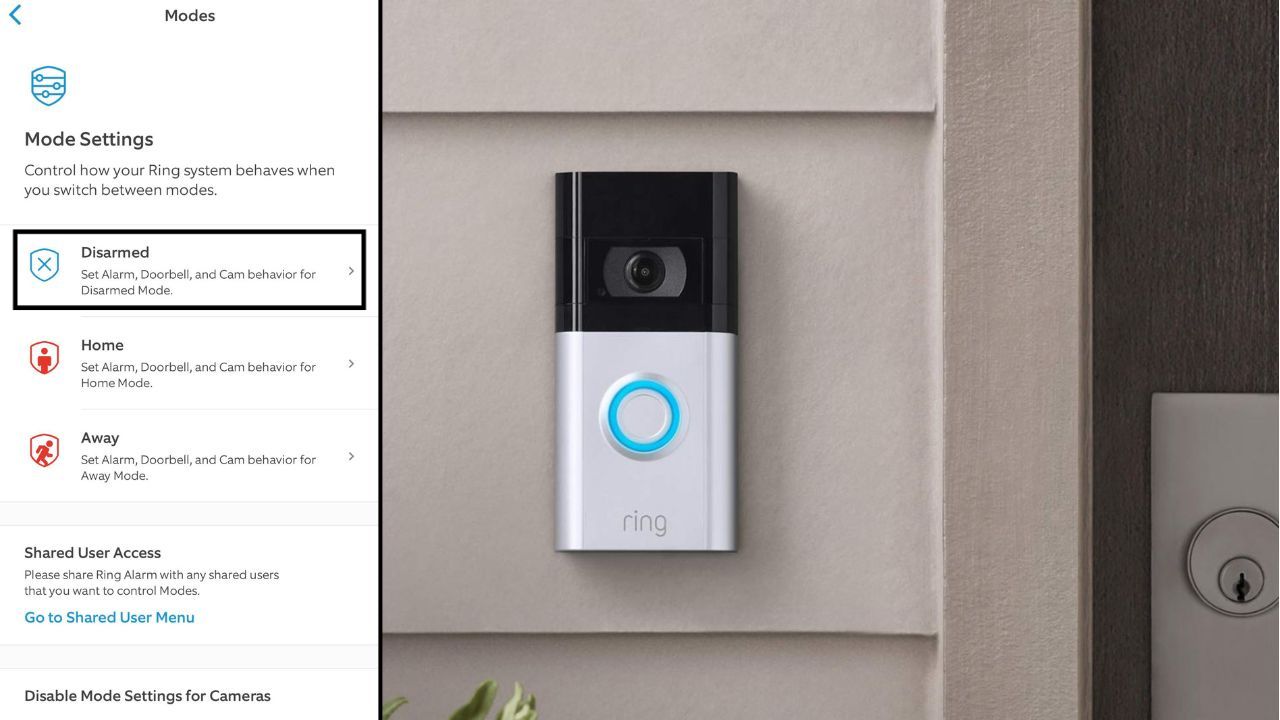
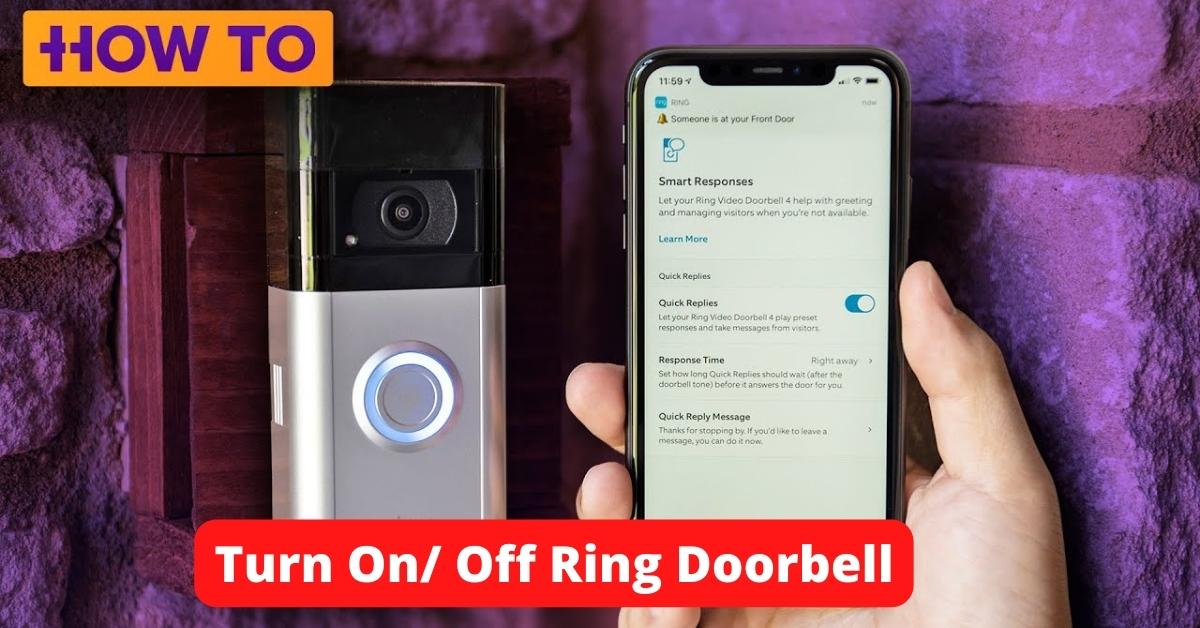
Okay, this is usually your go-to, your first port of call, the path of least resistance. If your Ring doorbell is connected to your Wi-Fi and you've got the Ring app on your phone or tablet, you're in luck! This is where the magic happens. Most modern Ring doorbells are designed to be managed primarily through their dedicated app. Think of the app as the Ring's brain, and you're the one holding the remote control.
First things first, make sure you have the Ring app downloaded and that you're logged into your account. If you haven't set it up yet, well, that's a whole other adventure, but let's assume you've got it humming. Open up that app. You should see your Ring devices listed there, likely with a little green dot if they're online and a red dot if they're having a nap. Tap on the specific Ring doorbell you want to silence. This will take you to its device dashboard.

Now, look for the settings. This is usually represented by a gear icon (⚙️). Tap that. Within the settings menu, you'll find a whole host of options. We're looking for something that relates to notifications or alerts. The exact wording might differ slightly between Ring models, but generally, you'll want to find something like "Notification Settings" or "Motion Settings" or even a dedicated "Do Not Disturb" mode. Some of the newer models even have a dedicated "Do Not Disturb" feature that's super convenient. If you see that, you're golden! Just toggle it on, and voilà, peace will descend.
If you don't see a specific "Do Not Disturb" button, don't despair! You can often achieve a similar effect by adjusting the motion detection settings. You can typically set the motion detection zones to be very small or even turn them off entirely. This means the Ring won't "see" anything moving, and therefore, it won't trigger a notification. You can also adjust the sensitivity. If it's too sensitive, a passing butterfly might set it off. Lowering the sensitivity can help, but turning it off completely is the surest way to silence it via motion detection. Another option within the notification settings is to simply disable all alerts. This is usually a checkbox or a toggle that says something like "Enable Motion Alerts" or "Enable Ring Alerts." Untick or toggle that off, and your Ring will stop buzzing your phone.
Pro-tip: Remember to set a reminder to turn these notifications back on later! You don't want to miss a genuine delivery because you forgot your Ring was on silent. Apps are great for this. Most apps let you schedule when notifications are on or off. So, set it and forget it, but also remember to unforget it later!
Method 2: The "Hard Reboot" (When Apps Are Being Moody)
Sometimes, technology decides to be a bit… temperamental. The app might not be connecting properly, or you just want to be absolutely sure it's offline. This is where you might need to resort to a slightly more hands-on approach. For many Ring doorbells, especially the wired ones, the power comes directly from your home's electrical system.
Important safety note here, folks: If you're not comfortable with basic electrical components or feel unsure, please skip this step and stick to the app. We're not trying to turn your doorbell into a science experiment gone wrong! For those who are comfortable, the most direct way to cut power to your Ring doorbell is usually at the circuit breaker. Think of your circuit breaker box as the main control panel for your home's electricity. You'll need to identify the breaker that controls your doorbell or entryway lights.
Now, how do you find the right breaker? If your breaker box is well-labeled, this should be a breeze. Look for labels like "Doorbell," "Entryway Lights," "Porch Lights," or even a general "Outdoor Lighting" label. If it's not clearly labeled, you might have to do a bit of detective work. You can try turning off breakers one by one and then checking if your Ring doorbell is offline in the app or if its indicator light has gone out.
Once you've identified the correct breaker, simply flip it to the "OFF" position. This will cut all power to the doorbell. To confirm it's off, you can check the app again. The Ring device should now show as "Offline." If you want to turn it back on, you'll simply flip that same breaker back to the "ON" position. Easy peasy, lemon squeezy!
A word to the wise: Be mindful of what else might be on that circuit. Turning off the breaker might also affect other lights or devices. So, this method is best for when you want a complete and utter shutdown for a period of time.

Method 3: The "Battery Boost" (For the Cordless Crew)
If you've got a Ring doorbell that runs on a removable battery pack, you've got a secret weapon for silencing it! This is arguably the simplest way to achieve temporary silence, no app required. Most battery-powered Ring doorbells have a battery pack that you can easily slide out or detach.
Locate your Ring doorbell. You'll usually find a small release mechanism, often a button or a lever, on the bottom or side of the device. You might need a special tool (sometimes included with the Ring) or even a small screwdriver to press this release. Once you press it, the battery pack should pop out or become loose enough to pull out. Gently remove the battery pack. And just like that, your Ring doorbell is powerless and silent!
To get it back online and chirping, simply reinsert the battery pack. Make sure it clicks securely into place. The Ring should then power back up. If you're planning on being away for an extended period, this is a great way to conserve battery life and avoid unnecessary notifications. Just remember where you put that battery pack!
Pro-tip: If you have a spare battery pack, you can swap them out easily without having to wait for a recharge. This is a lifesaver when you need your Ring to be operational again quickly!

Method 4: The "Unplug and Pray" (For the Plug-In Models)
Some Ring doorbells are plugged into an indoor outlet, often using a transformer. If yours is one of these, then the "turning off" process is as simple as unplugging it. This is pretty straightforward. Just locate the power adapter and pull it out of the wall socket. Easy, right? If it's wired into a transformer that's part of your home's wiring, then you'd be back to the circuit breaker method we discussed earlier.
Just a friendly reminder: When unplugging, make sure you're not yanking on the cord itself. Grip the plug firmly and pull it straight out of the outlet. We want to avoid any frayed wires or damaged outlets, and that would just add more problems to our quest for silence.
A Few Extra Pointers to Keep You Smiling
Okay, so we've covered the main ways to turn off your Ring doorbell. But here are a few extra tidbits that might make your journey even smoother:
- Know Your Model: Ring has a whole family of doorbells! Some are wired, some are battery-powered, some are camera-only, some chime inside your house. Knowing which one you have is key to choosing the right method. A quick peek at Ring's website or your original packaging can help if you're unsure.
- Temporary vs. Permanent: Most of these methods are for temporary deactivation. If you're looking to permanently remove your Ring doorbell (maybe you're moving or just don't want it anymore), the process is a bit different and usually involves unmounting it and then potentially deleting it from your Ring account via the app.
- Troubleshooting: If you try to turn it off and it's still acting up, don't hesitate to consult Ring's official support pages or their customer service. They're there to help!
And there you have it! You've conquered the Ring doorbell. You've wrestled with notifications, navigated through apps, and perhaps even tamed a circuit breaker. You've successfully achieved that sweet, sweet silence. So go forth and enjoy your quiet moments, your uninterrupted movies, your peaceful afternoons. You've earned it. And remember, the world of technology is always evolving, but with a little know-how, you can be the master of your domain, even when it comes to those little camera eyes at your front door. Now go relax and enjoy the tranquility. You've got this!