How To Set Up Google Alert
Let's be honest. Sometimes, the internet feels like a giant, bustling party. Everyone's talking, sharing, and generally making noise. And you? You're just trying to find out what's happening with that one thing you're obsessed with.
Maybe it's your name. Maybe it's your favorite obscure band. Or perhaps it's that hilariously bad reality TV show you secretly binge-watch. Whatever it is, you want to know when someone else mentions it. You want to be the first to know.
This is where our little digital helper comes in. Think of it as your personal internet bloodhound. It sniffs out mentions of your chosen topic across the vast expanse of the web. And it does it without you having to lift a finger. Well, almost.
Must Read
The Secret Weapon
This marvelous, almost magical tool is called Google Alert. Yes, that's right. Google, the same company that helps you find that amazing recipe for chocolate chip cookies at 2 AM. They also offer this little gem.
And the best part? It’s completely free. Like, actually free. No hidden fees. No secret subscriptions. Just pure, unadulterated internet monitoring. It’s so good, you’d think they’d charge for it. But they don’t. Which, frankly, is a bit suspicious. But we won’t dwell on that.
Getting Started: The Adventure Begins
So, how do we unleash this digital detective? It's not exactly rocket science. Although, if you were setting up a rocket, I imagine the process would be similar. Lots of clicking, some typing, and a hopeful prayer.
First things first, you need to navigate to the Google Alerts website. Just type that into your search bar. It should be the first thing that pops up. If not, well, maybe your internet connection is having a moment. Give it a little nudge.
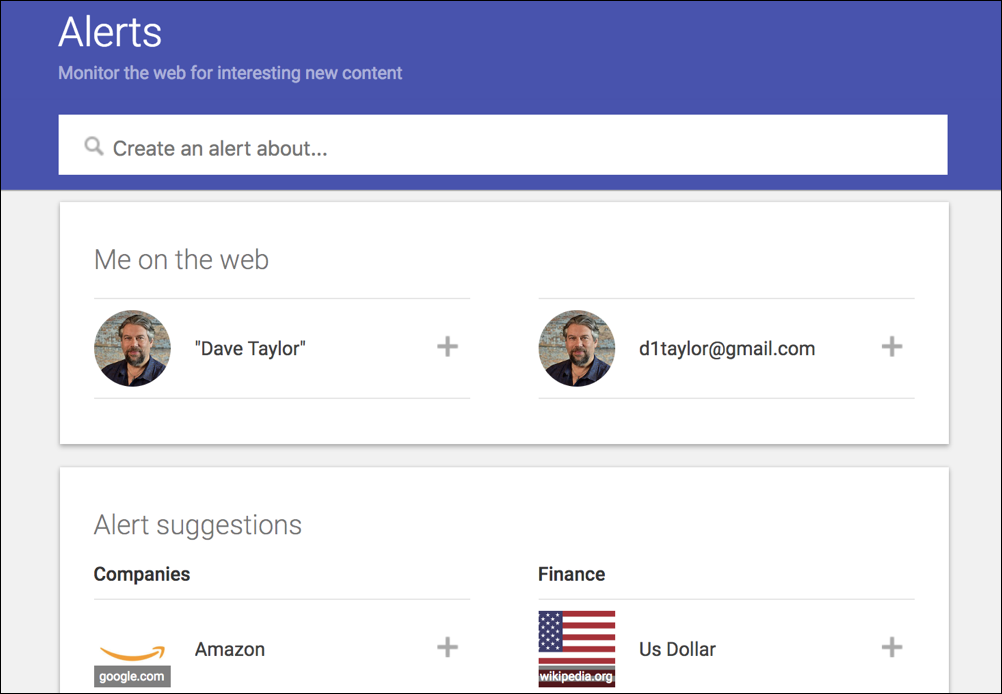
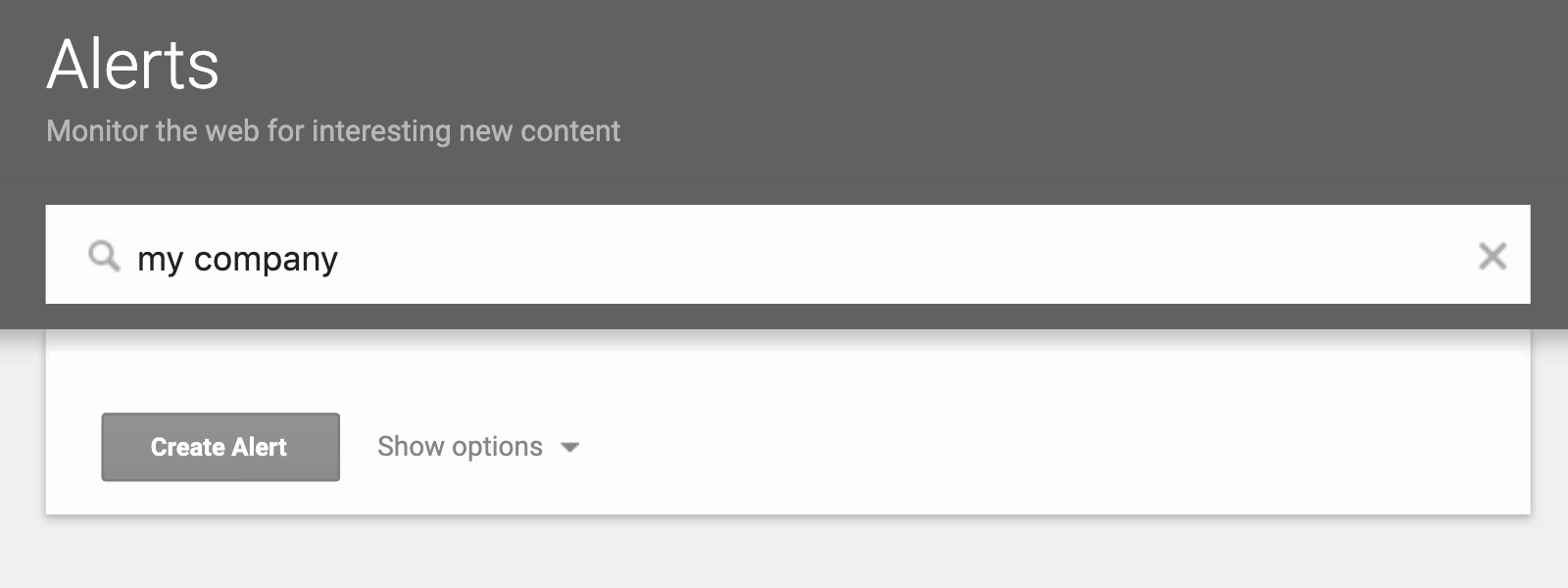
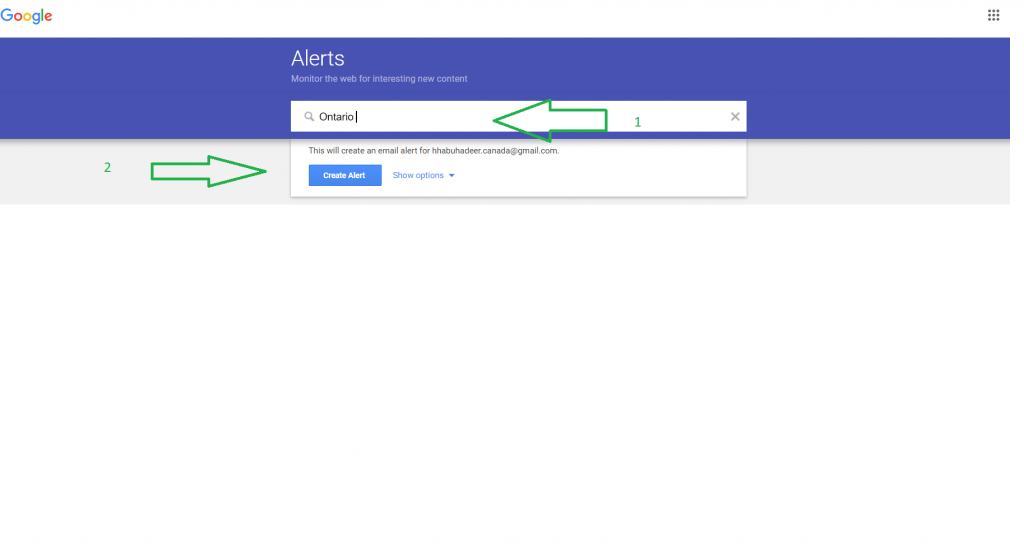
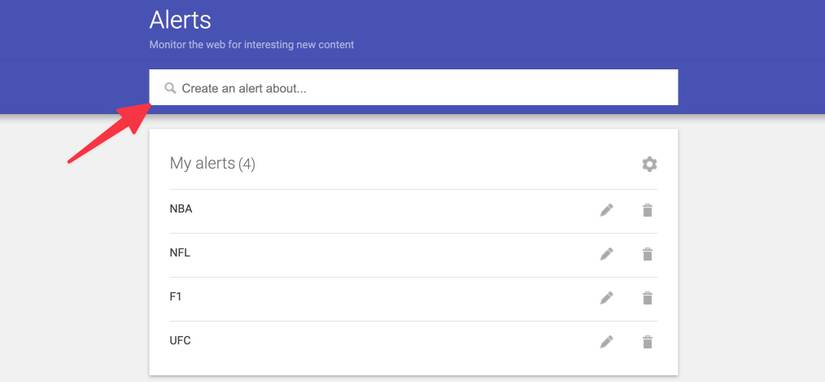
Once you’re on the page, you’ll see a prominent search bar. It’s probably begging you to type something into it. Don't be shy. This is your moment.
Now, what do you want to track? This is where you get to be a little bit whimsical. Think about what makes your heart sing. Or what makes you want to rage-quit the internet.
For example, if your name is Bartholomew Higgins, and you’re convinced you’re destined for greatness, you might type in “Bartholomew Higgins”. Just in case someone is writing your biography.
Or, if you have a passion for the peculiar, perhaps you’re tracking “talking parrots who sing opera”. You never know what’s out there! The internet is a strange and wonderful place.
After you’ve typed in your chosen phrase, you’ll notice a button that says “Create Alert.” It’s usually right next to the search bar. It’s a call to action, a digital handshake. Go ahead and press it.
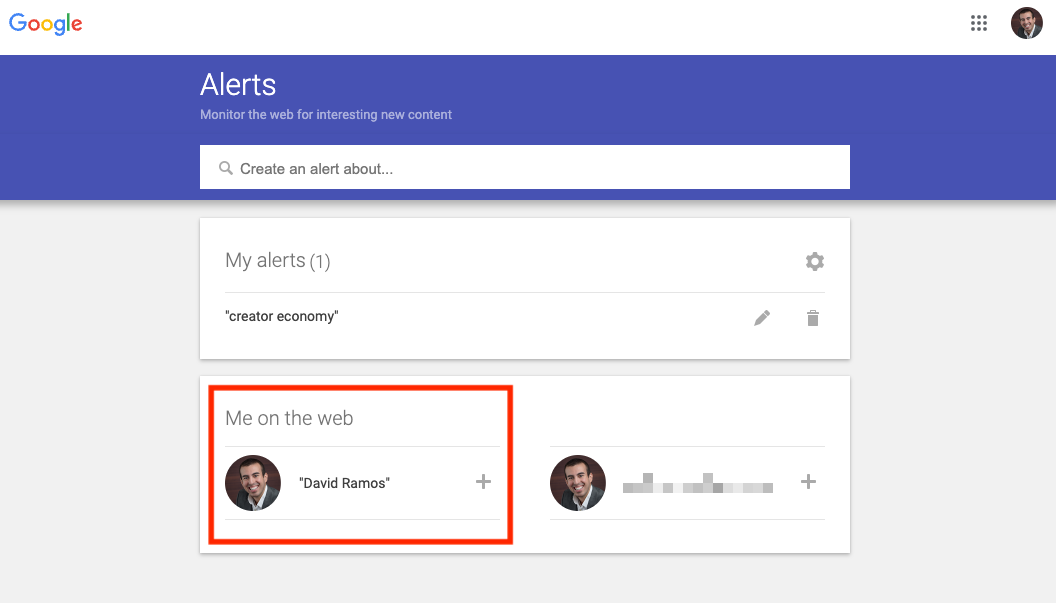
The Nitty-Gritty: Customizing Your Hunt
But wait, there's more! Google Alerts isn't just a one-trick pony. You can actually fine-tune your alert. Think of it as training your bloodhound. You don’t want it chasing every squirrel, right?
Below the main search bar, you’ll see options. These are your customization station. The first one is usually “Show results for.” This lets you choose if you want exact matches or broader terms.
For instance, if you’re looking for mentions of your favorite band, “The Groovy Gophers,” you might want to select “as exact phrase.” This way, you won’t get alerts for articles about actual grooving gophers. Though, that might be interesting too.
Then there’s “How often.” This is crucial. Do you want to know instantly when something new pops up? Or is a daily digest fine? Or even a weekly summary?
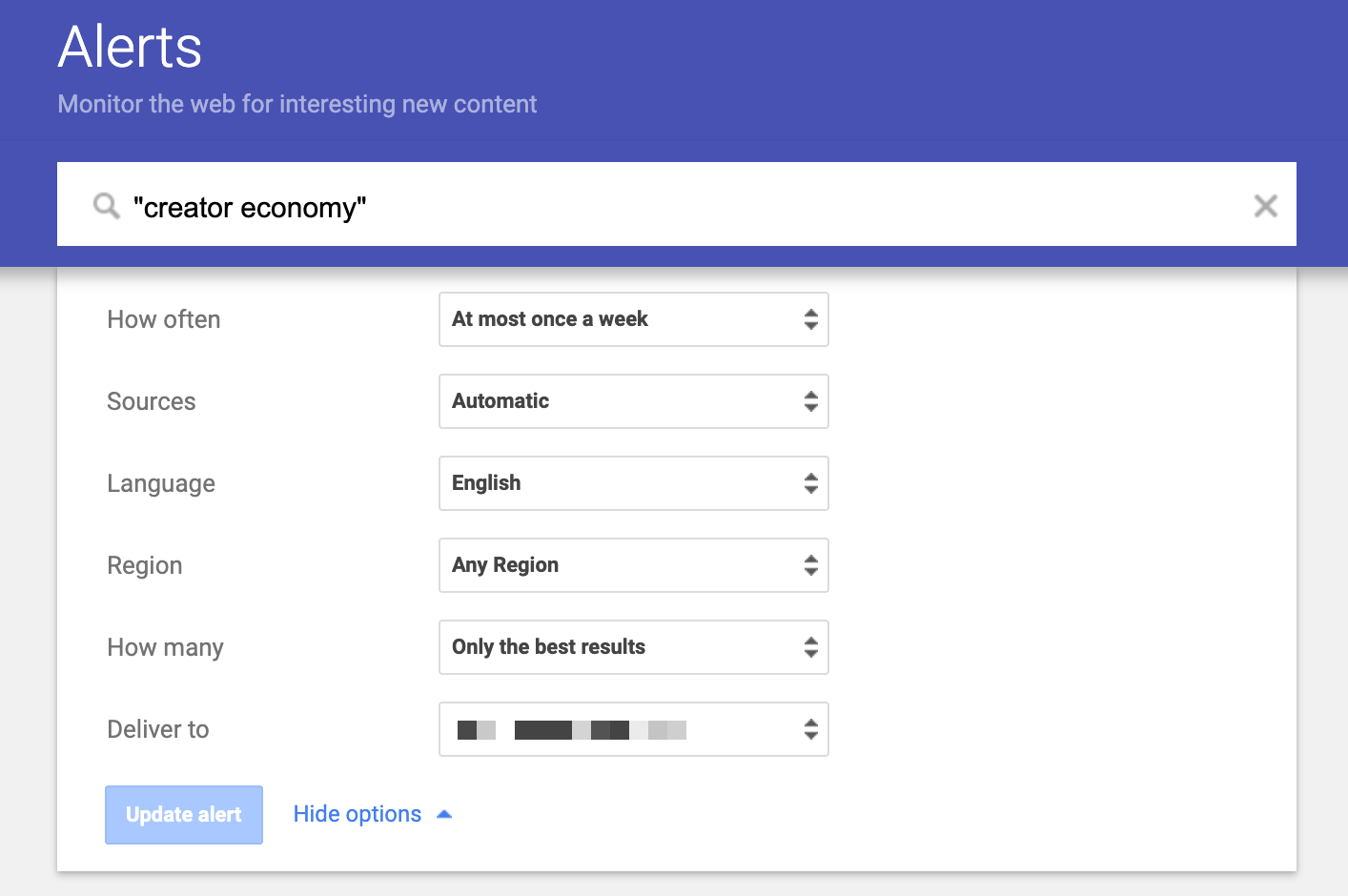
I personally prefer “once a day.” It’s less overwhelming. I have enough emails as it is, thank you very much. Plus, it gives me something to look forward to during my morning coffee ritual.
Next up is “Sources.” Do you want to scan the entire internet? Or are you only interested in news articles? Or maybe blogs?
For most things, keeping it on “anywhere” is probably your best bet. It’s the most comprehensive. But if you’re a serious academic, you might want to narrow it down. Or if you’re a conspiracy theorist. Then maybe you only want fringe websites.
Following that is “Language.” This is pretty self-explanatory. Unless you’re fluent in fifty languages and want to track your name globally. Then, kudos to you.
And finally, “Region.” Are you only interested in what’s happening in your neighborhood? Or your country? Or are you a global citizen keeping tabs on everything?

The Magic of Delivery
Once you’ve tweaked all these settings, you’ll want to hit that “Create Alert” button again. And voilà! Your alert is set. You'll receive an email when new results are found. It's like getting a little present in your inbox.
You can create as many alerts as you want. For your name, for your dog’s name, for that embarrassing nickname your aunt gave you. The possibilities are endless.
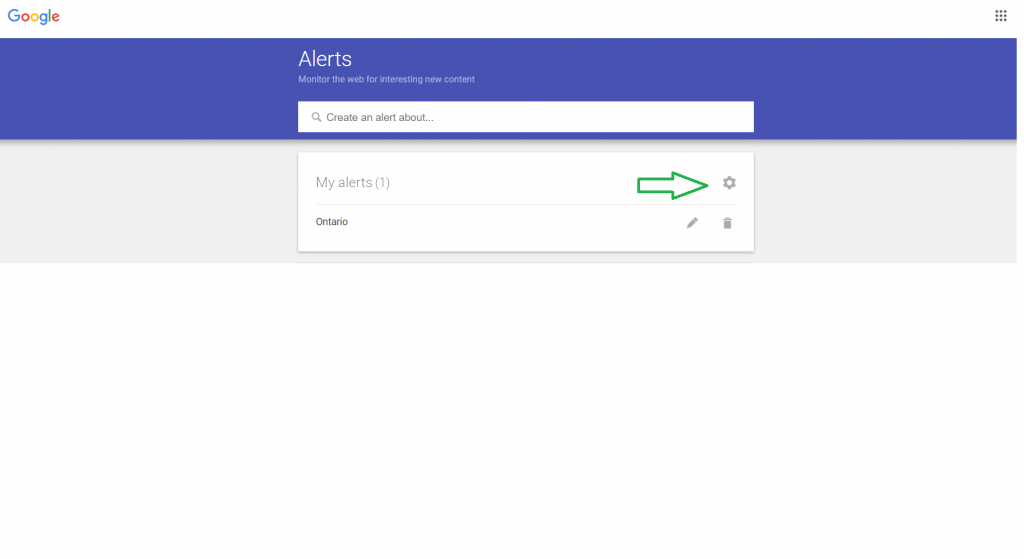
You can manage your alerts from the same Google Alerts page. You can edit them, pause them, or delete them if your obsession has waned. It’s all very user-friendly.
So, go forth! Set up your alerts. Become the most informed person you know about your chosen niche. And don’t be surprised if you find yourself checking your email with a little more anticipation. It’s the small joys in life, right?
Now, if you'll excuse me, I have to go set up an alert for “people who are still using dial-up internet.” I just have so many questions.