How To Make Your Tv A Smart
Let's face it, we all love our TVs. They're the centerpiece of movie nights, the source of endless entertainment, and sometimes, even our trusty companions during a quiet evening. But what if your trusty TV could do more? What if it could stream your favorite shows instantly, browse the web, play games, and connect you to a whole universe of apps? That's the magic of making your TV smart, and it's surprisingly easy and incredibly fun!
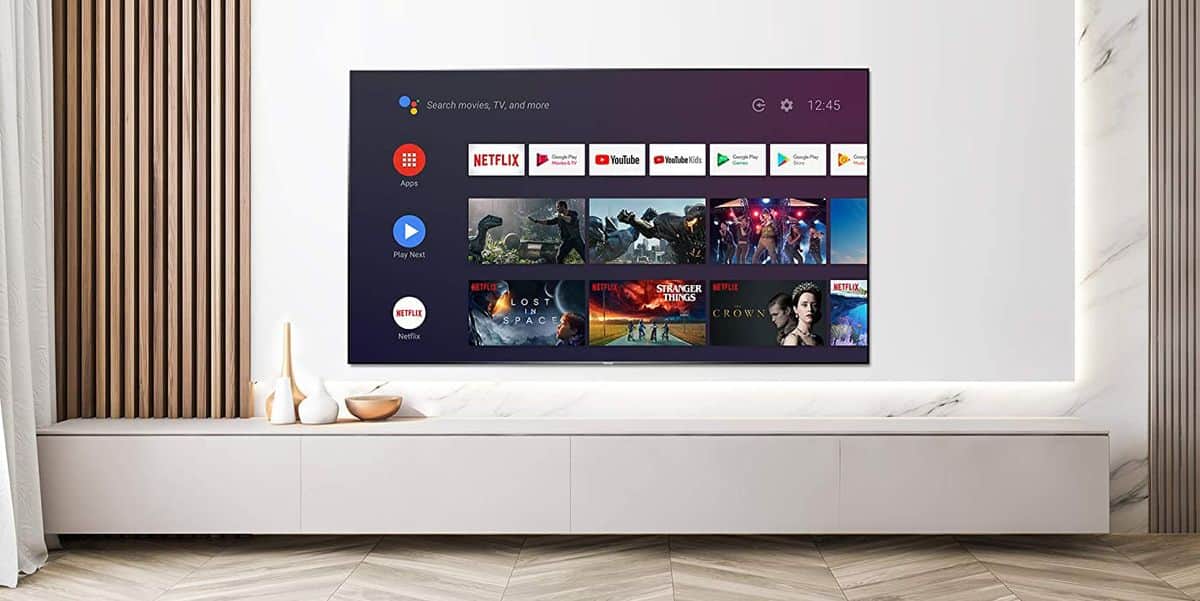
Think of it this way: your current TV might be like a classic car – reliable and gets you from A to B. Making it smart is like giving it a brand-new, super-powered engine and all the modern gadgets. The purpose is simple: unleash a world of entertainment beyond just what you can catch on regular channels. For beginners, it means effortless access to popular streaming services like Netflix, Hulu, and Disney+. No more juggling devices or complex setups! For families, it opens up a treasure trove of educational apps for the kids, fun games for everyone to play together, and easy ways to share photos and videos. And for the hobbyists out there, imagine being able to stream tutorials for your latest DIY project, follow live sports events with all the stats at your fingertips, or even dive into virtual reality experiences (with the right accessories!).
There are a few ways to achieve this TV transformation, each with its own charm. The most popular method is using a streaming device. Think of these as little magic boxes or sticks that plug into your TV's HDMI port. Popular examples include the Amazon Fire TV Stick, the Google Chromecast with Google TV, and the Roku Streaming Stick. Each offers a slightly different interface and a vast library of apps, so you can pick the one that best suits your style. Some smart TVs also come with built-in "smart" features, but if yours doesn't, these external devices are your secret weapon.
Must Read
So, how do you get started? It’s really quite straightforward! First, identify your TV's HDMI ports. You'll need at least one free. Next, decide which streaming device appeals to you most. A quick online search or a chat with a tech-savvy friend can help you choose. Once you have your device, the setup is usually as simple as plugging it in, connecting it to your Wi-Fi network, and following the on-screen prompts. You might need to create an account for the device itself and then log in to your favorite streaming service accounts. It's a process that most people can complete in under 15 minutes!
Making your TV smart is not just about convenience; it’s about enriching your entertainment experience. It’s about having more choice, more fun, and more ways to connect with the content you love. So go ahead, give your TV a brain upgrade – you might be surprised at how much more enjoyable your screen time becomes!