How Push Notification Works In Android

Ever wondered how those little pop-up messages magically appear on your Android phone, telling you about a new email, a friend's message, or a breaking news alert? It’s like a secret handshake between your phone and the apps you use, and understanding it is surprisingly fun and useful! Think of it as a way for your favorite apps to gently tap you on the shoulder when something important or interesting happens, without you having to constantly open them up and check.
The main purpose of a push notification is to deliver timely information from an app to you, even when the app isn't actively running in the foreground. This offers a bunch of fantastic benefits. For starters, it keeps you informed without being intrusive. You don't need to keep switching between apps to see if you've missed anything. It’s all about efficiency and staying connected to what matters to you. Plus, it can make your digital life feel a lot more personalized, as you receive updates tailored to your interests and activities.
Let's look at some everyday examples. In education, imagine a school app sending a push notification about a change in schedule or a new assignment. Or perhaps a language learning app reminding you it's time for your daily vocabulary practice. In our daily lives, the possibilities are endless! Think of your banking app alerting you to a suspicious transaction, your favorite online store notifying you about a flash sale, or your fitness app cheering you on to reach your daily step goal. Even social media apps use them to let you know when someone has liked your post or commented on your photo. They’re the unsung heroes of our connected world, making sure we don’t miss out.
Must Read
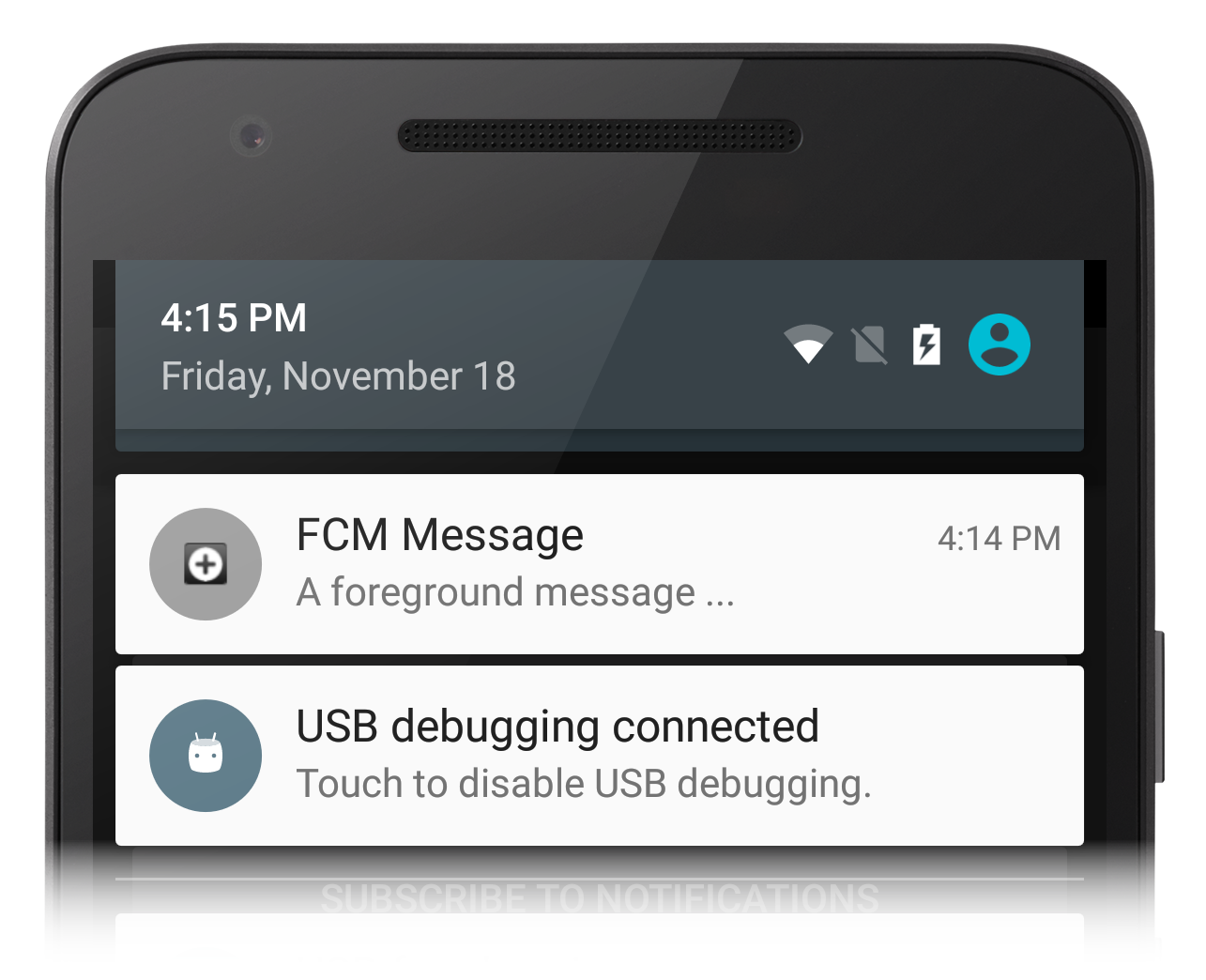
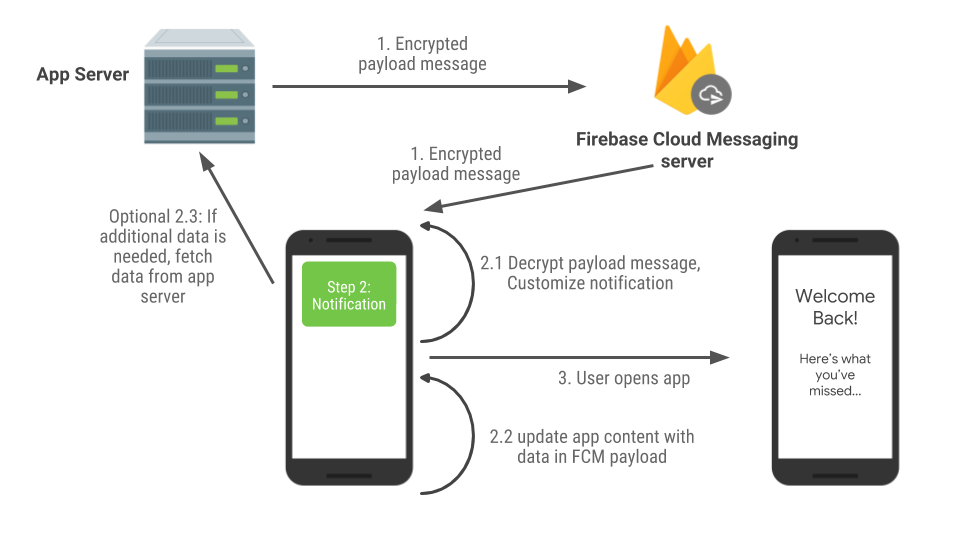
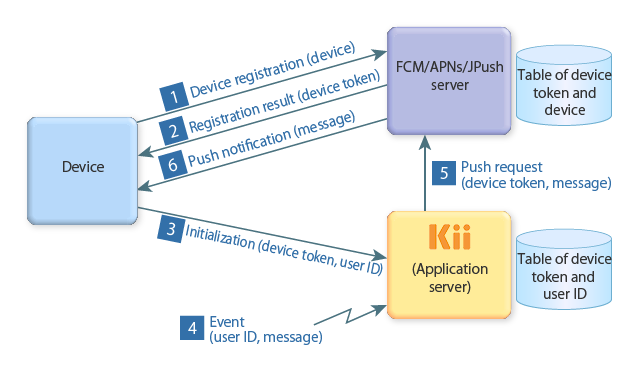
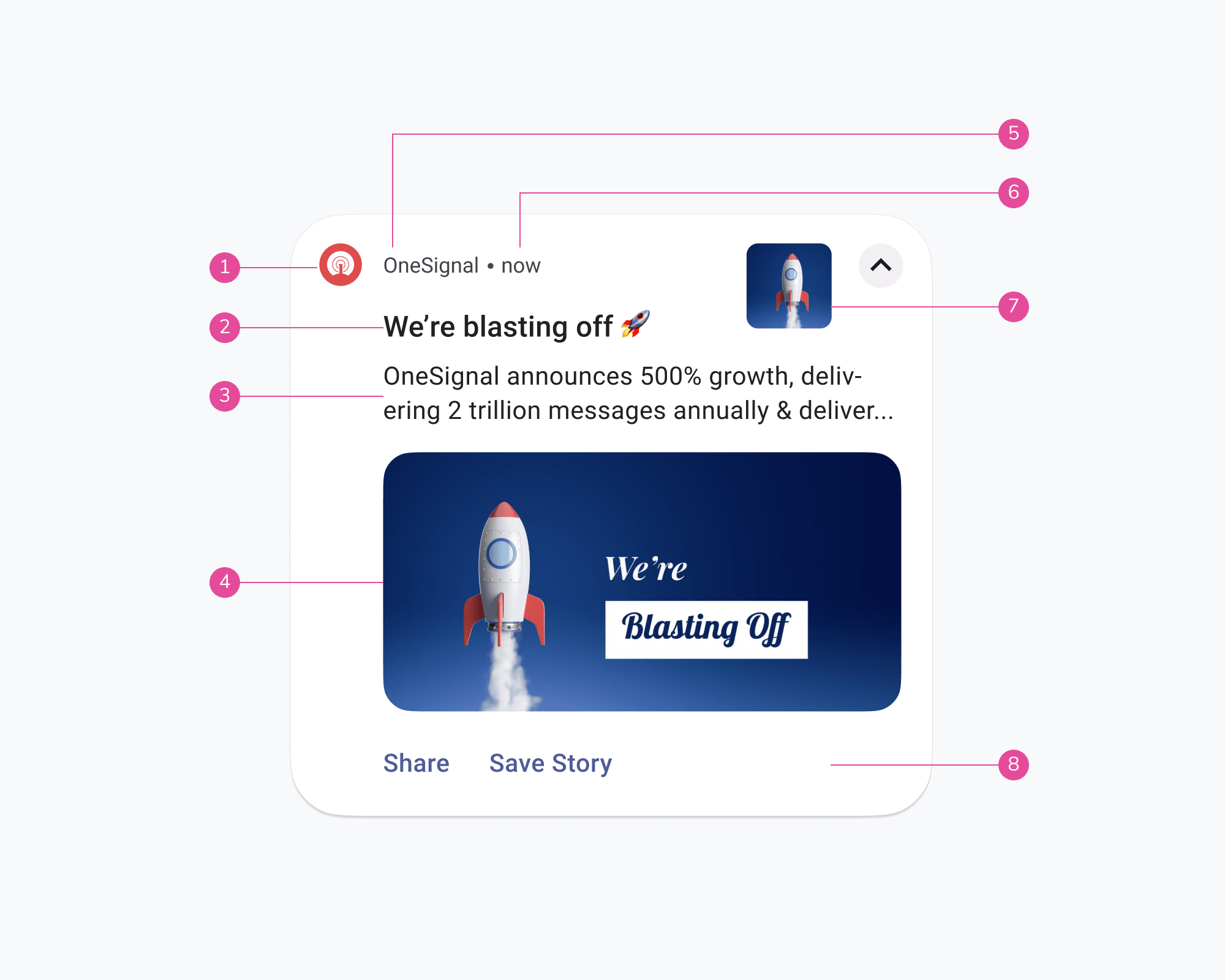
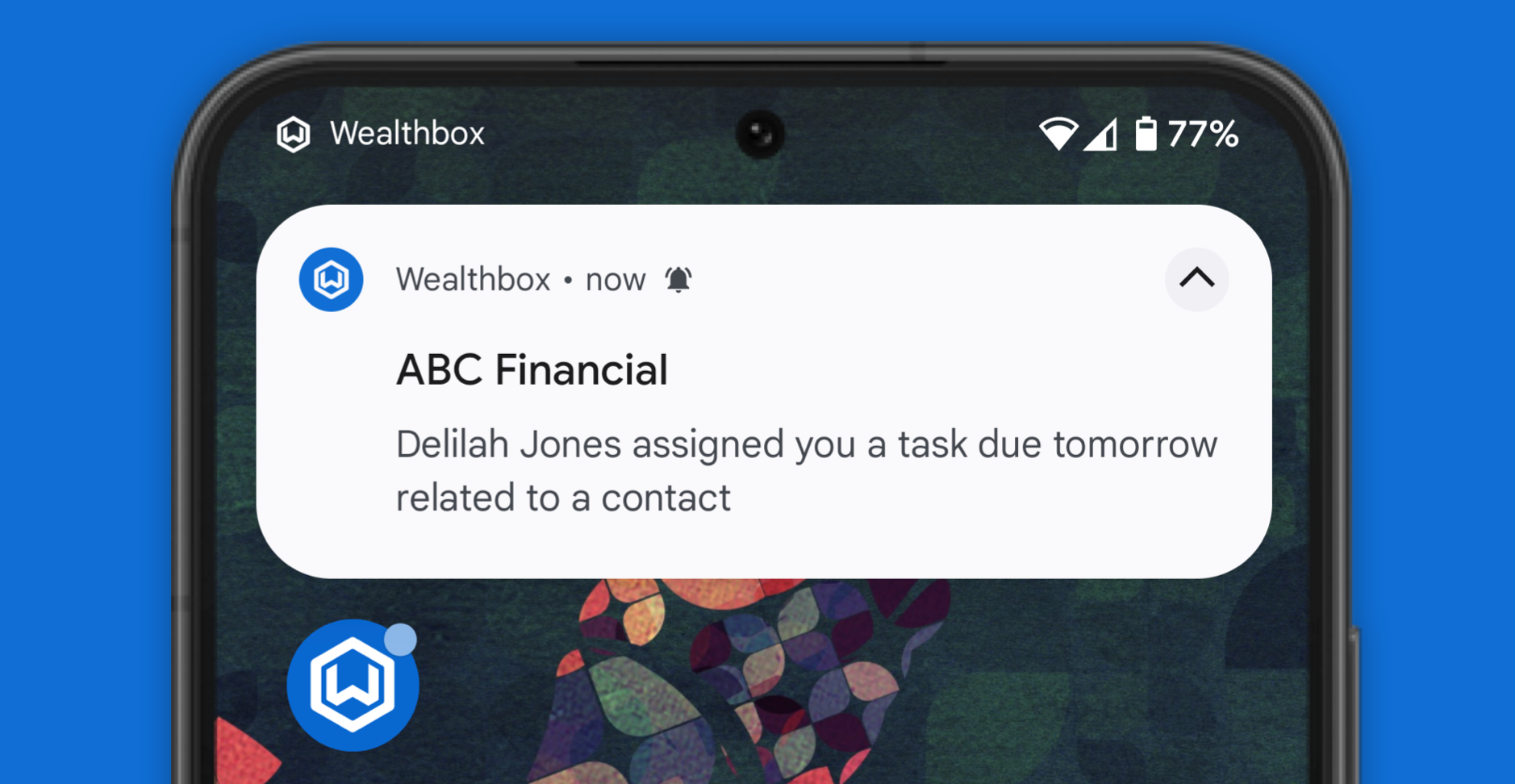
So, how does this magic happen? At its core, it's a three-way street involving your Android device, the app developer, and a special service called the Google Cloud Messaging (GCM) or its successor, Firebase Cloud Messaging (FCM). When an app wants to send you a notification, it doesn't do it directly. Instead, it sends the message to FCM. FCM then takes that message and, knowing which device and user it's intended for, sends it right over to your phone. Your phone receives this message and displays it as a notification, often with a little sound or vibration.
Curious to explore this further? It's simpler than you might think! You can start by simply paying attention to the notifications you receive. What information do they contain? How do they help you? You can also dive into your phone’s Settings menu. Look for "Notifications" and explore the options for individual apps. You can often customize which apps can send you notifications and even fine-tune their behavior. For the more adventurous, if you're interested in app development, you could even try building a simple app that sends a basic push notification. It’s a great way to see the process from the other side!