How Do You Turn Caller Id Off
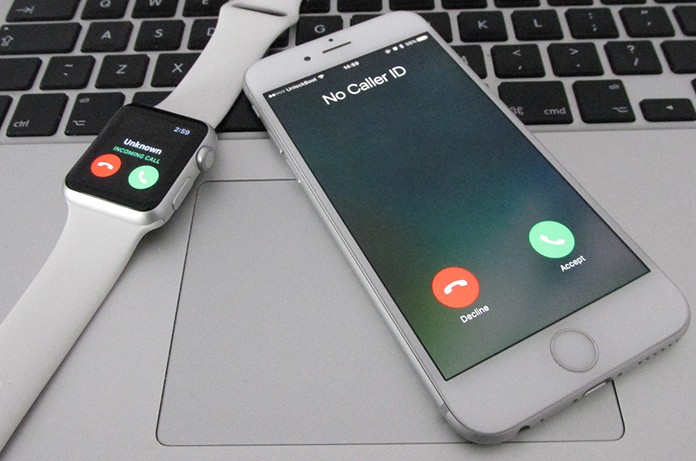
Ever found yourself staring at your phone, a mysterious “Unknown Caller” or a string of numbers flashing across the screen, and felt a flutter of curiosity? Or perhaps you’ve been on the other end, wanting to make a call without revealing your identity for, let’s say, a surprise birthday call or a sensitive work inquiry. The ability to control who sees your number when you call is a surprisingly fun and incredibly useful trick to have up your sleeve! It’s like having a secret handshake for your phone, allowing you to navigate the world of communication with a touch more privacy and a dash of intrigue.
Think about it: there are countless scenarios where dialing without displaying your caller ID can be a lifesaver, or at the very least, incredibly convenient. Are you trying to impress someone with a spontaneous gesture, like ordering flowers for a friend who’s having a rough day? You might not want them to see your number pop up before the surprise is revealed! Or maybe you're a budding entrepreneur making those first crucial sales calls and want to maintain a professional distance until a connection is solidified. The benefits are as varied as the people using them. It’s about reclaiming a bit of control over your digital footprint, one call at a time. This isn't about being secretive or shady; it's about thoughtful communication and personal choice in an increasingly connected world.
The Magic Behind the Mask: How to Go Incognito
So, how do you actually pull off this phone-based illusion? Fear not, it’s not a complicated wizardry requiring ancient scrolls and a wand. It’s usually as simple as a few taps on your smartphone or a quick dial code. The exact method can vary slightly depending on whether you're using a mobile phone or a landline, and even between different mobile carriers. But the core principles are remarkably consistent and accessible to most users.
Must Read
For Your Mobile Marvel: iOS and Android Edition
If you’re rocking a smartphone, whether it’s an iPhone or an Android device, the process is generally found within your phone’s settings.
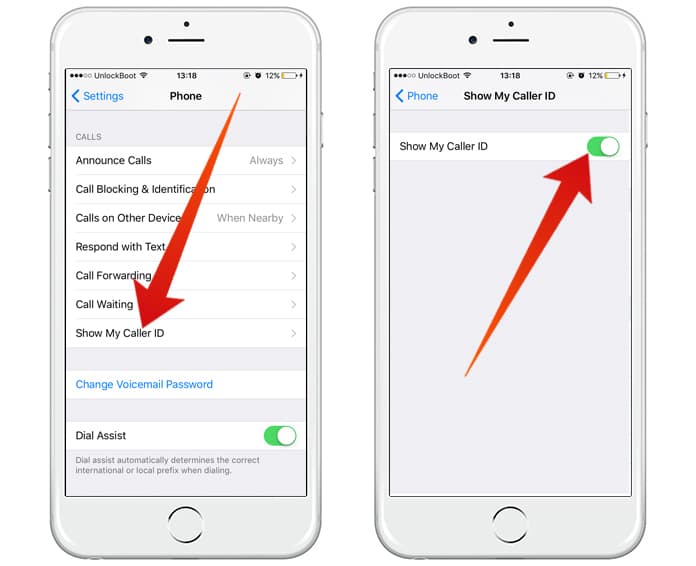
For iPhones: Head over to your Settings app. Scroll down until you find Phone. Tap on that, and then you should see an option for Show My Caller ID. Simply toggle that switch to the off position. Voila! Your calls will now go out under the radar. If you want to make just one call private, you can skip this step and use the dial code we’ll discuss shortly.
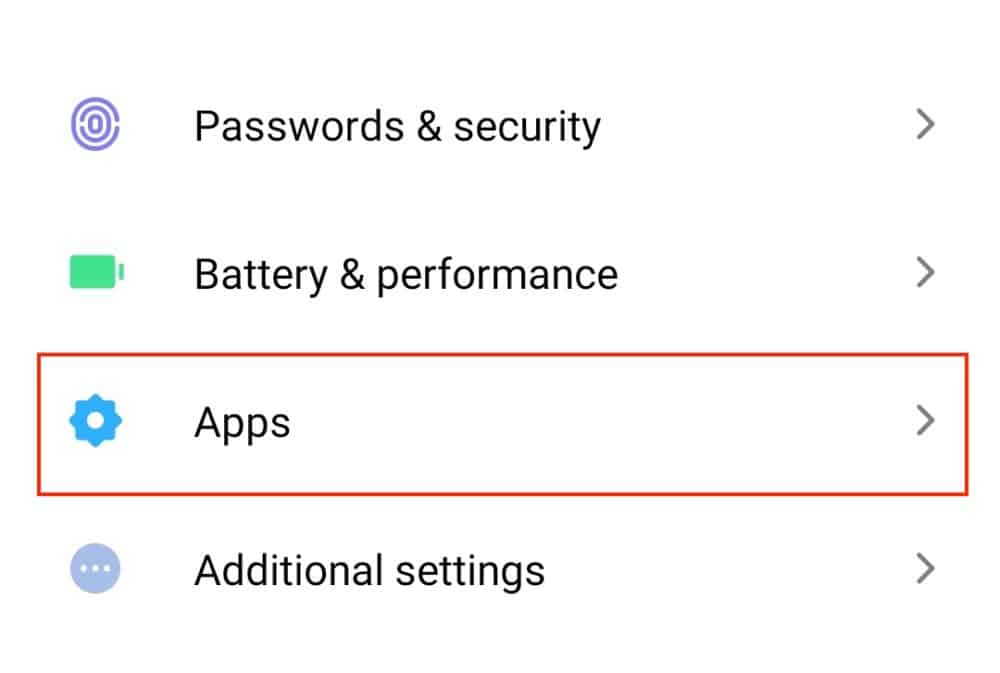
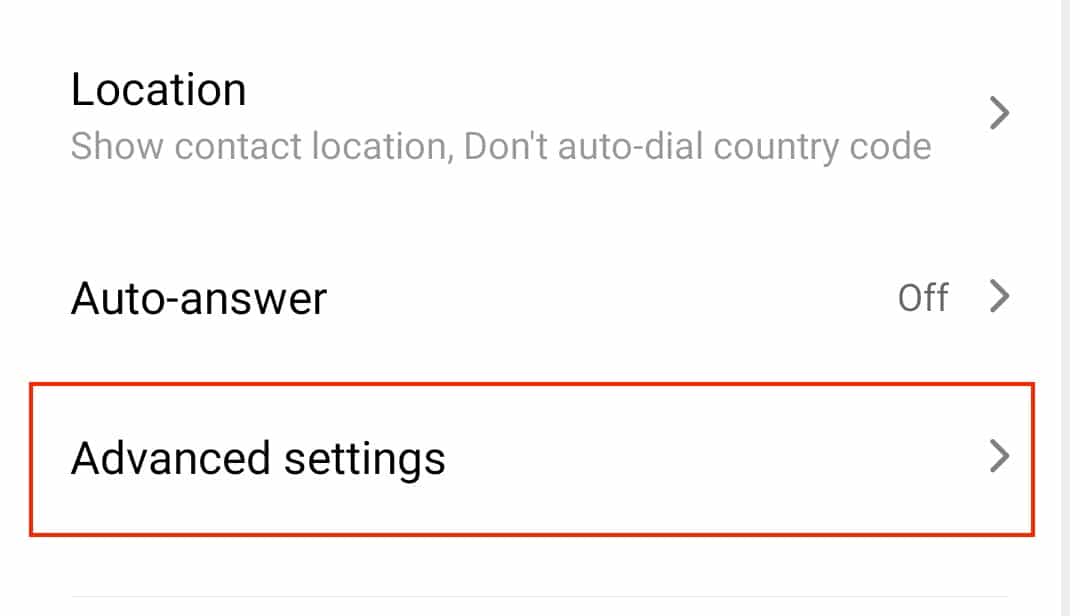
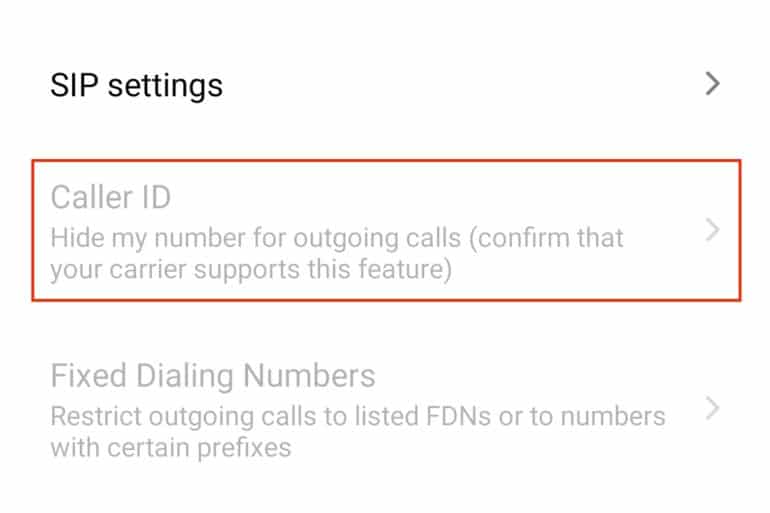
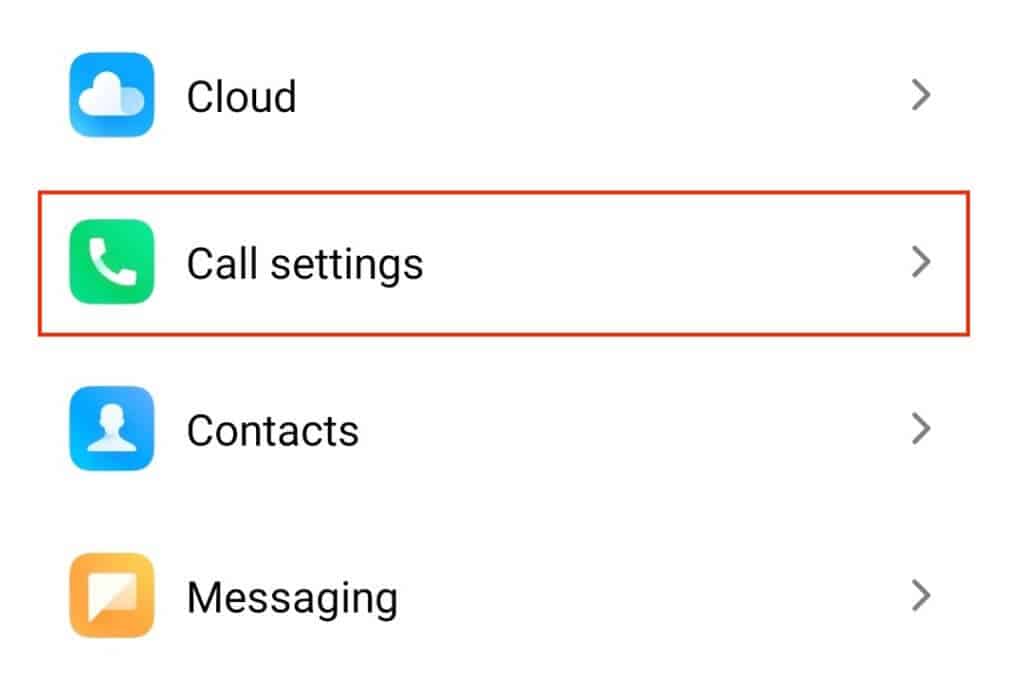
For Android users: The path is quite similar. Go into your Phone app (the one you use to make calls). Look for the three dots or lines that usually signify a menu, and tap on it. Then, select Settings. From there, you’ll typically find an option like Call Settings or More Settings. Within those, you’ll be looking for something along the lines of Caller ID or Send My Caller ID. You should then be able to choose to hide your number or set it to “Network default” if your carrier has a specific option. Again, this is for permanently hiding your ID. For a single private call, the dial code is your friend.
The Universal Secret Code: Dial Codes for the Discreet
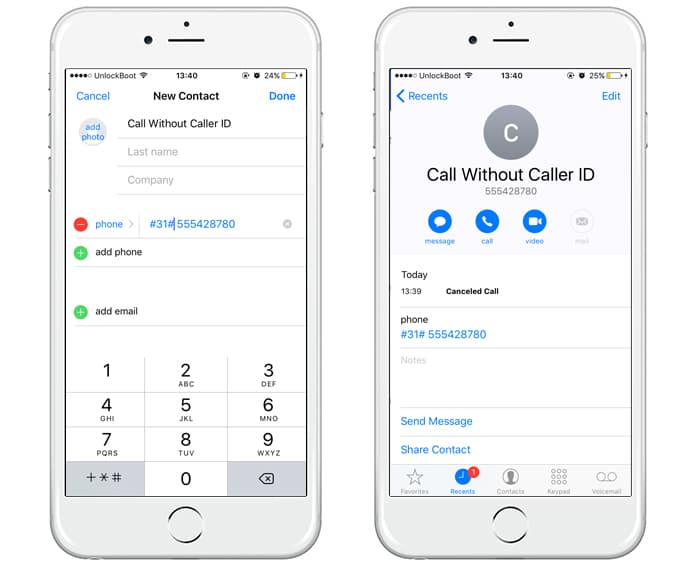
This is where the fun really kicks in, especially if you don't want to permanently hide your number or if you're using a landline. For a single call, you can use a special prefix. The most common code in North America is to dial #31# before the phone number you wish to call. So, if you wanted to call 555-123-4567 and remain anonymous, you would dial #31#5551234567. This is a fantastic option for those quick, one-off calls where you just want that temporary anonymity.
It’s important to note that some carriers or specific calling plans might have different codes or may not support this feature. If #31# doesn’t work for you, a quick search for "[Your Carrier Name] private call code" should reveal the correct one. For instance, in some regions or for certain carriers, you might see codes like 67 in the United States (which is often used to block your Caller ID on a per-call basis when calling from a landline or sometimes mobile). A quick check of your carrier’s support page is always a good idea if you’re unsure.
Landline Legends: A Touch of Old-School Privacy
If you're still rocking a landline, the process is usually tied to those dial codes. As mentioned, 67 is a common one in the US and Canada for blocking your Caller ID on a per-call basis. You dial *67, then wait for a dial tone, and then dial the number you want to call. The recipient will see “Private Number” or “Unknown Caller” instead of your number. Some phone companies might offer a per-line blocking service where you can have all your outgoing calls blocked by default, requiring you to dial another code to display your number. You'd typically need to contact your telephone provider to set this up.
A Word to the Wise: The Nuances of No-Show
While turning off your Caller ID is a handy feature, it’s not an impenetrable shield. Certain services, like emergency numbers (911, for example), will always display your location and number for your safety. Also, some businesses or organizations have specialized systems that may still be able to identify you, even if your Caller ID is blocked. Think of it as a discreet veil, not a disappearing act.
Furthermore, be aware that some people might be more suspicious of calls from "Unknown Caller" than calls from a recognizable number. It can sometimes trigger more caution or even lead to the call being ignored. So, use this feature thoughtfully! It’s a great tool for specific situations, but for general communication, letting your number show is usually the norm.
In conclusion, mastering the art of hiding your Caller ID is a simple yet powerful way to enhance your communication experience. Whether you're aiming for a surprise, maintaining professional boundaries, or simply valuing your privacy on a particular call, the methods are straightforward and readily available. So go forth, experiment with those settings and dial codes, and enjoy the little bit of mystery you can add to your calls!