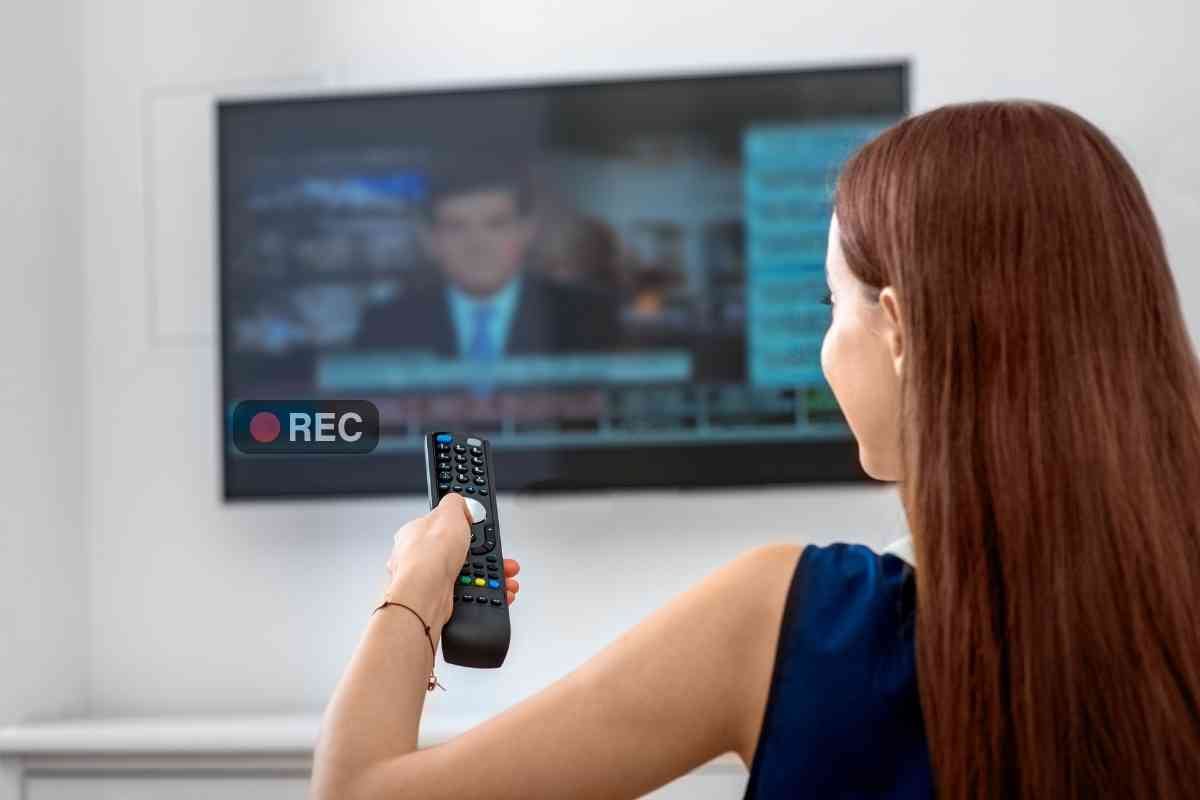
Can You Record From A Smart Tv

Ever stared at your shiny, new Smart TV and wondered, "Hey, can this thing actually record stuff?" It’s a question that lingers, like that last piece of popcorn in the bowl. We’ve all been there.
You’re all cozy on the couch, ready to binge-watch your favorite show. Then, disaster strikes! A crucial episode is airing at the exact same time as that incredibly important… well, something else. Suddenly, the dream of effortless recording pops into your head.
So, can you, in fact, hit a mystical "record" button on your Smart TV and save the day? The answer, like most things in life, is a bit of a… maybe. It’s not as simple as pressing a big red button and walking away with a perfectly captured episode.
Must Read
Let’s talk about what makes a Smart TV smart. It’s got apps, it’s connected to the internet, it probably knows your favorite pizza order. But does it have a built-in VCR from the 90s? Usually, no.
Think about it. When you watch a show on, say, Netflix or Hulu, where is that show actually coming from? It's streaming. It's a magical, invisible pipe of entertainment directly into your living room. You’re not really "holding" the episode, are you?
Recording, historically, involved capturing a signal. Like a DVR box that ate up physical space and often made funny whirring noises. Your Smart TV is a bit more sophisticated than that. It’s more about accessing content on demand than storing it.
However, here’s where things get interesting, and a little bit like a treasure hunt. Some Smart TVs do have a trick up their sleeve. They might have a port, usually a USB port, that can be used for… well, things.
If your Smart TV is fancy enough, and the manufacturer decided to bless it with this feature, you might be able to plug in a USB drive. Then, and this is a big "then," you might be able to record live TV from an antenna or cable box that your TV is receiving. It’s not quite recording your Netflix binge, but it’s a start!
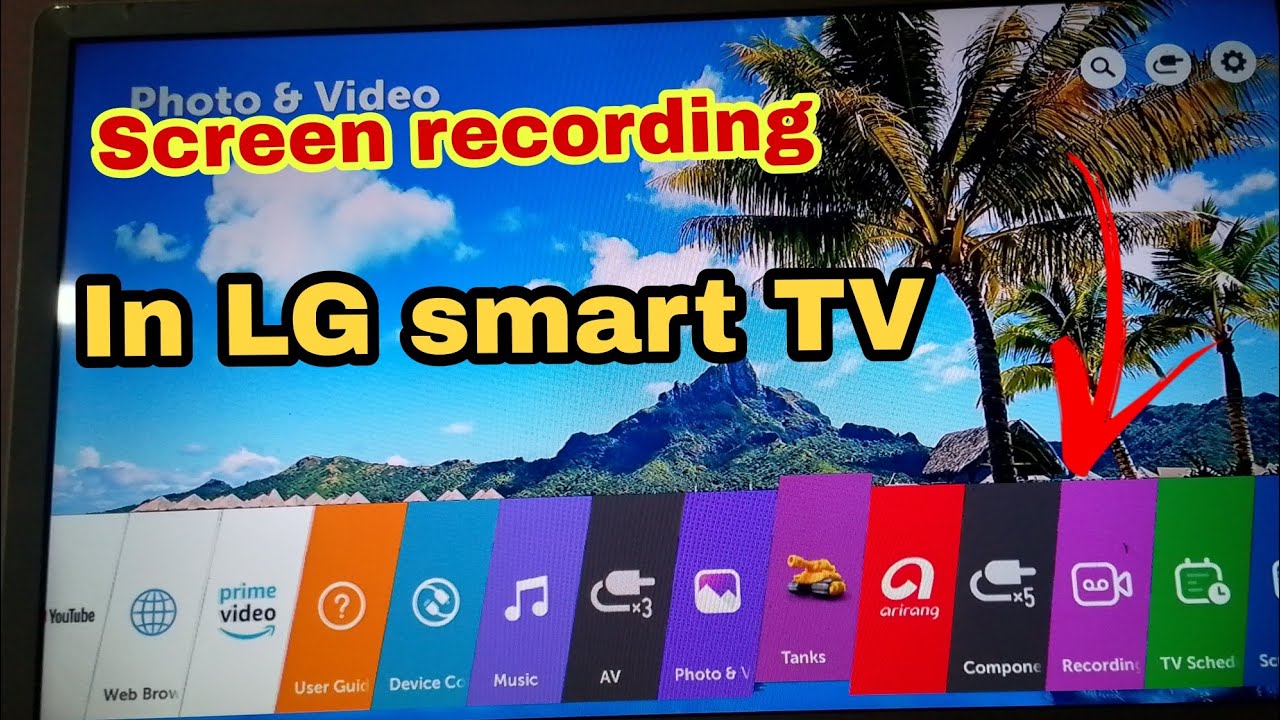
This feature is often called Timeshift or PVR functionality. Fancy names for a simple idea: pausing live TV and recording it. It’s like hitting the pause button on life, but for your favorite show. Very handy when nature calls unexpectedly.
But, and there’s always a "but," this usually only works if you’re watching traditional broadcast television. You know, the channels you get from an antenna. Or, if your TV is hooked up to a cable box that’s outputting a signal your TV can "see" and record.
So, that Netflix show you’re obsessed with? Probably not going to get recorded this way. You’re essentially trying to record something that’s already on demand, which is a bit like trying to bottle lightning. It’s just not how the magic works.
The reason for this, and I’m not going to bore you with technical jargon, is mostly about digital rights. Those streaming services want to control how and when you access their content. They're the gatekeepers of the digital kingdom.
Think of it this way: Netflix is like a buffet. You can eat what you want, when you want, but you can’t take the food home in your pockets. Your Smart TV is the plate at the buffet. It’s for consuming, not for packaging.
![How to Record Video with Screen Off [Windows/Mac/iOS/Android]](https://img.swifdoo.com/image/how-to-record-streaming-video-on-smart-tv.png)
However, don't despair! There are other ways to catch your favorite shows if you miss them. Most streaming services have a massive library of content you can watch later. It’s called "on-demand" for a reason!
And for live TV, if your Smart TV doesn't have that built-in recording magic, there are always external devices. The trusty old DVR (Digital Video Recorder) is still a thing! You can get a dedicated DVR that hooks up to your TV and antenna or cable box.
These external DVRs are like the seasoned veterans of recording. They might not be as sleek as your Smart TV, but they get the job done. They have big hard drives and lots of buttons that actually do things.
Some people even get creative. They might use a computer connected to their TV and a capture card. This is for the truly dedicated, the ones who treat watching TV like a scientific experiment. It's a bit more involved, but it’s definitely possible.
So, while your Smart TV itself might not be a dedicated recording machine in the way you might imagine, it’s part of a bigger ecosystem. It’s the gateway to content, and sometimes, with the right accessories or features, it can be a recorder too.

My personal, slightly unpopular opinion? We’re a little spoiled by the "record" button of yesteryear. We miss the simplicity. But, the upside is the sheer volume of content available at our fingertips. The trade-off is often the ability to directly archive it without extra steps.
It’s like the difference between having a photo album full of printed pictures and having a thousand photos on your phone. Both are great, but they feel different. One is tangible, the other is easily accessible and shareable.
Ultimately, the ability to record from your Smart TV depends on the specific model and what you’re trying to record. For live, over-the-air or cable TV, it’s a "check your manual" situation. For streaming content, it’s usually a no-go, and you’ll have to rely on the service’s on-demand features or a separate device.
Don't be afraid to explore your TV's settings. You might be surprised by what hidden gems you find. Perhaps that USB port is more than just a dust collector!
And if all else fails, remember the joy of rediscovery. You might find that show you wanted to record is still available on its streaming platform, waiting patiently for you. It’s like finding a forgotten favorite song.

So, the next time you’re faced with a scheduling conflict and that urge to record, take a deep breath. Your Smart TV might surprise you, or it might remind you that the world of entertainment has evolved, sometimes in ways that make us scratch our heads, and sometimes in ways that are incredibly convenient.
The quest for the perfect recording solution continues. But for now, the dream of pressing "record" on everything you watch might just remain a nostalgic wish for some of us, a quirky, entertaining, and maybe even slightly inefficient habit from a bygone era.
It’s a little bit of a dance, this whole smart technology thing. You have to learn its steps. And sometimes, the steps don’t lead to a direct recording. But they usually lead somewhere entertaining!
So, go forth and explore your Smart TV. Just don’t be too disappointed if it can’t record your Disney+ marathon. There are other, perhaps more digital, ways to keep those magical moments alive.
And who knows? Maybe one day, all Smart TVs will have a giant, friendly "Record All The Things!" button. Until then, we’ll keep on watching, and sometimes, we’ll keep on wishing.
The journey of a thousand shows begins with a single click… or a streaming service’s library. And the ability to record? That’s a feature that's still a work in progress for many of us.
![How to Record Streaming Video on Smart TV📺 [2025 Updated]](https://recorder.easeus.com/images/en/screen-recorder/resource/how-to-record-streaming-video-on-smart-tv.jpg)