Why Won't My Phone Make A Call
So, you're trying to make a call, right? And your phone? It's just… sitting there. Being a glorified paperweight. Ugh. Been there. It's like, what is even the point of this fancy rectangle if it can't do the one thing you really need it to do at that moment? Probably a super important call too, isn't it? Of course, it is. Murphy's Law, am I right?
First things first, let's take a deep breath. No need to yeet your phone across the room just yet. We've all had those moments of pure technological frustration. It's okay. We'll figure this out. It's probably something super simple, and you'll be kicking yourself later. But hey, at least you'll be able to make that call!
Is Your Phone Actually Talking to Anyone?
Okay, so the most obvious culprit: is your phone even connected? Like, at all? It sounds silly, I know. But seriously, have you checked the little signal bars? Are they hiding somewhere? Are they doing a disappearing act like a magician's rabbit? Because if there are no bars, or just one sad, lonely bar, your phone is essentially shouting into the void. And the void, my friend, rarely answers back.
Must Read
Sometimes, it's just a dead zone. You know, those magical places where cell signals go to die. You might be in your basement, or a particularly stubborn building, or just, you know, the middle of nowhere. If you can, try stepping outside. Even a few feet can make a world of difference. It's like the phone needs a breath of fresh air to reconnect with the world.
What if the signal looks okay, though? You've got a full house of bars, but still… silence. That's a weird one. Sometimes the network itself can have a little hiccup. It's not your fault! It's just… the internet being the internet. Or the phone company being the phone company. You know how it is.
The Mysterious Airplane Mode
Now, this is a classic. The sneaky little Airplane Mode. It's a feature that's supposed to be helpful, right? For flights and stuff. But sometimes, it just… turns itself on. For no reason. Have you accidentally brushed your finger across the wrong icon? It's so easy to do, especially when you're fumbling for your phone. I swear, my phone has a mind of its own sometimes, and it likes to play little pranks on me.
So, where do you find this elusive setting? It's usually in your quick settings menu. You know, the one you swipe down from the top of the screen? Look for an airplane icon. If it's highlighted or turned on, congratulations! You've found your culprit. Just tap it to turn it off. And then, poof, your phone should be ready to mingle with the cellular world again. Simple, right? Almost too simple. Which makes me suspicious, but hey, if it works, it works.
And sometimes, even if it looks like it's off, it might be playing coy. A quick toggle on and off can sometimes reset whatever glitch is happening. It's like a tiny digital reboot for your connectivity. Think of it as giving your phone a little slap on the wrist to wake it up.
Software Glitches: The Digital Gremlins
Okay, so the signal looks good, Airplane Mode is off. What else could be going on? Well, sometimes our phones just get a little… confused. Like when you have too many apps open and your brain feels fuzzy. Your phone can have its own version of a digital hangover. This is where software glitches come into play. They're these tiny, invisible bugs that can mess with your phone's functionality.
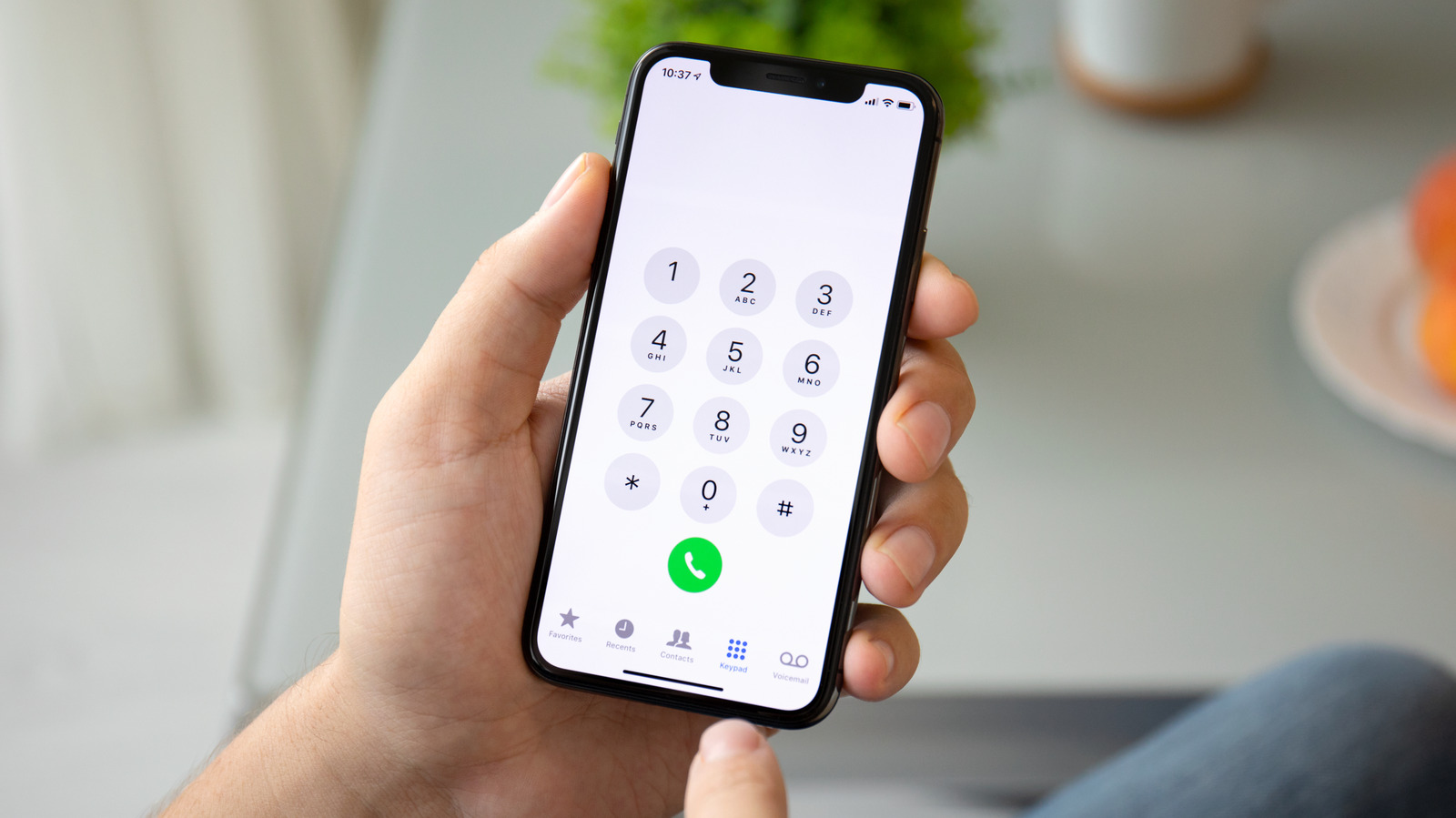
The easiest fix for most software glitches? A good old-fashioned restart. Seriously. It’s the universal cure for almost anything electronic. Turn your phone off completely. Count to ten. Or twenty. Or until you start questioning your life choices. Then turn it back on. It’s amazing how many problems a simple reboot can solve. It's like a fresh start for your phone's brain. It clears out the temporary junk, you know?
What if that doesn’t do it? Then we might need to dig a little deeper. Have you recently updated your phone's software? Sometimes, new updates can have little bugs of their own. Or maybe an app you just downloaded is being a little… dramatic. It could be interfering with your phone's ability to make calls. It's like a bad guest at a party, disrupting the vibe.
App Interference: The Uninvited Guest
Think about it. You've got tons of apps on your phone, right? Some are well-behaved, and some are… not so much. If you’ve recently installed a new app, or an app you haven’t used in ages suddenly decided to get chatty, it might be the troublemaker. Some apps, especially those that mess with your phone’s settings or network, can cause chaos. It’s like they’re trying to hog all the bandwidth, leaving your calling functions in the dust.
How do you find the culprit? You can try uninstalling recently added apps, one by one, and testing your call function after each removal. It’s a bit of a tedious process, I’ll admit. Like being a digital detective. But sometimes, you’ve got to play Sherlock Holmes to find the hidden baddie.
And what about background apps? Those sneaky things that run without you even knowing? They can sometimes hog resources too. You can usually find a list of apps running in the background in your phone’s settings. You can then force-stop them. It’s like telling those little digital party crashers to go home.
SIM Card Shenanigans: The Tiny Chip of Mystery
Okay, we’ve covered the software side. Now let’s get physical. Your SIM card. That little chip that holds your phone number and connects you to your mobile network. It's small, but it packs a punch. And sometimes, it can get a little… loose. Or dirty. Or just decide it’s had enough for one day.
The first thing to try? Take out your SIM card. Most phones have a little tray for it. You’ll probably need a small pin or a paperclip to pop it open. Be gentle! We don't want to damage anything. Once it's out, wipe it with a soft, dry cloth. No weird chemicals, okay? Just a gentle clean.
![[2025 Solutions] How to Fix iPhone Can't Make Calls but Can Text](https://www.tuneskit.com/images/resource/iphone-cant-make-calls-but-can-text.jpg)
Then, pop it back in. Make sure it’s seated correctly. Sometimes it can be a bit fiddly. Once it's back in, restart your phone. Again, the magic reboot! This can re-establish the connection between your phone and the SIM card, and hopefully, between you and the outside world.
Is Your SIM Card Actually Alive?
And sometimes, the SIM card itself is the problem. It’s like a tiny electronic component that can just… fail. If you have another phone you can test it in, that's a great way to see if the SIM card is the issue. If it doesn't work in another phone, then you probably need to get a new SIM card from your carrier.
Or, if you have a spare SIM card from a friend or family member (and it's compatible with your phone), you could try that. If the call works with a different SIM card, then you know your original SIM is the one with the problem. It's like swapping out a faulty part to see if the whole machine springs back to life.
It’s always a good idea to check with your mobile provider if you suspect your SIM card might be the issue. They can often run diagnostics from their end and tell you if there’s a problem with your account or your SIM. They’re the gatekeepers of the mobile kingdom, after all.
Network Settings: The Deep Dive
Alright, we’re getting into the more technical stuff now. Network settings. These are the behind-the-scenes configurations that allow your phone to communicate with the cell towers. Sometimes, these settings can get a bit jumbled. It’s like the GPS on your phone got a little mixed up and doesn't know where it is.
The go-to fix for wonky network settings is to reset them. Don't worry, this won't delete all your apps or photos. It just resets your Wi-Fi passwords, Bluetooth pairings, and cellular settings. So, you'll have to re-enter your Wi-Fi password, which is a minor inconvenience. But if it fixes your calling problem, it's totally worth it.
Where do you find this magical reset? It’s usually in your phone’s settings menu, under "General," "System," or "About Phone," depending on your device. Look for "Reset" or "Reset Network Settings." Once you do that, restart your phone again. You know the drill by now!
Carrier Specific Issues: When the Provider is the Problem
Sometimes, the issue isn't with your phone at all. It's with your mobile carrier. They might be experiencing an outage in your area. Or there might be a problem with your account. It's always worth giving them a call (from a landline, if you have one, or a friend's phone!) to check if there are any known issues.
It’s also possible that your phone’s settings aren’t configured correctly for your carrier. This is less common with modern smartphones, as they usually auto-configure. But if you’ve recently switched carriers, or done something a bit unusual, it might be worth checking your APN settings. These are the Access Point Names, and they tell your phone how to connect to your carrier’s data network. You can usually find these in your network settings, under "Mobile Networks" or "Cellular Networks."
If you’re unsure about your APN settings, your carrier’s website will have the correct information, or you can call their customer support. They're the experts, after all, and they can guide you through it. It’s like getting a special code to unlock the secrets of mobile communication.
Hardware Problems: The Unfortunate Reality
Okay, so we've tried everything else. The signal is strong, Airplane Mode is off, software is updated, SIM card is clean and seated, network settings are reset. And still… crickets. This is when we start to worry about hardware problems. That means something inside your phone might be broken. It's the sad, less glamorous side of tech.
The antenna inside your phone is responsible for picking up cell signals. If that’s damaged, or if there’s a problem with the internal components that manage calls, then your phone just won’t be able to make them. This could happen after a drop, or even just due to wear and tear over time. It’s the digital equivalent of a broken leg.
If you suspect a hardware issue, your best bet is to take it to a professional. A reputable phone repair shop can diagnose the problem. They can tell you if it's something they can fix, or if it's time to consider a new phone. It’s not ideal, I know. Nobody wants to hear that their beloved gadget might be on its last legs.

The Dreaded Water Damage
And then there’s the ultimate phone killer: water. Did your phone take an unexpected dip in the toilet? Or get caught in a torrential downpour? Water damage is a sneaky beast. It can cause corrosion and short circuits that can render your phone useless, including its ability to make calls.
If you think your phone has suffered water damage, resist the urge to turn it on! The best thing to do is to dry it off as much as possible and then put it in a sealed bag with a lot of rice or silica gel packets. These absorb moisture. Leave it there for at least 48 hours. It’s a bit of a gamble, but sometimes it works wonders.
If the rice trick doesn’t work, or if you're certain it's water damage, you'll likely need professional help. A repair shop specializing in water damage can sometimes salvage the device, but there are no guarantees. It's the digital equivalent of performing surgery.
When All Else Fails: The Last Resort
So, you’ve exhausted all the troubleshooting steps. You’ve gone through the checklist. You’ve practically become a phone whisperer. And your phone still refuses to make a call. It’s frustrating, I know. It feels like you’re back at square one.
At this point, you have a few options. You can contact your phone manufacturer’s support. If your phone is still under warranty, they might be able to repair or replace it. It’s always worth a shot. Don’t be afraid to explain your situation and all the troubleshooting steps you’ve already taken. They appreciate that!
And, of course, there's the option of getting a new phone. It’s not the cheapest solution, I know. But sometimes, it’s the most practical one. Think of it as an upgrade! A chance to get something shiny and new that hopefully, will make calls. The technological gods have spoken, and they demand a new device!
But before you go all out and buy the latest model, one last thought: are you sure it's not just that one person you can't call? Because sometimes, it's not the phone. It's the recipient. Just a playful jab! Now go forth and conquer your calling conundrum! May your bars be full and your conversations flow freely.