What Are Styles In The Full Site Editor

So, you've dipped your toes into the world of the Full Site Editor, huh? Nice! It's like the ✨glow-up✨ WordPress needed, right? But then you start poking around and you see this thing called "Styles." What even are these styles, you might be asking yourself, stirring your latte and wondering if you should have gone for the extra shot. Don't worry, pal, we're gonna break it down. Think of me as your friendly neighborhood WordPress guide, holding your hand through this whole stylish adventure.
Basically, when we talk about styles in the Full Site Editor, we're talking about the look and feel of your entire website. It's not just about one little button or one specific heading. Nope, it's the whole shebang! Imagine you're decorating your house. You don't just pick out one cool lampshade, do you? You think about the paint colors, the furniture, the curtains – the whole cohesive vibe. Styles in the Full Site Editor are kind of like that, but for your website. Pretty neat, huh?
It's the foundation for how everything looks. Think of it as the master control panel for your site's appearance. You set it here, and then poof – it applies everywhere. It's like magic, but it's actually just really clever code. 😉
Must Read
So, what exactly do these styles control?
Glad you asked! It's a pretty big umbrella. These styles are going to dictate things like your global color palette. That means you pick a few colors, and then every button, every link, every bit of text can use those colors. No more hunting down individual elements to change their color one by one. Hallelujah!
And it's not just colors. Oh no. We're also talking about typography. So, what font do you want your headings to be? What about your body text? Do you like them big and bold, or small and understated? Styles let you set these preferences once, and your entire site will follow suit. It's like having a personal stylist for your words. How's that for fancy?
Then there are things like spacing. You know, the little bits of air between your paragraphs, around your images, and in your navigation menus. These often get overlooked, but they are so important for making a website look clean and professional. Styles allow you to set default spacing, so everything looks balanced and not, you know, crammed together like sardines in a can.
And let's not forget about the little details! Things like borders, shadows, and even how your buttons behave. Do you want your buttons to have rounded corners? A subtle shadow to make them pop? Styles are where you decide all of that. It's the nitty-gritty stuff that adds that polished finish. You know, the stuff that makes people think, "Wow, this website is really well-designed!"
Think of it this way: if the Full Site Editor is your house, then Styles are your interior decorator's brief. You tell them, "I want a modern, minimalist vibe with cool blue accents and easy-to-read fonts." And then, bam, they go to work making sure every room reflects that. Your website is no different!
The Different "Levels" of Styles (It's Not Just One Thing!)
Now, here's where it gets a little more interesting. Styles aren't just one big, monolithic blob. WordPress, in its infinite wisdom, has broken them down into a few useful categories. It’s like a Russian nesting doll of styling. You open one, and there’s another, and another. But in a good way! A really, really good way.

First up, we have the Theme Styles. These are the styles that come built into the theme you're using. Think of them as the theme's default personality. Every theme has its own set of default colors, fonts, and spacing. It’s like adopting a puppy – they come with their own inherent traits, right? Some are energetic, some are calm. Themes are the same way. These are your starting point, your baseline.
Then, you have Global Styles. This is where you, yes YOU, get to really flex your creative muscles. Global Styles are where you override or customize the theme's defaults. You're basically saying, "You know what, Theme? I love you, but I'm going to make you mine." This is where you set your own primary, secondary, and accent colors. This is where you choose your brand fonts. This is where you establish the consistent look and feel that will define your entire online presence.
It’s like you’re the DJ of your website's look. You can crank up the bass (make things bold!), tweak the treble (make things subtle!), and mix your favorite tracks (your chosen colors and fonts) to create the perfect vibe. And the best part? You only have to do it once for each element. No more repeating yourself like a broken record. 🎶
And here's a super cool part: Styles are inherited. This is a crucial concept. What does that even mean, you ask? It means that if you set a style for, say, your body text, then all the individual paragraphs, lists, and other text elements within that section will automatically inherit that style. It's like a family tree of looks! The parent element dictates the style, and the children just go with it. So much easier than telling each individual family member what to wear!
However, you also have the power to override these inherited styles on a more granular level. So, while your main paragraphs might be set to a nice, readable font, you could decide that one specific paragraph needs to be extra fancy for a special announcement. You can do that! It’s like giving one kid a special treat, even though they all get the same allowance. You have control, my friend. Lots and lots of control.
Where Do You Even Find These Styles?
Okay, so you're sold. You're ready to dive in and make your website the most stylish thing since sliced bread. But where do you go? Don't panic! It's right there in the Full Site Editor.
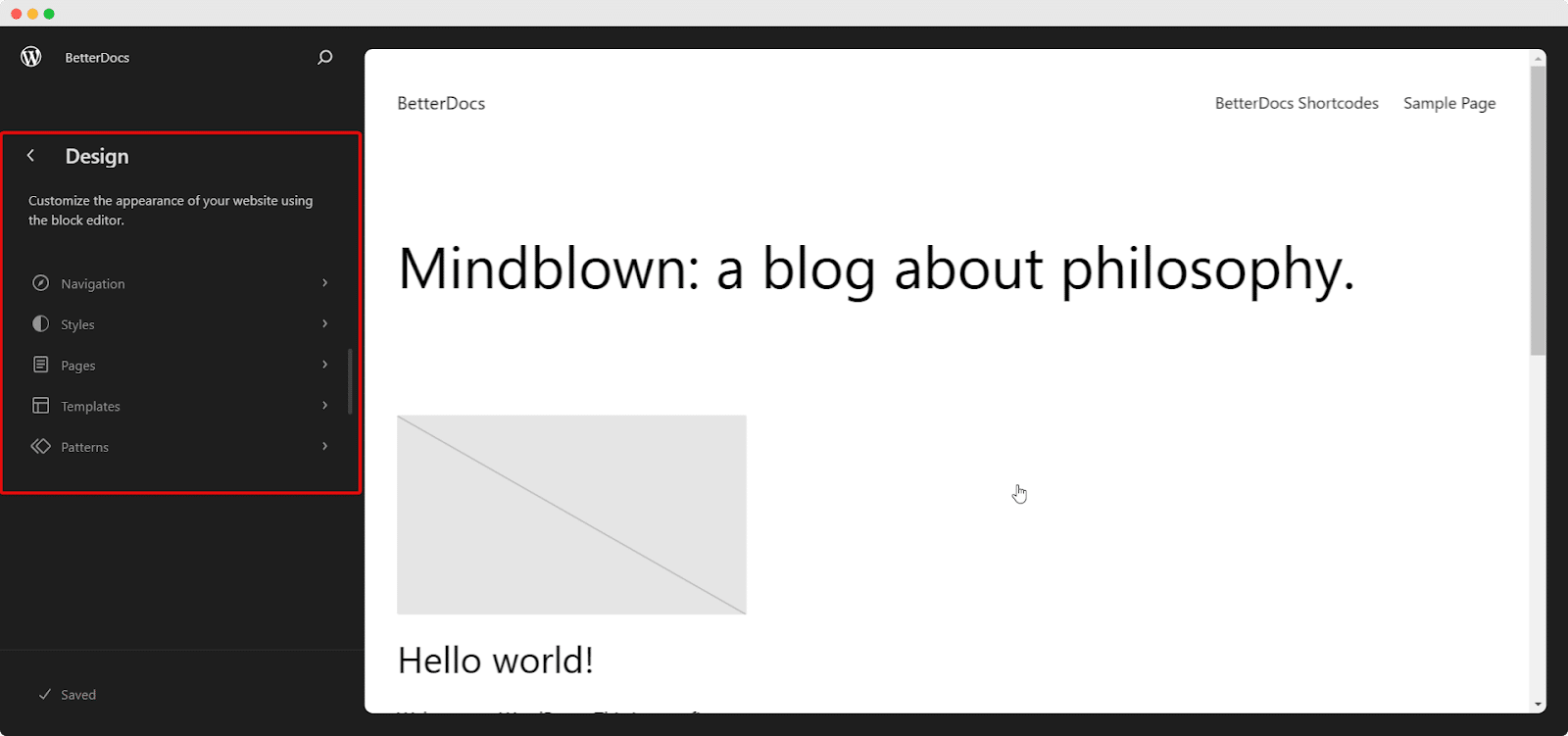
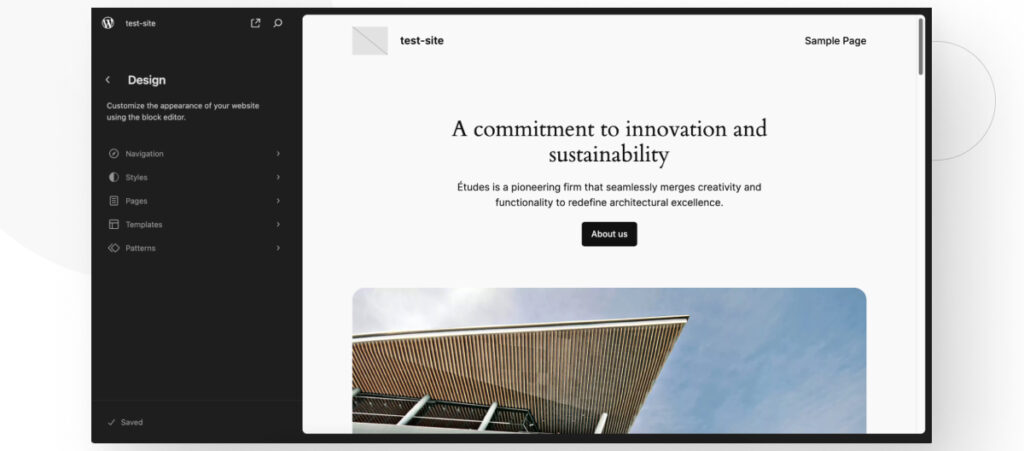
When you're in the Full Site Editor, you'll see a little icon that looks like a half-filled circle or a painter's palette. Click on that! It's your gateway to the styling wonderland.

Once you click that icon, a sidebar will appear. This is where the magic happens. You'll see sections for Colors, Typography, Layout, and more. It's all laid out for you, like a well-organized makeup counter.
Under Colors, you can define your color palettes. You can have a default palette, and then maybe even create custom ones for specific sections if you're feeling particularly adventurous. Think of them as your signature shades.
Under Typography, you can choose your fonts for headings, body text, and other elements. You can even set different font sizes and weights. So, if you want your H1 headings to be HUGE and your H2s to be just a little bit smaller, you can do that. It's all about creating hierarchy and visual interest.
The Layout section is where you'll find settings related to things like content width and spacing. This is where you can ensure your website isn't too wide or too narrow, and that there's enough breathing room between your elements. It’s the unsung hero of good design, if you ask me.
It’s important to remember that the exact options you see might vary slightly depending on the theme you’re using. Some themes are more feature-rich than others. But the core concepts of colors, typography, and layout will always be there. It’s like the basic ingredients in a recipe – you can add your own gourmet touches, but the foundation is the same.
Why Should You Care About Styles? (Besides Looking Pretty)
Okay, so looking good is definitely a huge perk. Who doesn't want a website that turns heads? But there's more to it than just aesthetics.

Firstly, consistency is key. When your website has a consistent visual style – the same colors, the same fonts, the same spacing – it feels professional and trustworthy. It shows that you've put thought and care into your online presence. It's the digital equivalent of wearing matching socks and a clean shirt. You just feel more put-together, you know?
Secondly, it makes updating your site a breeze. Imagine you decide to change your brand colors. Instead of going through every single page, every single post, and changing the color of every single element, you just go to your Global Styles and update your primary color. Boom! It’s updated everywhere. It’s like a time-saving superpower. Seriously, it’s a game-changer. I've spent hours manually changing colors in the past. Never again!
Thirdly, it's a huge win for accessibility. By thoughtfully choosing your color palettes and typography, you can make your website easier for everyone to read and navigate. Think about contrast ratios for text and backgrounds. Think about font sizes that are legible. Styles in the Full Site Editor give you the tools to build a more inclusive website. It’s not just about looking good; it’s about doing good.
And lastly, it helps you maintain your brand identity. Your website is often the first impression people have of your business or project. By having a strong, consistent visual style, you reinforce your brand. When people see your colors and fonts, they should immediately think of you. It’s like a visual handshake. A really, really stylish handshake.
The "Styles" Interface: A Peek Inside
Let's take a little peek behind the curtain, shall we? When you click on that little style icon, you'll see a few main sections.
Colors: Here's where you'll find your Color Palette. You can set your default colors here, which will then be available to use throughout your site. You might have a primary color for main headings and buttons, a secondary for less important elements, and an accent color for highlighting things. You can also create custom palettes if you're feeling particularly creative.
There's also a section for Text Colors and Background Colors. This is where you can set the default colors for all your text and backgrounds. This is super helpful for ensuring good contrast. You don't want your light grey text on a white background, do you? That's just asking for trouble (and frustrated readers!).

Typography: This is where you'll spend a lot of time, I suspect. You can set your Font Family for headings and body text. You can choose different fonts for different levels of headings (H1, H2, etc.). And you can control the Font Size, Line Height (that’s the space between lines of text – crucial for readability!), and Letter Spacing. It’s like a mini typography class for your website.
Layout: This section is all about structure. You can set your Content Width here. This determines how wide your content area is. Too wide, and your lines of text become hard to follow. Too narrow, and it can feel cramped. You can also adjust Spacing here, which controls the default padding and margins around elements. Think of it as the "white space" settings. White space is your friend, people!
Block Settings: Now, this is where it gets really powerful. While the Global Styles set the defaults for your entire site, you can also adjust the styles for individual blocks. For example, if your Global Styles dictate a specific font for all headings, but you want one particular heading to be in a different, more playful font, you can do that within the block's own settings. It's like giving a specific child a different toy, even though they all have the same basic set of toys.
It’s a layered approach, which is fantastic. You set the big picture with Global Styles, and then you can fine-tune the details as needed. It’s flexibility at its finest.
So, What Are You Waiting For? Go Style Your Site!
Honestly, the best way to understand styles in the Full Site Editor is to just jump in and play around. Click on things. Change colors. Switch fonts. See what happens. You can always hit the "undo" button, or even just reset everything if you get lost.
Think of it as a playground for your website's look. Experiment! Be bold! Your website is your digital canvas, and styles are your paintbrushes, your pencils, and your sculpting tools.
Embrace the power of the Full Site Editor and its styles. It’s the future of WordPress, and it’s all about giving you more control over the look and feel of your site. So go forth, my stylish friend, and make your website shine! You've got this! ✨