Message Push Android

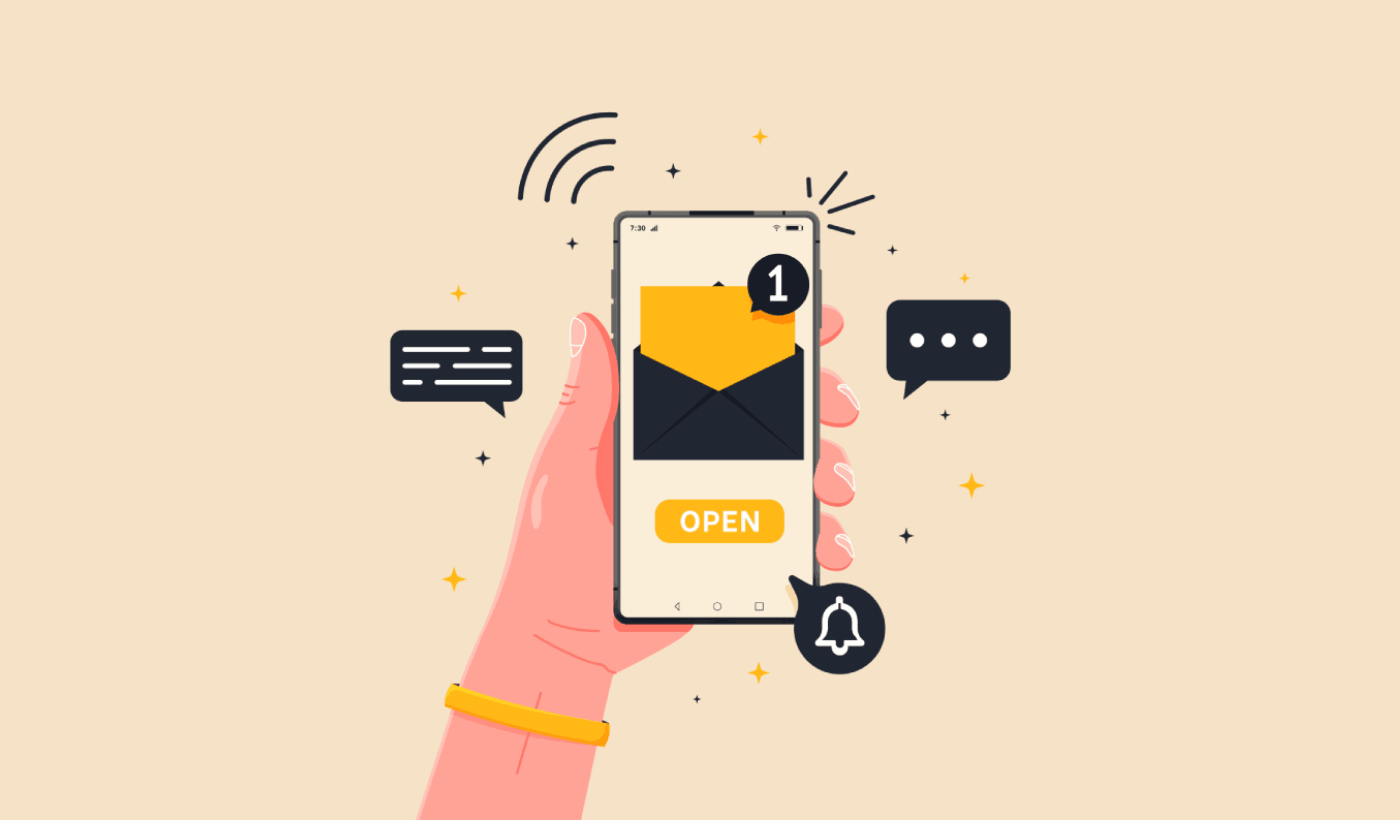
Hey there, fellow Android adventurers! Ever wonder how those little notifications magically pop up on your phone, telling you that your pizza is on its way, or that your favorite app has a shiny new update? Well, buckle up, because today we’re diving into the wonderfully weird world of Message Push Android. No, it’s not some secret spy gadget (though it feels pretty close sometimes, right?). It’s actually the superhero technology that keeps your digital life buzzing.
So, what exactly is message push? Think of it like your phone having a super-powered personal assistant. Instead of you constantly having to ask your apps if anything new is happening – “Hey Instagram, did anyone like my cat photo?” “Hey Gmail, did I win the lottery?” – the apps can just tell you. They’re like those overly enthusiastic friends who just have to share every little piece of gossip.
This whole “push” thing is all about getting information to your device, even when you’re not actively using the app. It’s like a gentle tap on the shoulder, saying, “Psst! Something you might want to know!” This is a huge deal for keeping apps relevant and you informed. Imagine if you had to open your weather app every single hour to see if it was going to rain. Talk about a workout for your thumbs!
Must Read
The Magic Behind the Scenes (Without Getting Too Techy, Promise!)
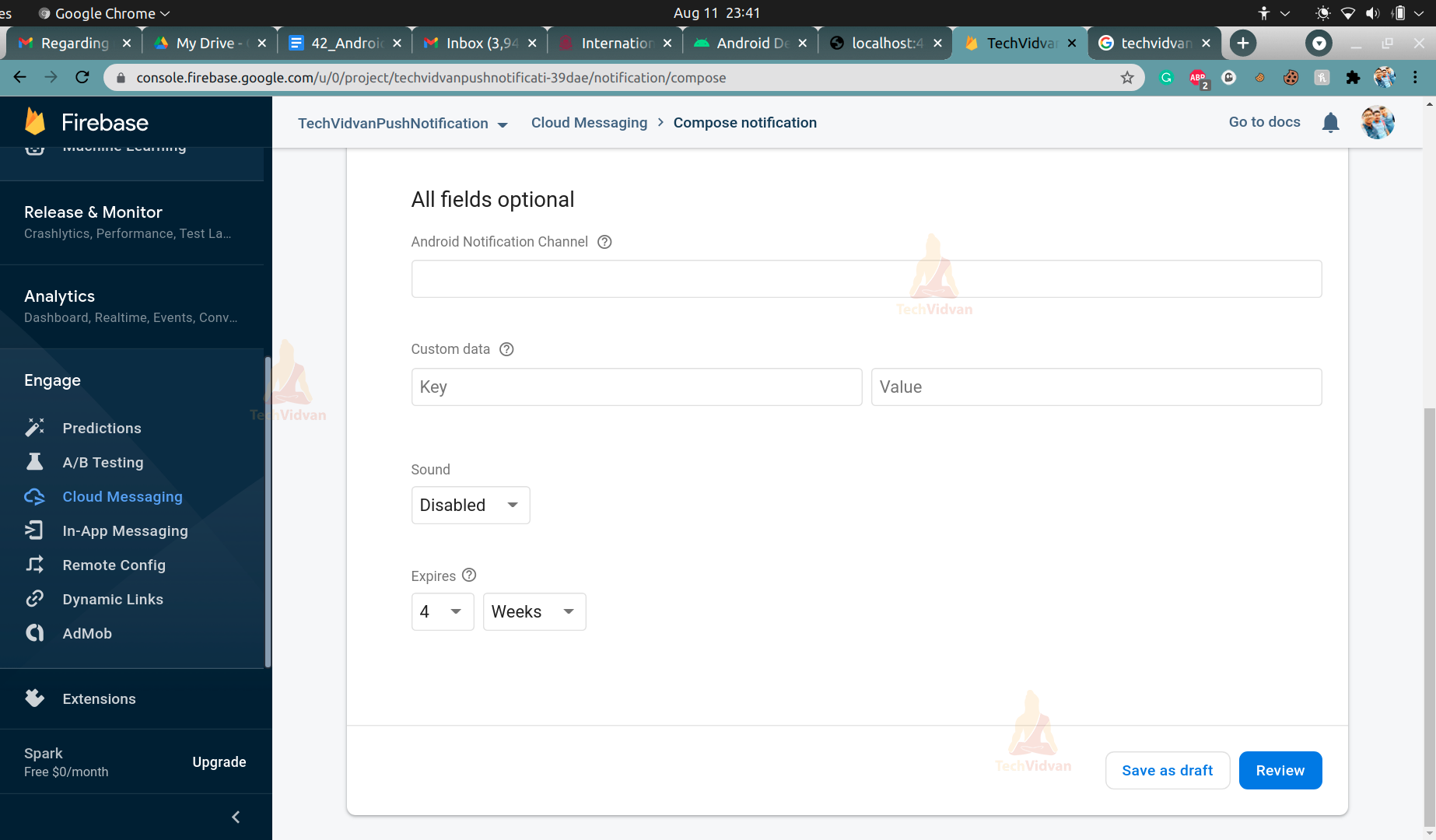
Alright, I know what you're thinking: "How does this actually work? Is there a tiny elf inside my phone sending messages?" Not quite! The real magic happens with something called push notification services. For Android, the big boss in charge is usually Firebase Cloud Messaging, or FCM for short. You might have heard of it, or maybe it’s just a name you’ve seen in app permissions (don’t worry, it’s a good guy!).
FCM is like a super-efficient postal service for apps. When an app wants to send you a notification, it doesn't just beam it directly to your phone. Nope, that would be chaos! Instead, it sends the message to FCM’s servers. FCM then knows exactly which device and which app the message is intended for and zips it over to your phone.
Think of it like sending a letter. You don't walk to your friend's house and shove it under their door. You go to the post office, they sort it, and then deliver it. FCM is the digital post office, and your phone is the mailbox.
Why is This So Awesome?
The benefits of message push are pretty darn huge. For starters, it makes your apps way more interactive and timely. You get updates the moment they happen. No more playing catch-up with your social media feed or missing out on limited-time offers.
It also makes our phones feel more… alive! Instead of just being a static device, it’s a dynamic portal to our digital world. It’s like your phone is constantly whispering interesting things in your ear. Some might call it distracting; I call it efficient multitasking (wink wink).

And for app developers? It’s a dream come true. They can engage with users, send important alerts, and keep their apps top-of-mind without having to constantly run in the background, draining your precious battery. It’s a win-win situation, really!
Different Flavors of Push Notifications
Not all push notifications are created equal, though. You’ve got your basic, no-frills alerts, and then you have the fancy, feature-packed ones. Let’s break down a few types:
The Classic Alert:
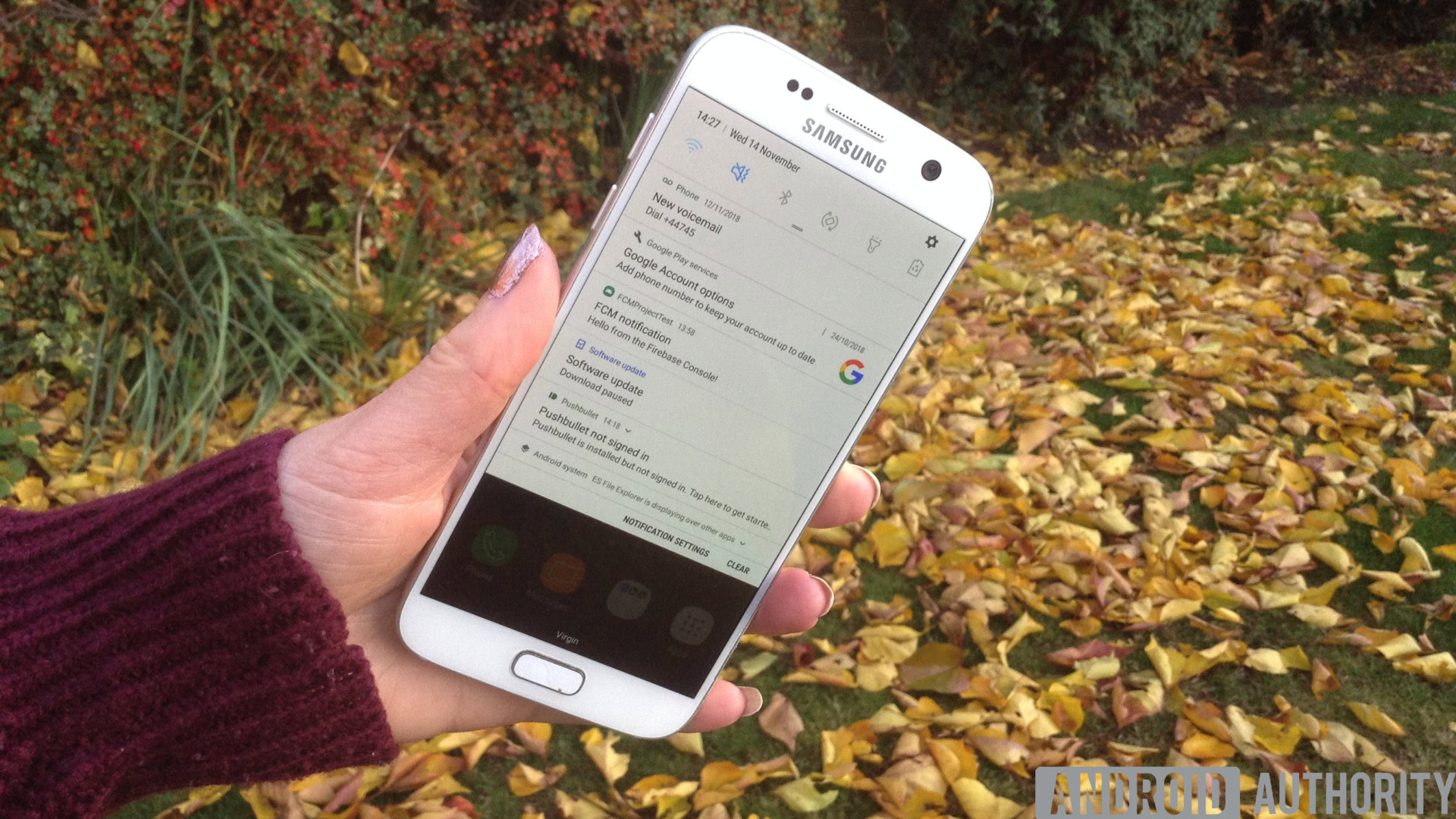
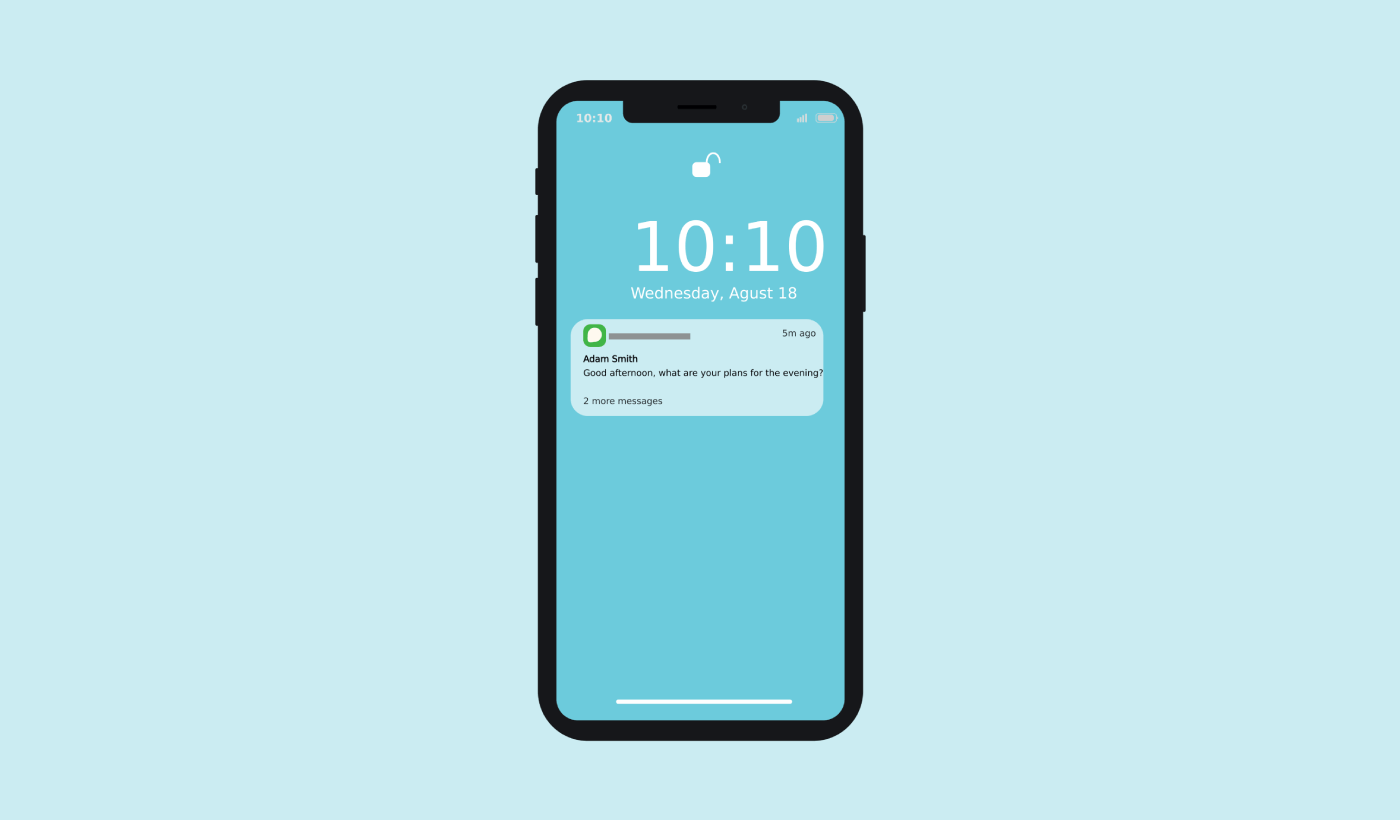
This is your bread and butter. It's the little banner that pops up at the top of your screen. Think of it as a quick wave from an app. It usually has an icon, a title, and a short snippet of text. “New message from Sarah!” or “Your order has been shipped.” Simple, effective, and to the point.
The Rich Notification:
Now we’re getting fancy! Rich notifications are the ones that can include more than just text. They might have images, action buttons (like “Reply” or “Download”), or even short videos. Imagine getting a notification with a picture of the delicious burger you ordered, along with a button to “Track Order.” That’s the power of rich notifications!
The Silent Push:
These are the ninjas of the notification world. They don't actually show you anything on your screen. Instead, they’re used to silently update information in an app. For example, an app might use a silent push to refresh its data in the background, so when you finally open it, everything is up-to-date. It’s like a secret handshake between the app and FCM.
The Data Message:
This is another type of silent push, but it’s specifically for sending data to your app. The app can then decide what to do with that data. It’s a bit more technical, but it’s super useful for things like synchronizing data between devices or triggering specific actions within the app.
Let's Talk About Permissions (The "Can I Send You Stuff?" Talk)
Now, I know we all have that moment where an app asks for permission to send notifications, and we're all a bit… hesitant. It’s like someone asking to borrow your favorite pen – you want to know they’ll use it responsibly! The good news is, you’re in control.
When an app asks for notification permissions, it’s basically asking FCM to be able to send you those little pings. You can say “yes” if you want to be kept in the loop, or “no” if you prefer peace and quiet. And guess what? You can change your mind later! Just head into your phone’s settings, find the app in question, and toggle those notification settings. It’s like having a remote control for your phone’s social life.
Some apps are super smart about it. They might ask for permission only after you’ve been using the app for a while and have, you know, shown some interest. Others might just hit you with it right at the start. It’s a bit of a gamble, sometimes!
The Battery Life Conundrum
Okay, let’s address the elephant in the room: battery life. In the early days of mobile apps, having tons of apps constantly pinging for updates could be a real battery drainer. Thankfully, technology has gotten a lot smarter.
FCM, and other push services, are designed to be energy-efficient. Instead of each app keeping a constant open connection to a server, they use a single, persistent connection. This means your phone isn't working overtime just to check for updates from dozens of apps. It's like having one really good intercom system instead of 50 individual phone lines.
However, it’s still a good idea to be mindful of which apps you allow notifications from. If you’re getting bombarded by alerts from an app you barely use, it might be worth turning those notifications off. Every little bit of battery saved is a victory, right?
When Push Notifications Go Rogue (Or Just Annoy You)
Let’s be honest, not all push notifications are created equal. Sometimes, you get bombarded with so many that it feels like your phone is having a nervous breakdown. Or worse, you get those super salesy notifications that feel more like spam than helpful information.
If you find yourself constantly swiping away notifications from a particular app, or if they’re just plain irrelevant, it’s time to take action. As we mentioned, you can dive into your settings and disable them. Think of it as curating your digital environment. You wouldn't let just anyone barge into your house uninvited, would you? Your phone’s notification bar is kind of the same.
Some apps even have their own in-app notification settings, allowing you to fine-tune what you want to be alerted about. Explore those options! It’s like having a personalized control panel for your app experience.

The Future of Message Push
The world of message push is constantly evolving. We’re seeing more and more intelligence being built into these systems. Think AI-powered notifications that are actually relevant to you, or proactive alerts that anticipate your needs before you even realize them.
Imagine your calendar app not just reminding you about a meeting, but also suggesting the best route to get there based on current traffic, and sending a quick notification to the person you’re meeting with if you’re running late. That’s the kind of smart stuff we can expect moving forward!
It’s all about making our digital lives more seamless, more efficient, and frankly, a little bit more delightful. The goal is for these notifications to be helpful companions, not annoying interruptions.
So, What’s the Big Takeaway?
Message push on Android is this incredible, behind-the-scenes technology that keeps our apps buzzing and us informed. It’s the invisible thread that connects us to our digital world, making our phones feel more dynamic and responsive. From the simplest text alert to rich, interactive messages, it’s all designed to make your life a little easier and a lot more connected.
And remember, while it might seem a bit overwhelming at times, you’re always in the driver’s seat. You get to decide which notifications make the cut and which ones get politely shown the door. So go forth, explore your notification settings, and make your Android experience the best it can be!
At the end of the day, message push is about more than just getting alerts; it’s about staying connected to the people and things that matter to you. It’s about those little digital nudges that can brighten your day, make your life smoother, or simply let you know that your order of deliciousness is just around the corner. So next time a notification pops up, give a little nod to the magic of message push. It’s working hard to keep you in the loop, and that’s pretty darn cool if you ask me!