How To Set Up A Google Alert

Imagine this: you're casually sipping your morning coffee, scrolling through your phone, and BAM! You see a brand new article about your favorite obscure 80s band. Or maybe it's the first mention of your amazing, world-changing idea that's just starting to gain traction. Sounds like magic, right? Well, it's pretty close, and it's all thanks to a little something called a Google Alert.
Think of it as your own personal internet ninja, constantly patrolling the vast digital landscape for you. It’s like having a hawk-eyed assistant who never sleeps, never complains, and is always on the lookout for the exact things you care about. No more endless scrolling or missed opportunities!
Seriously, setting up a Google Alert is so ridiculously easy, you'll wonder why you haven't done it sooner. It’s like ordering pizza, but instead of delicious cheesy goodness, you get information delivered straight to your inbox. And who doesn't love a good delivery?
Must Read
Ready to unleash your inner information guru? Let's dive in!
Step 1: Embark on the Grand Adventure to Google Alerts
First things first, you need to find the magical portal. Open up your trusty web browser and type "Google Alerts" into the search bar. It’s as simple as that.
You'll see a link that says something like "Google Alerts - Monitor the web for new content." Click on that bad boy. Prepare yourself for a world of instant knowledge!
This is where the adventure truly begins. You’re not just typing words; you’re weaving a spell that will summon information directly to you. It’s like planting a seed and watching it bloom into a magnificent informational tree.
Step 2: Summon Your First Alert - The All-Important "Topic"
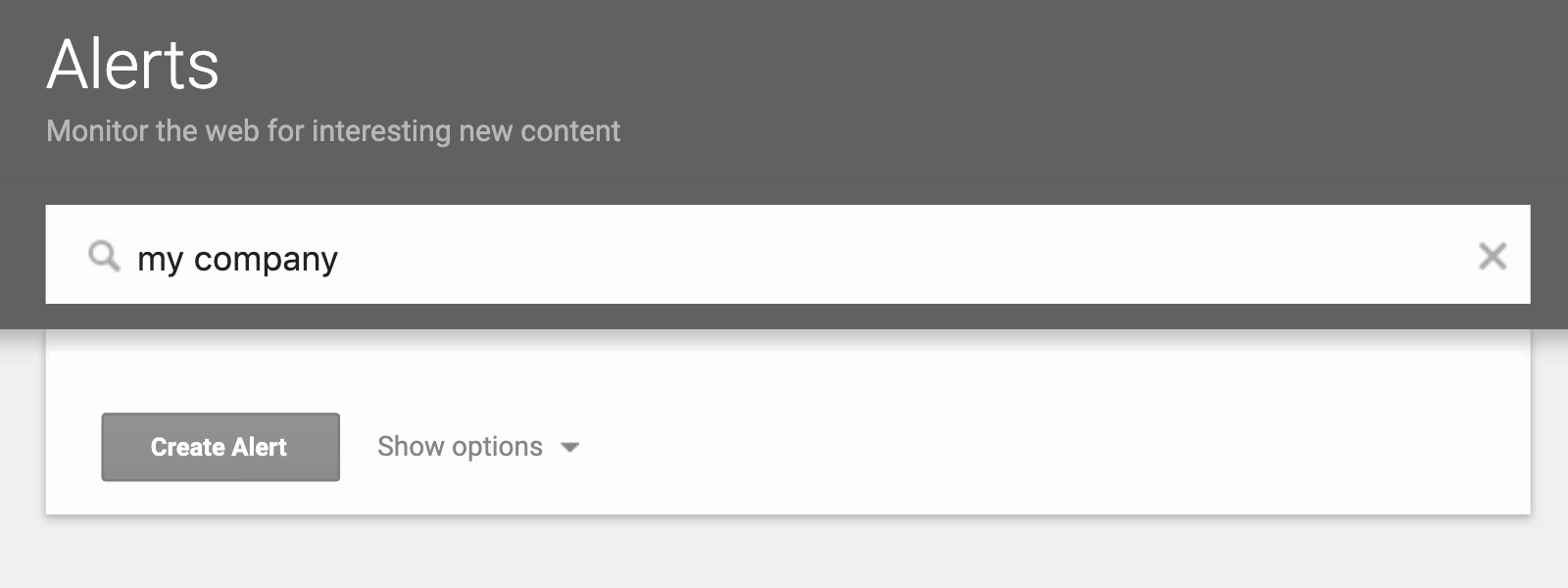
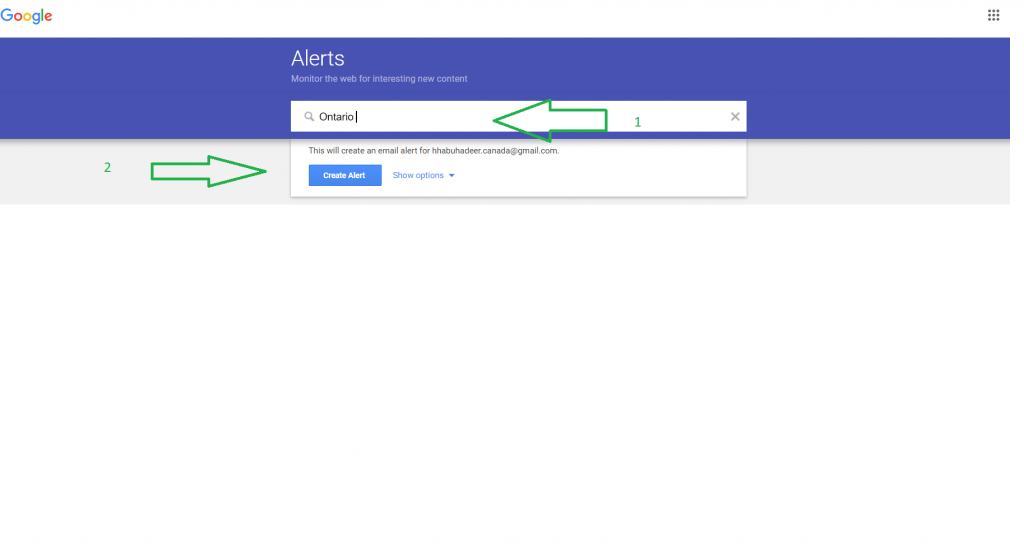
Now, you’ll see a very important-looking box that says "Enter search query." This is where the magic happens. This is your canvas, your stage, your launchpad.
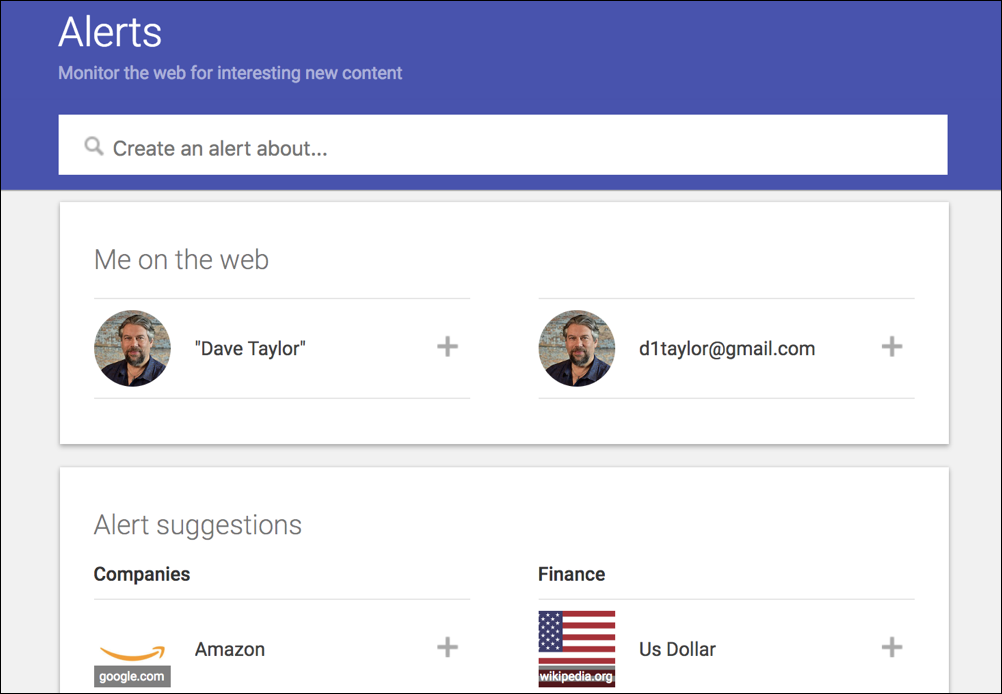
Think about what makes your heart sing, what keeps you up at night, or what you just plain love talking about. Is it your pet hamster, Sir Reginald Fluffernutter? Is it the latest advancements in artisanal cheese making?
Go ahead and type it in. For example, if you're obsessed with, let’s say, historical knitting patterns, then type that in. Or if your dog, Barnaby, is a canine celebrity in your eyes, type in "Barnaby the wonder dog." Be specific, but don't be afraid to be wonderfully weird!
Step 3: Dialing in Your Desires - The "Options" Menu
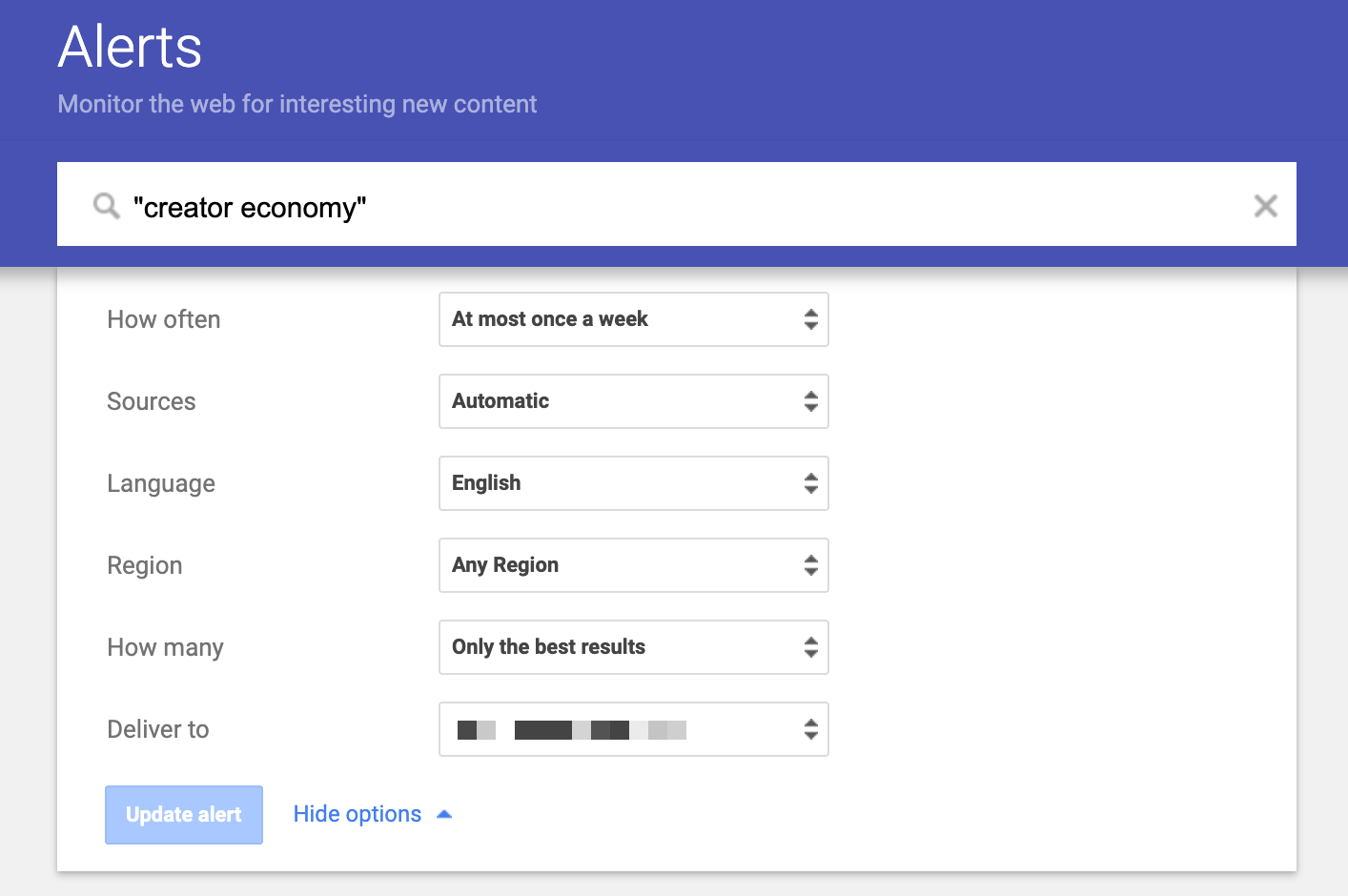
Below that magical input box, you'll see a bunch of helpful options. Think of these as your genie’s wishes. You get to tell Google exactly how you want your information delivered.
The first one is usually "How often?" This is where you decide if you want to be bombarded with information daily (for the truly information-hungry!) or if you prefer a more relaxed, once-a-week update. For most people, "as-it-happens" is a bit much, so maybe start with "once a day."
Then there's "Sources." Do you want to see everything from news sites to blogs to even academic papers? You can leave this as "any" to get the broadest sweep, or if you're feeling fancy, you can narrow it down. But honestly, for most of us, "any" is perfect.
"Languages" and "Regions" are also there. Unless you're fluent in Klingon and actively seeking intergalactic news, you can probably leave these as they are. They’re there if you need them, but for everyday sleuthing, they’re usually set correctly by default.
And finally, "How many?" This is a fun one. Do you want every single mention, no matter how small, or just the most important ones? "All results" is great for super niche topics, but "Only the best results" is often a good starting point to avoid information overload.
Step 4: The Grand Finale - "Create Alert!"
You've done it! You've crafted your perfect alert. All that's left is to hit the big, beautiful button that says "Create Alert."
Poof! You’ve just activated your personal information-gathering drone. Now, whenever the internet talks about your chosen topic, an email will magically appear in your inbox. It's like getting a secret message from the universe, tailored just for you.
Imagine the possibilities! Never miss a sale on your favorite brand of quirky socks again. Be the first to know when a new season of your binge-worthy show is announced. Get instant updates on the stock price of that one obscure company you invested in with your birthday money.
What Else Can You Do With This Wonderful Wizardry?
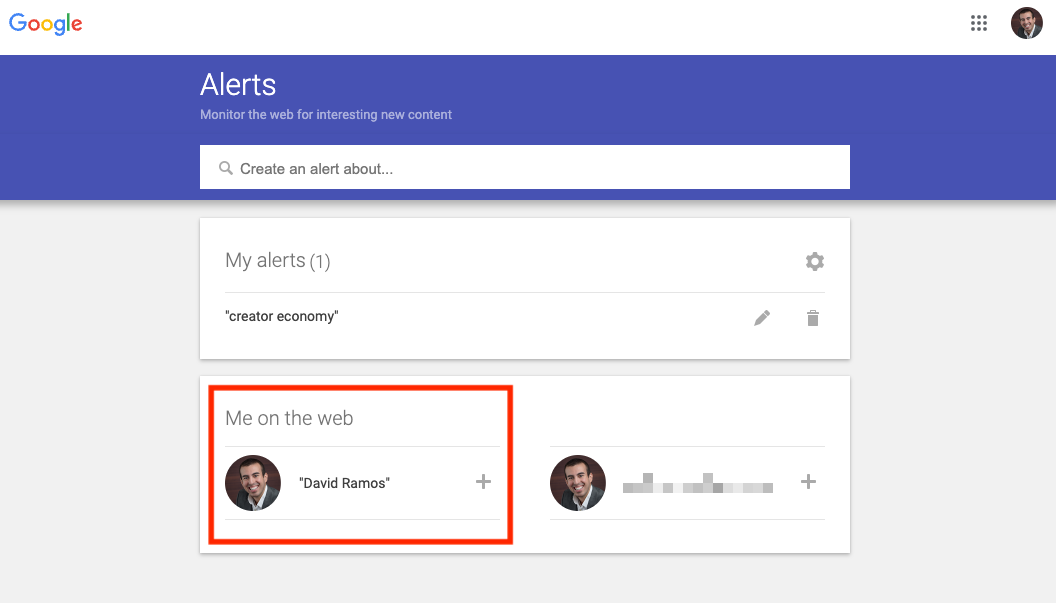
The beauty of Google Alerts is its versatility. You can set up alerts for pretty much anything you can imagine. Are you a budding author? Set up an alert for your own name to see what people are saying about your work.
Are you a small business owner? Track mentions of your company name and your competitors. This is like having a free market research department! You can see what people love, what they’re complaining about, and where you can shine.
Worried about a certain topic? Maybe you want to keep tabs on the latest research in a health concern. Or perhaps you're a trivia buff and want to be the first to spot new facts about your favorite historical figures. The options are truly endless.
Think about your heroes. Do you have a favorite actor or musician? Set up an alert for their name! You'll be the first to know about their new projects, interviews, or even just random fan sightings. You can be the ultimate fan, armed with up-to-the-minute knowledge.
And don't forget the fun stuff! Are you a collector of vintage teacups? Set an alert for "vintage floral teacup" and watch the treasures roll in. It’s like a digital treasure hunt where you’re guaranteed to find something valuable to you.
You can even use it to monitor trends. Are you curious about what's hot in the world of sustainable fashion? Or what the latest buzz is in the gaming community? A quick alert can give you a real-time pulse of these evolving landscapes.
The best part? It’s all free! Google is essentially giving you a powerful tool to stay informed without spending a dime. It's like having a wise old owl whisper secrets of the internet into your ear, whenever you wish.
So, what are you waiting for? Go forth and create your alerts! Embrace the power of being in the know. Your future, better-informed self will thank you. And who knows, you might just discover something truly amazing. Happy alerting!