How To Redirect A Page In Wordpress

Hey there, fellow website wranglers and digital dreamers! Ever found yourself staring at your WordPress dashboard, a mix of triumphant pride and mild bewilderment washing over you? You've built this amazing online space, a digital haven for your thoughts, your business, your passions. And just like any well-loved home, sometimes it needs a little rearranging. That's where the magical art of redirecting a page comes in, and trust us, it's more fun than it sounds. Think of it as giving your website a friendly nudge in the right direction, ensuring no visitor gets lost on a digital detour.
Why would you even want to do this seemingly technical dance? Well, the benefits are as plentiful as cat videos on the internet! Primarily, it's all about user experience. Imagine a visitor clicking a link expecting to find a specific product or article, only to land on a dead-end 404 page. Frustrating, right? Redirects save the day by seamlessly guiding them to the new, relevant location. This not only keeps your visitors happy and engaged but also tells search engines like Google, "Hey, this content has moved, but it's still valuable here!" This can significantly impact your SEO (Search Engine Optimization) and help you maintain your hard-earned rankings. It’s like being the ultimate host, making sure everyone finds their way to the party without any awkward awkward pauses.
The applications are everywhere! Perhaps you've reorganized your blog posts and want to send the old URL to the new, updated version. Or maybe you’ve renamed a product page to be more descriptive. Even if you've retired a page entirely but want to point interested visitors towards a similar, current offering, a redirect is your trusty sidekick. Another common use is for marketing campaigns. You might want to create a short, memorable link for a specific promotion that then redirects to a longer, more complex URL on your site. Think of those tiny shortened links you see everywhere – that’s the power of redirection at play!
Must Read
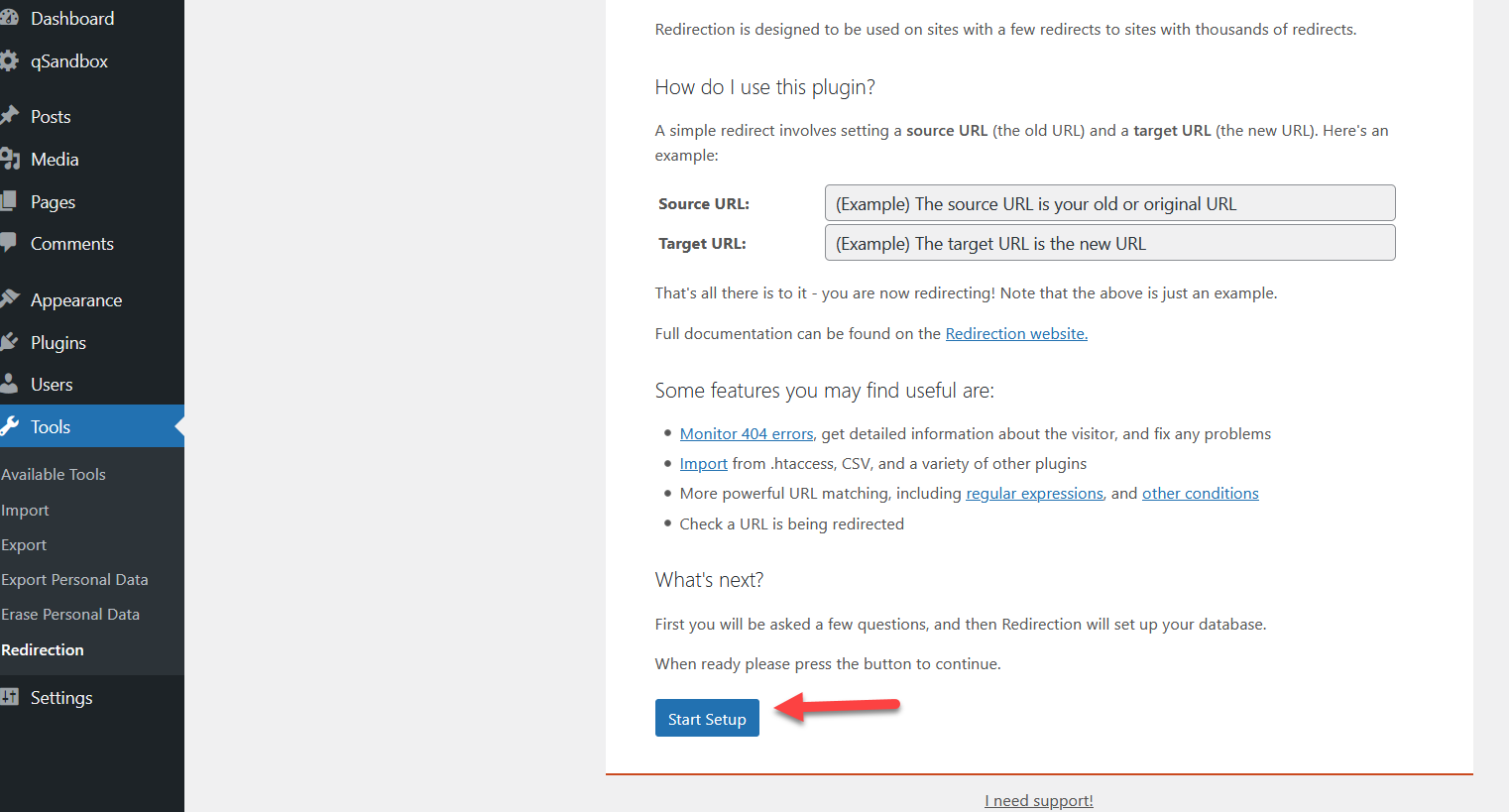
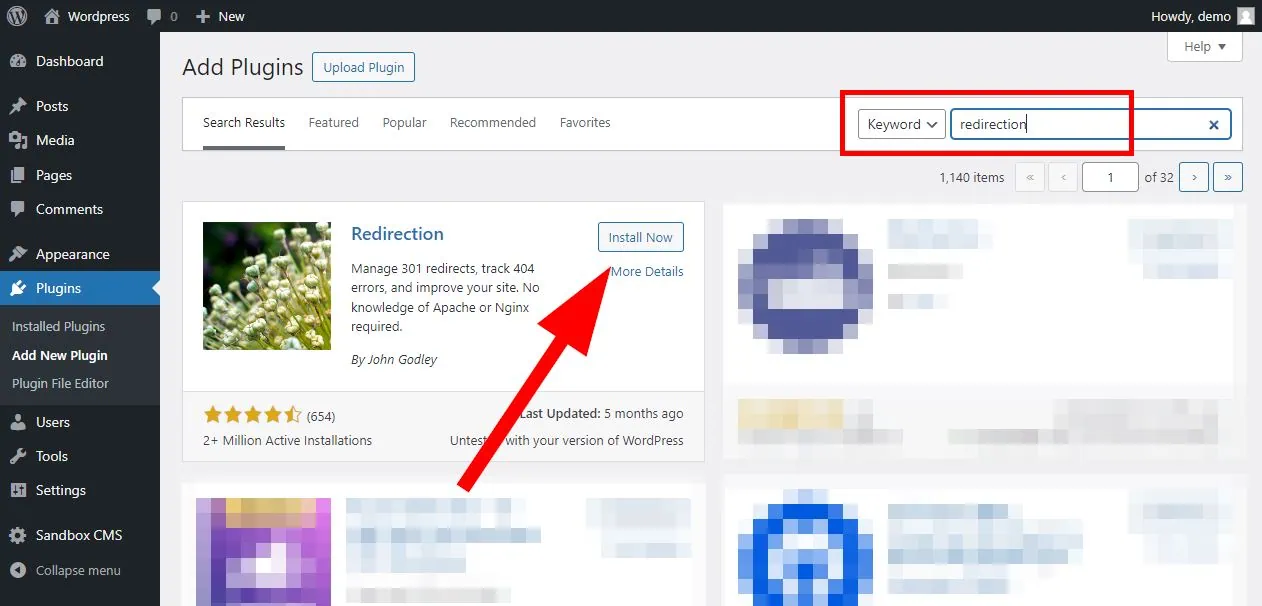
So, how can you become a redirection maestro and enjoy this process even more? Firstly, planning is key. Before you delete or rename anything, think about where you want to send your visitors. A good strategy is to redirect to a page that offers similar or better content. Don't just send them to your homepage unless it's truly the only logical destination. Secondly, for the technically inclined, plugins like "Redirection" or "Yoast SEO" make this process incredibly user-friendly. They offer simple interfaces where you can just pop in your old URL and your new URL, and voilà! If you're feeling adventurous, you can also implement redirects using `.htaccess` files or within your theme's `functions.php` file, but start with a plugin if you're new to this. Finally, test your redirects! After setting them up, click through them yourself, or ask a friend to try. Make sure they work as expected and lead your visitors exactly where you want them to go. Happy redirecting, and may your website navigation be forever smooth and delightful!
![WordPress Redirect Page Without Plugin | 2 ways [02-2026]](https://webstick.blog/images/images-blog/wordpress-redirect-page-without-plugin-functionsphp.jpg)