How To Make Tv Into Smart Tv
Ever looked at your trusty old TV and thought, "You know, this thing could be so much more?" Well, you're not alone! Turning a regular TV into a smart TV is one of those little tech upgrades that can feel like magic, bringing a whole new world of entertainment right into your living room. It's surprisingly easy, doesn't have to break the bank, and frankly, it's just plain fun to unlock all those new possibilities!
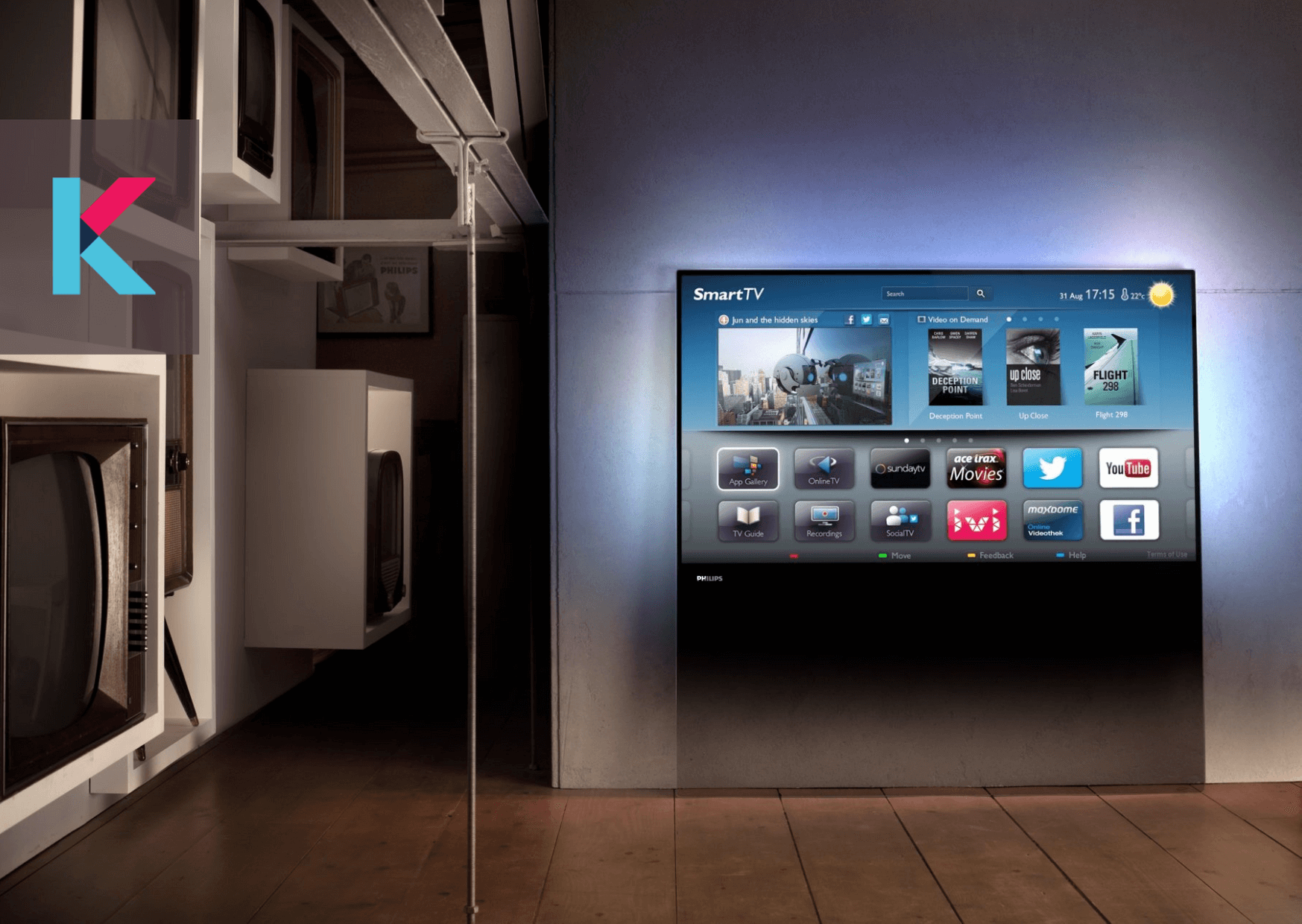
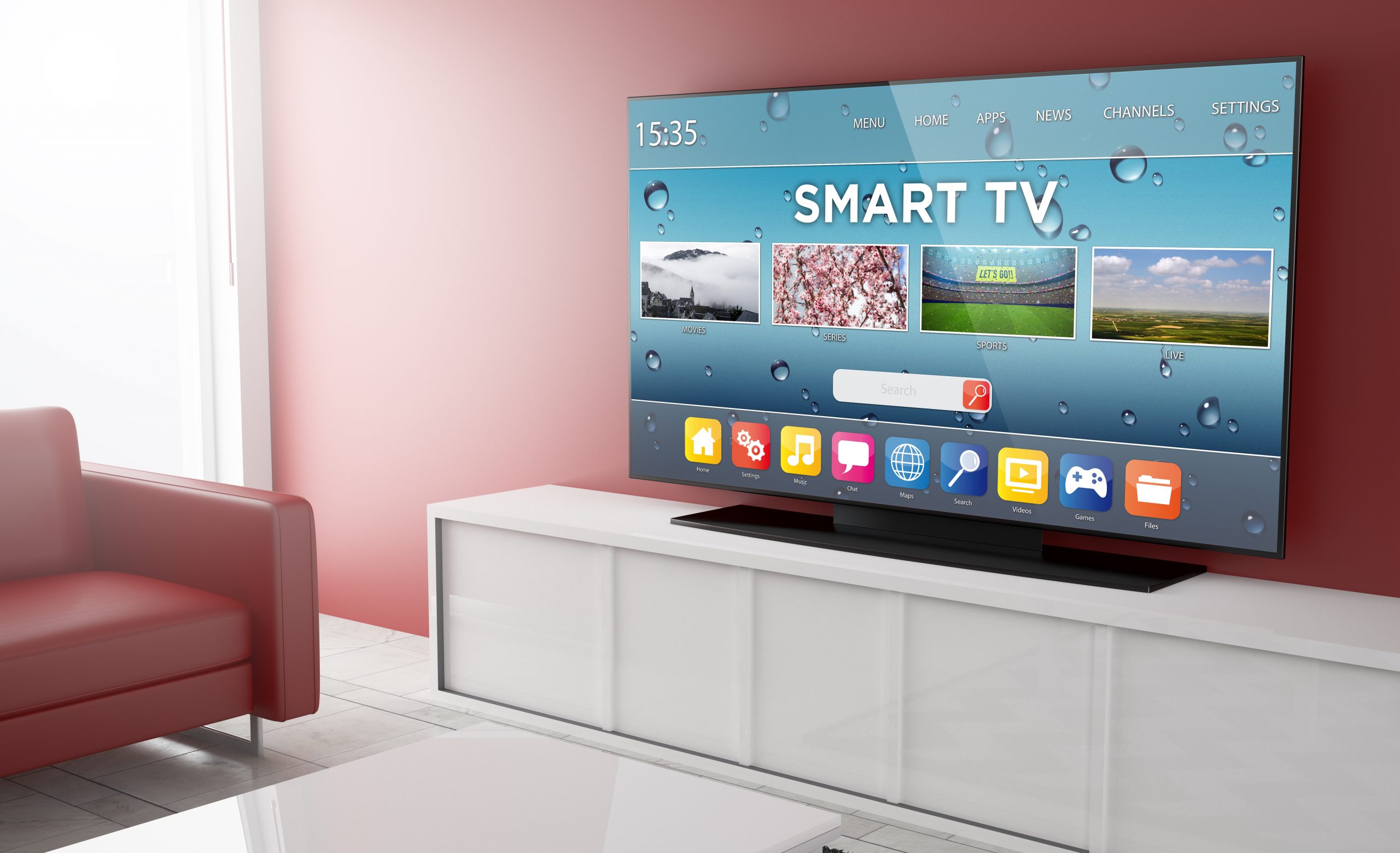
So, what's the big deal about a smart TV? Think of it as giving your television a brain transplant. Instead of just showing what your cable box or antenna gives you, a smart TV can connect to the internet. This opens the door to a universe of streaming services like Netflix, Hulu, Disney+, and YouTube. You can browse the web, check social media, play games, and even make video calls, all on the big screen!
This upgrade is fantastic for everyone. For beginners, it's a painless way to dip your toes into the streaming world without needing to buy a whole new expensive television. If you're a family, imagine movie nights becoming even more epic with instant access to kids' shows, documentaries, and your favorite blockbusters. And for the hobbyists out there who love tinkering, it's a chance to explore different apps, customize your viewing experience, and maybe even discover some niche streaming channels you never knew existed!
Must Read
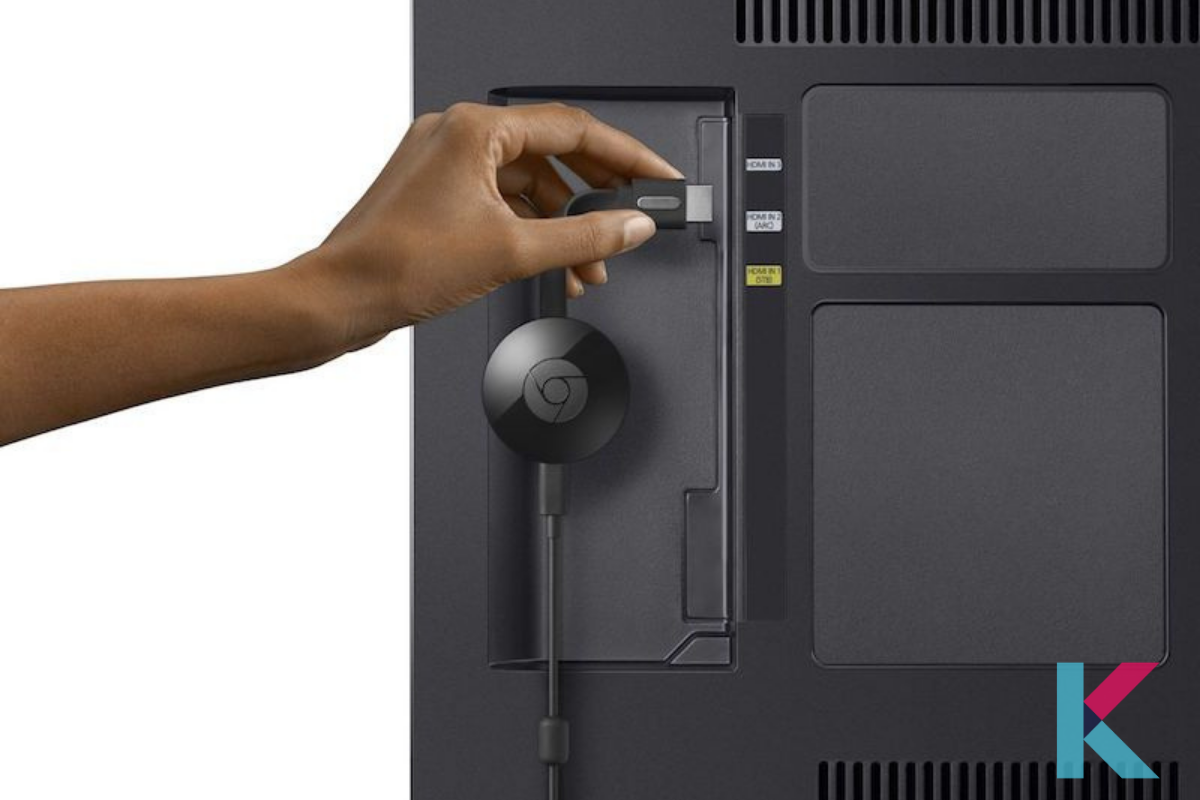
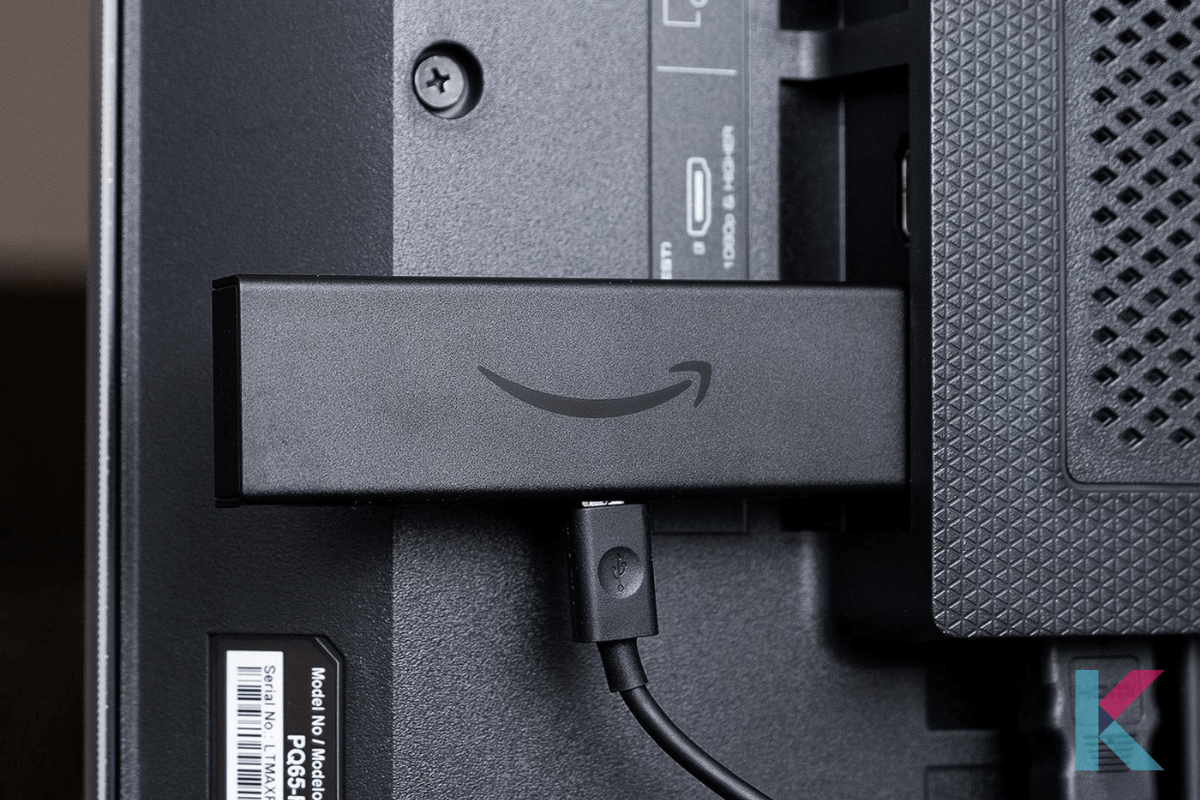
The most common and straightforward way to achieve this is by using a streaming device. These are small, affordable gadgets that plug into your TV's HDMI port and connect to your Wi-Fi. Think of popular options like the Amazon Fire TV Stick, Google Chromecast, or the Roku Streaming Stick. Each has its own interface and app selection, so you can pick one that best suits your needs. For example, if you're deeply invested in the Amazon ecosystem, the Fire TV Stick might be your go-to. If you prefer a vast selection of apps and a simple user interface, Roku is a great choice. Or, if you're a heavy Google user, Chromecast allows you to "cast" content directly from your phone or tablet.
Another variation, often built into more recent non-smart TVs, is a smart Blu-ray player. These can offer some streaming capabilities, though usually not as extensive as dedicated streaming devices. For those with older, but still functional, gaming consoles like the PlayStation or Xbox, many of them also have built-in apps for popular streaming services.
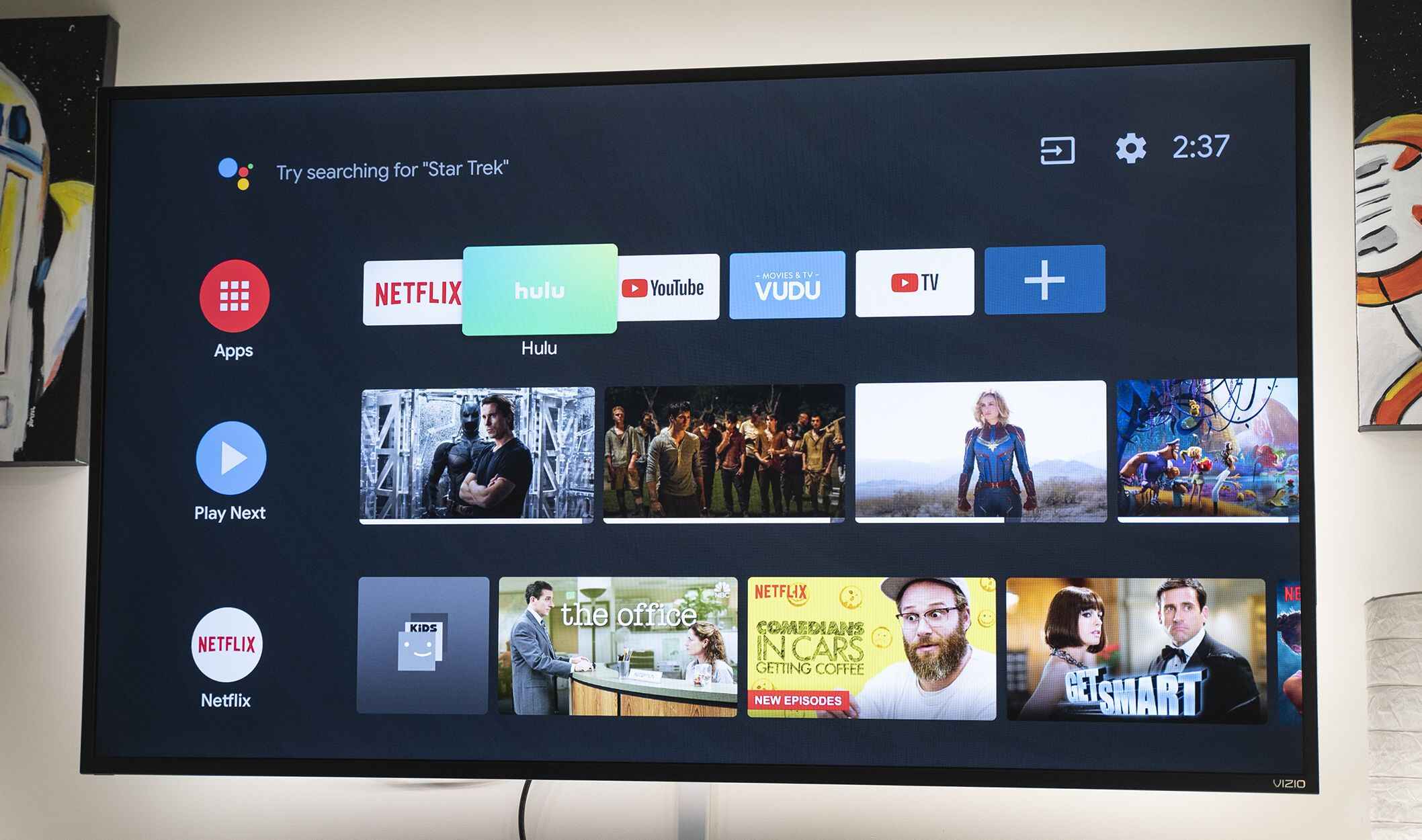
Getting started is easier than you think! First, check what ports your TV has. Most modern TVs have at least one HDMI port, which is what you'll need for most streaming devices. Then, decide which streaming device best fits your budget and desired features. Once you have your device, simply plug it into the HDMI port, connect it to your Wi-Fi network, and follow the on-screen prompts to set it up. It usually takes just a few minutes!
And that's it! You've just transformed your regular TV into a smart TV, ready to stream, browse, and entertain. The value you get for such a small investment is truly remarkable, and the sheer joy of having so much more at your fingertips makes it a worthwhile endeavor for anyone looking to enhance their home entertainment experience.