How To Add Apps To Android Auto

Ever feel like your car’s screen is a little… well, boring? You know, just the basics like radio and maps? Well, get ready for a major upgrade, because we’re about to unlock a whole new world of fun for your ride: Android Auto! Think of it as giving your car’s dashboard a superhero makeover, bringing all your favorite phone apps right to your fingertips, safely and easily.
So, how do you get all these cool new toys into your car? It’s surprisingly simple, like adding new apps to your phone, but with a driving twist! Most of the magic happens on your Android phone. You’ll need to make sure you have the Google Play Store handy, just like usual. This is where all the app goodies live.
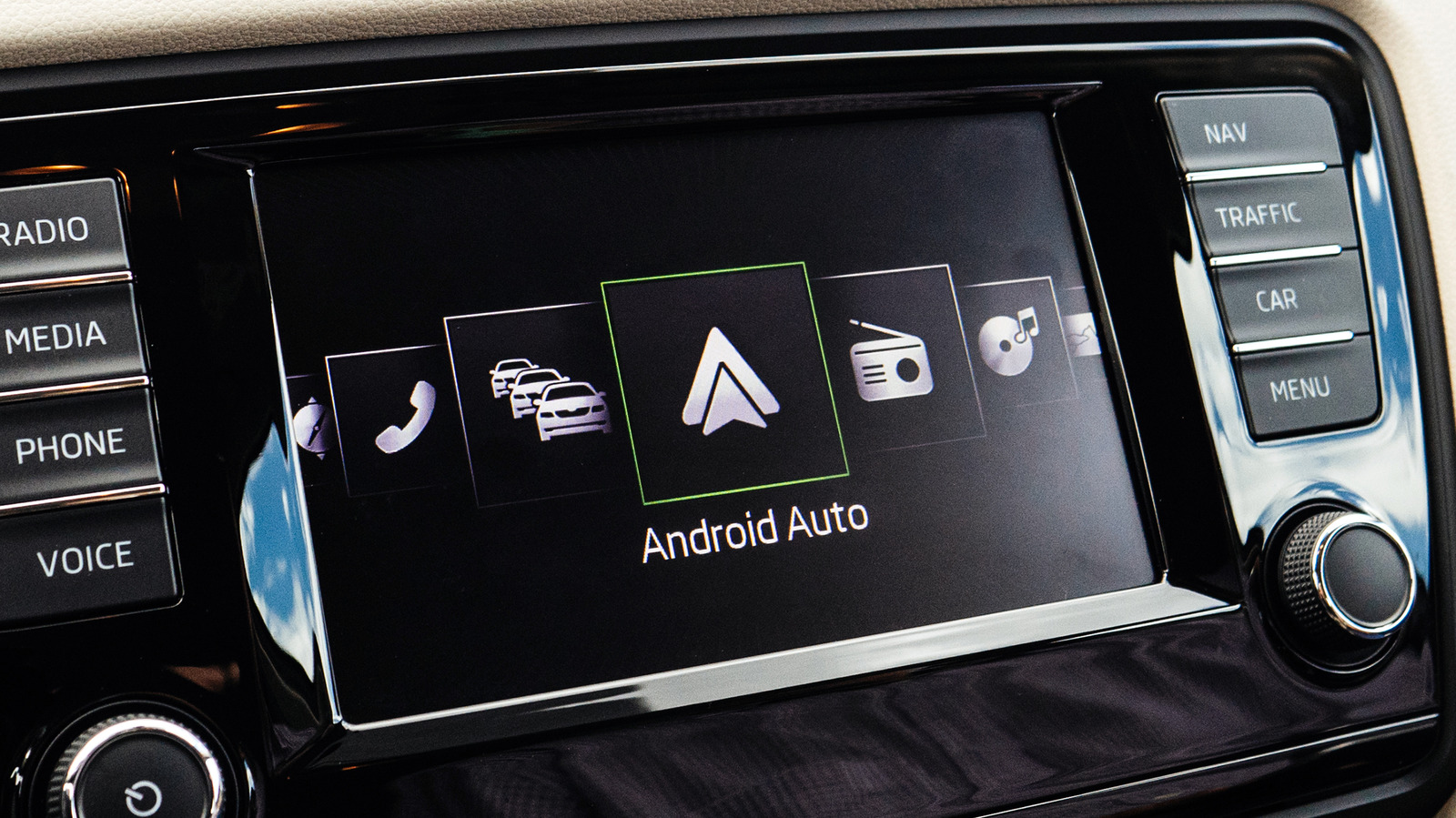
First things first, you need the Android Auto app itself on your phone. If you have a newer Android phone, it might already be built-in. Just look for the blue and green Android Auto icon. If it’s not there, no worries! A quick trip to the Google Play Store to download it is all it takes. It’s free, so you can jump right in without spending a dime.
Must Read
Now, for the exciting part: finding apps that play nice with Android Auto. Not every single app from your phone can make the leap. Think of it like trying to fit a giant sofa through a small doorway – it just won’t work. Android Auto is designed for apps that are safe and easy to use while you’re driving. That means no complex menus or tiny buttons that make you squint.
The best way to discover these driving-friendly apps is to browse directly within the Android Auto app on your phone. You’ll see a section that often says something like "Compatible apps" or "More apps for Android Auto." It’s like a curated list of the coolest road trip companions! You can tap on these suggestions and head straight to the Google Play Store to grab them.

What kind of apps are we talking about? Oh, the possibilities are endless and utterly delightful! Let’s start with the obvious: music streaming apps. Forget fumbling with your phone to find that perfect song to soundtrack your commute. With Android Auto, you can access your subscriptions to services like Spotify, YouTube Music, or Pandora. Imagine singing along to your favorite playlist without ever taking your eyes off the road. It's pure joy!
And for those long drives where silence just won't cut it, podcasts are your best friend. You can download and listen to your favorite shows, from true crime to comedy to inspiring stories, all through your car’s system. Think of all those hours you’ll fill with engaging content while you’re cruising down the highway. It's like having a portable entertainment studio on wheels!
But it’s not just about tunes and talk shows. Android Auto also brings you messaging apps. Yep, you can send and receive texts hands-free. Your car’s voice assistant will read your messages aloud, and you can reply by simply speaking. It’s a game-changer for staying connected without getting distracted. Just a quick "Hey Google, reply to Sarah 'On my way!'" and you're done. So cool!
Now, let’s talk about navigation. While Google Maps is a built-in superstar, you might have a preferred navigation app. Waze is another hugely popular option that brings real-time traffic updates and speed camera alerts directly to your car screen. Imagine navigating through rush hour with a co-pilot who knows every shortcut and potential hazard. It makes even the most dreaded commutes feel a bit more manageable, and dare I say, even a little fun.

Once you’ve downloaded a compatible app on your phone, the next step is to connect your phone to your car. Most modern cars with Android Auto compatibility will connect wirelessly, which is super convenient. For older cars, you might need a USB cable. Just plug it in, and your car’s screen should automatically detect your phone and launch the Android Auto interface. It’s almost like magic!
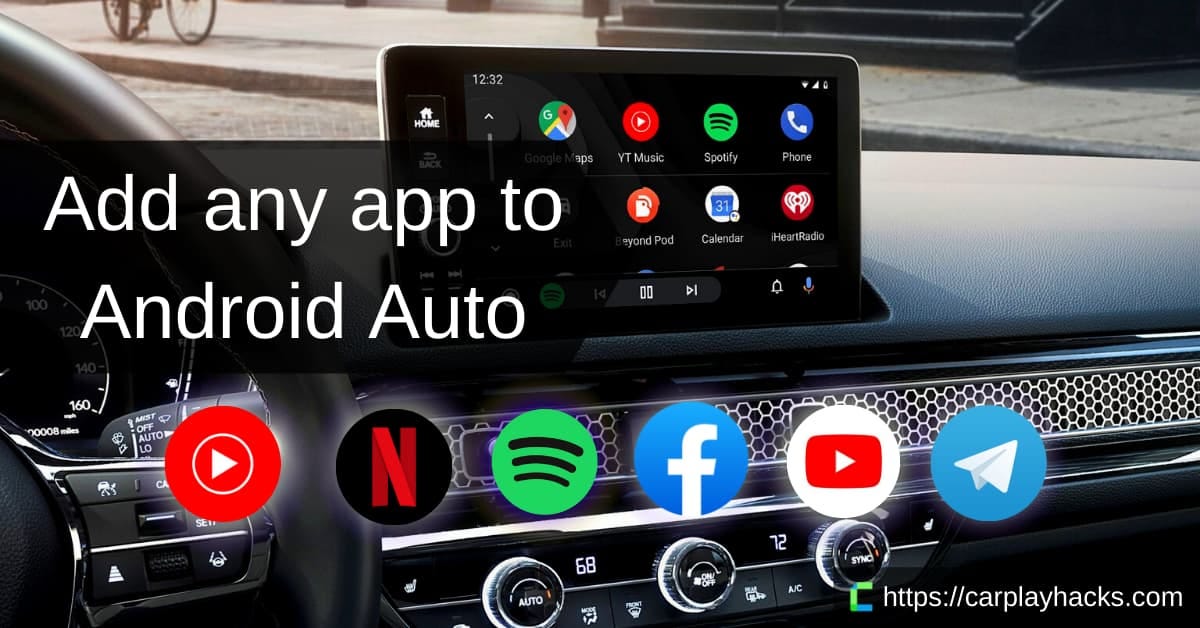
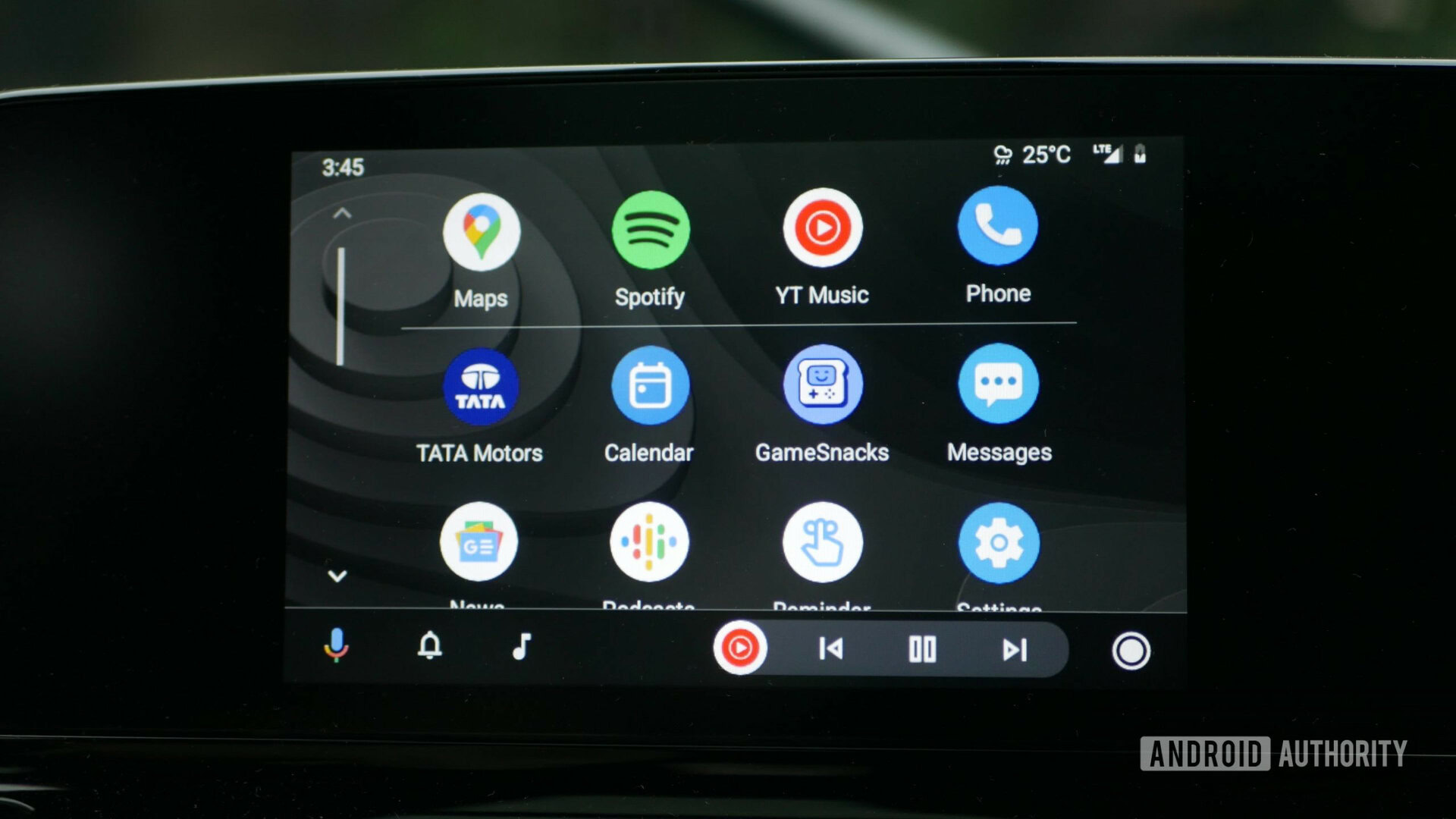
When you see the familiar Android Auto layout on your car screen, you’ll notice a grid of icons representing your downloaded apps. You can tap on any of these icons to launch the app. The interface is designed to be super simple, with large icons and clear text, making it easy to navigate even with a quick glance. It’s all about keeping your focus on the road while still enjoying the best of your digital world.
:max_bytes(150000):strip_icc()/android-auto-apps-e2579de99cba41388282193e11345e9c.jpg)
What makes it so special? It’s the seamless integration. It takes your phone’s capabilities and makes them a part of your driving experience without being overwhelming. It’s about enhancing your journey, making those daily drives or epic road trips more enjoyable and entertaining. You’re no longer just driving from point A to point B; you’re creating a personalized audio-visual experience that fits your mood and your needs.
Think about it: you’re on a road trip, miles from anywhere. You can blast your favorite road trip anthems, catch up on that hilarious podcast, and navigate with confidence, all without juggling your phone. It’s about freedom, convenience, and a serious dose of fun. It truly transforms your car into a smart, connected hub, ready for whatever adventure comes your way.
So, go ahead, dive into the Google Play Store, explore the world of Android Auto compatible apps, and get ready to make your drives a whole lot more entertaining. Your car is waiting for its tech upgrade, and you’re going to love the ride!