How Do You Set Up A Google Alert
Imagine this: you're scrolling through your phone, minding your own business, maybe sipping on some lukewarm coffee. Suddenly, a little ping! And there it is – a notification that you specifically asked for. It's like having a tiny, digital butler who’s constantly on the lookout for whatever makes your heart sing (or your eyebrows raise). And guess what? You can totally set one of these up yourself, with minimal fuss and maximum fun. We're talking about Google Alerts, the unsung hero of staying informed and, let's be honest, mildly obsessed.
Think about it. What makes you tick? Is it the latest news about your favorite indie band, the one with the quirky lead singer and lyrics that sound like they were scribbled in a forgotten diary? Or maybe it's that adorable husky puppy you saw on Instagram last week, and you're desperately hoping to see more of its fluffy escapades online. Or perhaps, just perhaps, you have a burning curiosity about the history of spoons, and you want to be the first to know when someone posts a new, fascinating fact about them.
Whatever your passion, big or small, your peculiar interest or your deep-seated love, there’s a good chance you can get Google to keep an eye out for it. It’s like hiring a private investigator, but instead of shadowy figures and trench coats, you get email notifications and a sense of delightful anticipation.
Must Read
Let’s break down the magic. At its core, a Google Alert is a service that sends you an email whenever new content matching your search term appears on the web. Think of it as your personal newsfeed, but instead of being bombarded with everything, you get curated little nuggets of pure, unadulterated interest. It’s the digital equivalent of a carefully selected care package, delivered straight to your inbox.
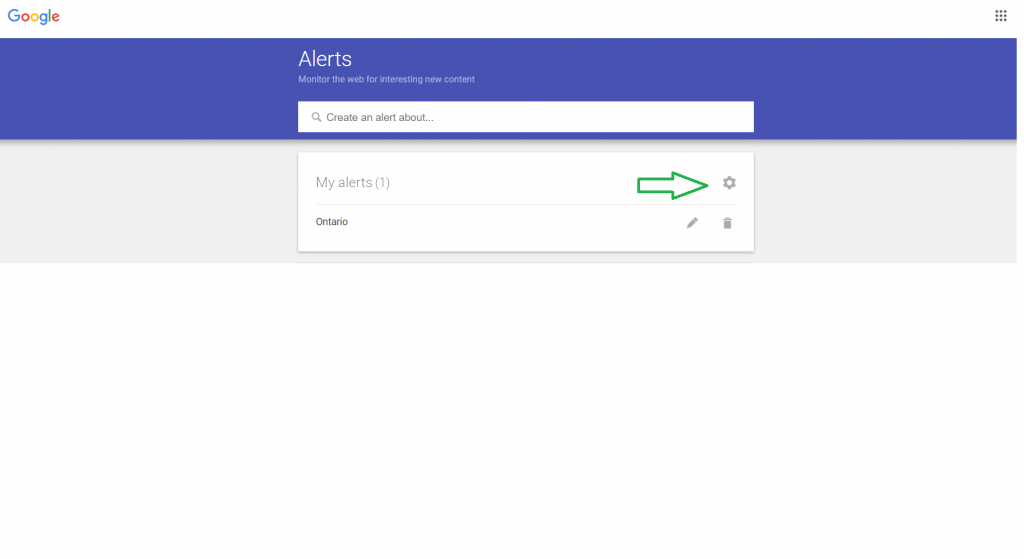
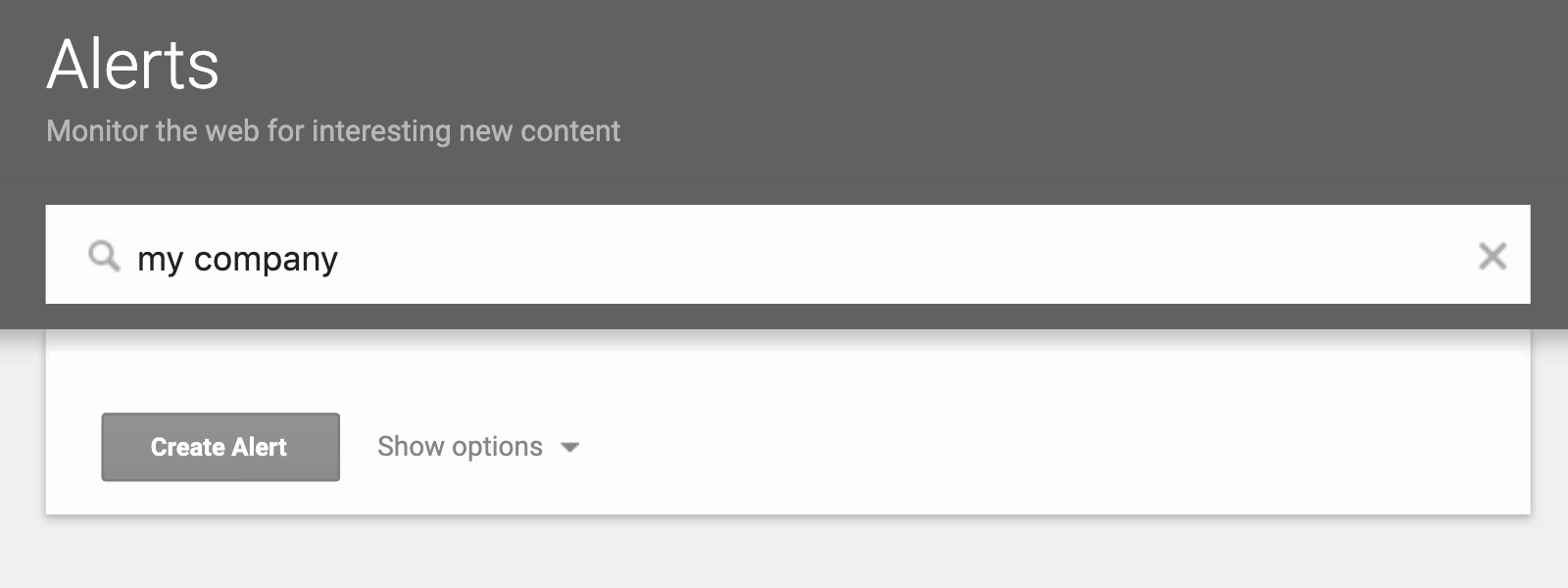
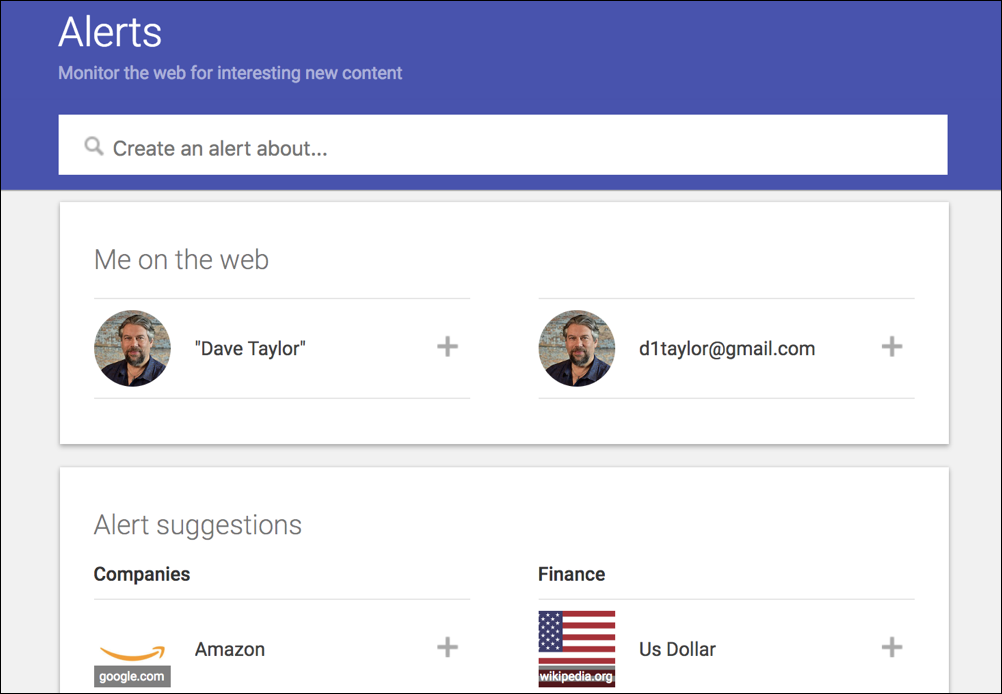
Setting one up is ridiculously easy. You don’t need a degree in computer science or a secret handshake with the tech gods. All you need is a Google account (which, let’s face it, most of us already have) and a topic that sparks joy. Head over to the Google Alerts website – it’s as simple as typing “Google Alerts” into the search bar, and voila! You’ll see a friendly little search box that says, "Create an alert about…".
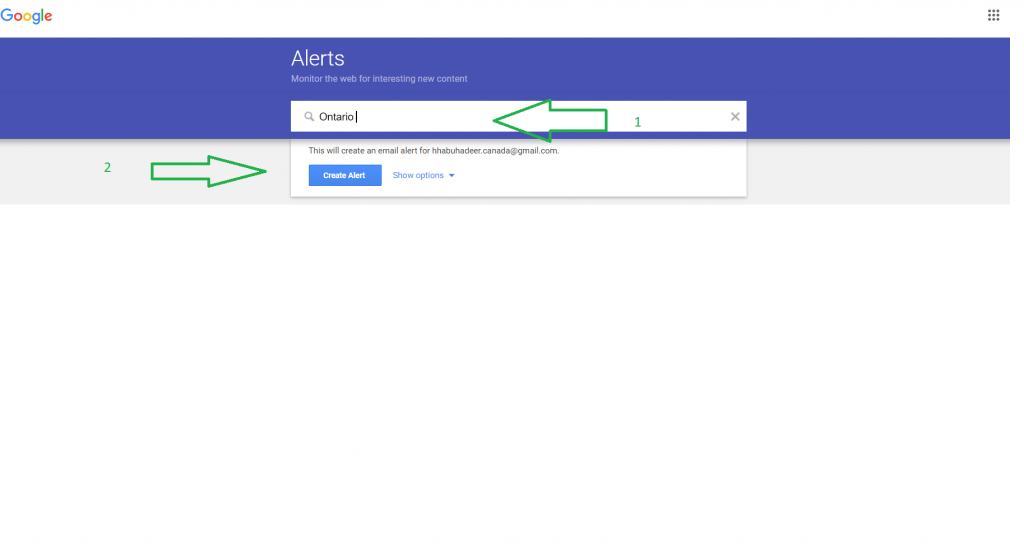
Now, this is where the fun really begins. What do you type in? This is your moment to be creative. You could be as specific as you like. Let’s say you’re utterly charmed by the idea of people who knit tiny hats for squirrels. Type in “tiny hats for squirrels” and prepare to be amazed. Or maybe you have a soft spot for historical reenactments of the Roman Empire. Your alert could be “Roman legionnaire reenactment”.
The beauty of it is, you can get as granular or as broad as you want. If you’re a budding ornithologist, you might set up an alert for “rare bird sightings in [your state]”. If you’re a devoted fan of a particular author, you could alert yourself to “new books by [Author’s Name]” or even just “[Author’s Name] interview”. The possibilities are truly endless.
It’s like having a secret decoder ring for the internet, allowing you to unlock hidden treasures related to your passions.
And then there are the unexpected delights. You might set up an alert for “funny cat videos” and discover a whole new community of creators you never knew existed. Or perhaps you search for “innovative cooking techniques” and stumble upon a chef who’s revolutionizing the way we think about roasting marshmallows. These are the moments that make life a little brighter, a little more interesting, and a lot more fun.
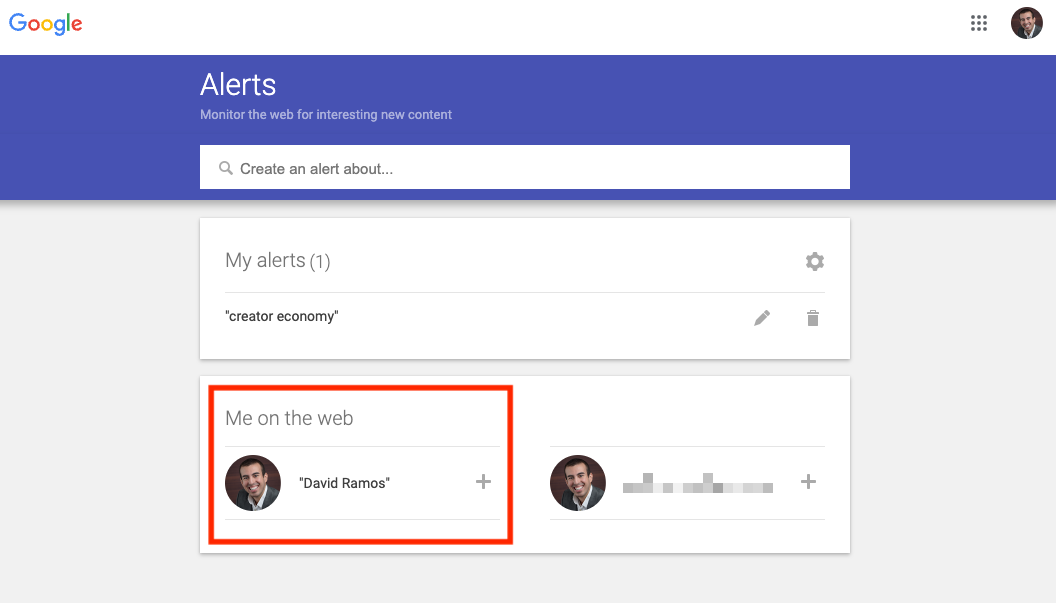
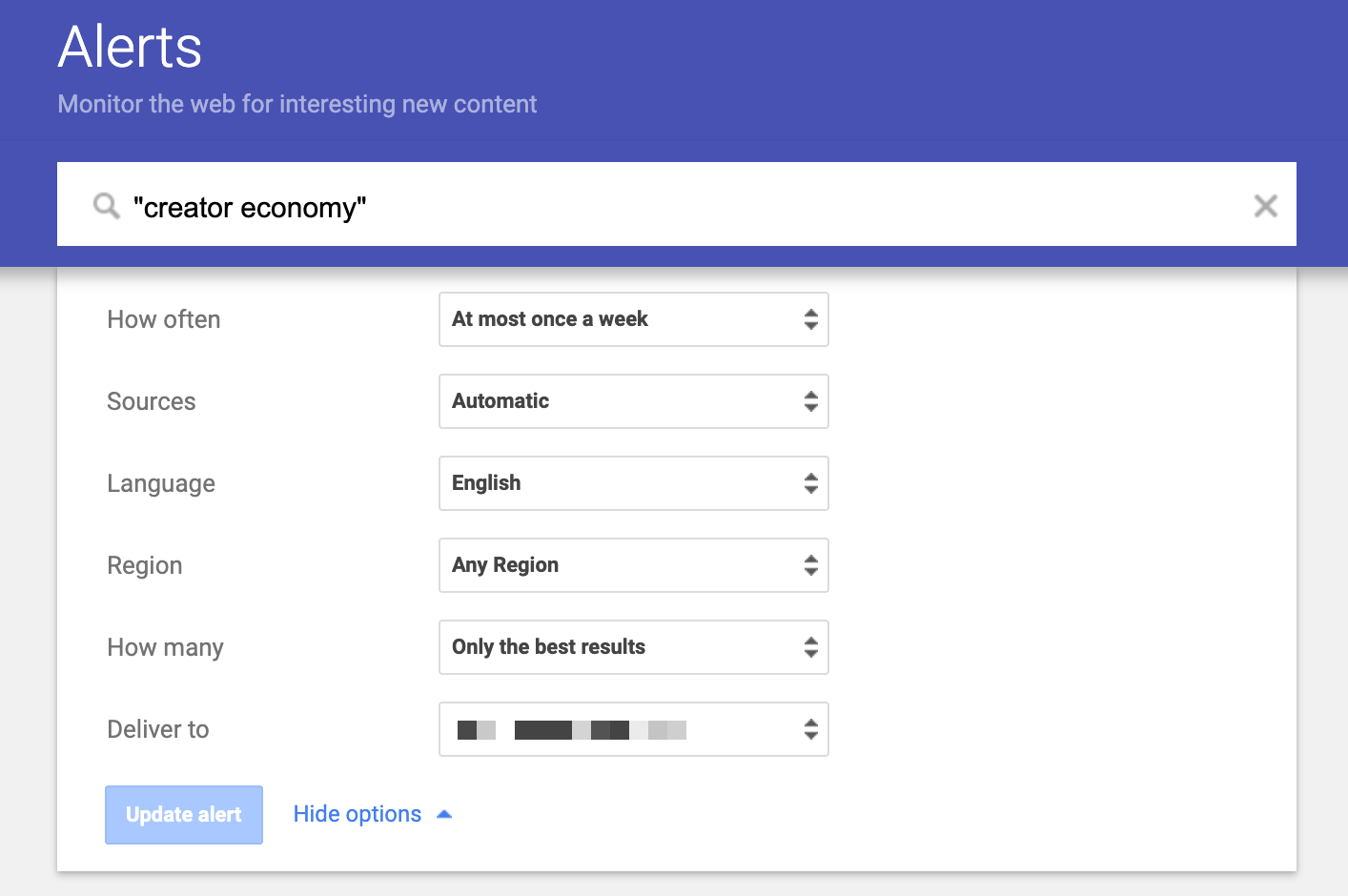
Once you’ve entered your search term, Google Alerts gives you a few options to fine-tune your experience. You can choose how often you want to receive alerts – anything from “as-it-happens” (if you’re feeling particularly eager) to “once a week” (for a more relaxed approach). You can also decide where the alerts come from – whether it’s just the news, blogs, web pages, or even books. It’s like having a personal librarian who only fetches the books you actually want to read.
There’s also a fantastic option to specify the “quantitity” of results. You can choose “only the best results” if you want a curated, high-quality stream, or “all results” if you’re feeling adventurous and want to dive deep into every single mention. This is where the humor can really shine. Imagine setting an alert for “sentient toasters” and choosing “all results.” You might be surprised by the philosophical musings that pop up!
So, what are you waiting for? Go forth and create your alerts! Set one up for your childhood pet’s name, just to see if any heartwarming stories about similar-looking animals surface. Create an alert for that obscure hobby you’ve always wanted to explore, just to dip your toes in the water. You might find yourself laughing out loud at a ridiculous meme, feeling a surge of inspiration from a clever article, or even connecting with someone new who shares your niche interest. Google Alerts is more than just a tool; it’s an invitation to stay curious, stay engaged, and keep that spark of wonder alive in your digital life. Happy alerting!