How Do You Make A Tv Smart
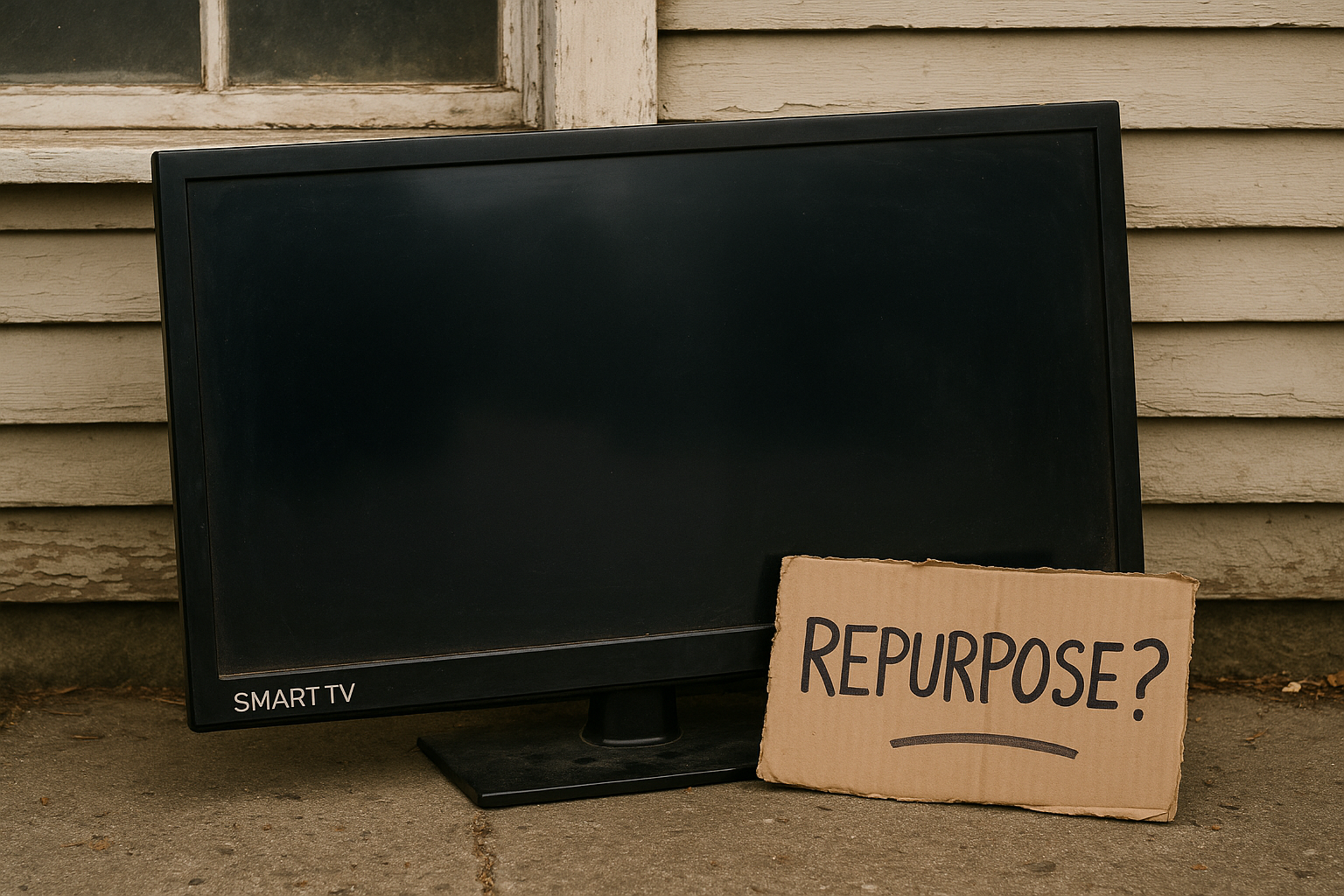
Okay, so you’ve got this TV. A perfectly good TV, mind you. It shows pictures, makes sounds, the whole shebang. But lately, everyone’s talking about "smart TVs," and you’re starting to feel a little… left out? Like your TV is still in the dial-up era while everyone else is cruising on fiber optic? Yeah, I get it. It feels like your TV is just sitting there, being dumb. So, how do you, my friend, inject some serious brains into that big black rectangle in your living room? Let’s spill the metaphorical coffee, shall we?
First off, don't freak out. It’s not like you need to enroll in an engineering program or anything. Making a TV “smart” is actually way easier than you think. It’s less about brain surgery and more about adding a cool new gadget. Think of it like giving your car a fancy new stereo system, but instead of tunes, you get streaming services and apps. Pretty neat, huh?
The "But My TV Already Has Apps" Conundrum
Now, some of you might be thinking, “Wait a minute! My TV already has apps! Netflix, YouTube, the works! Is it not smart already?” And to that, I say… maybe. Newer TVs, bless their little silicon hearts, often come with some built-in smarts. They’ve got Wi-Fi, they’ve got a basic operating system, and they can, indeed, access a few streaming services. But let’s be honest, sometimes those built-in systems are about as snappy as a sloth on vacation. And the app selection? Let’s just say it can be a tad limited. You might be stuck with the basics, while your friends are showing off their obscure Albanian folk music streaming apps. Tragedy!
Must Read
So, even if your TV has some smart features, there’s almost always room for improvement. Think of it as upgrading from a flip phone to a smartphone. Both make calls, but one can do so much more. Your current TV might be a flip phone, and we're about to turn it into the latest iPhone.
Option 1: The Streaming Stick/Box – Your New Best Friend
This, my friends, is where the magic really happens. The easiest and most popular way to make your TV smart is by plugging in a little gizmo called a streaming stick or a streaming box. These things are the unsung heroes of modern entertainment. They’re small, they’re relatively cheap, and they pack a serious punch in terms of functionality. You've probably heard of some of the big players:
What do these little guys do? They essentially turn your dumb TV into a super-smart entertainment hub. You just plug one into your TV’s HDMI port (you know, those rectangular slots on the back or side), connect it to your Wi-Fi, and BAM! Suddenly, your TV has a whole new brain. It’s like giving your TV a personality transplant, but in a good way. No more existential crises about whether your TV understands the concept of binge-watching.
Roku: The "Just Works" Champion
Let's talk about Roku for a sec. Roku is like the friendly neighbor who’s always got the right tool when you need it. Their interface is super simple to navigate, even if you’re not exactly a tech wizard. It’s all about channels, and they have an insane amount of them. Pretty much every streaming service you can think of, and probably a few you can’t, will be available on Roku. Plus, their remotes are usually pretty straightforward. No confusing buttons, no unnecessary jargon. Just point, click, and stream. It’s the MVP of making things easy.
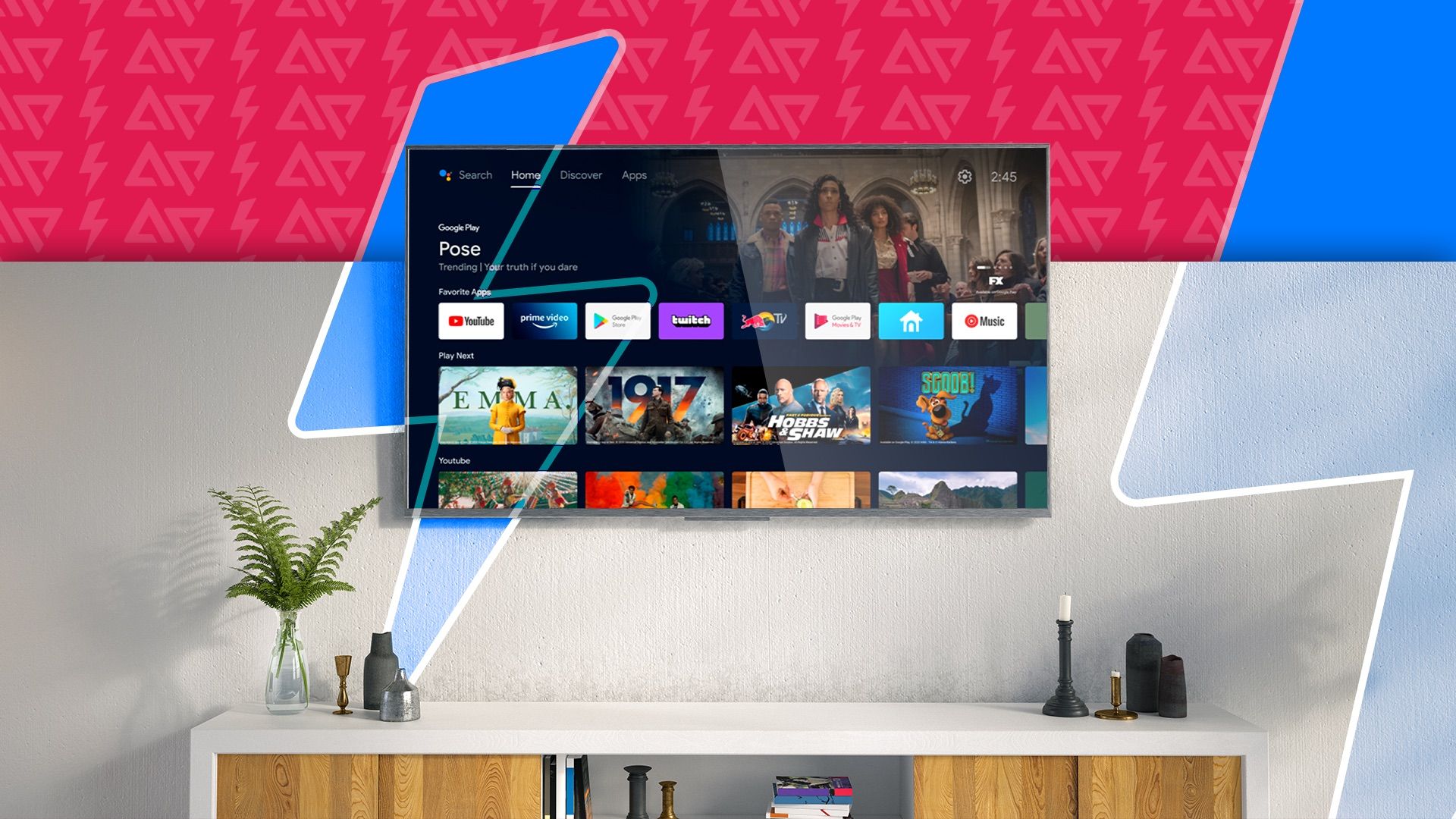
They’ve got sticks, which are super discreet and plug directly into your TV’s HDMI port. Then they have boxes, which are a little bigger but sometimes offer more power and extra features, like voice control. The Roku Ultra is a beast, but even the most basic Roku Express will make your TV feel like a genius.
Amazon Fire TV Stick: Alexa’s World of Entertainment
Ah, Amazon. They’re everywhere, aren’t they? The Fire TV Stick is Amazon’s answer to the streaming question, and it’s pretty darn good. If you’re already in the Amazon ecosystem, this is a natural fit. You get access to tons of apps, and of course, you get
Like Roku, they have sticks and little boxes. The Fire TV Cube is their top-tier offering, basically a Fire TV Stick with a built-in smart speaker. It's for when you really want Alexa to be in charge of your living room. They also have a great selection of apps, though sometimes Amazon’s own services get a little… prominent placement. But hey, it’s still a fantastic way to smarten up your TV.
Google Chromecast (with Google TV): The Smarty Pants Option
Google, of course, has their own entry, and it’s called Chromecast. Now, historically, the Chromecast was a bit different. You’d “cast” content from your phone or tablet to your TV. It was brilliant for certain things, but it didn’t have its own interface or remote. You were basically controlling it through your phone. A little clunky, if we’re being honest. But then came
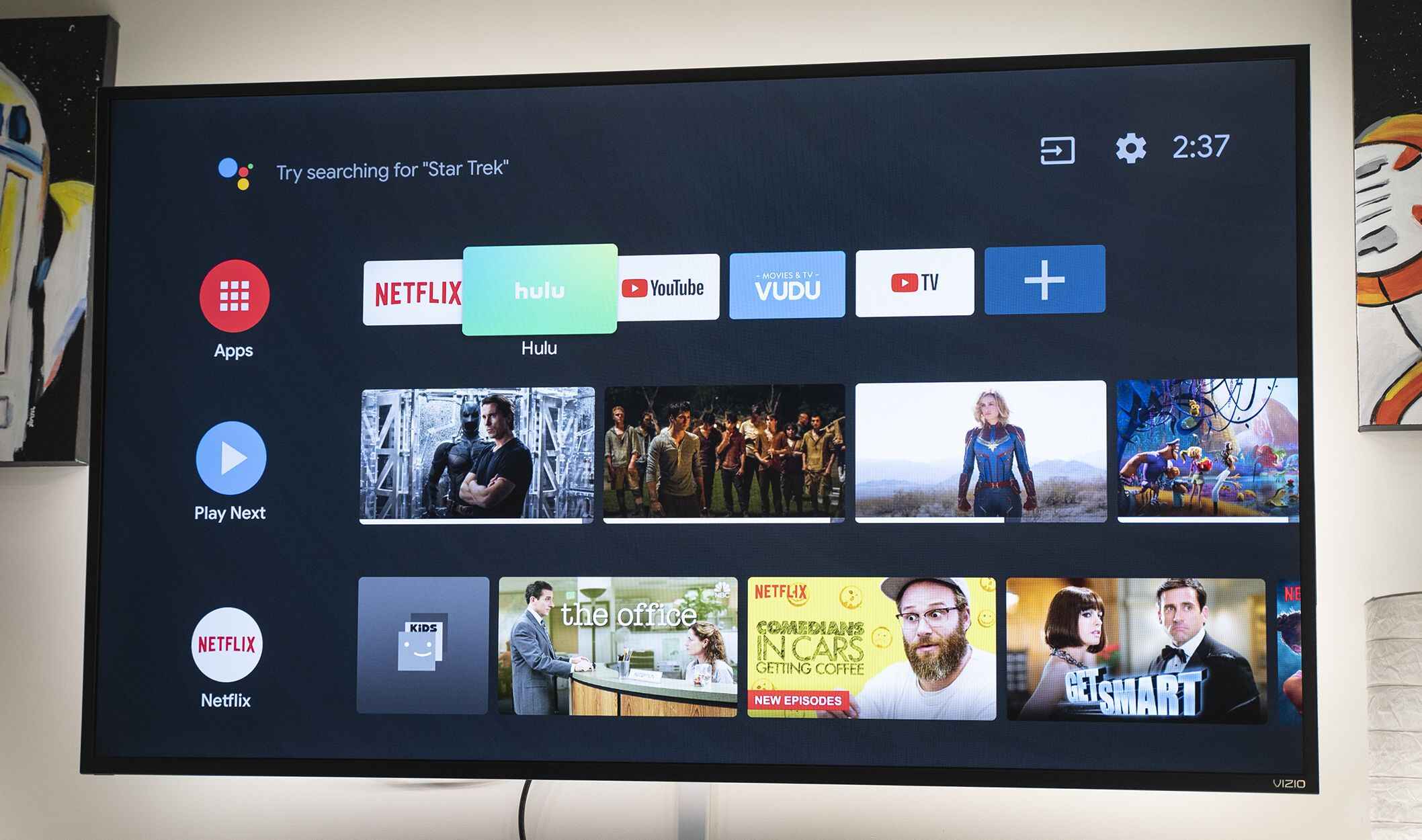
The new Chromecasts come with a remote and a full-fledged Google TV interface. It’s essentially Google’s take on a smart TV OS, and it’s quite impressive. It learns your viewing habits and recommends content from all your different services, all in one place. It’s like having a personal concierge for your entertainment. And if you’re a big Android user or love Google Assistant, this is probably your jam. It’s a little more integrated with the Google universe, which is a huge plus for many.
Apple TV: For the Apple Devotees
And then there’s Apple TV. If you’re all-in on the Apple ecosystem – you’ve got an iPhone, an iPad, a Mac, and you probably communicate exclusively in emojis – then Apple TV is your soulmate. It’s beautifully designed, incredibly fast, and the interface is, as you’d expect from Apple, super slick and intuitive. It integrates seamlessly with your Apple devices, so you can AirPlay content from your iPhone or iPad with ease. Plus, it’s great for Apple Arcade gamers and anyone who loves Apple's own content on Apple TV+.
It’s often a bit more expensive than the other options, but you’re paying for that premium Apple experience, that buttery-smooth performance, and the general feeling of owning something undeniably cool. It's the iPhone of TV streamers, basically.
How Do You Actually Connect Them? It's a Breeze!
Okay, so you’ve picked your weapon of choice. Now what? Don’t panic. This is the easy part. Seriously. Most of these devices come with everything you need in the box. You’ll usually find:
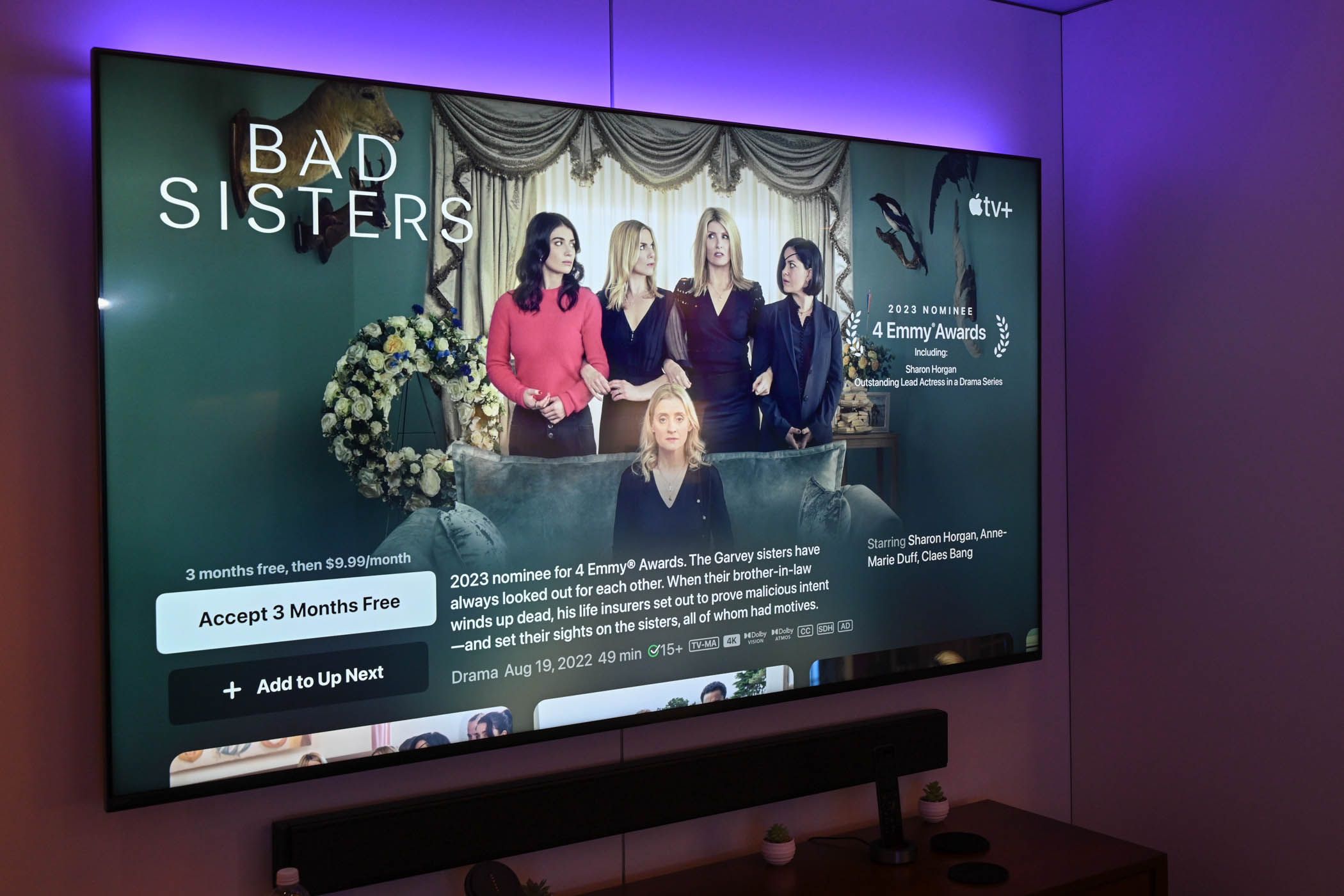
- The streaming stick or box itself.
- A power adapter.
- An HDMI cable (sometimes built into the stick).
- A remote control.
So, here’s the drill:
- Find a free HDMI port on your TV. They’re usually on the back or the side, and they’re rectangular. Just look for the label that says "HDMI." If you're using a Roku stick or a Fire TV Stick, it will plug directly into this port. If you have a box, you'll plug the HDMI cable into the box, and then the other end into your TV.
- Plug in the power adapter. These devices need juice to run! You’ll usually plug this into the device and then into a wall outlet. Some newer TVs have USB ports that can power these devices directly, which is super convenient and reduces cable clutter.
- Turn on your TV and select the correct HDMI input. You know how you switch between cable, Blu-ray, and video games? Do that, but select the HDMI port where you plugged in your new streaming device.
- Follow the on-screen setup instructions. This is where the magic happens! Your streaming device will guide you through connecting to your Wi-Fi network (make sure you have your password handy, don’t be that person who forgot their Wi-Fi password!), signing into your accounts (Netflix, Hulu, whatever you have), and it’ll probably run a quick update.
And that’s it! You’ve officially transformed your humble, possibly dumb, TV into a smart TV powerhouse. You can now download all the apps, stream all the movies, and pretend you're totally up-to-date with the latest shows. Your TV is now the life of the party. It's probably already Googling itself to see what it can do.
Option 2: The Smart TV Upgrade – If You're Feeling Fancy
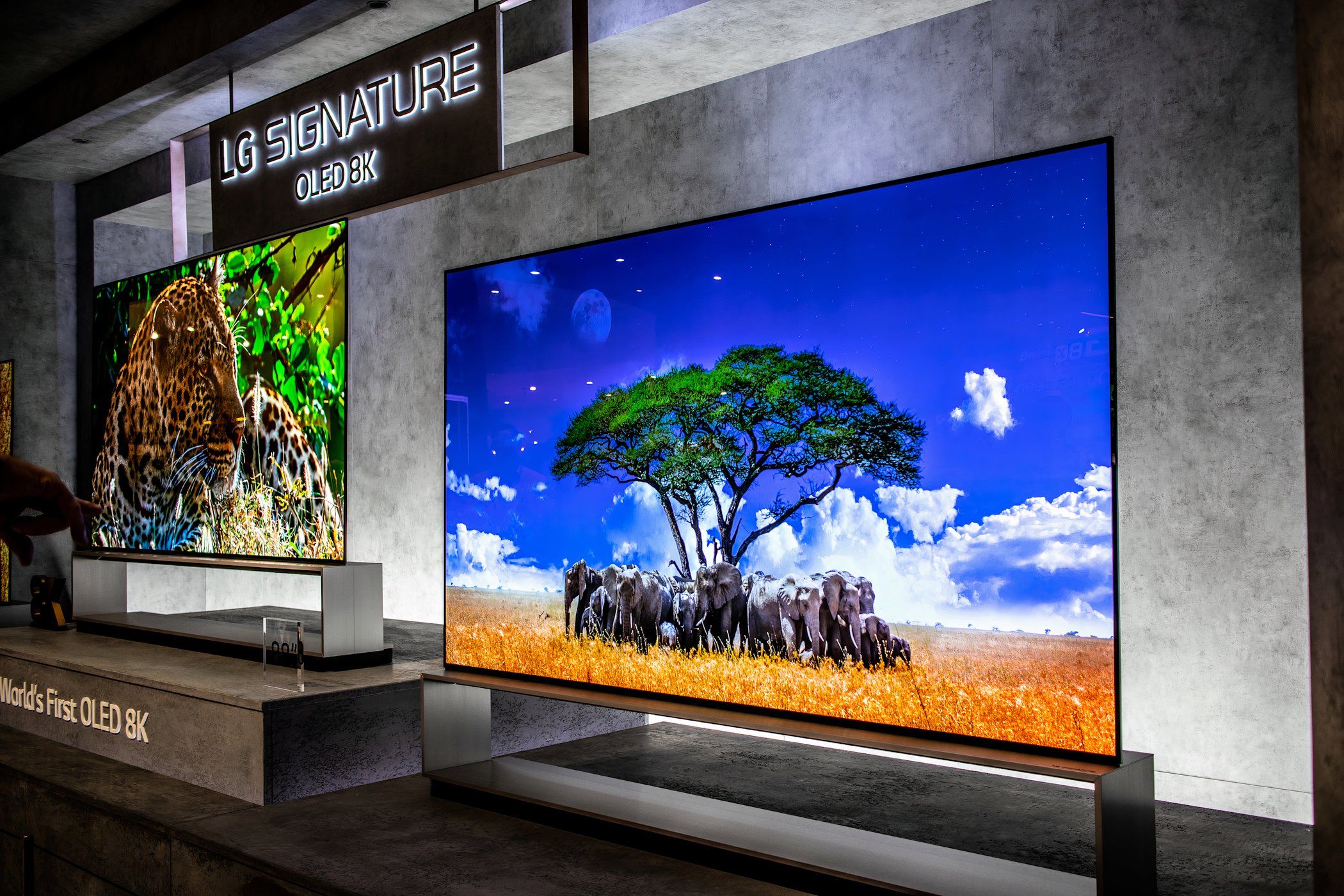
Now, what if you're in the market for a new TV anyway? Or maybe your current TV is so old it’s practically an antique? In that case, you might consider just buying a new
Modern smart TVs come with everything integrated: Wi-Fi, a smart operating system (often Android TV, webOS, Tizen, or Roku TV), and a decent app store. You just plug it in, connect to Wi-Fi, and you’re good to go. It’s the most seamless option, and you get a new TV out of it, which is always a bonus, right? Who doesn’t love unboxing a shiny new TV?
What to Look For in a Smart TV
If you're going the "buy a new smart TV" route, you'll want to consider a few things:
- Operating System: As I mentioned, there are a few.
Android TV (or Google TV) is great for its app selection and integration with Google.LG's webOS andSamsung's Tizen are often praised for their user-friendliness and sleek interfaces.Roku TV is, as you might guess, built around the Roku platform, meaning a super simple and familiar experience. - App Availability: Does it have all the apps you care about? Check before you buy! Some cheaper smart TVs might have a more limited selection.
- Performance: Is the TV sluggish when you navigate menus? Nobody wants a smart TV that feels like it’s thinking about what you asked it to do. Look for reviews that mention speed and responsiveness.
- Connectivity: How many HDMI ports does it have? Does it have Bluetooth for connecting soundbars or headphones?
Buying a new smart TV is a bigger investment, for sure. But if your current TV is on its last legs or you’re just ready for a whole new visual experience, it’s definitely the most integrated and streamlined way to go. Your old TV might be sad to see you go, but hey, progress!
Is It Worth It?
So, the big question: is it actually worth it to make your TV smart? If you ask me, it’s a resounding yes! Think about it. For a relatively small investment (a streaming stick can cost as little as $30-$50), you unlock a world of entertainment. You’re no longer limited to whatever channels your cable provider decides you should watch. You have access to:
- All the streaming services: Netflix, Hulu, Disney+, HBO Max, Amazon Prime Video, Peacock, Paramount+, Apple TV+, and so many more. You can finally watch that show everyone’s talking about!
- Live TV streaming: Services like YouTube TV, Hulu + Live TV, and Sling TV let you cut the cord from traditional cable and still get your sports and news fix.
- YouTube, of course: For endless cat videos, DIY tutorials, and conspiracy theories.
- Music streaming apps: Spotify, Pandora, and others.
- Gaming: Some platforms offer simple games, and cloud gaming is becoming a thing.
- Web browsing: Though, let’s be honest, browsing the web on a TV is rarely a top-tier experience, but it's there!
It’s about choice, convenience, and staying entertained. Your old TV might have been content with just showing broadcast signals, but you deserve more. You deserve to be able to switch from watching the news to a documentary about competitive dog grooming in a matter of seconds. Your TV can finally keep up with your ever-changing moods and binge-watching desires.
So, whether you go for a tiny, mighty streaming stick or decide it’s time for a whole new TV, the path to a smart entertainment experience is pretty clear. Don’t let your TV feel like a forgotten relic. Give it a brain, give it some apps, and let the good times roll. Happy streaming!