Google Alert Settings

Ever have that feeling of missing out? Maybe it's a new recipe for your favorite dish, the latest news about a band you love, or even just knowing when your local park is hosting its annual craft fair. We all have those little corners of the internet, those specific topics that spark our curiosity and make our lives just a little bit brighter. And what if I told you there's a way to be gently nudged towards all those things, without having to constantly refresh pages or scour endless websites? Enter Google Alerts, your personal digital assistant for staying in the know about what matters most to you.
Think of Google Alerts as your very own, customizable news feed for the things that tickle your fancy. It's not about being glued to your screen; it's about being effortlessly informed. The benefits are surprisingly vast for our everyday lives. For the job seeker, it can mean instant notification when a new opening matching their skills pops up. For the budding entrepreneur, it's a way to keep tabs on competitors or emerging industry trends. Even for the passionate home cook, it’s a direct line to that elusive sourdough starter recipe you’ve been chasing!
The applications are as varied as our interests. Let’s say you’re a devoted fan of vintage sci-fi films. You could set up an alert for "rare 1950s sci-fi posters" and get notified when one appears for sale online. Perhaps you’re deeply concerned about a local environmental issue; an alert for "[Your Town Name] + [Environmental Issue]" could bring you the latest council discussions or news reports. Or maybe you’re just trying to track down mentions of your obscure band name online to see what people are saying – Google Alerts can do that too!
Must Read
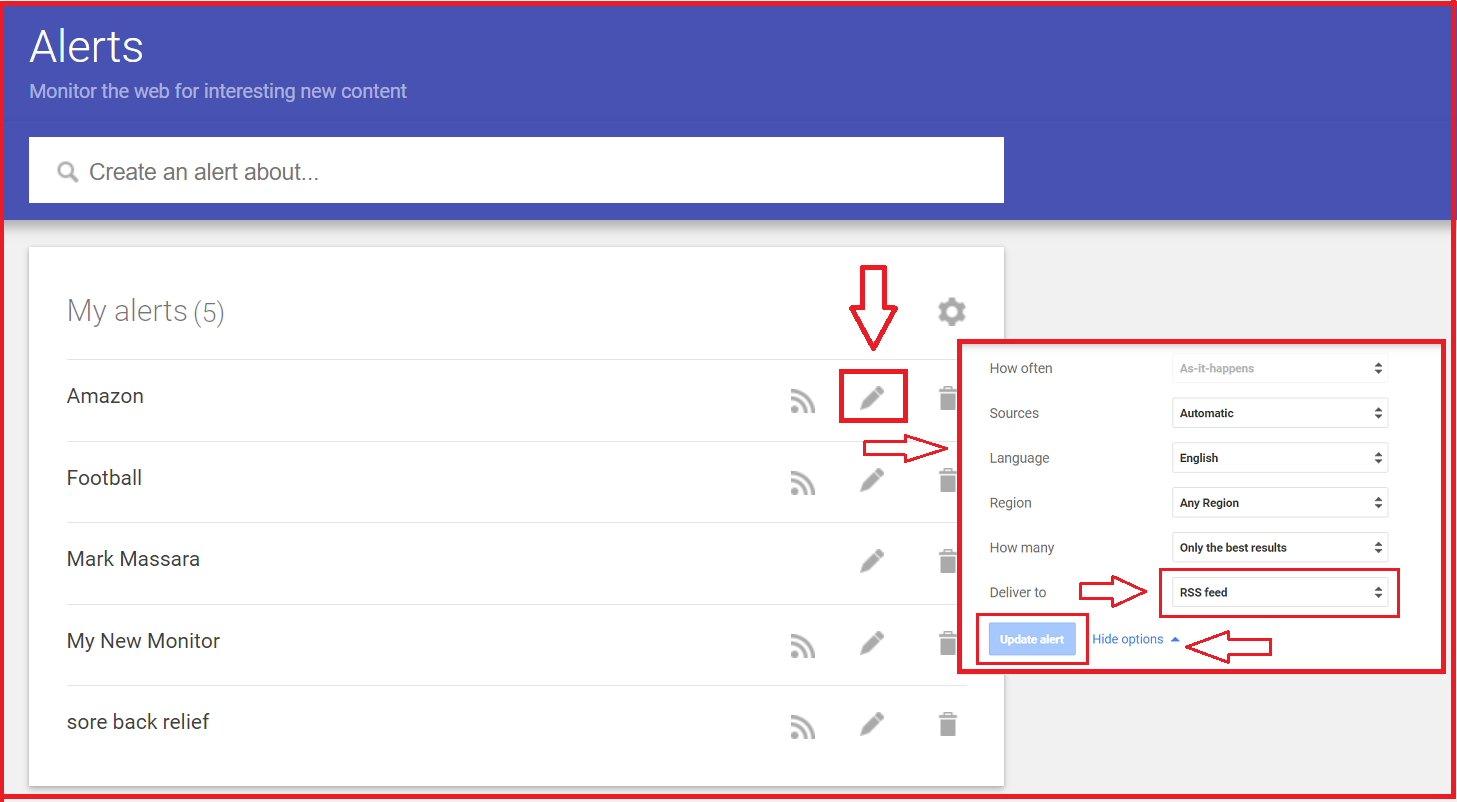
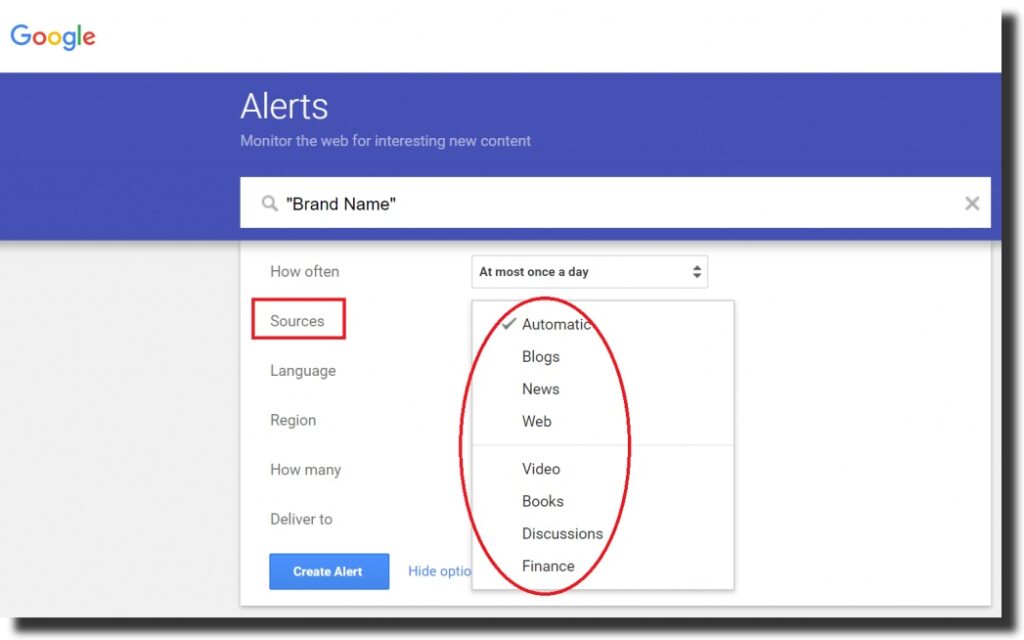
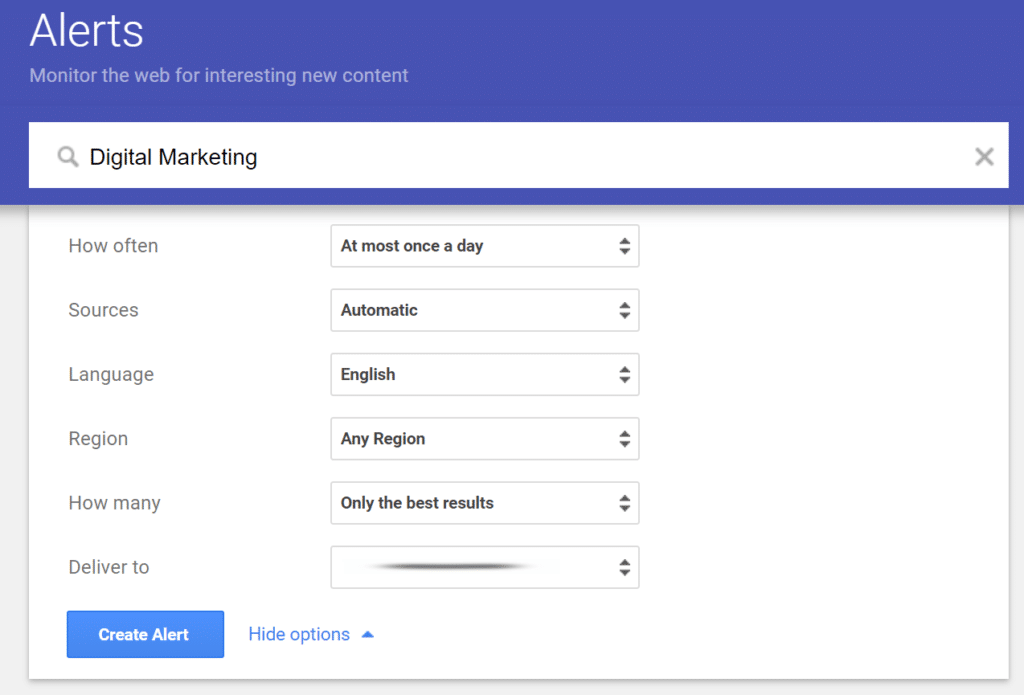
So, how do you make the most of this fantastic free tool and transform it from a novelty into a genuine productivity booster? The key lies in being specific and strategic with your search terms. Instead of a broad alert for "dogs," try "golden retriever puppies for adoption" or "new canine behavior research." Don't be afraid to use quotation marks for exact phrases, like "Shakespearean sonnet analysis," to narrow down your results. Experiment with different levels of frequency – do you want daily updates, weekly digests, or just as-it-happens notifications? For truly niche interests, consider adding keywords like "forum," "blog," or "review" to refine your search.
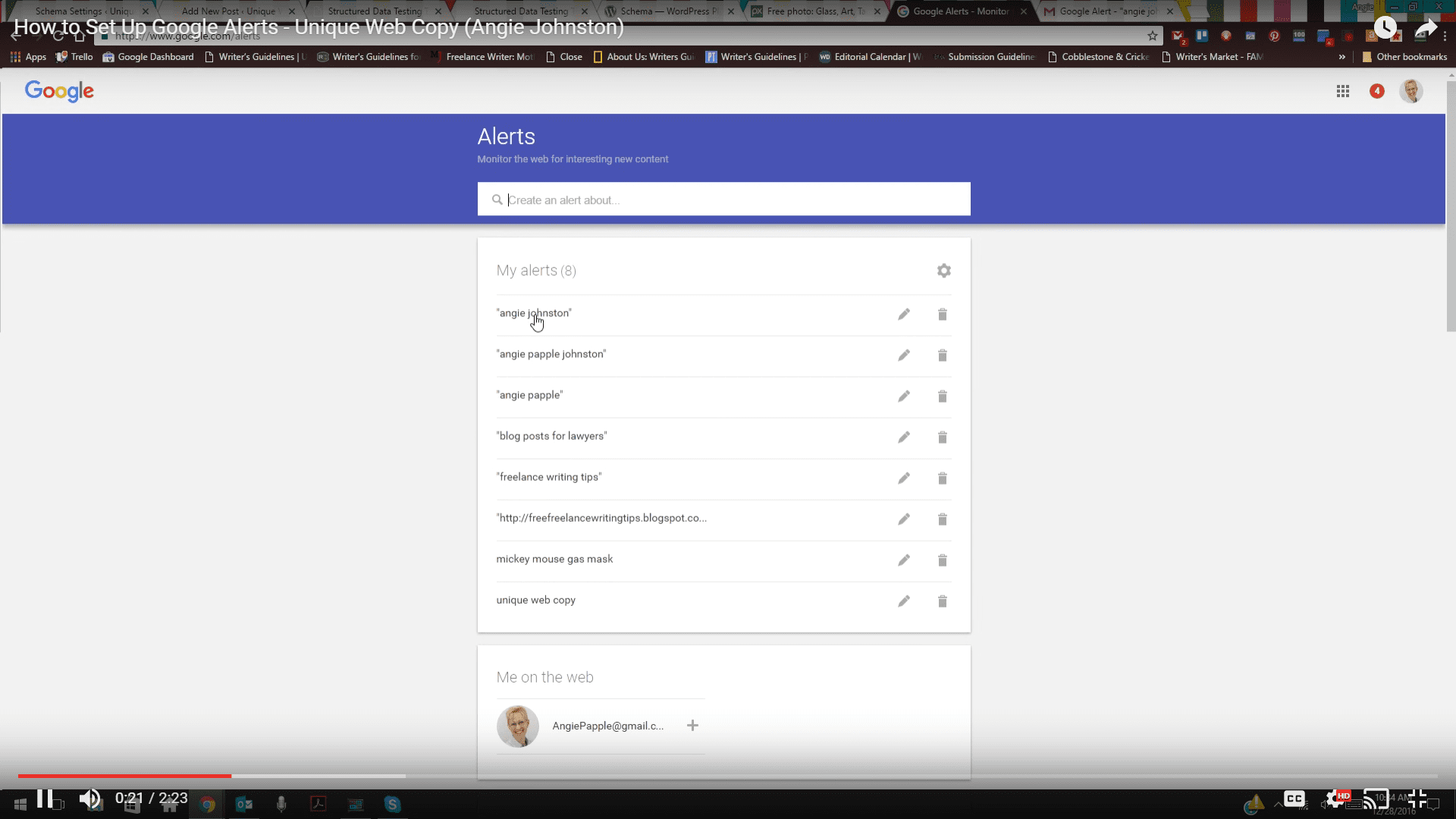
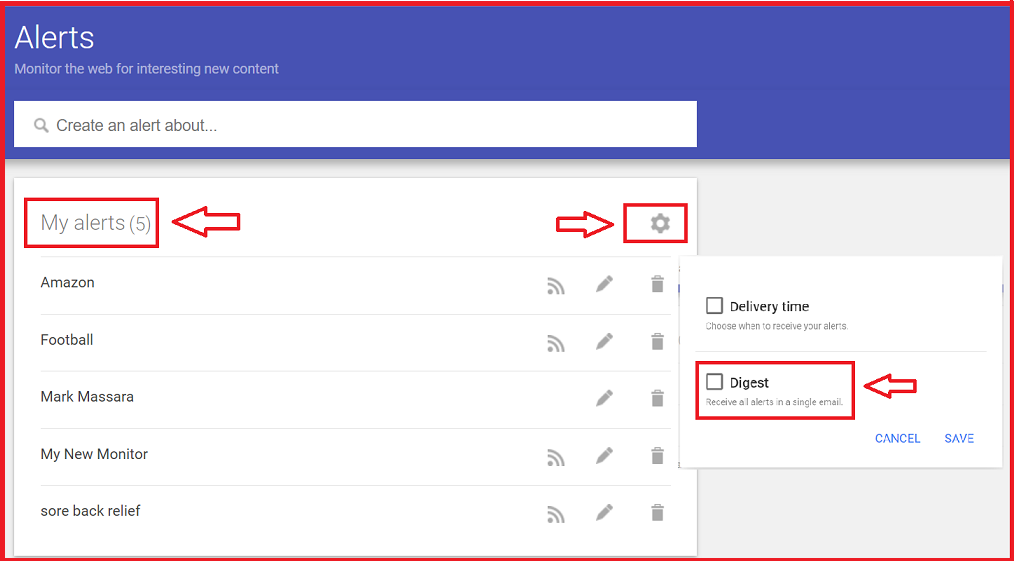
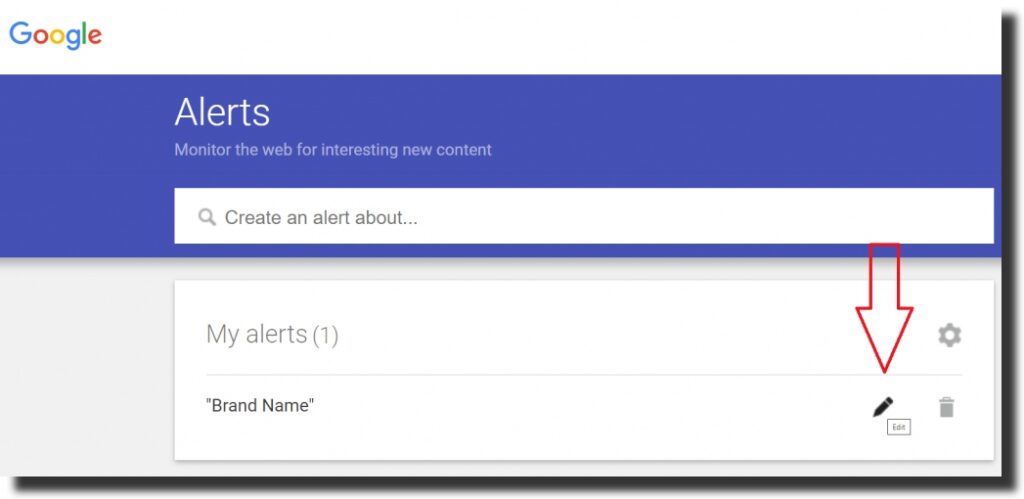
The beauty of Google Alerts is its simplicity. You simply go to the Google Alerts website, type in your desired search term, choose your options for delivery and frequency, and hit ‘create alert.’ It’s a low-effort, high-reward system that lets you reclaim your time while ensuring you never miss a beat on the topics that truly matter. So go ahead, explore your passions, stay informed about your community, and let Google Alerts be your trusty digital companion in this vast and ever-evolving online world. It’s about more discovery and less digging.