Destroying Hard Drive
So, you've decided it's time to say goodbye to an old hard drive. Maybe it's a relic from your first PC, a dusty backup unit lurking in a drawer, or perhaps it's humming its last sad song. Whatever the reason, embarking on the mission to destroy this digital graveyard is more satisfying than you might think. It’s not just about security; it's a cathartic ritual, a digital decluttering of epic proportions. Think of it as a spring cleaning, but with a lot more grit and a lot less dusting.
In this day and age, where our lives are increasingly digitized, the information stored on our hard drives can be incredibly sensitive. Passwords, bank details, embarrassing photos from your college days (we’ve all been there!), and even deeply personal memories are all potentially vulnerable. Simply tossing an old drive in the bin is like leaving your front door wide open. It’s a cybersecurity no-no, and honestly, a bit of a bummer for your future self.
The "Why" Behind the Wipe: More Than Just Secrets
Sure, protecting your personal data is the big, flashing neon sign above the "destroy your hard drive" door. But there's a deeper, almost philosophical reason we need to tackle this. Think about the sheer volume of stuff we accumulate digitally. We're like digital hoarders, clinging to old files and forgotten photos. Destroying a hard drive is a decisive act. It’s a statement that says, "I am in control of my digital footprint."
Must Read
It's also about making space. Not just physical space on a shelf, but mental space. That old drive, even if it's not connected, can represent unfinished business, forgotten projects, or even past anxieties. Getting rid of it can be surprisingly liberating. It’s like clearing out your attic and realizing you don’t need that old VCR anymore, even if it did play your favorite childhood movies.
And let's be honest, there's a certain primal satisfaction in physically dismantling something. We live in a world of abstract digital interactions. Sometimes, you just need to get your hands dirty (metaphorically, for now). It’s a physical manifestation of closing a chapter. Plus, it's a fantastic excuse to buy some cool new tools!
When "Delete" Just Isn't Enough: The Digital Dirt
You might be thinking, "Can't I just format the drive or delete all the files?" Ah, if only it were that simple. Think of deleting files like throwing away the index of a book but leaving all the pages. The information is still technically there, just harder to find. Formatting is a bit like reorganizing the book, but the words are still on the pages.
For the truly sensitive data, or for the peace of mind of a complete wipe, you need to go beyond the basics. Sophisticated software can recover data from "deleted" or "formatted" drives with surprising ease. We're talking about data recovery specialists who can unearth your digital ghosts. So, for maximum security, especially if the drive contained highly confidential information, a more robust approach is necessary.
Software Solutions: The Digital Scrub-Down
Before you reach for the metaphorical hammer, let's talk about the gentler approach. For drives you might want to reuse or donate (yes, really!), or if you're simply uncomfortable with physical destruction, software-based wiping is your best friend. These programs overwrite your data multiple times with random patterns, making it virtually impossible to recover.
Popular choices include DBAN (Darik's Boot and Nuke), a free and open-source tool that boots from a USB drive or CD and wipes the selected drive. It’s a bit old-school, but incredibly effective. For Windows users, Eraser is another fantastic, free option that integrates with your right-click menu, making it super easy to wipe specific files or entire drives.
On the macOS side, the built-in Disk Utility has an option to securely erase. While not as hardcore as a multi-pass overwrite, for most users, it's more than sufficient. For the truly paranoid (and we appreciate that!), there are tools like shred (available on Linux and macOS via the command line) which can be configured for multiple passes.
Pro Tip: The number of overwrite passes is a bit of a debate. The U.S. Department of Defense used to recommend 35 passes! Nowadays, a single pass of random data is often considered sufficient by many experts. However, if you’re dealing with truly top-secret stuff, or just want that extra layer of security, going for 3 or 7 passes won't hurt. Think of it like getting a deep clean versus a quick mop – both work, but one feels a bit more thorough.
The Physical Frontier: When Tools Become Your Friends
Now, if software wiping isn't your jam, or if you’re dealing with a drive that’s seen better days and you just want it gone, it’s time to embrace the physical. This is where things get a little more… tactile. And frankly, a lot more fun for those who enjoy a bit of DIY destruction.
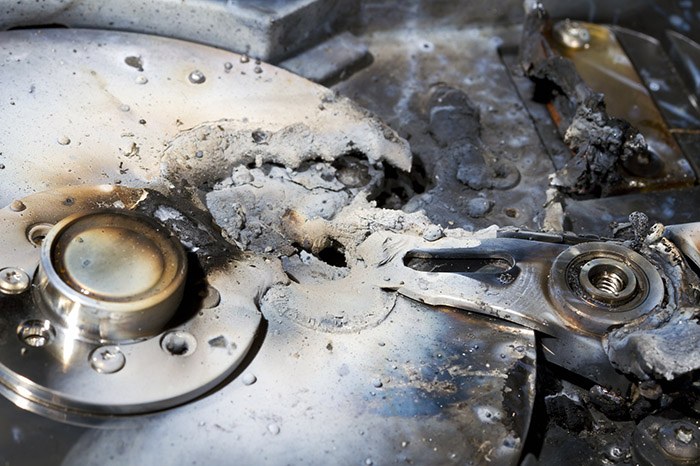
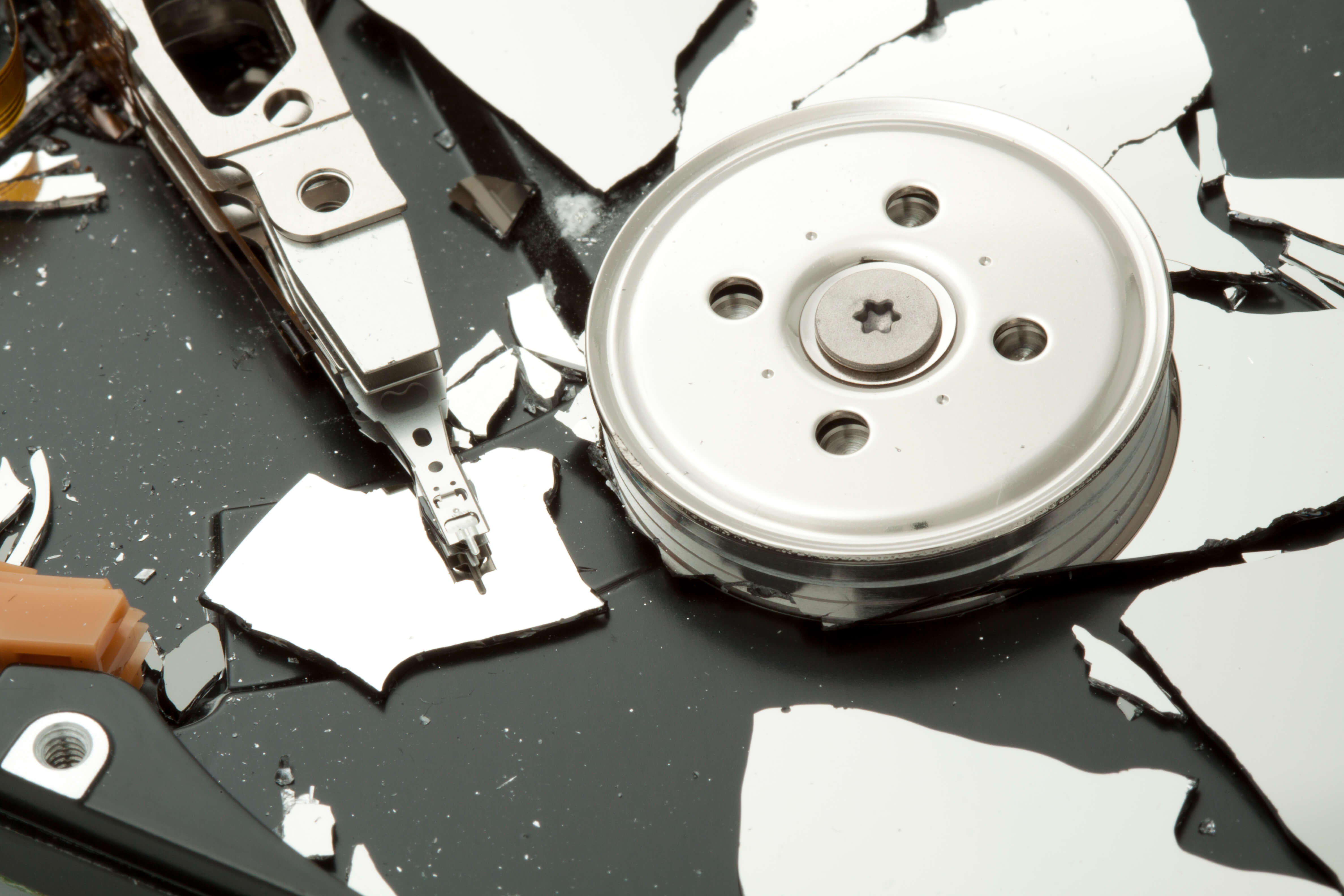
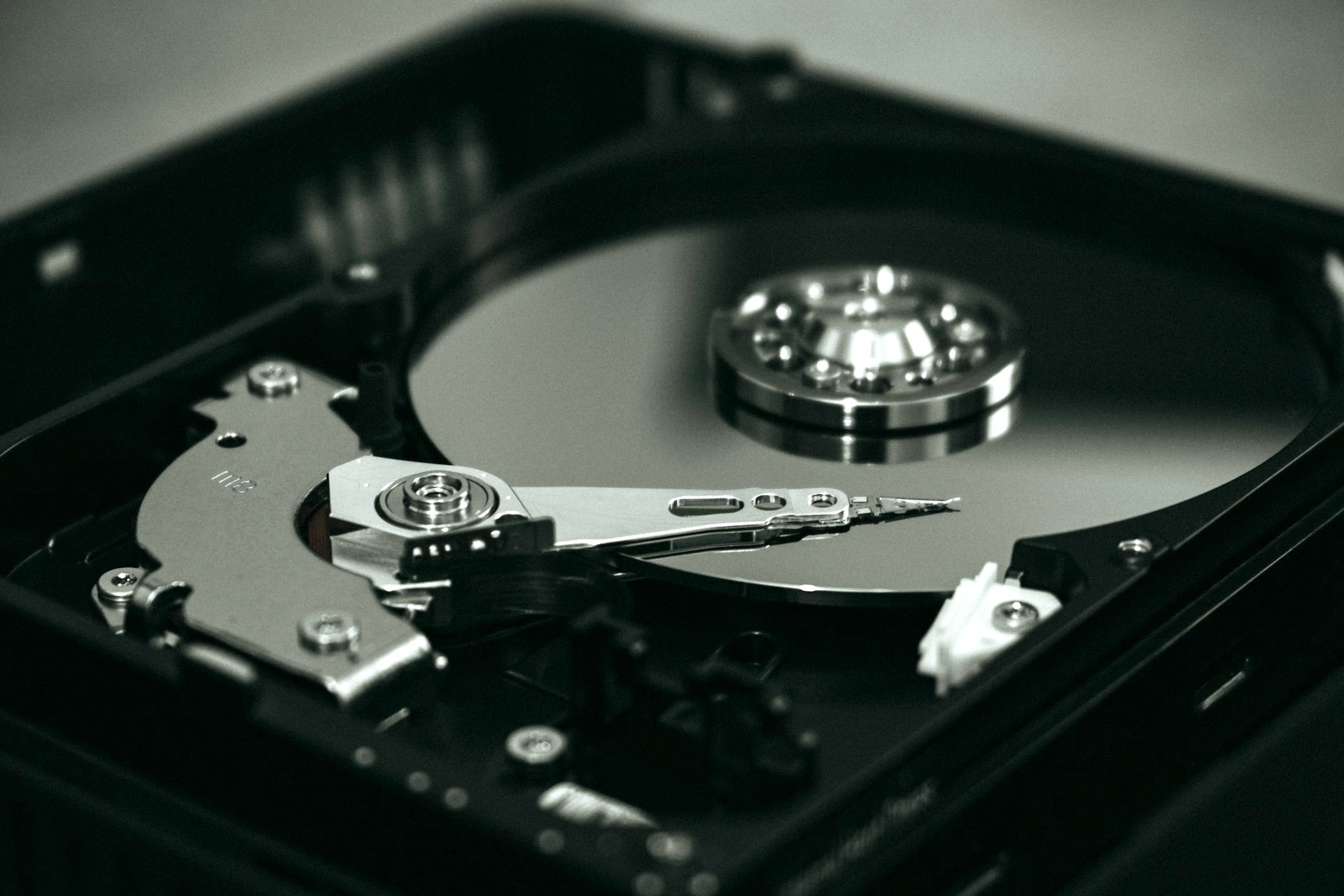
The goal here is to make the platters – those shiny discs inside your hard drive where all your precious data lives – utterly unreadable. This means rendering them useless. Think of it like shredding a secret document into confetti so small no one can piece it back together.
The Hammer: A Classic for a Reason
Let's start with the most obvious and perhaps the most cathartic: the hammer. This is your go-to for a quick and dirty approach. Find a sturdy surface (a concrete driveway or an old, disposable workbench is ideal – you don’t want to damage your flooring!), place the hard drive on it, and let loose.
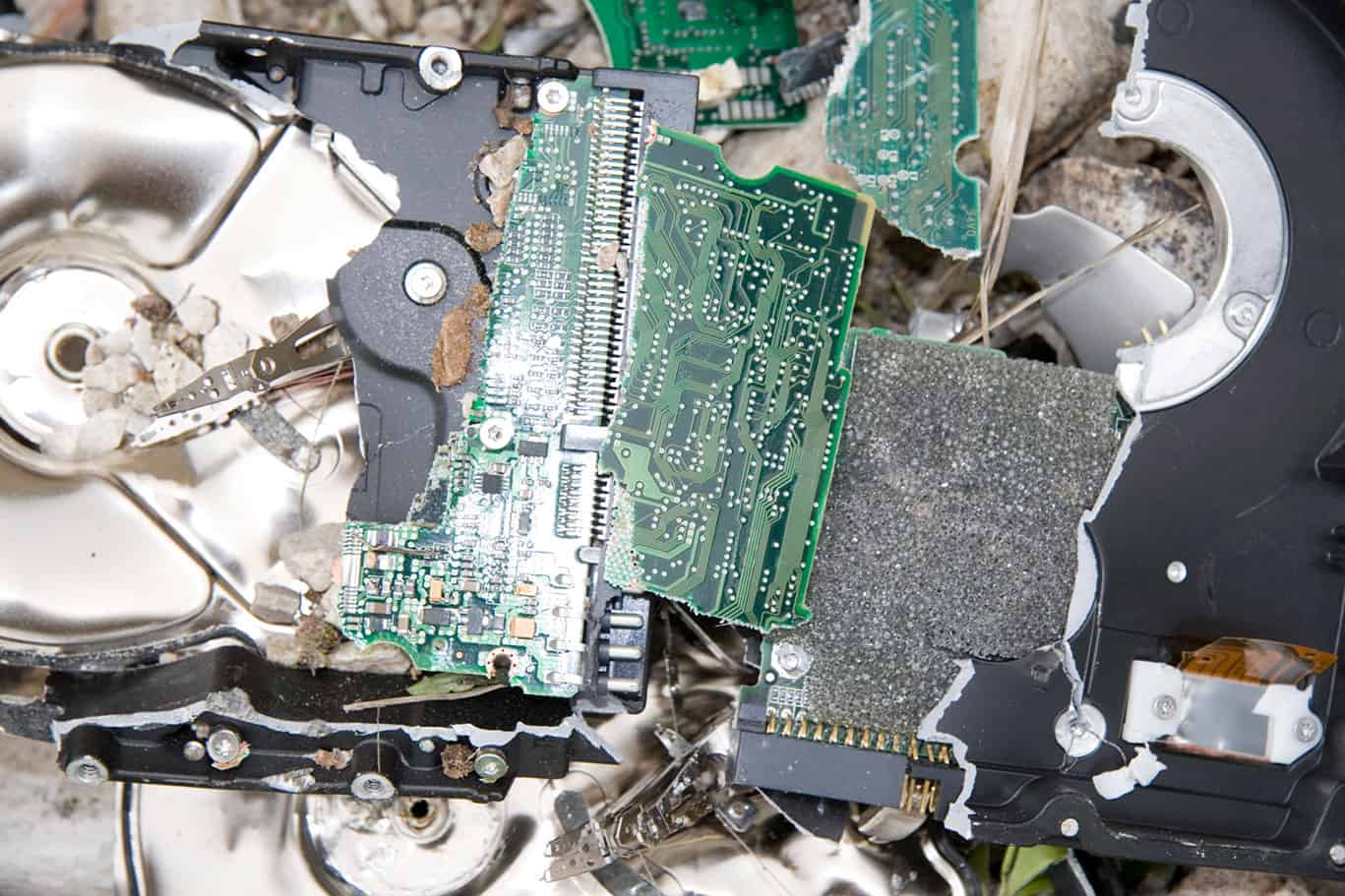
Safety First, Always! Wear safety glasses. Seriously. When you start smashing metal and plastic, small shards can fly. And gloves are a good idea too, to avoid any nasty cuts. Think of yourself as a medieval blacksmith forging a new era of data security.
When you hit the drive, aim for the center of the platters. You want to create as many cracks and breaks as possible. Don't just give it one gentle tap; be decisive. The more you pulverize it, the better. Imagine you're smashing a particularly stubborn piñata filled with your digital anxieties.
The Drill: Precision Destruction
If you’re feeling a bit more technical, a drill can be incredibly effective. This method is about puncturing the platters. Again, safety glasses are non-negotiable. You're dealing with spinning metal discs here, even if they're not spinning anymore.
Using a drill bit that's substantial enough, drill multiple holes directly through the platters. Aim for different spots on each platter. The idea is to create breaches in the magnetic surface that stores your data. Think of it as performing open-heart surgery on your digital past, but with a drill.
Fun Fact: Early hard drives were enormous, filling entire rooms! Imagine the terror of having to physically destroy one of those behemoths. A single hammer blow wouldn't have done much. We've come a long way in terms of data density and, thankfully, the ease of destruction.
The Screwdriver Gambit: For the Delicate Approach (Relatively Speaking)
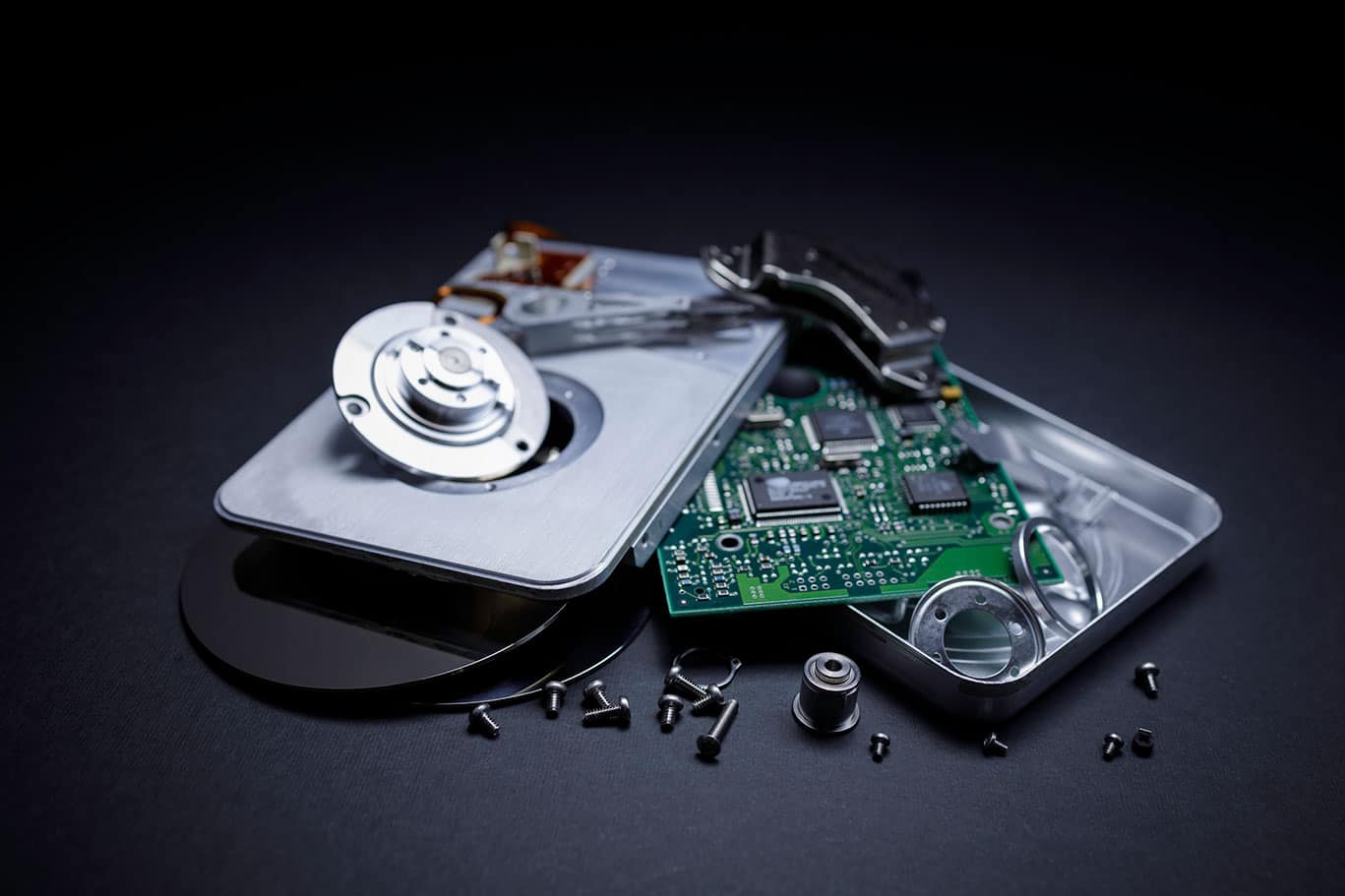
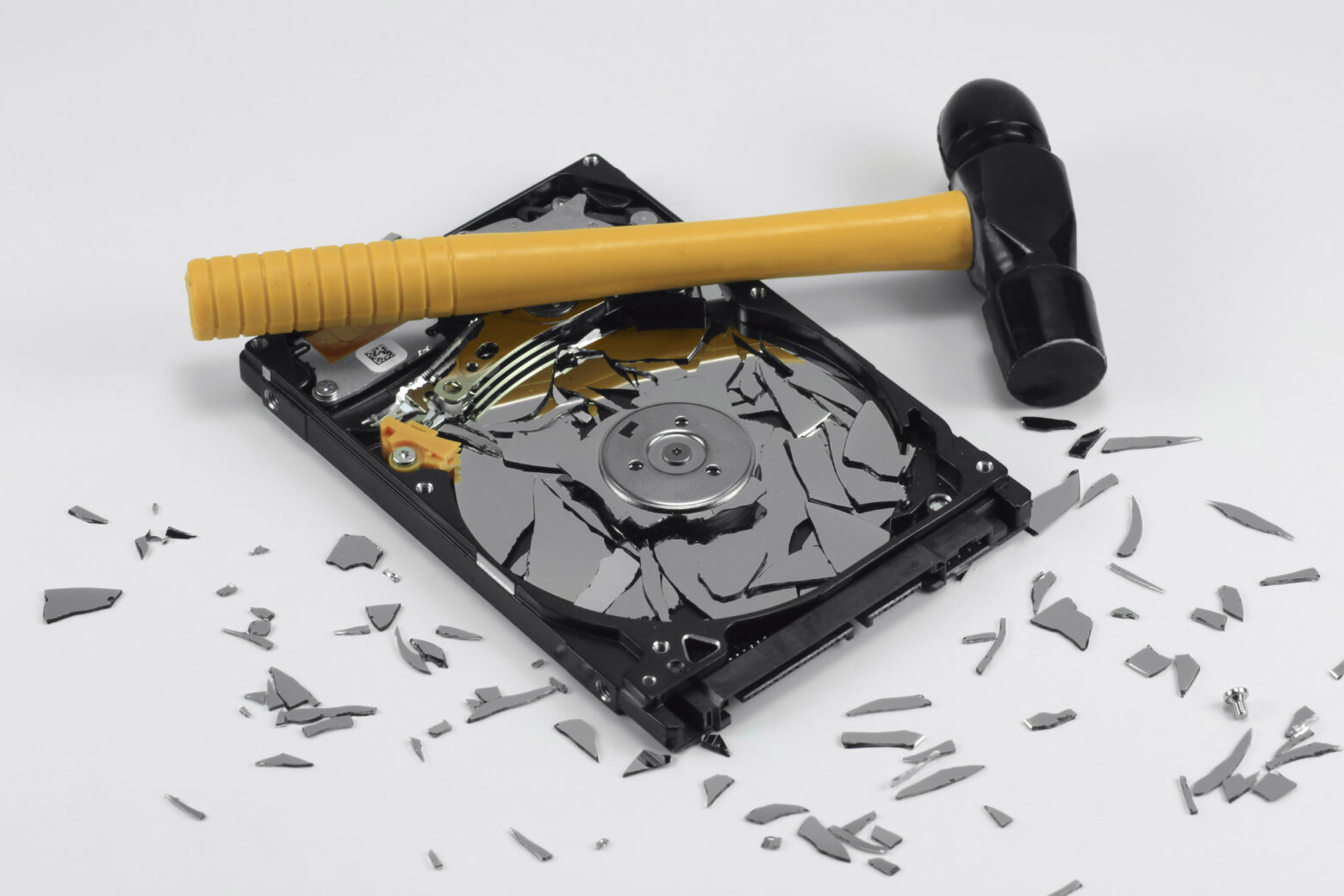
If you’re a bit more squeamish about blunt force or drilling, you can carefully dismantle the hard drive. This usually involves unscrewing the casing. Once you have access to the platters, you can use a sturdy screwdriver to pry them apart and then scratch them up significantly with the screwdriver or even some sandpaper. This is less about outright destruction and more about meticulously ruining the surface.
This method requires more patience and a steady hand. It's for those who like to understand the inner workings of things before they obliterate them. It’s like carefully dissecting a bomb before disarming it – you want to see what makes it tick before you ensure it never ticks again.
Beyond the Basics: Advanced Tactics for the Truly Dedicated
For those who are really committed to data destruction, there are more… extreme measures. These are usually for organizations dealing with classified information, but the principles can be applied for personal peace of mind if you’re feeling particularly ambitious.
Shredding: The Industrial Approach
This is what most data destruction companies use. Industrial shredders can literally pulverize hard drives into tiny, unrecoverable pieces. You can actually find companies that offer this service, and it's surprisingly affordable for a single drive. They often provide a certificate of destruction, which is a nice touch if you’re feeling particularly official about your digital purge.
Cultural Connection: Think of scenes in spy movies where agents are frantically shredding documents to avoid capture. It’s that level of commitment to eradicating evidence, but for your personal data.
Degaussing: The Magnetic Wipeout
This method applies a powerful magnetic field to the drive, essentially scrambling the magnetic orientation of the data on the platters. It’s incredibly effective for older magnetic storage media. However, modern SSDs (Solid State Drives) are not affected by degaussing, as they use flash memory. So, this is primarily for older-style hard disk drives (HDDs).
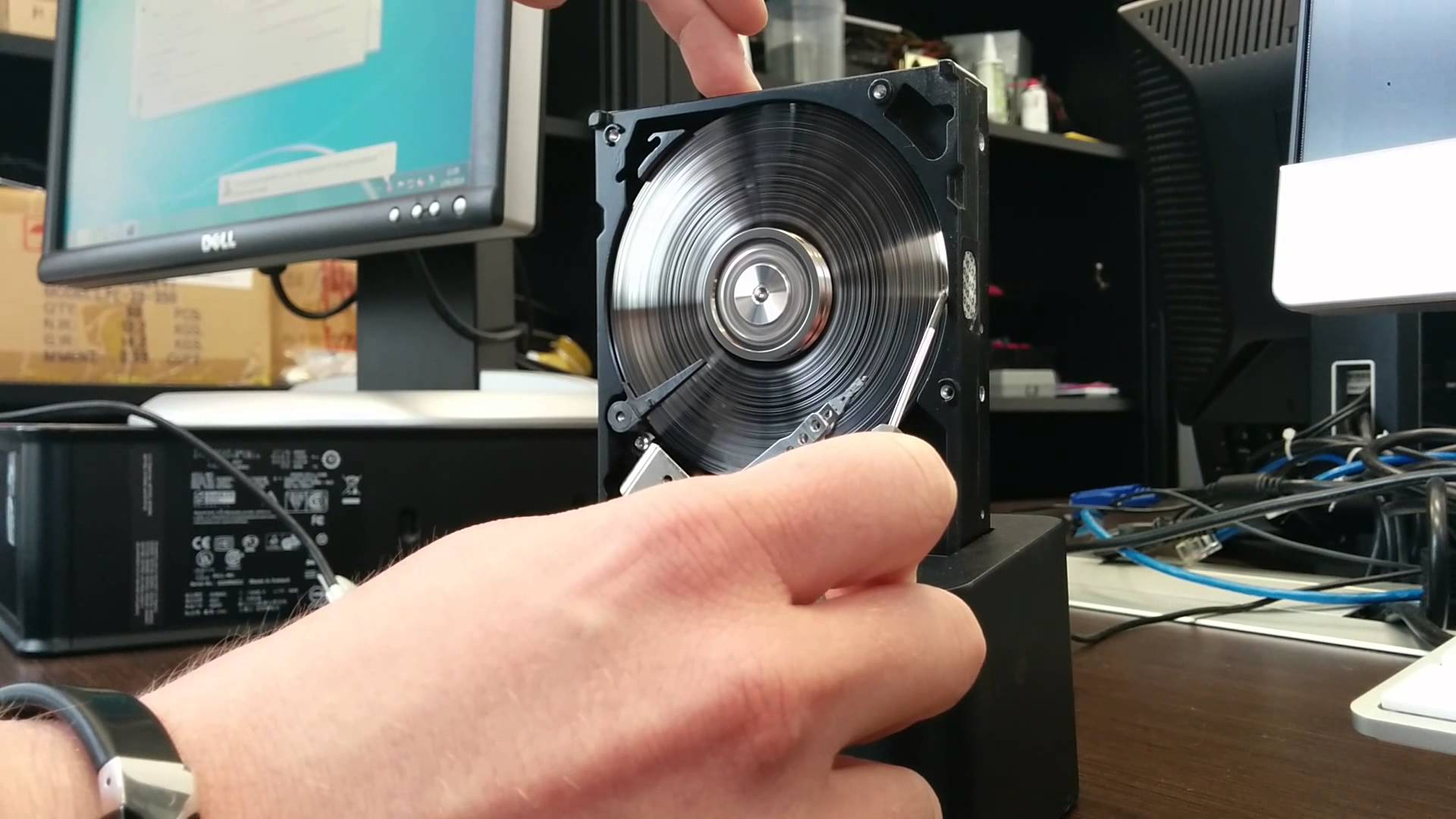
Fun Fact: The term "degaussing" comes from the physicist Carl Friedrich Gauss. It's a fancy way of saying you're neutralizing magnetic fields. It's like hitting the reset button on the magnetic universe of your hard drive.
The Aftermath: What to Do With the Remains
So, you've successfully annihilated your hard drive. Congratulations! You’ve performed a digital exorcism. Now what? Don’t just leave those mangled pieces of metal and plastic lying around. Responsible disposal is key.
Many electronics recycling centers will accept damaged hard drives. They can break them down and recover valuable materials. Some municipal waste services have specific e-waste collection days. Check with your local authorities or search online for e-waste recycling facilities in your area. It's the eco-friendly cherry on top of your destruction sundae.
Alternatively, you can get creative. Those mangled platters can be turned into art pieces, coasters, or even incorporated into unique jewelry. Unleash your inner mad scientist and see what you can create from the remnants of your digital past.
A Reflection: Letting Go in the Digital Age
Destroying a hard drive isn't just a technical task; it's a metaphor for how we navigate our increasingly digital lives. We accumulate so much information, so many memories, so many digital ghosts. Sometimes, the most liberating thing we can do is to let go, to actively erase the past, not out of shame or fear, but out of a desire for a cleaner, more focused present.
Think about it in your daily life. We hoard clothes we never wear, keep old receipts "just in case," and fill our inboxes with unread emails. The act of clearing out a hard drive, in its raw, physical finality, teaches us something about the power of decisive action. It reminds us that while digital data can be persistent, our ability to control its presence in our lives is paramount. So, the next time you have an old drive, don’t just let it gather dust. Embrace the destruction. It's a surprisingly satisfying way to declutter your digital world and, in a small way, your life.